
Ever notice your ultrabook slowing down during heavy work? Overheating can drag your performance or even cause a shutdown when you need it most. In this guide, we explore cooling steps that help keep your ultrabook running smoothly. We cover tools like fan pads (devices that blow air), heat sinks (parts that absorb heat), and hybrid options that mix both methods. Understanding these smart cooling techniques can boost your device’s performance and extend its life.
Achieving Peak Thermal Performance with Ultrabook Cooling Solutions
Ultrabook cooling methods come in three types: active, passive, and hybrid. Active cooling uses pads with built-in fans that push air over your laptop. Passive cooling relies on quality heat sinks, vapor chambers, and copper heat pipes built into the case. Hybrid systems mix both approaches to keep temperatures steady. For everyday use, the ideal CPU temperature is between 40 and 60 °C (104–140 °F). Heavy tasks may push it to about 85 °C (185 °F), and if it goes over 90 °C, the system might slow down or shut off to protect itself.
Active cooling works best when you push your device hard, such as during gaming or video editing. A cooling pad helps to lower temperatures and reduces the chance of overheating under heavy loads. Liquid cooling, a type of active solution, can drop temperatures by 30–60% and boost CPU performance by up to 30%. This makes it a smart choice for users who demand the most from their ultrabooks.
Passive cooling, on the other hand, runs quietly and needs little maintenance because it uses top-grade thermal materials. Regular tasks like dust removal and reapplying thermal paste can recover about 15% of lost cooling efficiency. Keeping your BIOS and drivers updated also supports steady CPU temperatures. Modern ultrabook designs make sure heat is spread efficiently, which helps the device last longer. With the cooling solutions market expected to reach nearly $10 billion by 2025, improving thermal performance remains a top priority.
Airflow Engineering & Mini-Fan Integration Techniques for Ultrabook Heat Management

Ultrabooks now use mini-fan systems to keep cool in their slim designs. Manufacturers add special airflow channels that move cool air efficiently, even when you are doing heavy work like video editing or gaming. If you notice the fan getting loud, it might mean the airflow is blocked rather than just being dusty. Cleaning the vents usually fixes the problem.
Place your ultrabook on a hard, flat surface to keep the vents clear. Modern mini-fan designs help keep temperatures stable, so you don’t have to clean often.
| Tip | Effect |
|---|---|
| Place on hard surfaces | Keeps vents clear so air flows well |
| Watch for loud fan noises | May mean airflow is blocked |
Advanced Thermal Interface Materials & Heat Pipe Designs in Ultrabook Construction
A fresh layer of thermal paste helps the CPU and heat sink bond securely. It fills small gaps on the chip surface, lowering resistance and keeping temperatures in check during heavy use. One technician even noted that proper reapplication of thermal paste can noticeably improve performance. Professionals usually use special tools to spread the paste evenly.
Many ultrabooks use vapor chambers along with copper heat pipes to quickly move heat away from hot spots. This design spreads the heat over a larger area so the device can cool down quietly without any moving parts. Heat spreaders also help by drawing heat from the CPU and dispersing it across the chassis, which reduces strain on any single component.
Top-notch interface materials lower thermal resistance even under heavy workloads, ensuring steady heat flow during intense tasks. This low-maintenance method not only keeps the device running smoothly but also protects internal parts from overheating. Together, these advanced materials and smart designs offer a reliable way to manage heat in slim ultrabooks.
Liquid Cooling Adaptations & Vapor Chamber Hybrid Systems for Ultrabook Laptops
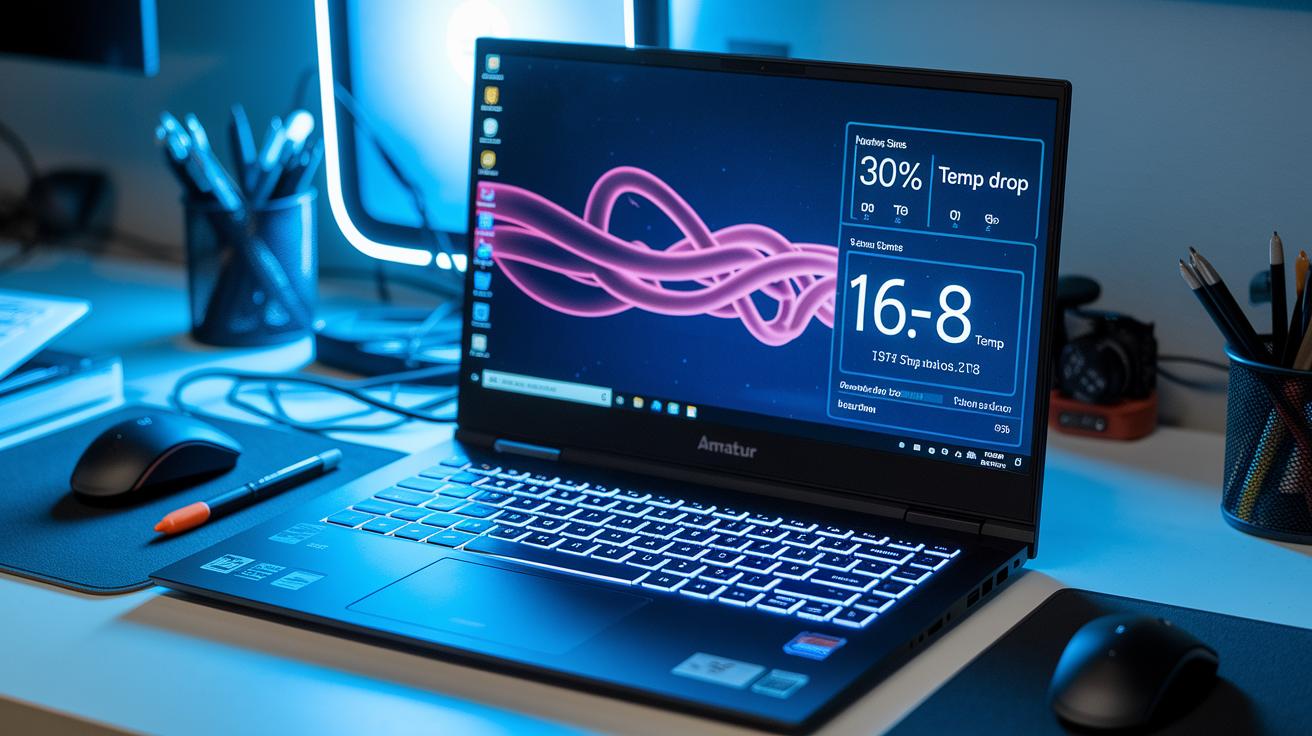
Ultrabooks with liquid cooling can lower CPU temperatures a lot and boost performance by up to 30% during heavy tasks. They work by circulating a coolant that takes heat away from the processor instead of depending only on noisy fans.
| System Type | Temp Reduction (%) | Noise Level (dB) | Maintenance Concern |
|---|---|---|---|
| Liquid Cooling | 30-60 | Low | Pump inspections required |
| Vapor Chamber Hybrid | Varies | Very Low | Less frequent checks |
Pure liquid cooling systems use small radiators that fit snugly inside an ultrabook’s slim design. They run coolant through tiny loops to whisk heat away fast. However, about 30% of these setups can run into pump issues, so regular pump checks are essential.
Liquid-vapor hybrid systems use vapor chambers to evenly spread heat while keeping the radiator small enough for a thin chassis. This design offers strong cooling, quieter operation, and steady temperatures even when the laptop is working hard.
Using a pure liquid cooling solution means careful engineering to fit a miniature radiator without losing portability. Engineers optimize the coolant flow and pressure to keep temperatures safe under heavy load. The liquid-vapor hybrid method combines the best of both worlds by providing extra cooling headroom, low noise, and reliable performance in a compact design. Overall, these systems deliver excellent thermal reliability.
Software Controls & Dynamic Thermal Regulation Strategies for Ultrabooks
Today’s ultrabooks use smart software to keep cool. Your ultrabook likely comes with BIOS settings and tools like SpeedFan or HWInfo. These let you change fan speeds, lower CPU voltage, and adjust clock rates for smoother cooling. Switching from a high-performance mode to balanced power can drop CPU temperatures by 5–10 °C. For example, you might see the temperature drop from 80 °C to around 70 °C with a balanced profile.
It is important to watch your temperatures in real time. You can use Task Manager on Windows or Activity Monitor on macOS to spot apps that make your device work too hard. Smart cooling software uses this data to adjust settings before temperatures get too high. Also, keeping your BIOS and drivers updated helps your device run cooler by applying the latest fixes.
These systems mix hardware tweaks with software smarts. They work together to keep your ultrabook cool and steady, even when you are using it for gaming or other demanding tasks.
Maintenance & Accessory Integration to Sustain Ultrabook Thermal Efficiency

Keeping your ultrabook cool means doing regular cleaning and choosing the right accessories. Dusting off the fans and clearing the vents can bring back about 15% of lost cooling power. A professional can reapply thermal paste to help heat move away faster. Using cooling stands or USB fans can lower the device's base temperature by 5–8°C, depending on its design. Running your ultrabook in shaded, well-ventilated areas stops extra heat from adding 10–15°C inside.
- Clean the fans and internal parts every 3–4 months to boost airflow.
- Clear out dust and debris from the vents to improve air movement.
- Check the fan blades for any damage or blockages.
- Have a technician reapply the thermal paste for better heat transfer.
- Use cooling stands or USB fans to keep the panel cool.
Final Words
In the action, we broke down each method to boost thermal performance in ultrabook designs. We looked at airflow, advanced heat pipes, liquid cooling, smart software controls, and simple maintenance tasks. These topics work together to create better ultrabook laptop cooling solutions and strong thermal performance during any task. The insights show you practical ways to keep devices cool and reliable. Stay positive and confident as you apply these ideas for a smoother, longer-lasting computing experience.
FAQ
What do ultrabook laptop cooling solutions and thermal performance reviews on Reddit and Amazon reveal?
Reviews indicate that these cooling solutions help maintain optimal CPU and system temperatures. Users note that proper airflow and regular maintenance can significantly enhance performance and prevent overheating.
What features should I consider when selecting the best laptop cooling pad for gaming?
The best gaming cooling pads offer powerful fans for strong airflow, low noise operation, adjustable designs to keep vents clear, and a lightweight build that promotes effective heat dissipation during intense gaming sessions.
How does the Razer Laptop Cooling Pad perform compared to other models?
The Razer Laptop Cooling Pad is known for its stylish design and efficient fan performance. It provides solid airflow, effectively managing high temperatures and keeping the system cool during demanding tasks.
What differences do Frozapad, Llano V12, and Llano RGB cooling pads offer?
Frozapad, Llano V12, and Llano RGB models each deliver specific fan configurations designed to boost airflow and reduce temperatures. Their differing designs cater to varying cooling needs and aesthetic preferences.
What benefits does the IETS GT600 Gaming Laptop Cooling Pad with a 5.5-inch fan provide?
The IETS GT600 features a large 5.5-inch diameter fan that enhances airflow. This robust design efficiently cools laptops, ensuring stable thermal performance during gaming and other processor-intensive tasks.
How do the Havit HV-F2056 and Cooler Master NotePal X-Slim cooling pads compare for different laptop sizes?
The Havit HV-F2056 targets larger 15.6″-17″ laptops, while Cooler Master’s NotePal X-Slim is built for ultra-slim models. Both offer effective cooling, although their designs and fan sizes suit different device dimensions.
Why might users choose the Llano V10 over other Llano gaming laptop coolers?
Users favor the Llano V10 for its balanced, robust fan setup that delivers efficient cooling. It reliably reduces laptop temperatures, thereby enhancing gaming performance without a high price tag.
How do laptop cooling pads impact ultrabook thermal performance overall?
Laptop cooling pads improve airflow and help maintain temperatures within an ideal range. They prevent overheating during heavy use, thus ensuring sustained performance and prolonging the life of ultrabook components.