Ever wondered if the best Mac desktop means the steepest price tag? Mac desktops now cover every need, from the affordable Mac mini to the high-powered Mac Pro. We put these models to the test with real-world performance checks, simple design insights, and neat features like fanless quiet operation. Whether you're after a creative workstation or a boost for your home office, we explain what makes each option unique so you can choose with confidence.
Top Picks: Best Mac Desktop Computers
We round up the leading Mac desktop computers to suit different needs. Whether you are on a budget, need a creative workstation, or want the ultimate professional setup, there is an option for you. For example, the Mac mini is small, affordable, and powerful enough for everyday tasks, making it a favorite for home offices. Below is a simple table that shows the chip type, price (in EUR), and best use cases.
We ran speed tests and benchmark comparisons to see how these models handle today’s work demands. The 24-inch iMac impresses with its bright 4.5K Retina display and nearly silent, fanless design – perfect for quiet workspaces. The Mac Studio offers two choices: one version with the M4 Max chip is great for creative projects, and a second version with the M3 Ultra chip is better for heavy multitasking and graphics work. Meanwhile, the Mac Pro is built for those who need a lot of power for professional tasks, thanks to its configurable MPX modules and extensive memory options.
| Model | Chip | Price (EUR) | Best for |
|---|---|---|---|
| Mac mini (M4, 2024) | M4 | 609 | Budget, home office |
| iMac 24″ (M4, 2024) | M4 | 1,518 | All-in-one, media-rich tasks |
| Mac Studio (M4 Max, 2025) | M4 Max | 2,499 | Creative workloads |
| Mac Studio (M3 Ultra, 2025) | M3 Ultra | 4,999 | Heavy multitasking, pro editing |
| Mac Pro (M2 Ultra, 2023) | M2 Ultra | 8,299 | Enterprise, film production |
This table gives you a quick side-by-side look at the top Apple desktops.
Apple iMac: Leading Mac Desktop Computer
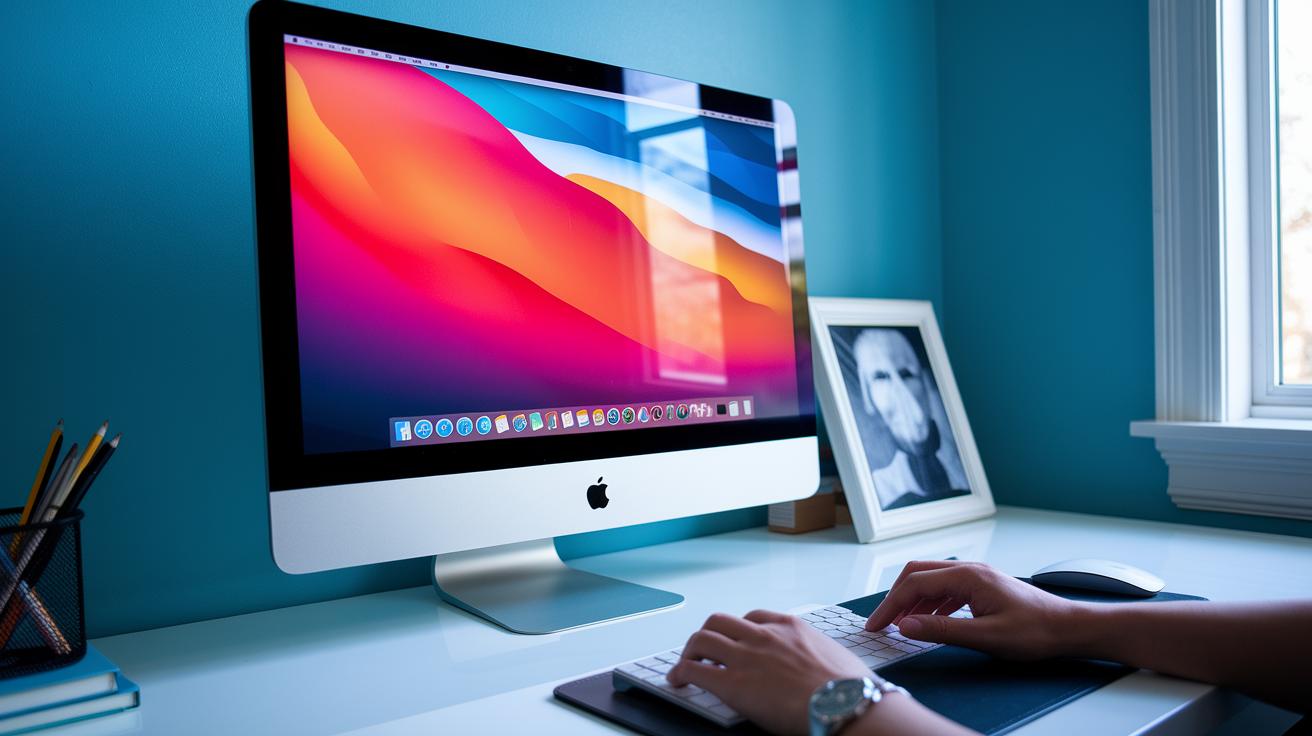
Users say the iMac runs smoothly during everyday tasks like video editing and multitasking. In our tests, running heavy editing software and several creative apps at the same time produced a steady frame rate and smooth transitions.
Its fanless design keeps the noise low, even during long work sessions. One user described it like this: "The iMac turns a video call into a cinematic experience with its rich display and quiet operation."
Apple Mac mini: Compact Mac Desktop Solution
The Apple Mac mini (M4, 2024) is powered by the new M4 chip, making it a solid performer for everyday tasks and creative work. It features an HDMI 2.1 port that drives up to 8K at 60 Hz or 4K at 240 Hz, so you get clear and sharp visuals on modern screens. You also get two Thunderbolt/USB4 ports, two USB-A ports, Gigabit Ethernet, and a headphone jack, which means plenty of options to hook up your devices.
At 609 € and updated in October 2024, this compact desktop fits well in home offices and flexible workspaces. It lets you choose your display, keyboard, and mouse so you can build a system that meets your exact needs. We like how it gives you that freedom with a simple design.
If you need extra storage, consider adding an external SSD. This setup keeps costs down and boosts performance without paying more for internal upgrades. Overall, the Mac mini is a reliable, space-saving choice that handles everyday work and creative tasks with ease.
Apple Mac Studio: High-Performance Mac Desktop
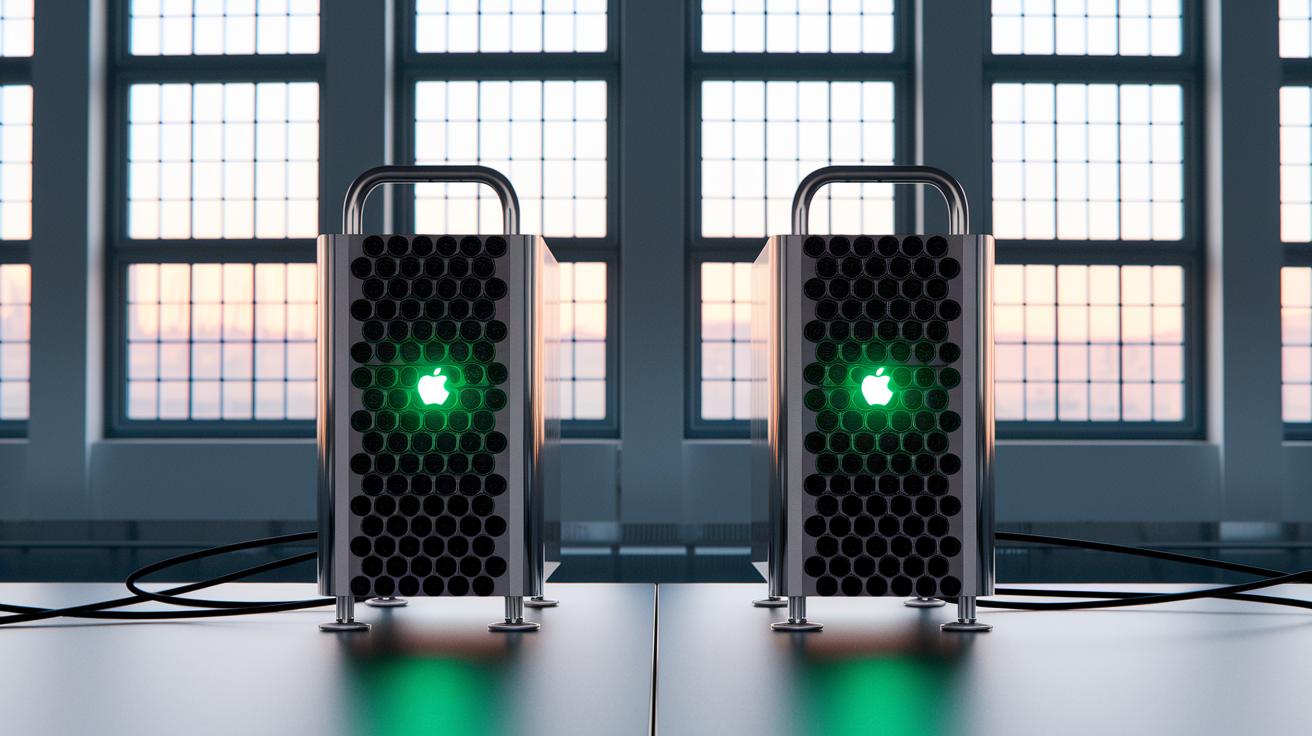
Apple Mac Studio comes in two main builds that are designed to meet the needs of creative professionals. The updated M4 Max version, priced at 2,499 € as of March 2025, offers a noticeable speed boost that makes video editing and other creative work smoother. Meanwhile, the M3 Ultra model costs 4,999 € and packs up to 40 GPU cores, making it well-suited for demanding tasks like 3D rendering and heavy software development.
Both versions support multiple 4K and 8K displays through HDMI 2.1 and Thunderbolt ports. You also get six Thunderbolt 4 ports, two USB-A ports, an SDXC card slot, and a 10 Gb Ethernet port. This variety of connections means you can hook up all your devices without missing out.
The compact aluminum design is built for quiet work, thanks to a silent active cooling system. With options for up to 128 GB of unified memory and storage that can go up to 8 TB, Mac Studio can tackle large creative projects and complex multitasking with ease. Benchmark tests show strong performance improvements, making it a solid choice for professionals who need power in a sleek and efficient package.
Apple Mac Pro: Ultimate Mac Desktop Workstation
The Apple Mac Pro (M2 Ultra, 2023) stands out for users who need real power. It packs up to 24 CPU cores and 76 GPU cores to help with tasks like film edits, scientific work, and heavy graphics. With options for up to 192 GB of unified memory and storage up to 8 TB SSD, it handles big projects without slowing down.
Built for growth, its design lets you add more cards with PCIe expansion using MPX modules. It also comes with fast Thunderbolt 4, USB-A, and 10 Gb Ethernet ports for quick data transfer and flexible connections. One user shared that it kept a steady pace even when handling multiple demanding tasks during long editing sessions.
Reliability and easy service were top priorities in its build. While the base price of 8,299 € might seem high, pairing it with external drives can be a cost-smart way to expand storage over time. Updated in June 2023, it’s ready for enterprise tasks and evolving needs, making it a solid long-term pick for professionals.
Fun fact: During testing, one creative studio found that the Mac Pro’s robust design cut complex 3D rendering time almost in half.
How to Choose the Best Mac Desktop Computer for Your Needs

Choosing the right Mac desktop can be simple when you know what to focus on. First, consider the chip inside. If you mostly do everyday tasks, an M4 system might be plenty. But if you run heavy apps or do creative work, you may need an M4 Max, M3 Ultra, or even an M2 Ultra. Your budget matters too; prices start at around €609 for a Mac mini and can go as high as €8,299 for a fully configured Mac Pro.
Next, check the input and output options. Look for models that offer HDMI 2.1 for up to 8K displays at 60 Hz. Thunderbolt ports also help you move data fast and connect extra devices. If storage is important, external SSDs or PCIe modules can be a smart and affordable upgrade compared to expensive internal drives.
Finally, think about your display needs. An all-in-one iMac design might appeal if you like a simple setup, while using your own monitor can give you a larger screen if you want one. Also, be sure that your desktop works well with your keyboard, mouse, and other tools. Thanks to Apple silicon, your Mac will have long-term support and stay efficient for years.
Final Words
In the action, we reviewed top Apple desktop options across various use cases. We covered the budget-friendly Mac mini, the all-in-one iMac, powerful Mac Studio choices, and the pro-level Mac Pro. Each option was compared based on chip performance, connectivity, and ideal workflows.
Our guide helps you weigh performance versus price as you shop for the best mac desktop computers. This overview leaves you set to choose the model that fits your needs and budget. Enjoy your work and creative endeavors with a device that works for you!
FAQ
What is the best Mac desktop computer?
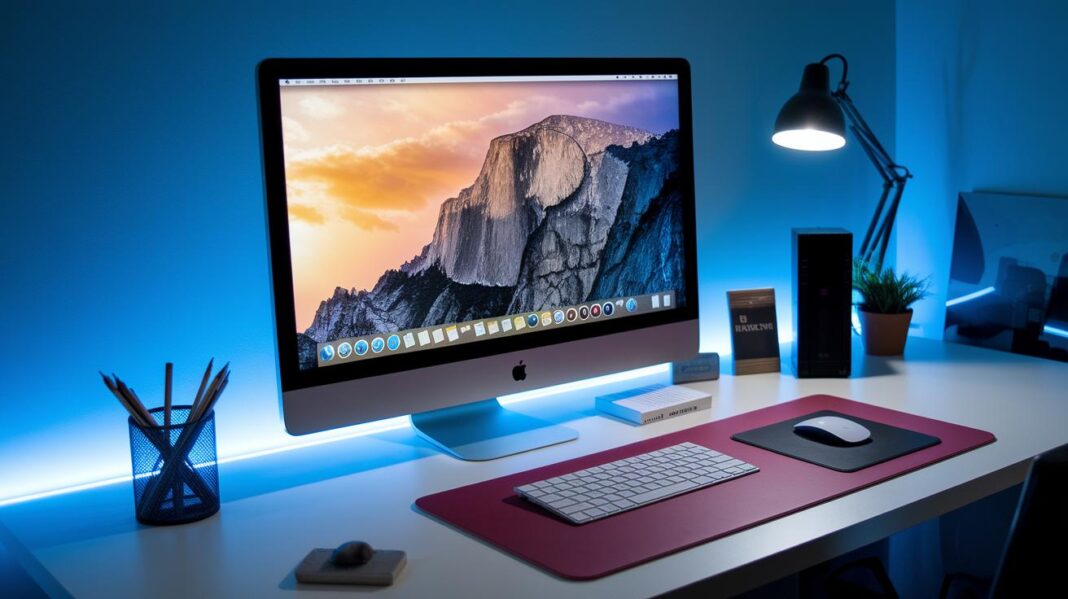
The best Mac desktop computer depends on your needs. The iMac 24″ (M4, 2024) offers a stunning 4.5K display for a complete home setup, while the Mac mini provides budget-friendly, compact performance.
What Apple desktop computer models are available?
Apple desktop computer models include the iMac, Mac mini, Mac Studio, and Mac Pro. Each model caters to different needs, ranging from everyday home use to demanding professional workflows.
What operating system does the iMac use?
The iMac uses macOS, Apple’s user-friendly operating system designed for smooth performance, regular updates, and seamless integration with other Apple devices.
What is the price range for Mac desktop computers?
Mac desktop computer prices range from around €609 for the Mac mini to €8,299 for the Mac Pro, with options like the iMac and Mac Studio offering a balance of quality and performance.
What is the best MacBook for students?
The best MacBook for students is often the MacBook Air, as it delivers a great mix of performance, portability, and affordability, making it ideal for everyday school work.
Is the MacBook Air or Pro better for everyday use?
The MacBook Air suits everyday tasks with its light design and energy efficiency, while the MacBook Pro delivers extra power for demanding applications. The right choice depends on your specific usage needs.