Ever wonder if a super-light design beats strong performance? In this guide, we show you the differences between ultrabooks and thin laptops. We compare models that weigh less than 3 lbs with ones over 4 lbs. We check speed, design, battery life, and ease-of-use. Our goal is to help you choose the right laptop for work and play.
Defining Ultrabook vs Thin Laptop: Core Differences
Ultrabooks are slim, light laptops built with Intel ULV chips, making them perfect for those on the move. These devices usually weigh under 3 lbs and can be as thin as 18 mm. They rely on integrated graphics and feature high-quality materials like aluminum or magnesium alloys. They are designed to offer long battery life. For example, Ivy Bridge ultrabooks need to run at least 5 hours on a charge, while Haswell models can last 9 hours on idle, 6 hours during video playback, and up to 7 days on standby. This makes them a smart choice for anyone who values portability and extended battery performance.
Thin laptops, however, cover a broader range of options. They come in screen sizes from 10 to 18 inches and weigh anywhere between 2 and 18 lbs, with many weighing 4 lbs or more. These devices often include more powerful dual- or quad-core processors that run at full voltage. They may also offer an optional discrete graphics card (like NVIDIA MX or GTX) for better performance in graphics tasks. Additionally, thin laptops usually provide deeper keyboards and a wider array of ports. Prices vary a lot, from around $100 for basic models to well over $2,000 for top-tier ones. This variety lets you choose a laptop that matches your needs for power, design weight, and battery endurance.
Design & Portability Comparison in Ultrabook vs Thin Laptop
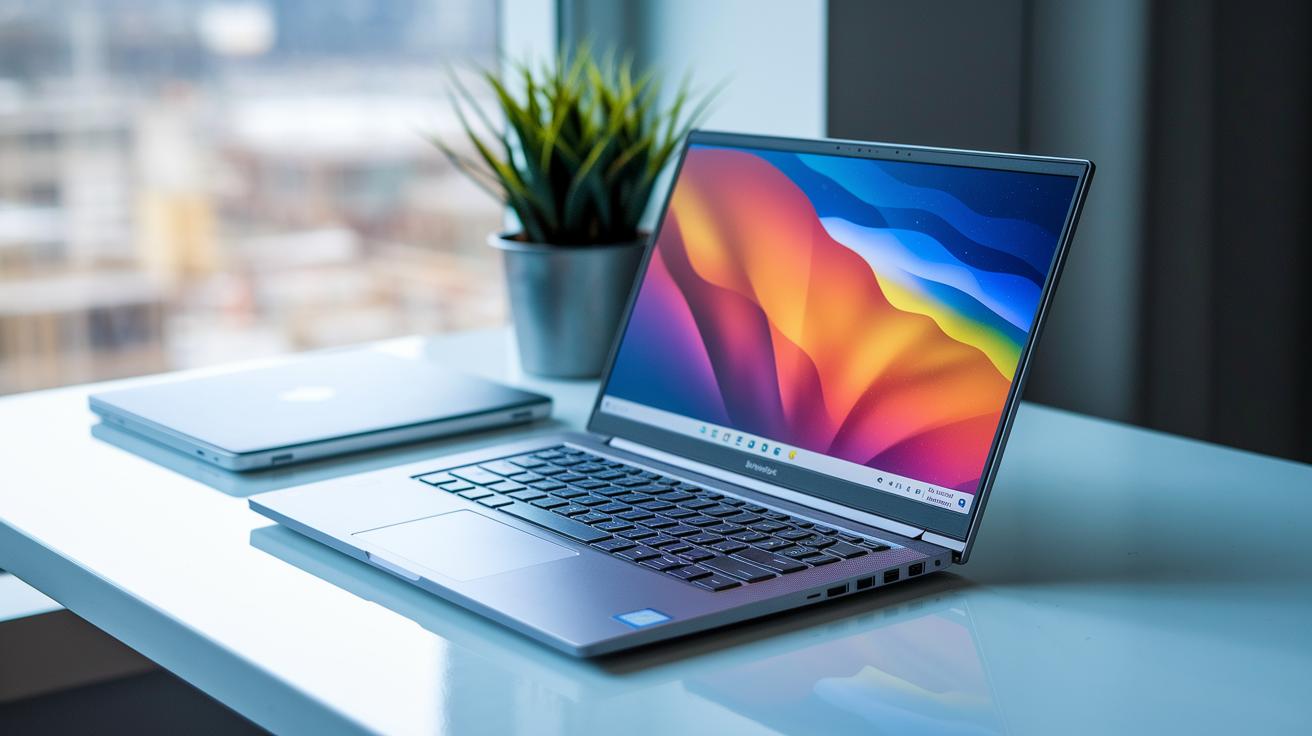
Ultrabooks offer a premium feel with a sleek metal body that is both strong and lightweight. Their short key travel helps fast typists work quickly on the move, making them perfect for daily commutes and travel.
Thin laptops, on the other hand, feel sturdy with keys that have more travel and larger bezels. This design gives a more tactile typing experience, which many users appreciate during long work sessions. In our tests, the extra weight and size helped these laptops stay stable on larger desks while still delivering reliable performance.
| Feature | Ultrabook | Thin Laptop |
|---|---|---|
| Build Material | Premium metal chassis | Plastic or mixed-metal design |
| Dimensions | Under 18 mm thick, under 3 lbs | Starts at 18 mm thick, over 4 lbs |
| Keyboard Feel | Shorter travel for quick typing | Deeper key travel for tactile satisfaction |
| User Feedback | Great for commutes and travel | Preferred for longer desk sessions |
• Tests show ultrabooks shine in mobility and ease of use.
• Thin laptops offer a firmer, more satisfying typing experience for extended work sessions.
Performance & Hardware Specs in Ultrabook vs Thin Laptop
Ultrabooks and thin laptops are built quite differently, and that shows in how they perform. Ultrabooks use ULV U-series dual- or quad-core processors that are designed to save energy. Thin laptops use full-voltage processors (like HQ or U variants) that deliver more power. Their graphics also vary. Ultrabooks usually rely on Intel integrated GPUs built into the chip, while thin laptops might offer NVIDIA MX or GTX cards if you need extra graphics strength.
Memory and storage options set them apart too. Ultrabooks generally come with 8–16 GB of soldered RAM that you cannot upgrade. In contrast, thin laptops often give you the option to upgrade memory anywhere from 8 GB to 32 GB. Storage is similar: ultrabooks typically have a standard NVMe SSD, whereas thin laptops can offer a mix of SSD and HDD options.
Cooling is another key difference. The slim design of ultrabooks can limit airflow and may lead to thermal throttling (when the system slows down to cool off). Thin laptops often use bigger fans and heat pipes to keep the device running well under heavy loads.
| Category | Ultrabook | Thin Laptop |
|---|---|---|
| CPU | ULV U-series dual/quad-core | Full-voltage HQ or U variants |
| Graphics | Intel integrated GPUs | Optional NVIDIA MX/GTX cards |
| RAM | Soldered 8–16 GB | Upgradeable 8–32 GB |
| Storage | Standard NVMe SSD | SSD plus HDD options |
| Cooling | Compact design can throttle | Robust cooling with larger fans and heat pipes |
In everyday use, these differences really matter. Ultrabooks launch apps quickly and use power efficiently during light tasks. Thin laptops shine when handling heavier apps and sustained work, thanks to their better cooling systems and upgrade-friendly components.
Battery Life & Power Management in Ultrabook vs Thin Laptop

Battery life is a major factor when choosing a device. Ultrabooks are built to save power, which makes them last longer. For example, Ivy Bridge ultrabooks usually offer at least 5 hours on a single charge. Haswell models can deliver up to 9 hours of idle time, 6 hours while watching videos, and even stay in standby for 7 days. They also charge quickly using USB-C PD or other fast-charge methods, a great perk for people on the move.
Thin laptops, however, have a wider range of battery lives. They typically run for about 3 to 8 hours on a charge, although some with larger batteries can exceed 10 hours. Their power management mostly relies on basic OEM power settings, which may not be as advanced as those in ultrabooks. In short, while thin laptops do a good job for everyday tasks, ultrabooks usually win on energy efficiency and fast recharging for longer use throughout the day.
ultrabook vs thin laptop: key differences Spark Joy
Ultrabooks and thin laptops fit different budgets and needs. Ultrabooks cost between $800 and over $2,000. They offer a polished design, strong battery life, and a metal build that feels premium along with energy-saving internals. Thin laptops, on the other hand, range from about $100 up to $1,500 and let you choose upgrades to suit your needs.
These price ranges match different hardware setups. At the budget level, you get basic performance like a Core i3 ULV. Mid-range models step up with a Core i5 and a good balance of memory and storage. The premium options use a Core i7 and larger SSDs, which are ideal for those who want more speed and a refined design.
| Tier | Ultrabook Specs & Price | Thin Laptop Specs & Price |
|---|---|---|
| Budget | Core i3 ULV, 4 GB RAM, 128 GB SSD, ~$400 | Core i3/i5, 4–8 GB RAM, 500 GB HDD, ~$300 |
| Mainstream | Core i5 U-series, 8 GB RAM, 256–512 GB SSD, $800–$1,000 | Core i5, 8–16 GB RAM, SSD+HDD, $600–$800 |
| Premium | Core i7 U-series, 16 GB RAM, 512 GB–1 TB SSD, $1,200+ | Core i7/HQ, 16–32 GB RAM, SSD+HDD, $1,000–$1,500 |
Choosing between these options comes down to balancing performance, build quality, and your need for customization.
Practical Guidance: Choosing Between Ultrabook vs Thin Laptop
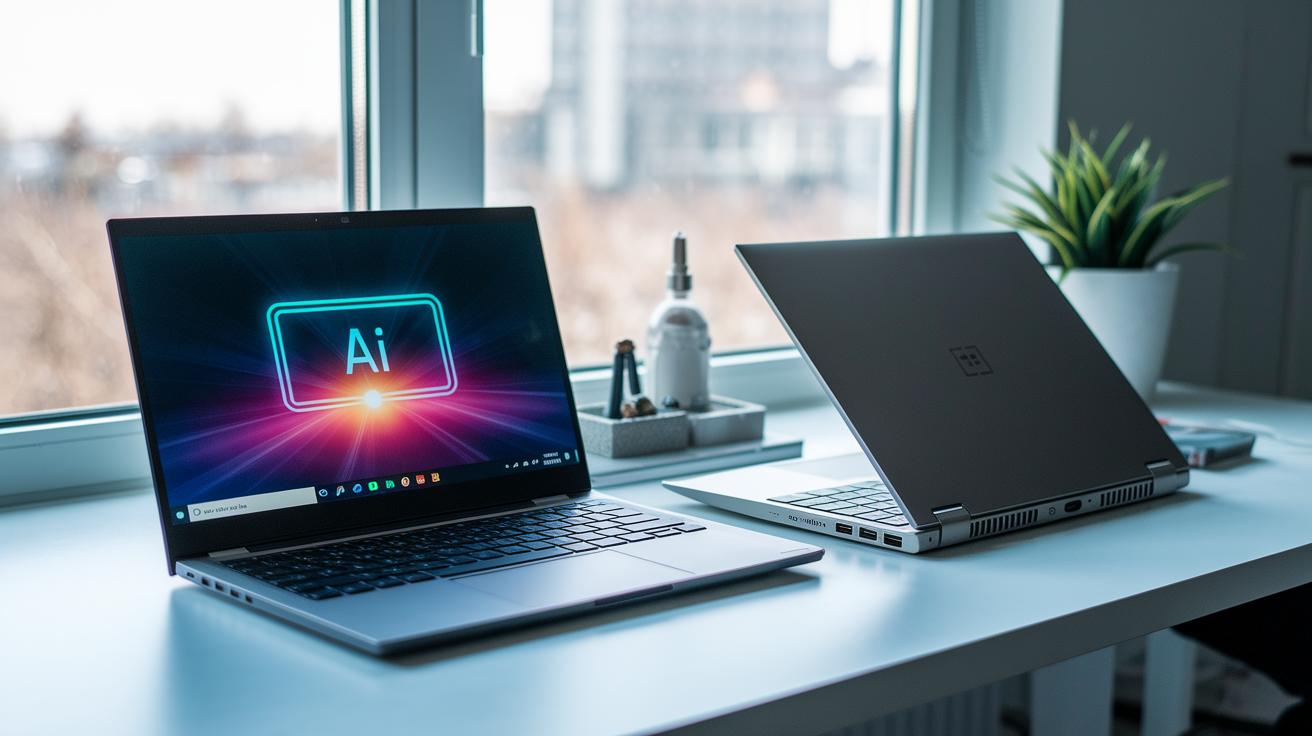
User reviews show that ultrabooks handle battery power smartly by using AI to cut energy waste. One frequent flyer said, "My ultrabook adjusted its power use during a full day of meetings so I could work steadily without needing a charge." We are also seeing a trend toward lighter designs that work well for video calls and remote work.
On the other hand, thin laptops offer more ways to upgrade and customize your setup. An editor mentioned, "Updating my thin laptop boosted my workflow for graphic editing." Below is a simple comparison of some key features:
| Feature | Ultrabook | Thin Laptop |
|---|---|---|
| Weight | Sub-3 lb | 3-4.5 lb |
| Battery Life | Multi-day capability | Strong, configuration-dependent |
| Upgradeable | Limited | Higher potential |
| Input Feedback | Smooth, minimal key travel | Deeper keyboard feel |
Final Words
In the action, we compared design, performance, battery life, and pricing in an ultrabook vs thin laptop: key differences review. We broke down each factor to help you weigh portability against power and budget flexibility. The guide outlines trade-offs and real-world benchmarks so you can match a device to your needs. This breakdown makes it easier to make a low-risk purchase choice that feels right for you. Enjoy the process and choose the device that best fits your lifestyle.
FAQ
What are the key differences between ultrabooks and thin laptops for casual usage and gaming?
The key differences between ultrabooks and thin laptops relate to design and performance. Ultrabooks are lightweight (under 3 lbs and up to 18 mm thick) with integrated processors, while thin laptops are bulkier, offer more powerful CPUs, and may include discrete graphics for gaming.
How does an ultrabook differ from a Chromebook?
The difference between an ultrabook and a Chromebook lies in the operating system and hardware design. Ultrabooks run full Windows or other OS on premium components, while Chromebooks use Chrome OS with simpler hardware setups.
What is an ultrabook laptop and how does it compare with notebooks?
An ultrabook laptop refers to a sleek, lightweight device built on Intel ULV platforms. Compared to notebooks, ultrabooks offer a premium metal body and longer battery life but often have shorter key travel and fewer upgrade options.
What are the pros and cons of laptops, notebooks, ultrabooks, and tablets?
Laptops typically offer a balance of power and versatility. Notebooks provide upgrade options and deeper key travel, ultrabooks excel in portability and battery life, and tablets offer touchscreen convenience at the cost of physical keyboards.
What is the difference between an ultrabook and a laptop?
The difference lies in design and build quality. Ultrabooks are extremely thin and light with lower-powered components and premium materials, while traditional laptops usually have more robust hardware and a broader range of ports.
What is a unique hardware advantage of some laptops over many ultrabooks?
Some thin laptops offer a unique advantage with the option to include discrete graphics cards like NVIDIA MX or GTX, enhancing gaming and multimedia performance compared to the integrated graphics found in most ultrabooks.
Is an ultrabook heavier than a laptop?
An ultrabook is not heavier. Ultrabooks are designed to be very light, typically under 3 lbs, whereas many traditional laptops weigh 4 lbs or more.
What kind of keys do laptops typically use?
Laptops usually have keys with deeper travel and a more tactile feel, providing a different typing experience than the shorter travel keys often found in ultrabooks.