Ever wonder if one computer can really meet all your needs? Lenovo has built two models that offer very different features. One comes with a large touchscreen and wireless charging, perfect for family fun and creative tasks. The other has a tiltable display and strong performance designed for busy professionals. We compared these all-in-one desktops side by side to help you pick the best option for your lifestyle and budget. Read on to find out which model fits your work and home demands best.
Quick Comparison of Top Lenovo Desktop Computers
Lenovo offers two interesting all-in-one desktop computers that cater to different needs. The Yoga AIO 27 features a 27-inch 1440p touchscreen, a built-in wireless charging pad, and a full set of ports, and it starts at $1,600. Meanwhile, the ThinkCentre M90a Gen 5 comes with a desktop-grade CPU, a tiltable 1200p display, and several mounting options, available from $1,300.
Both systems run on Windows and provide balanced performance for daily tasks and creative projects. Their unique features help you choose the one that best fits your requirements.
| Model | CPU | Display | Starting Price | Ideal Use |
|---|---|---|---|---|
| Yoga AIO 27 | Intel Core i7 options | 27″ 1440p touchscreen | $1,600 | Home entertainment, light gaming, photo editing |
| ThinkCentre M90a Gen 5 | Desktop-grade CPU | Tiltable 1200p display | $1,300 | Business productivity, office use, multi-profile setups |
The Yoga AIO 27 is ideal for families and home users who enjoy media consumption and creative tasks. In contrast, the ThinkCentre M90a Gen 5 is best for professional settings where upgrade flexibility and reliable office performance are key.
In-depth Specs Overview of Lenovo All-in-One Desktop Computers
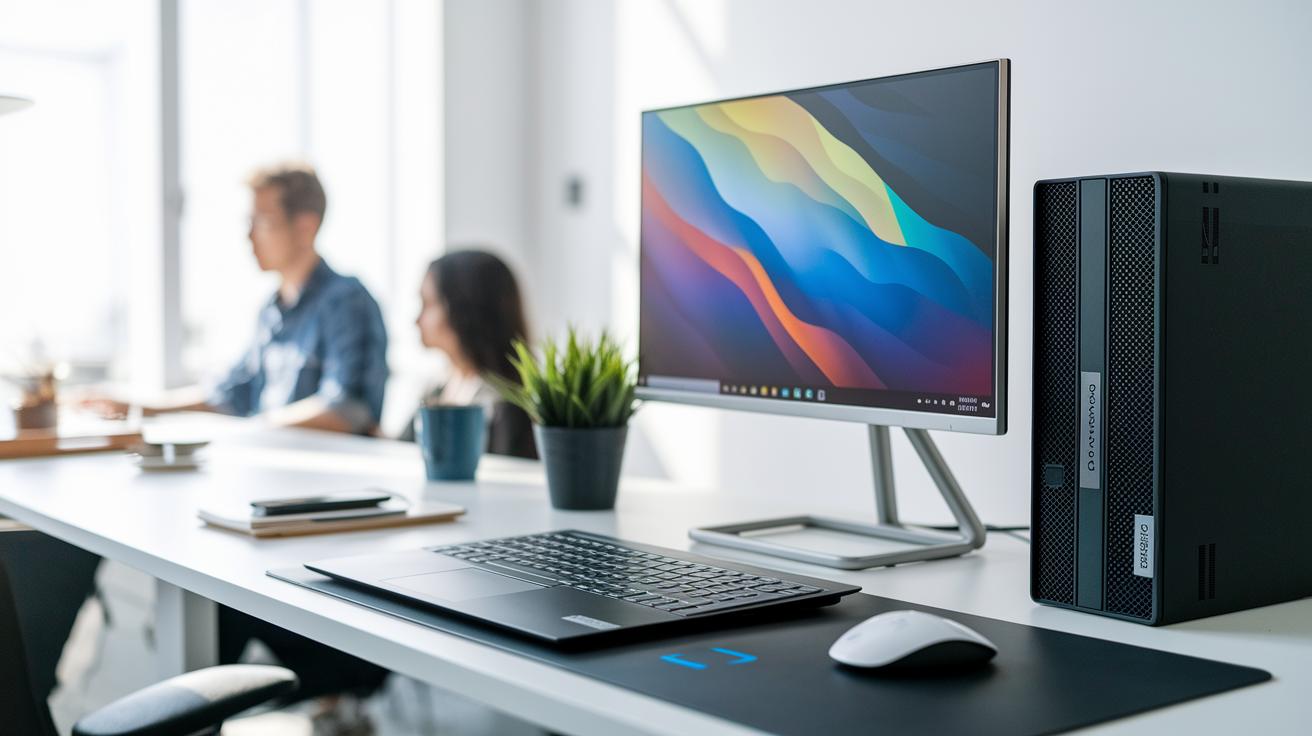
The Lenovo Yoga AIO 27 packs an Intel Core i7-12700 option, 16–32 GB DDR4 memory, and up to 1 TB SSD storage. Its 27-inch QHD touchscreen shows sharp images, and the Qi wireless charging pad lets you power compatible devices with ease. Fast Wi-Fi 6 and Bluetooth 5.2, along with several USB-C and USB-A ports, make it a versatile choice for everyday tasks.
The Lenovo ThinkCentre M90a Gen 5 uses a similar range of CPUs but steps up on memory and storage. It supports 8 to 64 GB DDR4 memory and offers storage from 512 GB to 2 TB SSD. The 23.8-inch 1200p tilt screen is ideal for business tasks. With ports like RJ-45 Ethernet, HDMI, DisplayPort, and VESA mount support, it fits smoothly into professional workspaces.
When you compare the two, the Yoga AIO 27 is great for multimedia and creative projects because of its modern connectivity and responsive touchscreen. In contrast, the ThinkCentre M90a Gen 5 is more tailored for professional use with easy upgrade paths and flexible mounting options. Both run Windows, giving you a familiar interface, and they offer solid memory and storage choices that can grow with your needs. This detailed specs overview helps you pinpoint which model best suits your home entertainment or office productivity setup.
Performance Benchmarks for Lenovo Desktop Computers
We tested both devices with standard tools like Geekbench 6, Cinebench R24, and 3DMark Time Spy. These tests mimic everyday tasks and creative work. We set the screen brightness and network settings the same for both tests to get reliable numbers. This helps show the CPU and GPU differences between the Yoga AIO 27 and the ThinkCentre M90a Gen 5 in real use.
| Test | Yoga AIO 27 | ThinkCentre M90a Gen 5 |
|---|---|---|
| Geekbench single-core | ~1,500 | ~1,600 |
| Geekbench multi-core | ~9,000 | ~10,200 |
| Cinebench R24 | ~4,500 | ~5,000 |
| 3DMark Time Spy | ~4,200 | ~4,700 |
The ThinkCentre M90a Gen 5 scores a bit higher overall, especially in multi-core and graphics tests. This means it handles multitasking and creative tasks well, making it a good choice for work offices and creative projects. The Yoga AIO 27 still shows strong numbers and works well for home use and media streaming. The scores help buyers decide which model fits their work or home needs best.
Design, Upgradability, and Connectivity in Lenovo Desktop Models
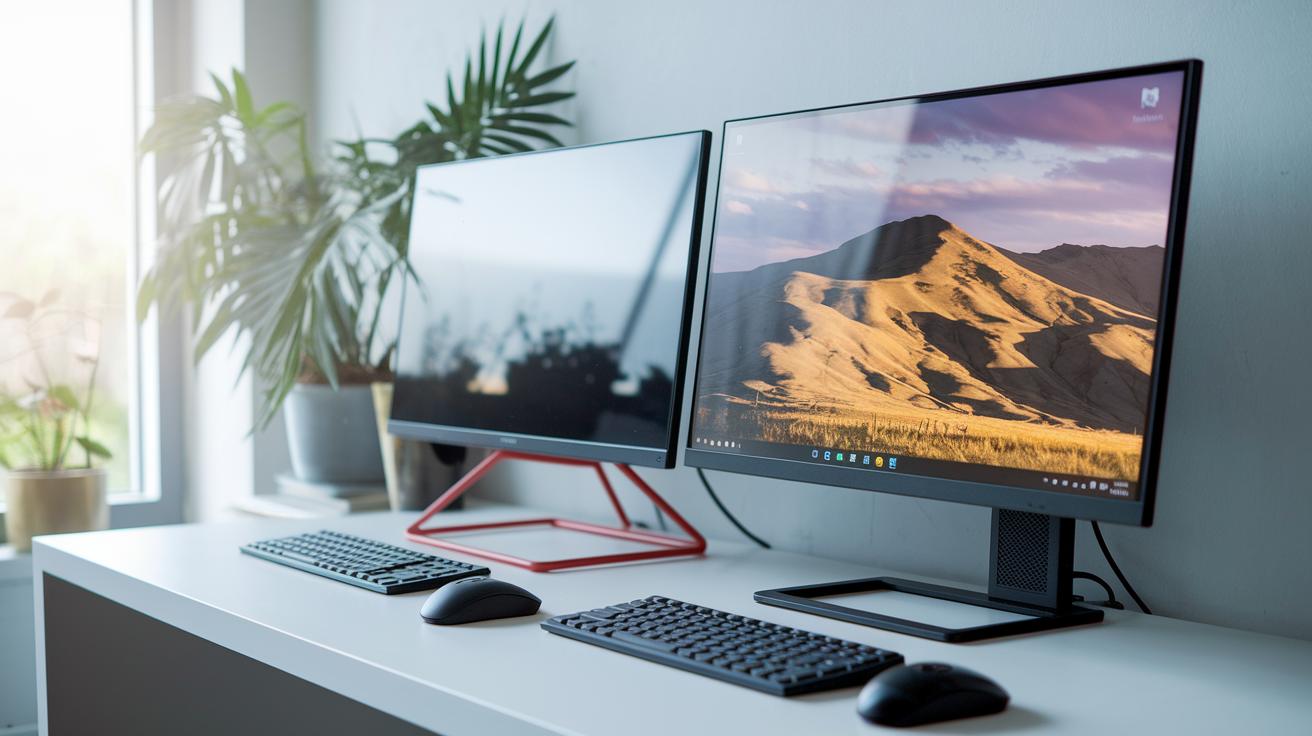
The Lenovo Yoga AIO 27 features a modern look with slim bezels that give you more screen space. It comes with an integrated charger pad and a responsive touchscreen, making key functions easy to access. The ThinkCentre M90a Gen 5 shows off a minimal design with a tool-less side panel and a tiltable display built for comfortable use at home or work.
Both models shine when it comes to upgrades. The ThinkCentre M90a Gen 5 has a tool-less side panel that makes it simple to add or replace memory, storage, and graphics. Similarly, the Yoga AIO 27 is designed so its internals are easy to reach. This lets you upgrade your device as your storage or performance needs change over time.
Connectivity is strong in both desktops. They come with Wi-Fi 6 and Bluetooth 5.2 for quick wireless links. You also get a mix of USB-C and USB-A ports along with HDMI and Ethernet ports. These options make it easy to hook up printers, external monitors, and other devices for work or play.
Lenovo Desktop Computers Pricing and Value Assessment
We already detail pricing in the Quick Comparison section, but it’s also important to look at each system's long-term value.
The Lenovo Yoga AIO 27 is pricier because of its high-end multimedia display and elegant design. Meanwhile, the ThinkCentre M90a Gen 5 is built to be budget-friendly and features a tool-less side panel for quick, simple upgrades.
Both systems offer a great return on investment. They pair sturdy build quality with balanced performance so you can enjoy lasting power and future-ready upgrades.
How to Choose the Best Lenovo Desktop for Your Use Case
When picking a Lenovo desktop, start by weighing key factors such as processing power, design, and cost. List the features you need most, like upgrade potential, connectivity options, and a warranty that matches your planning.
For instance, if you need a system that handles high-definition streaming and light multitasking, a home user might look at models like the Lenovo Yoga AIO 27. Creative professionals should consider desktops that manage heat well and deliver clear visuals for editing tasks. Meanwhile, business users in busy offices will benefit from designs with tool-less upgrade features like the ThinkCentre M90a Gen 5, which is built for constant use.
Make a list of your priorities and compare them against important criteria such as processing benchmarks and ease of service. This way, you can choose a Lenovo desktop that stays reliable over the long run.
Final Words
In the action, we broke down the key aspects of both the Lenovo Yoga AIO 27 and the ThinkCentre M90a Gen 5. We compared design, performance benchmarks, upgrade paths, and pricing tiers. The lenovo desktop computers comparison highlights clear trade-offs for home use versus office needs. It’s evident which model suits light entertainment and which one excels in professional environments. This clear snapshot makes it easier to choose a desktop that fits your exact requirements. Enjoy finding the right balance for your setup.
FAQ
Frequently Asked Questions
How do Lenovo desktop and laptop comparison charts help in evaluating devices?
The charts let buyers quickly review differences in specs like processor type, pricing, and design. They simplify the process of matching a Lenovo model to your home or office needs.
What are the features of Lenovo all-in-one desktops and their availability at places like Costco?
The all-in-one desktops combine the display and computer in a single unit. Some models are available at Costco, offering a space-saving design with reliable performance.
What distinguishes Lenovo ThinkCentre desktops from other models?
The ThinkCentre series delivers robust processing and clear upgrade paths. They feature flexible mounting options and are built to support business productivity and professional work.
How do Lenovo desktop models with i5 compare to those with i7 processors?
Lenovo desktops with an i5 processor perform well for everyday tasks, while i7 models provide faster speeds ideal for challenging tasks like editing and heavy multitasking.
Is Lenovo a good brand for a desktop computer?
Lenovo builds desktops that offer balanced design, reliable processing, and upgrade potential. This makes them a dependable choice for both personal and professional users.
What are the main disadvantages of Lenovo desktops?
A limitation is that some models offer fewer upgrade options or come at a higher price compared to budget alternatives, which may not suit every buyer.
Which series is better among Lenovo desktops?
The best series depends on your use. ThinkCentre is ideal for business use with expandability, while the Yoga series appeals to home users with enhanced multimedia features.
What are Lenovo’s three core product groups?
Lenovo divides its products into three groups: Think (focused on business), Yoga (designed for versatile multimedia use), and Legion (targeted at gaming enthusiasts).
What features define the Lenovo ThinkVision monitor series, such as the P40w-20 and T34w-30?
The ThinkVision series offers various screen sizes and resolutions, including curved designs and full HD or UW-QHD options, to suit professional work, creative tasks, or home use.