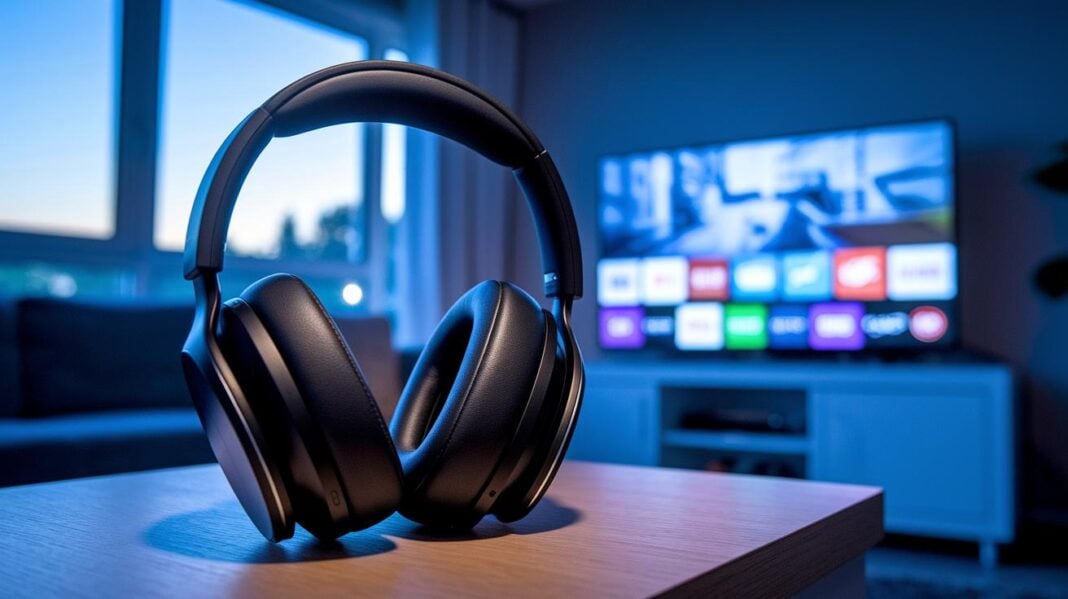
Imagine watching your favorite movie with wireless audio that sounds clear and lets you move freely. Wireless TV headphones deliver rich sound and give you a personal listening experience. They connect via RF (radio frequency) or Bluetooth, so you can adjust the volume without disturbing anyone. With a low delay, the sound stays in sync with the action on screen. It feels like having your own private concert right in your living room.
TV Audio: Wireless Headphone Benefits and Overview
Wireless headphones help you cut the cord when watching TV. They deliver clear sound with very little delay so you don't miss any action. You can control the volume to suit your needs without bothering others.
These headphones let you move around freely in your room while still enjoying great audio. Many models use RF (radio frequency) or Bluetooth connections for a simple setup and steady performance. This makes watching TV a more personal and comfortable experience.
- Dedicated transmitter-based TV headphones
- Hearing-aid streaming systems
- Bluetooth headset pairing via TV or adapter
Each option has its own pros and cons. Dedicated systems require a base station plugged into your TV. They deliver top-notch sound and very low delay, but they tend to cost between $100 and $200 and have fewer models available. Hearing-aid streaming systems boost audio to help with hearing, but they may need extra setup. Pairing a Bluetooth headset with your TV or an adapter is an easy, low-cost choice, though older TVs might not work well with them. These differences help you choose a solution that fits your budget and technical needs.
Top Wireless Headphone Models for TV Viewing
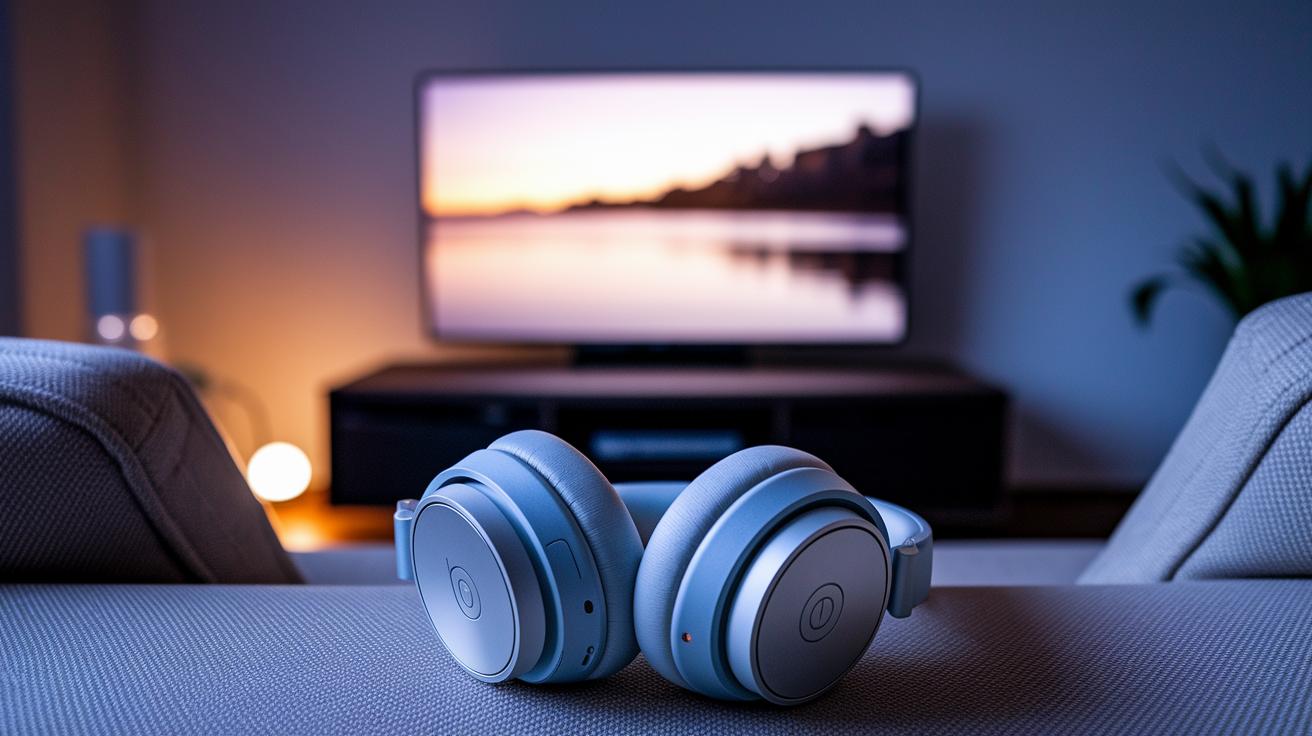
These wireless headphones offer great sound for watching TV. They deliver impressive audio, comfort that lasts, and strong battery life. With low latency (syncing sound with screen action), noise cancellation (reducing background noise), and adjustable settings, each headset fits a different need, whether you want detailed sound, long watching sessions, or a wallet-friendly option.
Sennheiser RS 195
The Sennheiser RS 195 has an over-ear design that covers your ears well. It features customizable equalizer settings so you can fine-tune the sound. It also keeps audio in sync with the picture thanks to its low latency. This model is fit for those who value precise sound adjustments and a high-end feel.
Sony RF 400
The Sony RF 400 gives you a soft, over-ear fit with lots of padding. This design makes voices clear during long TV sessions. With its built-in transmitter, pairing is simple. Its long-lasting battery means you can watch your favorite shows without a break. It’s a reliable choice for marathon viewing.
Avantree HT5009
The Avantree HT5009 is a budget-friendly option that does not skimp on performance. Its lightweight design and 20-meter wireless range work well for everyday TV watching. If you need a simple, no-fuss solution with clear sound, this is a solid pick.
Bose QuietComfort 35
Bose QuietComfort 35 stands out with its noise cancellation that quiets unwanted sounds. Soft ear cushions make it comfortable for long sessions, while its balanced sound provides clear highs and deep bass. This headset works well for those who want to share the TV audio or enjoy a quieter setup.
| Model | Key Feature | Battery Life | Wireless Range | Price |
|---|---|---|---|---|
| Sennheiser RS 195 | Customizable EQ & low latency | 20 hrs | 30 ft | Premium |
| Sony RF 400 | Clear dialogue & padded design | 25 hrs | 30 ft | Premium |
| Avantree HT5009 | Budget-friendly & lightweight | 15 hrs | 20 m | Affordable |
| Bose QuietComfort 35 | Noise cancellation & shared-view support | 18 hrs | 33 ft | Premium |
Wireless headphones for tv bring stunning clarity
Smart TVs make it easy to pair your wireless headphones. When you open the Bluetooth menu, you’ll see simple options like "pair" or "connect" with clear on-screen directions. Many users say these menus are very intuitive. You can simply tap your headset's name from a list and follow the instructions. This built-in method is perfect if you want a hassle-free setup.
If your TV isn’t smart, you still have a good option. You can attach a Bluetooth transmitter to your TV to bridge the gap between your TV and wireless headphones. A popular choice is the Avantree Oasis, which supports two headsets and has over 2,500 five-star reviews. Just plug it into the TV’s audio port and follow the easy pairing steps. This upgrade lets a regular TV stream sound directly to your headphones.
For those who prefer RF base stations, the process is just as simple. These systems connect to your TV using optical, coaxial, or RCA ports. Once hooked up, your RF base station automatically pairs with its matching headphones, so you don’t have to adjust any settings. This setup provides smooth sound with very low lag, making it a great choice for serious TV viewers.
Bluetooth vs Transmitter-Based TV Wireless Headphones

Bluetooth headsets work well with many smart TVs and streaming setups. They pair easily using on-screen menus and let you use devices you already own. This makes them an easy, fast choice for casual viewing. However, Bluetooth can add a delay of 100–200 ms. This delay may affect sound sync during fast action scenes. Plus, they work best within about 30 ft, so they're ideal for small rooms where you stay close to the TV.
RF transmitter systems are made for those who need almost instant sound sync and a longer range. They usually have a latency below 40 ms, so the audio matches the picture well during gaming or sports. Their signal can reach beyond 100 ft, which is great for large rooms or outdoor spaces. On the downside, RF systems tend to be more expensive and are usually limited to one device. This makes them best for viewers who want top performance and are willing to pay extra.
Advanced Features for Wireless TV Headphones
Many wireless TV headphones come with strong noise cancellation. For example, the Bose QuietComfort 35 uses smart technology to cut out background sounds so dialogue and effects stay clear in a busy room. Users can adjust the volume to their liking with personal presets. Some headsets even let two people use them at the same time, so one person can set a lower volume while the other enjoys richer sound.
There are models made with seniors in mind. They feature big, easy-to-press volume controls and soft, cushioned ear cups for long viewing sessions. For those with hearing difficulties, devices like the Jabra Enhance offer custom sound boosts and come with a trial period of up to 100 days. These upgrades make TV audio comfortable and clear for everyone.
Affordable TV Listening with Wireless Headphones

Wireless headphone sets under $100 are a smart pick if you watch TV occasionally or want to keep costs down. These budget-friendly options deliver clear sound without a big price tag. They are designed for simple, everyday use, giving you wireless freedom without a complicated setup.
Here are some models to consider:
| Model | Price | Design |
|---|---|---|
| Avantree HT5009 | $60 | Over-ear for regular use |
| HT4186 | Varies | In-ear for a lighter feel |
| Duet System | Varies | Two headsets with one base for shared TV viewing |
These choices offer a cost-effective way to enjoy TV with clear audio and an easy setup.
Troubleshooting Wireless Headphone Issues on TV
If you notice a delay in sound or the audio drops out, it might be due to interference from nearby devices. For example, other gadgets working on a 2.4 GHz frequency can sometimes cause the sound to lag. You might also hear audio in just one ear because of a crowded channel or blocked signal between your TV and your headphones.
If pairing problems pop up, try restarting your devices. Turn off your TV and headphones, then turn them back on and follow your TV’s pairing prompts. Also, check your TV’s audio settings and see if there’s a firmware update available. Often, a simple reset can clear up any glitches and get your connection back on track.
To keep your wireless connection steady, make sure your devices have enough battery and that the antenna is set up correctly. Keep the transmitter in clear view of your headphones to avoid interference. It also helps to update the firmware regularly and clean any connection ports. This way, you can enjoy smooth, uninterrupted TV sound with your wireless headphones.
Final Words
In the action, we broke down the benefits of cable-free TV listening along with clear setup guides and troubleshooting steps. We examined three types of wireless audio solutions, compared top models, and discussed trade-offs in cost, compatibility, and ease of use. This review shows that wireless headphones for tv offer true audio freedom, low lag, and personal volume control. The insights provided make it easier for you to choose a solution that meets your needs and fits your budget. Enjoy a better TV audio experience!
FAQ
What are the best wireless headphones for TV?
The best wireless headphones for TV offer clear sound and low latency, ensuring a smooth audio experience. They come in RF and Bluetooth options with comfortable designs for long viewing sessions.
What are wireless headphones for TV without Bluetooth?
Wireless headphones for TV without Bluetooth use RF transmitters to deliver low-latency audio. They provide a reliable connection and long range by connecting directly to a dedicated TV base station.
Which wireless headphones can work with Samsung TVs?
Wireless headphones for Samsung TVs are available in both RF and Bluetooth versions. They are designed to connect easily with Samsung models, ensuring clear audio with simple pairing options.
What are the best TV headphones for seniors?
The best TV headphones for seniors feature easy-to-use controls, larger volume buttons, and comfortable ear cushions. They focus on delivering clear sound and a straightforward setup for hassle-free use.
How do wireless headphones for TV with Bluetooth work?
Wireless headphones for TV with Bluetooth pair directly with smart TVs or via an adapter. They offer a moderate range, simplicity in setup, and good sound quality, though they may have a slight latency compared to RF models.
Which dual wireless headphones are best for TV?
Dual wireless headphones for TV are designed to support two headsets simultaneously. They allow shared listening experiences and come with features like clear sound and user-friendly controls for an enjoyable audio experience.
What are RF wireless headphones for TV?
RF wireless headphones for TV use a dedicated transmitter base station to send low-latency audio over long distances. They are ideal for viewers seeking minimal lag and consistent sound quality during use.
Where can I find Amazon wireless headphones for TV?
Amazon offers a broad selection of wireless headphones for TV, ranging from affordable transmitter-based models to premium Bluetooth headphones. Each option comes with reviews and detailed specs to help make an informed choice.
Can you use wireless headphones on a TV and which are best for watching it?
Using wireless headphones on a TV is a common solution for private listening. The best choices combine low latency, range, and comfort, available in both Bluetooth and RF options to suit different setups.