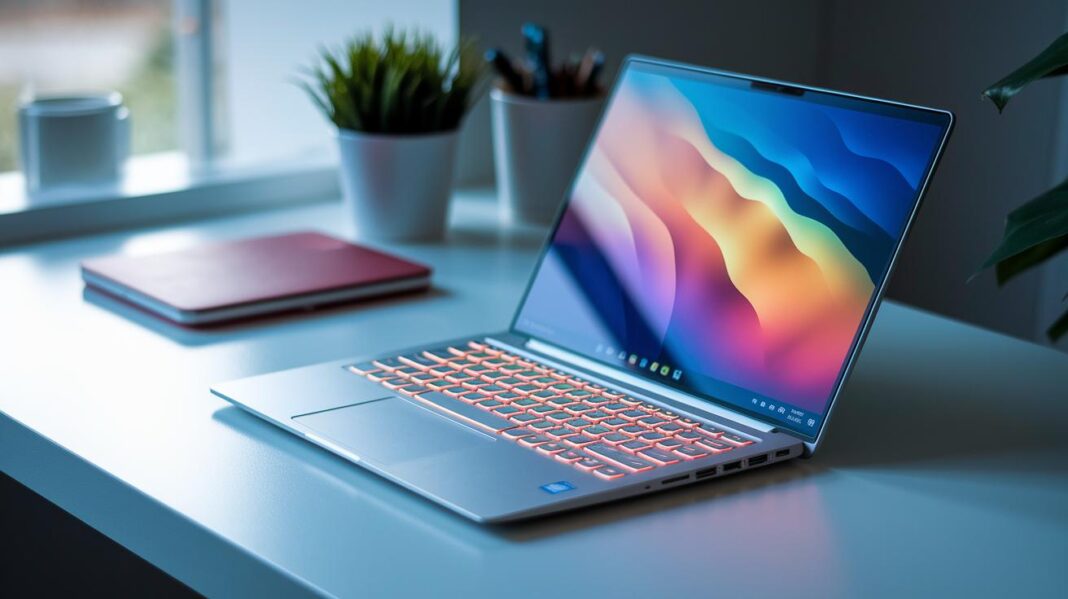
Have you ever wondered if a thin laptop can deliver strong performance? Ultrabooks combine great power with a light design that feels almost like a notebook. They come with fast processors, quick storage, and battery life that lasts all day.
In our review, we focus on key features like weight, design, and performance. These devices are perfect for busy workdays and school runs. Find out why an ultrabook might be the ideal portable powerhouse for you.
Essential Features of Ultrabook Laptops: Power and Portability Defined
Ultrabook laptops are light machines weighing under 3 pounds and measuring less than 0.7 inches thick. They give you 8–10 hours of battery life or more, so you can work on the go without worrying about recharging. With options like Intel Core Ultra (7 or 9) or AMD Ryzen 7/9 series processors and fast NVMe SSDs, these laptops pack enough punch for you to handle demanding tasks while keeping your load light.
These features matter because they balance daily productivity with ease of mobility. A slim design and a strong CPU let you run multiple apps smoothly. A high-quality display with a 16:10 or 3:2 aspect ratio offers extra vertical space for your work. One reviewer even said it felt like carrying a full desktop in a briefcase, which sums up the mix of power and portability perfectly.
- Weight and chassis thickness
- CPU generation and benchmark scores
- SSD capacity and speed
- Display resolution, aspect ratio, and panel type
- Battery capacity, longevity, and fast-charge support
- Build quality and materials
When choosing an ultrabook, balance these factors for the best experience. Look for a fast and responsive processor, a high-speed SSD for quick starts and smooth file transfers, a clear and crisp display, long-lasting battery life, and a sturdy build. This mix ensures you get a laptop that is not only stylish but also powerful enough for long work sessions.
Comparing Top Ultrabook Laptop Models for 2026
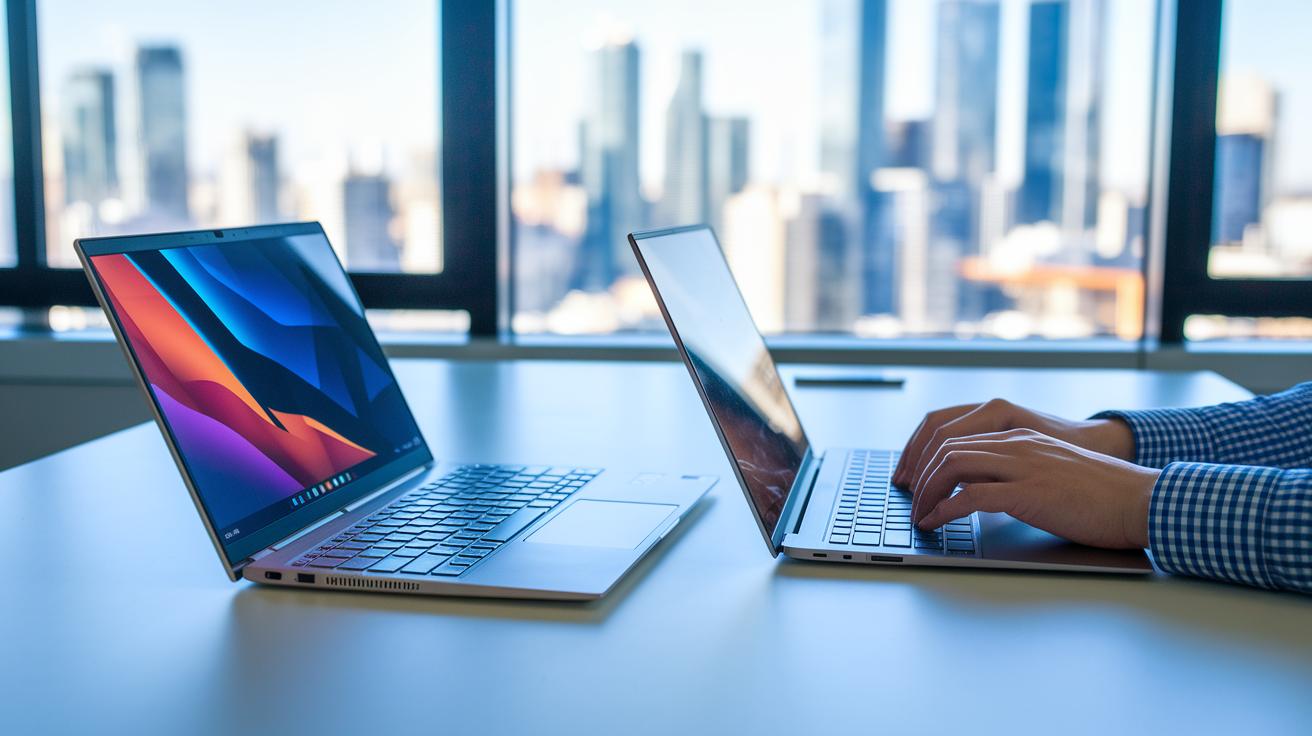
We ran a side-by-side review of the best ultrabooks for 2026. We looked at performance, battery life, design, and price. Each laptop weighs between 2.5 and 3 pounds and lasts 12 to 22 hours. They are perfect for busy days and long work sessions. Our tests used real-world tasks, benchmark scores, and close checks on design details to ensure smooth multitasking and vibrant displays.
| Model | Processor | Weight | Battery Life | Price |
|---|---|---|---|---|
| MacBook Air 13 (M4) | M4 chip | 2.7 lbs | 18 hours | $999 |
| ThinkPad X1 Carbon Gen 13 | Intel Core Ultra | 2.8 lbs | 16 hours | $1,299 |
| Zenbook 14 OLED Touch | Intel Core Ultra | 2.6 lbs | 12 hours | $850 |
| Framework Laptop 13 | Ryzen AI 300 | 2.9 lbs | 22 hours | <$1,100 |
The MacBook Air 13 (M4) is great for those who love a smooth, reliable system and a refined software ecosystem. The ThinkPad X1 Carbon Gen 13 shines with its sturdy build and business-friendly design, making it a top choice for professionals. Asus Zenbook 14 OLED Touch catches the eye with its striking display and good value, ideal for creative users. Meanwhile, the Framework Laptop 13 offers a modular design and long battery life, perfect for tech fans who enjoy upgradeable gadgets.
Performance Benchmarks in Ultrabook Laptops
Ultrabook laptops show strong CPU scores that work well for both tough tasks and daily use. In Cinebench R23 tests, Core Ultra 7 chips earn about 12,000 points, while Ryzen 7 8845HS scores roughly 10,500 points. The MacBook Air M4 scores 8,000 points in multi-core tests and 5,000 points in single-core tests. These numbers prove that today’s slim laptops run smoothly even when you multitask or use demanding apps.
In gaming tests at 1080p, a device like the Zephyrus G14, powered by a Ryzen 9 6900HS and an integrated GPU, averages around 60 frames per second on medium settings. This means you can enjoy light gaming with titles like Fortnite and Overwatch without needing a separate graphics card. The solid frame rates also hint at speedy performance for everyday jobs like video editing or data analysis.
Battery Longevity and Design Analysis of Ultrabook Laptops

Ultrabook laptops use high-tech battery cells that give them great battery life. For example, the Lenovo Yoga 9i Gen 10 can run for up to 22 hours. The MSI Prestige 13 AI+ pushes close to 25 hours, and even the Acer Swift Go 14 and MacBook Air M4 offer solid runtimes of about 16 and 18 hours. This long battery life comes from better lithium-ion and lithium-polymer batteries, along with smart power management that keeps these thin laptops working hard throughout the day.
Key factors that help improve battery life include:
- High-density lithium-ion and lithium-polymer cells
- Fast charging that gets you to 50% in 30 minutes
- Chassis materials, like aluminum versus carbon fiber, that add strength without weight
- Port choices such as USB-C power instead of barrel jacks to keep devices slim
- Sustainable designs using recycled materials and modular parts
Design is just as important as battery life. Ultrabook makers use strong yet light materials such as unibody aluminum, carbon fiber, and magnesium alloy. Some even use recycled aluminum panels to lower their environmental impact. By combining advanced battery technology with smart design and careful port placement, these laptops give you the power and portability you need for everyday on-the-go work.
Ultrabook Laptop Pricing Guide: From Budget to Premium
When picking an ultrabook, you need to balance cost with features. Budget models give you basic speed and easy portability, while pricier ones offer bright screens, longer battery life, and sturdier builds. The key is finding the right mix for your needs.
Entry-level ultrabooks come in for under $500. For example, the Asus Chromebook Plus CX34 provides basic performance and a clear display for those watching their budget. In the $500 to $1,000 range, options like the HP Pavilion Aero 13 and Acer Swift Go 14 offer faster processors, better battery life, and tougher builds. These work well for everyday users and students alike.
If you're looking at the mid-range, spending between $800 and $1,200 gets you models such as the Zenbook 14 OLED, MacBook Air M1, and IdeaPad Slim 5. These combine a light design with stronger performance and high-resolution screens. For top-notch performance and premium materials, options over $1,200 like the ThinkPad X1 Carbon, MacBook Air M4, and Framework Laptop 13 are the best bets. Keep an eye on seasonal deals and student discounts to get the best value when upgrading your ultrabook.
Ultrabook Laptops for Gaming, Students, and Business Professionals
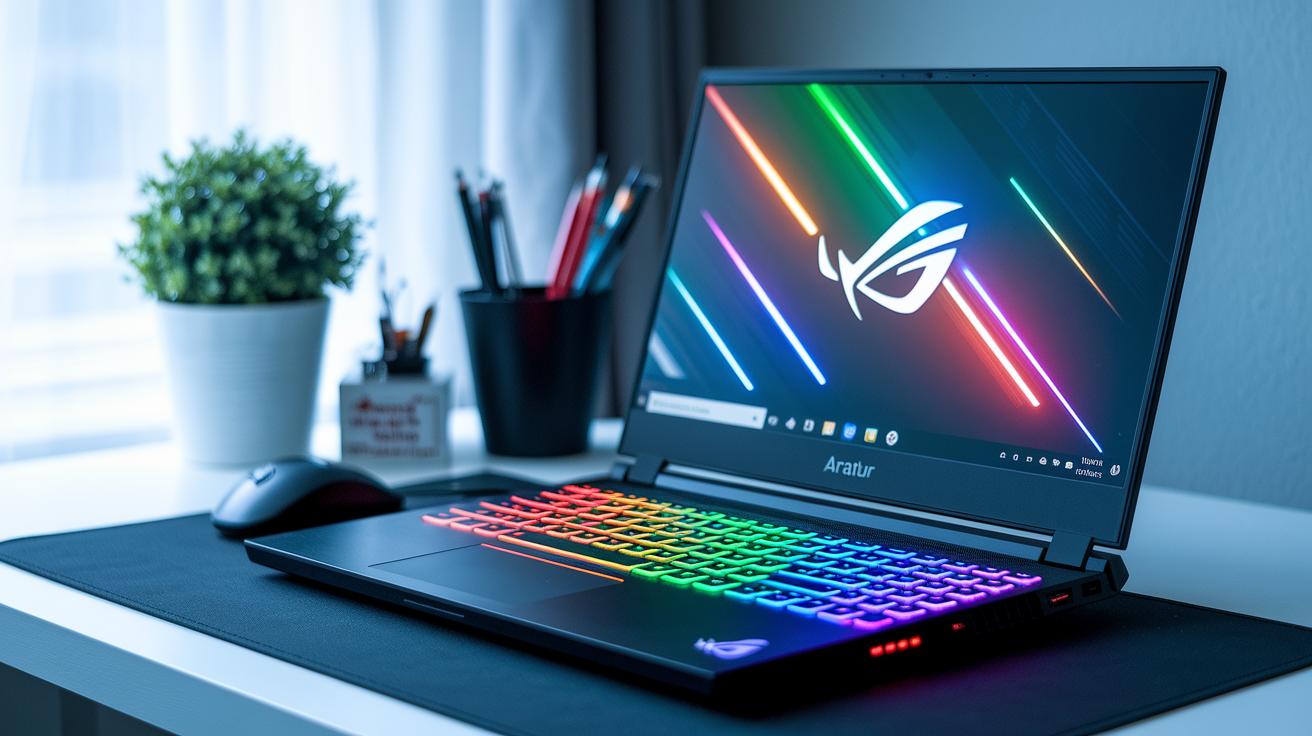
Ultrabook laptops are built for many different needs. Whether you want a compact gaming machine, a light Chromebook for school, or a secure notebook for work, there is an option for you. These laptops mix strong performance with easy portability.
Gaming Ultrabook Laptops
Gaming ultrabooks are ideal for those who enjoy playing video games. They offer powerful hardware in a slim design. For example, the Asus ROG Flow Z13 uses a Ryzen 9 processor and an RTX 3050 Ti graphics card so you can play games like Fortnite and Overwatch smoothly. Their smart cooling systems help prevent overheating during long gaming sessions.
Ultrabooks for Students
Students need laptops that are light and have long battery life. Models like the Asus Chromebook Plus CX34 and the MacBook Air M1 are perfect for taking notes and doing research on campus. They start up quickly and offer clear displays, which means you stay productive between classes and study sessions.
Business Ultrabook Solutions
Business ultrabooks focus on security and ease of use. The ThinkPad X1 Carbon and HP OmniBook Ultra are made with strong keyboards and secure login features. They also work with docking stations for easy connection at the office. These laptops are built to handle long work sessions, presentations, and multitasking on the go.
Future Innovations in Ultrabook Laptop Technology
New processors, like the Intel Core Ultra 9 (which has built-in AI helpers), are set to change how slim computers perform. Soon, many ultrabooks might use fanless designs that lower noise and boost efficiency. They could also include foldable OLED screens with a wider view to help with creative tasks. Plus, 2-in-1 models like the Framework 12 let you upgrade hardware easily. Smarter AI chipsets will soon make these devices handle everyday tasks more naturally.
Green ideas are becoming a top priority. Manufacturers are testing carbon-neutral cases and smart GPU switching that saves energy. These improvements mean ultrabooks will be both fast and eco-friendly. As technology moves forward, these laptops will mix strong power with smart, adaptable designs for a versatile and green computing experience. In short, the future of ultrabook laptops looks both innovative and practical, ready to change the way we work every day.
Final Words
In the action, our guide walked through essential ultrabook laptops features, from power-packed processors to light, durable designs. We broke down key specs, compared top models, and explained real-world benchmarks.
We also mapped pricing tiers and showed choices for gamers, students, and business users. Balancing performance and portability makes these ultrabook laptops stand out. The insights help you quickly match your needs to the best option available and make a confident purchase decision. Enjoy your search for the perfect device!
FAQ
What is an ultrabook laptop?
An ultrabook laptop is a thin, lightweight device designed for portability and performance. It typically weighs under 3 pounds, measures less than 0.7 inches thick, and offers long battery life for everyday use.
How does an ultrabook differ from a traditional laptop?
An ultrabook differs from a traditional laptop by focusing on slim design, premium build materials, and longer battery life, while standard laptops often offer more ports and expandability.
What are the best ultrabook brands?
The best ultrabook brands include Lenovo, ASUS, Dell, and HP. They are known for producing devices that balance performance with portability and offer quality materials in sleek designs.
Is an ultrabook the same as a Chromebook?
An ultrabook is not the same as a Chromebook. Ultrabooks usually run full desktop operating systems like Windows or macOS, whereas Chromebooks use Chrome OS for simpler, cloud-based computing.
Is the ultrabook trend still relevant today?
Ultrabooks remain popular as they provide a strong mix of portability, performance, and battery life, meeting the needs of users who require a powerful yet lightweight device for daily tasks.
What are some top picks for the best ultrabook laptops?
Top ultrabook laptops offer fast processors, quick SSD storage, crisp displays, and premium build quality. They are ideal for users looking for a balance of style, performance, and mobility.
Which ultrabook laptops are best for students?
Ultrabook laptops for students offer light weight, long battery life, and efficient performance for note-taking, research, and schoolwork. They are built for portability and reliability during long class days.
What should I consider in a slim and lightweight laptop for work?
A slim and lightweight laptop for work typically delivers fast connectivity, robust security features, and a portable design that makes it easy to travel between meetings and offices without sacrificing performance.
Can ultrabooks handle gaming?
Some ultrabooks cater to gamers by including discrete GPUs or powerful integrated graphics. These gaming ultrabooks balance a sleek design with enough performance to handle moderate gaming challenges.
Are there affordable options for ultrabooks?
Yes, there are affordable ultrabook options that provide essential performance and battery life. These budget-friendly models might have fewer premium features but still offer the core benefits of portability and speed.
What are the key features of the Asus ROG Zephyrus G14 14″ OLED 3K 120Hz Gaming Laptop?
The Asus ROG Zephyrus G14 features a 14-inch OLED 3K display with a 120Hz refresh rate and is powered by an AMD Ryzen 9, ensuring robust gaming performance in a compact, portable chassis.
How do the ASUS Zenbook S 14 and Zenbook S 16 ultrabooks compare?
The ASUS Zenbook S series, including the 14-inch and 16-inch models, offers slim designs, 3K OLED touch displays, and efficient performance. They blend enhanced visuals with portability, ideal for creative tasks.
What performance advantages do ASUS TUF Gaming A14, ROG Zephyrus G16, and ROG Strix G16 offer?
These ASUS gaming ultrabooks combine high-refresh-rate displays with Ryzen processors to deliver smooth gaming and strong multitasking. Their compact builds make them a solid choice for users seeking performance on the go.