Have you ever thought your gaming setup might be holding you back? RGB accessories do more than add bright colors. They add style and give quick signals that can boost your reaction time. Picture a keyboard that lights up with every keystroke or a mouse that glows as you move it. These tools turn your desk into a lively arena and help keep your focus when matches get tough. In this guide, we explain how smart design and vivid lighting can really up your gameplay.
Essential RGB Gaming Accessories to Elevate Your Setup
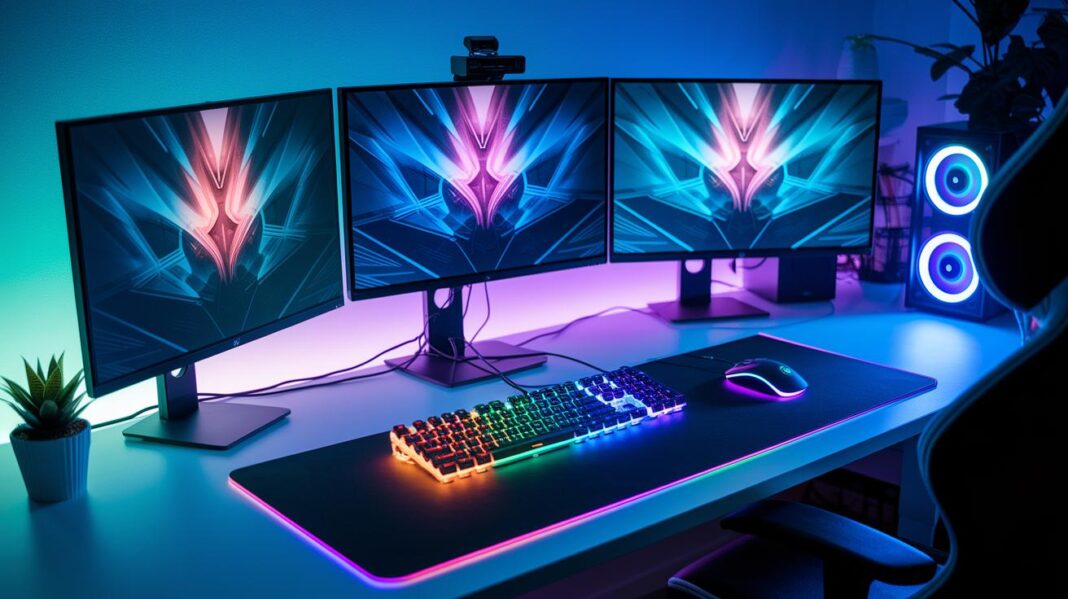
RGB lighting can change your gaming area into an exciting, immersive zone. It not only boosts the looks of your room but also makes it easy to spot in-game events at a glance. For example, the Logitech G915 X gaming keyboard uses LIGHTSYNC RGB and GL mechanical switches to deliver fast, responsive key presses while adding style to your setup. Thoughtfully placed light strips help keep you alert even during long gaming sessions, making you feel more connected to the game.
The right accessories add both flair and function. If you love performance and a cool atmosphere, these multicolor devices are for you. Lights that match in-game sounds and events can help you focus, so those split-second decisions become easier. A mix of style and efficiency makes these RGB gadgets more than just extras; they are key parts of your gaming toolkit.
- Logitech G915 X gaming keyboard: Comes with LIGHTSYNC RGB and GL mechanical switches for fast, accurate keystrokes.
- Logitech G305 LIGHTSPEED wireless mouse: Offers up to 250 hours of battery life for endless play.
- Hexagon accent illumination panels: Sync with game events to boost immersion.
- VIPER VXD M.2 PCIe RGB SSD enclosure: Combines speedy storage with customizable lighting.
- Viper RIGID SURFACE RGB mouse pad: Provides smooth tracking and striking visuals.
- Cable management kits: Include ties and mouse bungees to keep your setup clutter-free.
Bringing these accessories together creates a space where style meets performance. A well-lit area can help reduce distractions and keep you focused. In the end, the lively look of RGB gear works with your gaming skills, keeping you both inspired and competitive.
Choosing the Right RGB Gaming Accessories for Performance and Comfort
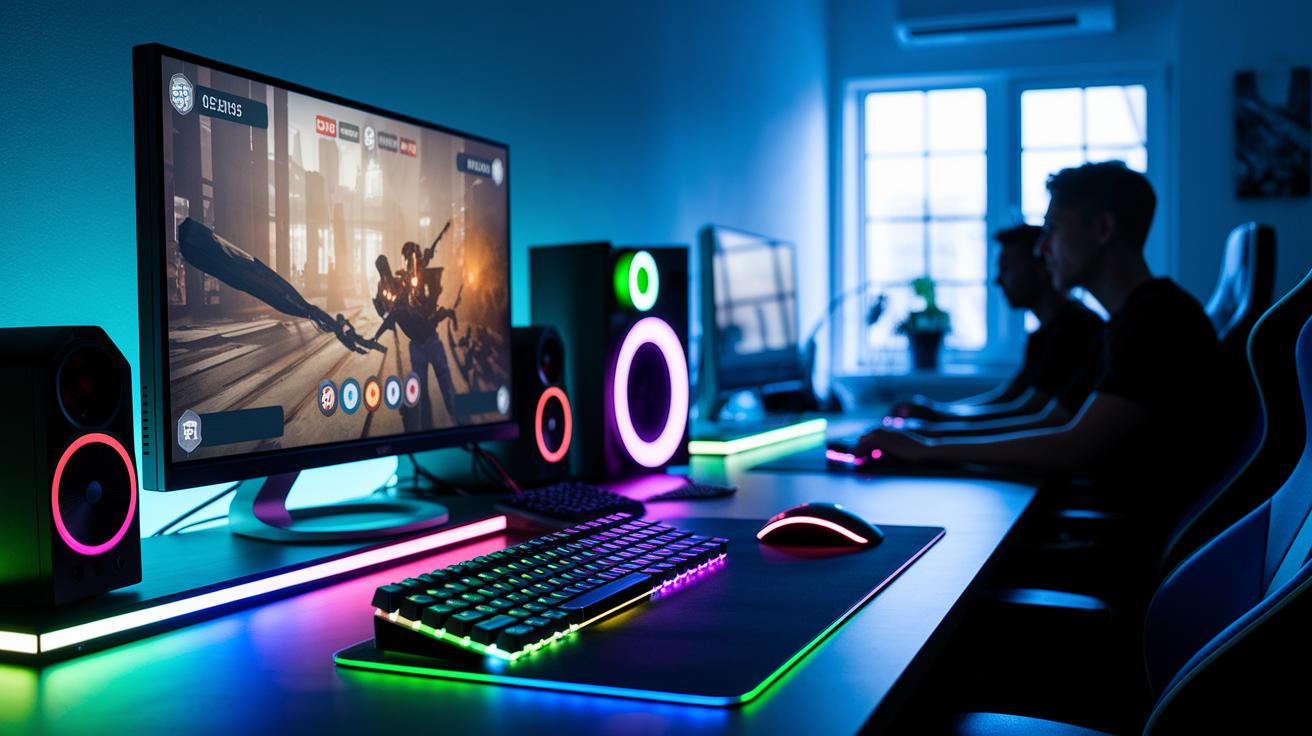
RGB gaming accessories add flair to your setup and can boost your gaming experience. When looking for vivid lights and custom computer light options, think about the games you play and how the gear will fit in your gaming space. Focus on performance upgrades that suit your style and keep you comfortable.
-
Gaming Genre Suitability
Pick accessories that work well with your favorite game type. Whether you enjoy fast-paced shooters or immersive online games, the right setup can improve your reaction time and help you catch important visual cues. -
Platform Compatibility
Be sure the accessories match your PC or console without extra adapters. This makes it easier to connect everything without hassles during play. -
Budget Limits
Decide how much you're willing to spend on your setup. A balanced choice can give you quality lighting and solid performance without breaking the bank. -
Ergonomic and Durable Design
Choose items that feel comfortable during long sessions. Well-made accessories not only look sharp but also stand up to regular use. -
Battery Life and Performance Trade-offs
For wireless devices, compare battery life with performance needs. Look for models that keep you playing steadily while managing power efficiently.
Step-by-Step Setup and Customization for RGB Gaming Accessories
Begin by preparing your devices with a solid plan. With smart RGB control systems and app-controlled light modules, you can sync your gaming gear for cool lighting effects. We use Logitech G HUB to pair Bluetooth keyboards, adjust polling rates for smoother performance, and create custom color themes. You can also set up hexagon panels and LED strips to react to game events. Follow the steps below to get everything running smoothly.
| Step | Action | Software |
|---|---|---|
| Driver Installation | Install the necessary drivers for all devices | Logitech G HUB |
| Device Pairing | Pair your Bluetooth keyboards and mice with the system | Logitech G HUB |
| Profile Creation | Create and save custom color themes tailored to your games | Logitech G HUB |
| Lighting Sync | Sync hexagon panels and LED strips with in-game actions | Logitech G HUB |
| Polling-Rate Adjustment | Change the mouse polling rate for smoother tracking | Logitech G HUB |
| Firmware Update | Update device firmware to boost stability and features | Logitech G HUB |
If you run into issues during setup, check that each device is properly connected and updated. Open Logitech G HUB and verify all devices are recognized. If a profile does not load or syncing stops working, try reapplying the settings or restarting the app. Make sure your drivers and firmware are current. Sometimes, simply re-pairing the devices fixes the problem. For ongoing issues, consult the user guide or adjust the settings in the app to sort out the common problems.
Emerging Trends and Future Innovations in RGB Gaming Accessories
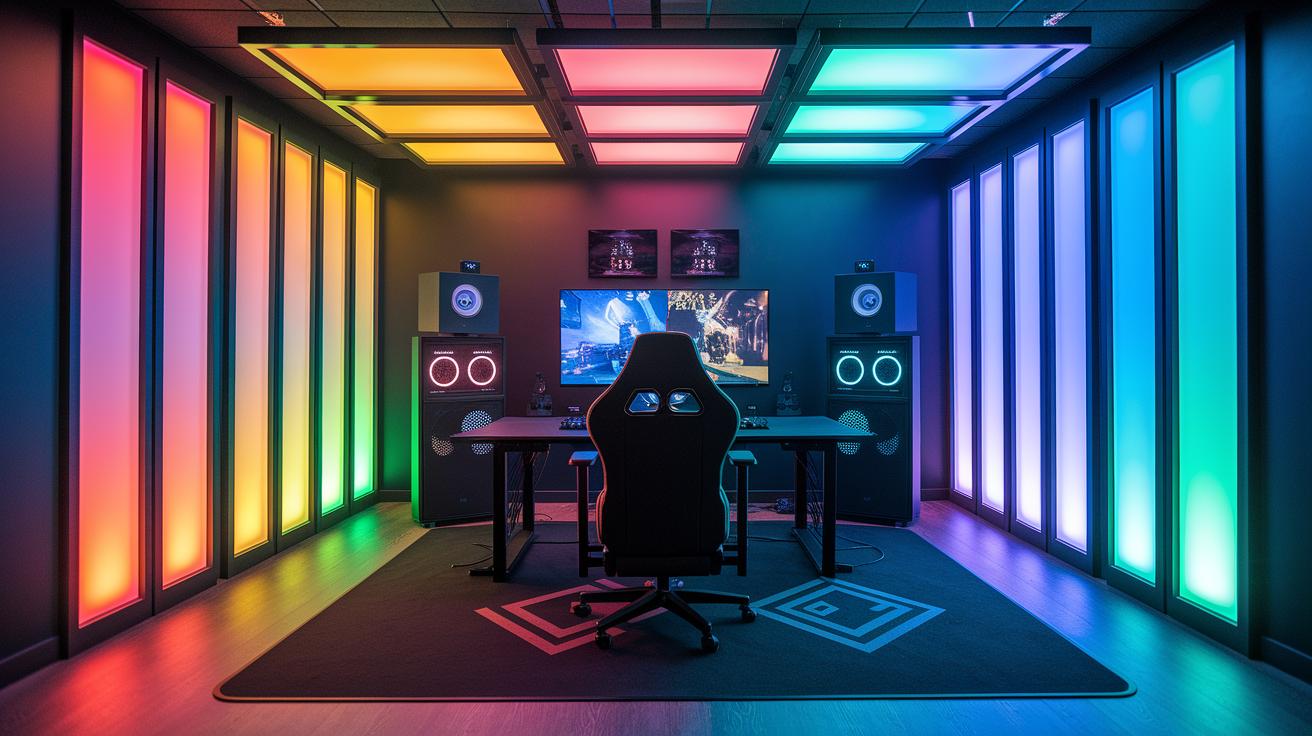
RGB gaming gear is no longer just about simple lights. It now plays a key role in boosting your game experience. Manufacturers are adding panels that change with the game action and ambient sounds. Engineers are designing ceiling panels that light up your play area. Some new designs even include glowing gaming seats that bring a futuristic look and feel to your setup.
New tech brings smart lighting that adapts in real time. You can use voice commands to change your lights easily. Modular LED strips adjust with every move, syncing with your game. These updates not only boost your visuals but also help you stay focused while you play.
- Interactive polygon panels change color when game events happen.
- Voice commands let you control the lighting with ease.
- Ceiling panels light up the entire play area.
- Modular LED strips adjust their glow to match your game moves.
Comparing Top RGB Gaming Accessories: Specifications and Pricing
RGB gaming accessories can turn your setup into a lively command center while boosting your game. This comparison shows top-rated RGB gadgets that blend style and function. We cover premium accessories that offer clear visuals and steady performance, making it easy to decide between high-end and budget picks.
| Product | Key Specs | Price | Best For |
|---|---|---|---|
| Logitech G915 X | GL mechanical switches, LIGHTSYNC RGB, low-profile design | $249 | High-performance gaming keyboards |
| Logitech G305 | LIGHTSPEED wireless, 250 hours battery, precise tracking | $59 | Wireless mouse performance |
| VIPER RIGID SURFACE RGB Mouse Pad | Textured surface, durable, smooth tracking | $39 | Enhanced precision and visual appeal |
| VIPER VXD M.2 PCIe RGB SSD Enclosure | High-speed storage, customizable RGB lighting | $89 | Storage with a visual twist |
| Govee Hexagon Light Pack | Customizable hexagon panels, dynamic lighting scenes | $129 | Accent illumination and ambiance |
This list includes many options to meet different needs. You can choose a precise mouse pad, a quick-reacting keyboard, or attractive light panels. They work for various budgets and styles.
If you are on a tighter budget, the Logitech G305 and VIPER RIGID SURFACE RGB Mouse Pad are great choices. But if you want top performance, the Logitech G915 X stands out. And for those who want a setup that looks amazing along with extra storage flair, the VIPER VXD M.2 PCIe RGB SSD enclosure and Govee Hexagon Light Pack offer both style and capability.
Final Words
In the action, we broke down essential elements for upgrading your gaming setup. We covered everything from gear selection and detailed product comparisons to step-by-step setup advice and a look at future trends.
Using these rgb gaming accessories will boost your gaming station's style and focus. Clear pros, cons, and real-world insights make it easier to choose gear that fits your play style and budget. Enjoy upgrading to a setup that truly lights up your game!
FAQ
What are RGB gaming accessories available on Amazon?
The Amazon selection of RGB gaming accessories offers gear like keyboards, mice, and LED lighting kits. These products blend style with performance to upgrade your gaming setup effectively.
What RGB gaming accessories are compatible with PS4?
The RGB gaming accessories that work with PS4 include lighting kits and other add-ons designed for console compatibility. They help enhance visual appeal while keeping your gaming experience immersive.
What are the best RGB gaming accessories?
The best RGB gaming accessories combine top-notch performance with striking visuals. Popular picks include the Logitech G915 X keyboard and hexagon LED panels that provide vibrant, customizable lighting effects.
What gaming lights are suitable for wall installation?
Wall gaming lights, like interactive LED or hexagon panels, are ideal for adding immersive illumination to your room. They sync with game events to create a dynamic and engaging visual experience.
Which RGB light is best for a gaming room?
The ideal RGB light for a gaming room features customizable colors and app control. Such lighting enhances both the atmosphere and focus, offering smooth transitions and integration with in-game events.
What gaming lights work well for desks?
Desk gaming lights, including LED strips and accent lights, are designed for easy customization and brightness control. They help improve visibility and contribute to a more immersive gaming environment.
What are gaming lights for Wall Hexagon?
Gaming lights for Wall Hexagon are hexagon-shaped LED panels intended for wall mounting. They sync with gaming signals to display vibrant, coordinated colors, adding an artistic flair to your gaming space.