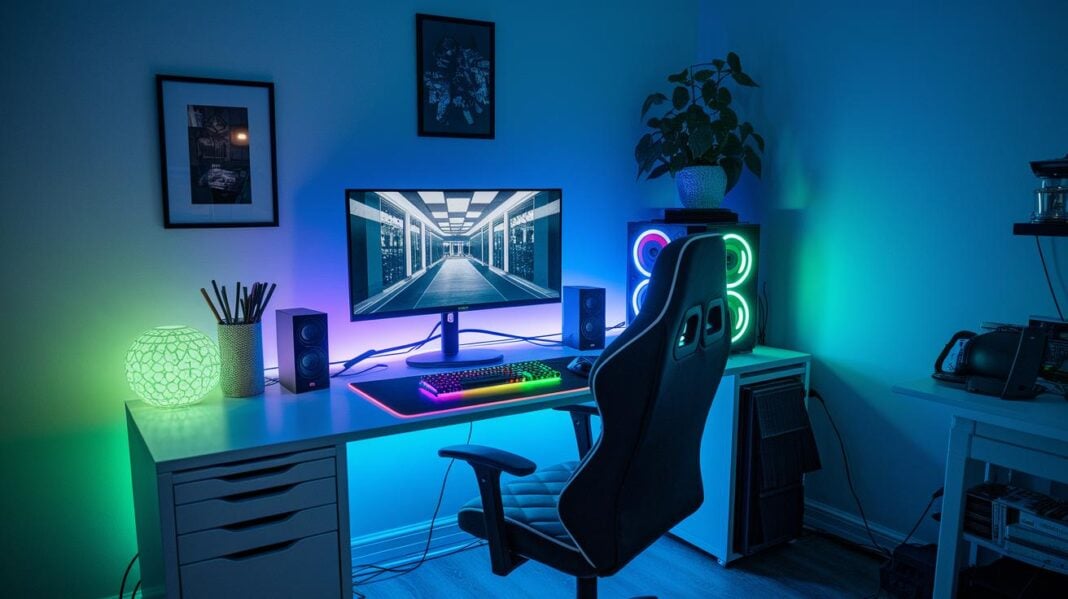
Tangled wires messing with your gaming flow? Messy cables can break your focus and trap heat around your gear. A smart cable setup can turn your gaming station into a sleek, cool battlestation.
Start by grouping your devices, bundling cords together, and running wires along clear paths. This simple approach cuts clutter and improves airflow to keep your equipment cool.
Our guide walks you through easy steps to organize your cables and boost your gaming experience.
Essential Steps to Organize and Hide Cables in Gaming Setups
Begin by making a simple list of every device in your gaming setup. Note your gaming PC, console, monitor, sound system, camera, and microphone. Write down each cable's type and length. This list helps you figure out where each cable should go. For example, measure each cord so you know how much slack you need. This step reduces clutter and helps your PC stay cool.
Next, bundle and secure your cables. Use cable sleeves to wrap several wires together. These sleeves tidy up your setup and protect cables from rubbing. You can also use hook-and-loop ties (like Velcro) to hold any extra length. This gives your workspace a neat, professional look.
After bundling, run the cables along clear paths. Use adhesive clips, channels, or raceways to attach cords along your desk edges or wall corners. Mount power strips on the wall or under the desk to lower floor clutter and avoid hazards. Installing a desk grommet lets wires pass through the desk without tangling around your monitor, keyboard, or mouse. A well-planned route not only looks better but also allows better airflow, keeping your devices cool.
Then, label each cable. Use pre-made tags or masking tape with clear markings to show which cable goes to which device. For example, label an HDMI cable as "Monitor." This simple step makes it easy to reconnect cables when needed.
Finally, maintain your setup. Check your cable arrangement every few months and re-tie any loose ones. Make sure labels are still clear. Regular upkeep keeps your gaming station both efficient and visually appealing.
Assessing Your Gaming Setup: Cable Inventory and Planning
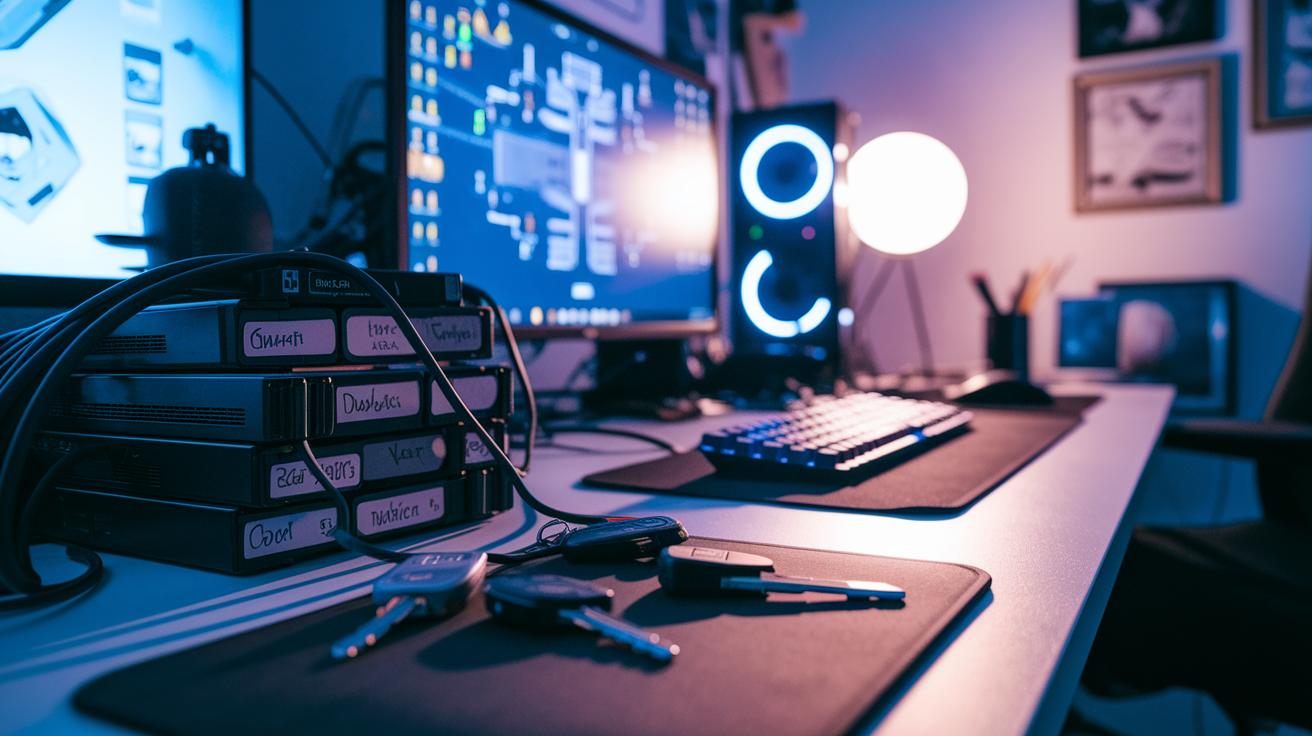
Begin by listing all your gaming devices: your gaming PC, consoles, monitors, sound systems, cameras, and microphones. Write down every cable type and its length. For example, note if you have a long HDMI cable for your monitor or a short USB cable for your webcam. One friend even spent 15 minutes untangling wires just to plug in his headset!
Next, draw a simple diagram of your room. Mark where each device sits, along with power outlets and connection points. This visual guide helps you find the best cable routes and keeps wires out of the way. It also stops cables from blocking ventilation for your devices.
Then, decide where to place cable clips or adhesive channels. Look for spots where extra cable length might be handy if you add devices later. Planning your cable paths now makes custom wire routing both practical and neat.
Review your list and diagram before you plug in any cables. This simple plan will make your cable management process smooth and keep your setup tidy.
Top Tools and Materials for Gaming Cable Management
Start by using cable sleeves to bundle your cords. These sleeves tidy up your setup and protect cables from rubbing and wear. For instance, wrapping a mix of HDMI and USB cables in a sleeve turns a messy tangle into one neat strip.
Another handy tool is adjustable hook-and-loop ties. These reusable Velcro ties secure extra cable length without cutting or harming your wires. Try them on loose cords, they work just like the ties used on sports gear and help keep your gaming setup organized without any permanent changes.
If traditional zip ties don't suit your style, consider silicone straps or binder clip systems. Binder clips hold cables gently yet firmly and are perfect for wires that you adjust often or that need extra care.
Labeling each cable using masking tape or pre-made tags is also a smart move. This small step makes it easy to tell which cable belongs to which device. For example, label your Ethernet cable as "Router" so you can quickly spot it among other cords.
Using desk tie solutions and protective sleeve systems can give your gaming area a sleek, professional look. These tools not only boost the aesthetics of your space but also help your cables perform safely and efficiently.
Internal PC Cable Routing Techniques for Optimized Performance
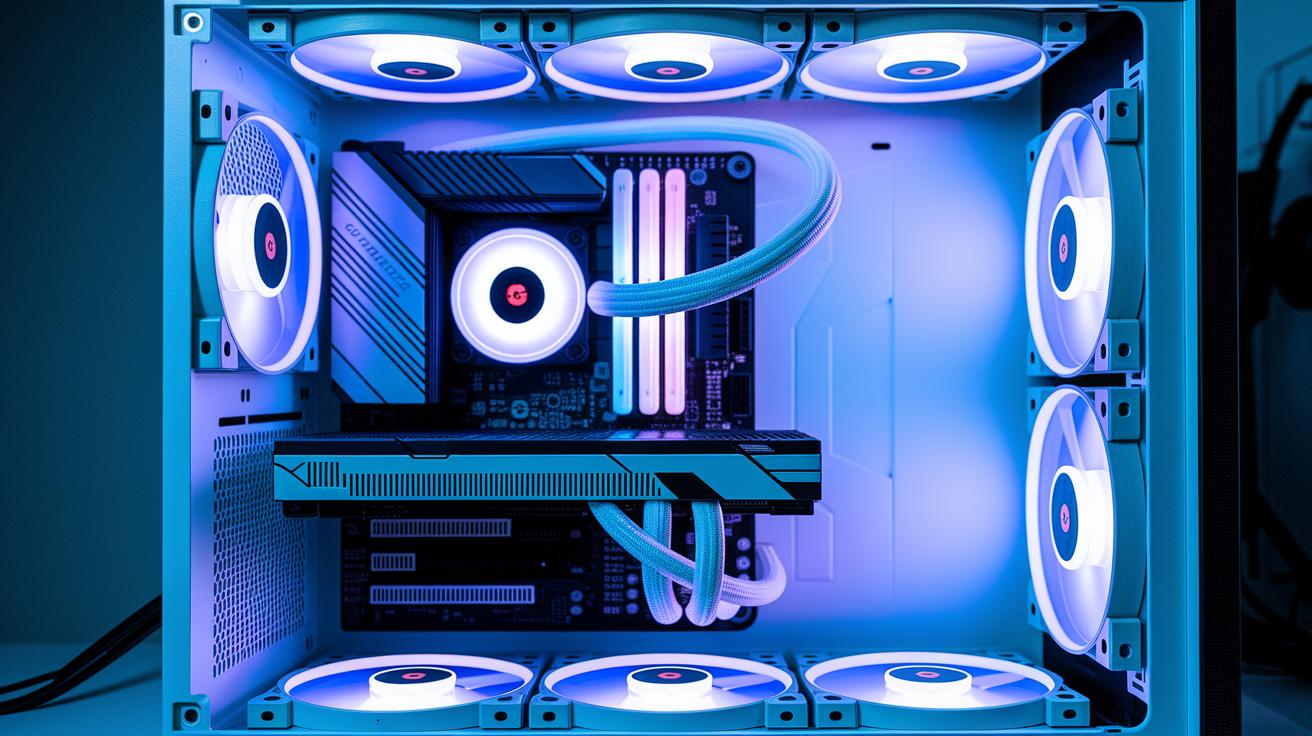
Keeping your gaming PC cool starts with good cable management. Inside the case, gather cables from the power supply, graphics card, and fans, and route them behind the motherboard tray using the built-in channels. This hides messy wires and lets air flow freely, which helps keep temperatures low during long gaming sessions.
First, locate the PSU output cables and connect each one to its matching component. Use cable combs or simple ties to keep the wires straight along the case edges. For example, a bundle of 6-inch cables arranged neatly looks better and blocks less air. Adding slack loops near cable clips also makes it easier to upgrade parts in the future.
Next, run your GPU and fan cables behind the motherboard tray so they don't block air from the coolers. Secure each bundle with adjustable hook-and-loop ties so the cables stay tidy but aren’t pinched. This neat setup not only prevents friction and damage but also helps keep your power wiring efficient.
Finally, check your cable layout during any component changes. Adjust the ties and slack loops if needed to maintain an organized, ergonomic setup. A well-planned internal arrangement improves cooling performance and makes it easier to work inside the case when you upgrade or troubleshoot your system.
External Desk Cable Control: Concealing and Routing Wires
Earlier, we explored mounting power strips and using adhesive clips for cable management. Now, a smart next step is to install under-desk cable trays or conduit systems. These low-profile channels hide many wires at once and clear up your workspace.
You can also use concealed wire channels along the desk’s edge. For example, behind-desk channels help bundle similar cords together, while desk grommets provide a tidy route for connectors. I tried this method, and routing cables under the desk truly made my area look cleaner.
Creative DIY Hacks and Aesthetic Enhancements for Gaming Cable Management
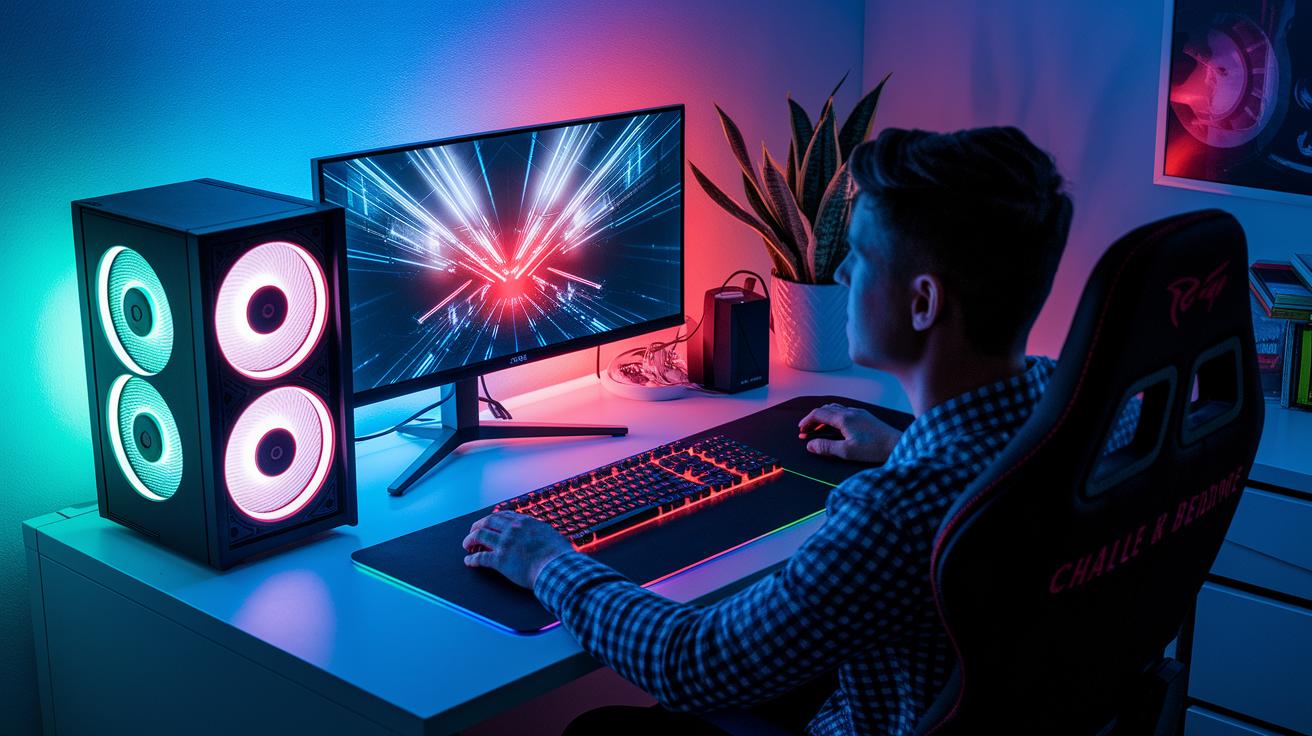
Light up your desk by placing LED light strips behind it and guiding the wires through printed channel mounts. Did you know that hidden LED lights can turn a simple desk into a cool gaming zone? They add a bright glow while hiding unsightly cables.
Boost your gaming setup's style with colored heat-shrink tubing or custom braided sleeves. If your desk sports red and black accents, wrap each cord in red tubing. This small change turns messy wires into a stylish feature that matches your look.
Try 3D-printing custom cable holders to clip wires along monitor stands or behind speakers for a neat setup. Magnetic cord holders on your desktop offer a smart way to quickly rearrange or add devices without redoing everything.
DIY wire organization is a budget-friendly project that keeps cables hidden and tidy. With these creative ideas and color-coded setups, you can easily build a gaming station that looks great and works flawlessly.
Maintenance and Troubleshooting for Long-Term Cable Order
Take care of your gaming cable setup by doing a maintenance check every 2-3 months. During this check, examine each cable for signs of wear like fraying or damaged insulation. If you find loose connectors or worn insulation, just like a half-plugged charger on your phone, fix the issue or replace the part right away. For instance, if the cable’s plastic cover starts peeling, secure it tightly or swap it out to keep your connection strong.
Also, update your cable labels often so you know which cable connects to which device. This simple step helps you avoid repeating checks and keeps your setup running smoothly.
When you do your check, remember to:
- Look for insulation damage and ensure connectors are secure.
- Recheck cable slack after adding or moving devices.
- Tighten bundling ties to keep your gaming station organized.
Cable Management for Gaming Setups: Product Recommendations
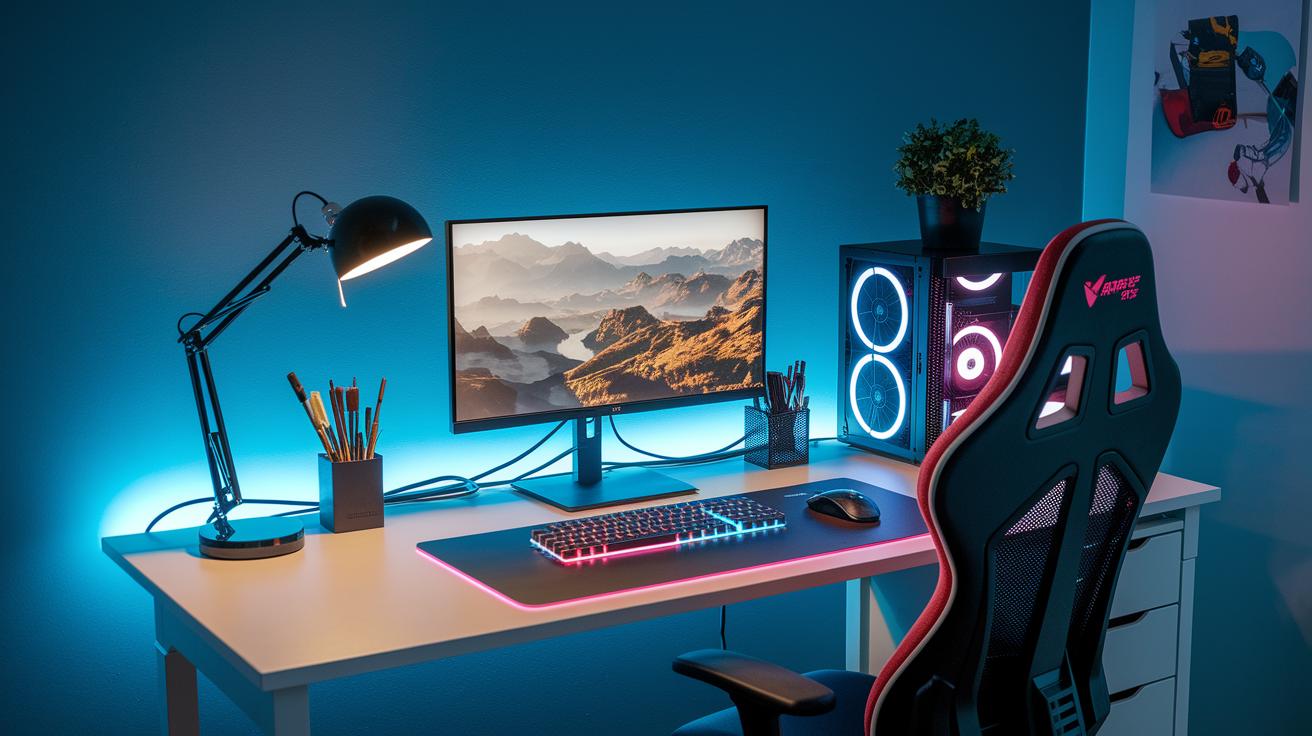
Gamers can tidy up their cables with accessories that mix smart design and style. Try a cable kit that comes with modular sleeves, Velcro ties, and pre-cut labels along with adhesive raceways and magnetic clips. This combo hides wires neatly while giving your setup a polished look.
Under-desk trays are a simple yet effective way to keep power strips and extra cables hidden. For those watching their budget, multi-pack Velcro ties work great, while premium braided sleeve kits offer a more advanced, professional finish.
| Option | Features | Price Range |
|---|---|---|
| Under-Desk Tray | Hides power strips and extra cables | $20 – $50 |
| Budget Velcro Ties | Bundles cables at a low cost | $5 – $15 |
| Premium Braided Sleeve Kits | Provides a sleek, professional look | $30 – $70 |
| Stylish Cable Kits | Merges modular sleeves, adhesive raceways, and magnetic clips | $40 – $90 |
- Use under-desk trays to tuck away cables.
- Pick stylish cable kits for a modern appearance.
- Choose budget-friendly Velcro ties or premium braided sleeve kits based on your needs.
These ideas blend practical cable organization with eye-catching design to help gamers create a clean and attractive setup.
Final Words
In the action, we broke down how to organize and conceal cables in gaming setups. We covered assessing your current setup, selecting essential tools, routing wires inside and outside the PC, and even some creative DIY hacks. Regular maintenance and troubleshooting were also highlighted to keep your setup neat over time.
These steps help boost performance and improve your desk's look. Embracing proper cable management for gaming setups makes your space both practical and appealing. Enjoy a clutter-free gaming experience!
FAQ
What are some effective cable management solutions for gaming setups as seen on Reddit and DIY guides?
Effective gaming cable management involves organizing and bundling cables with sleeves, ties, and raceways. It starts with planning your routes and using DIY methods for a neat, airflow-friendly setup.
How does wireless cable management work for gaming setups?
Wireless cable management minimizes visible wires by incorporating wireless charging options or adapters. This method reduces clutter while still maintaining essential connectivity for gaming devices.
What is a PC Cable Management Kit and how does it help a gaming setup?
A PC Cable Management Kit is a collection of sleeves, ties, and clips for organizing cables. It streamlines wiring inside your PC and throughout your setup, improving overall airflow and aesthetics.
How can desk cable management and cable trays improve my gaming setup?
Desk cable management and trays hide messy wiring and reduce clutter by neatly routing cables along or under your desk. This enhances safety, eases maintenance, and upgrades the overall look of your gaming station.