Tired of spending too much on new desktops? Refurbished computers let you save up to 70% while still delivering great performance. Each one is carefully renewed, tested, and comes with a one-year warranty plus free shipping. They pack the power you need for work and play without emptying your wallet. Our top 5 picks prove that reliability and affordability can go hand in hand. Read on to see how these renewed PCs can meet your needs without breaking the bank.
Affordable and Trustworthy Refurbished Desktop Computers
Refurbished desktop computers help you save money without giving up performance. You can often pay up to 70% less than retail while still getting a machine that handles professional tasks with ease.
These desktops are carefully renewed. Each one is thoroughly cleaned, inspected, and tested to ensure it works like new. They come with a one-year warranty, free shipping, and friendly phone support so you can buy with confidence.
Here are a few things to consider when shopping:
| What to Check | Why It Matters |
|---|---|
| Price vs. Specs | Ensures a good balance between cost and performance |
| Warranty Length | At least one-year coverage helps protect your investment |
| Seller Reputation | Reliable support and service are key |
| Return Policy | A hassle-free return policy keeps you covered |
Overall, these renewed desktops offer excellent value. You get a dependable, business-grade PC that meets your daily needs while keeping your budget intact. Whether for routine work or more intensive business tasks, you can count on these refurbished systems to deliver reliable performance and great savings.
Top Models of Renewed Desktop Systems
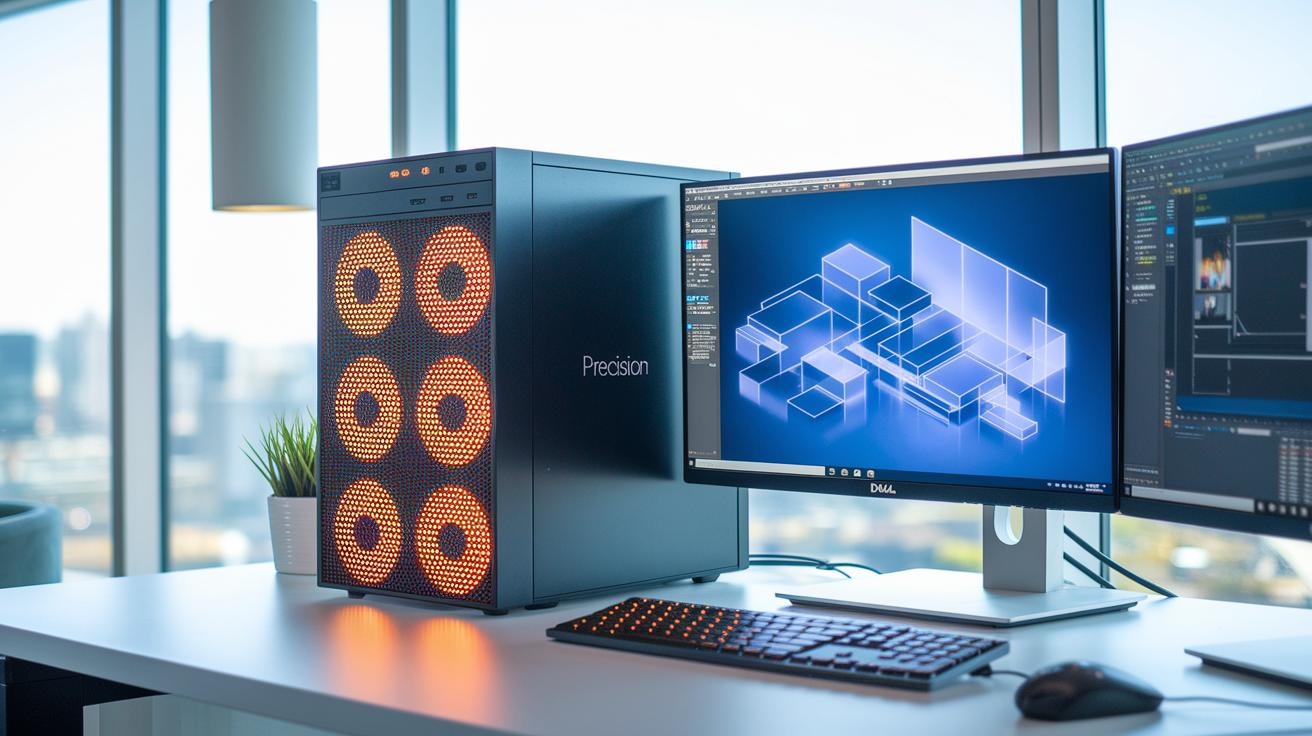
We picked these refurbished desktops for their strong performance, proven reliability, and good price. They feel almost new and come with certified components, making them ideal for both work and personal tasks.
The Dell Precision 3660 has an Intel Core i9 processor, 64 GB RAM, 6 TB storage, and an NVIDIA RTX A5000 graphics card. It is perfect for professionals who need serious power and lots of storage. Its premium price reflects its high-end specifications.
The Dell Precision 5820 comes with a 10-Core i9-10940X, 64 GB RAM, an SSD, and an NVIDIA RTX A4000. Running on Windows 11 Pro, it is built for users handling heavy applications who want a blend of speed and reliability at a competitive price.
The Alienware Aurora R15 features an AMD Ryzen 9 processor and offers a choice between an RTX 4080 or RTX 4070. This model fits gamers and creative users well, thanks to its excellent graphics and smooth performance. It is priced higher but delivers standout capabilities.
The Dell OptiPlex 7020 Micro uses a Core i5-14500T with 16 GB RAM and a 512 GB SSD. Designed for office tasks and everyday use, its compact form and attractive price make it a smart, cost-effective option.
Choosing the right refurbished system comes down to your workload and budget. Consider your performance needs, graphics tasks, and space constraints to find the best value option.
Performance Comparison of Reconditioned Desktop Computers
Below is a side-by-side look at our top five reconditioned desktop computers. They mix strong processors, modern graphics, and flexible storage options to meet different needs.
| Model | CPU | RAM | GPU | Storage | OS |
|---|---|---|---|---|---|
| Dell Precision 5820 | i9-10940X | 64 GB | RTX A4000 16 GB | SSD + HDD | Win 11 Pro |
| HP Z4 G4 | i9-10980XE | 64 GB | RTX 4000 | SSD | Win 11 Pro |
| Lenovo P520 | Xeon | 32 GB | M4000 8 GB | HDD + SSD | Win 11 Pro |
| Alienware Aurora R15 | Ryzen 9 | 16–32 GB | RTX 4080/4070 | SSD | Win 11 |
| OptiPlex 5000 SFF | i7-12700 | 16 GB | Integrated | SSD | Win 11 Pro |
Each computer brings a unique mix of power and features. The Dell Precision 5820 uses a 10-core Intel processor and a high-end RTX A4000. This makes it a good pick for heavy multimedia editing and running many tasks at once.
The HP Z4 G4 uses a very strong i9 processor paired with the RTX 4000. Its SSD-only setup means it boots up quickly, which is great for design work and tough application workloads.
For reliable business use, the Lenovo P520 comes with a Xeon processor and a mix of HDD and SSD storage. This combo works well for data-heavy tasks.
If top-notch graphics are a must, the Alienware Aurora R15 offers a choice between the RTX 4080 and RTX 4070. It is a solid option for gaming or creative projects, with memory options from 16 to 32 GB.
Lastly, the OptiPlex 5000 SFF delivers steady performance for everyday office work. It packs a modern i7 processor and fast SSD storage, making it a practical and efficient desktop even with integrated graphics.
Each option means a different mix of raw power, advanced graphics, and storage space. Think about your everyday work and budget to choose the reconditioned desktop that fits you best.
How Refurbished Desktop Computers Are Restored to Like-New Condition

When a refurbished desktop arrives, it gets a thorough outside cleaning. A technician wipes off dust and grime before running a quick diagnostic. This check catches any visible damage. For example, the technician might note a few minor scuffs but no dents. This step makes sure the device starts on a solid foundation.
Next, the desktop goes through bench testing. Technicians test key parts like RAM, CPU, storage, and GPU. If any part fails these tests, it is replaced right away. This careful testing helps avoid future problems and is a key part of our renewed PC process.
Then, the computer gets a fresh installation of Windows 10 or Windows 11 along with updated drivers. This fresh OS installation means everything runs cleanly and in sync. Each driver is loaded carefully so that all components work together smoothly.
Finally, the desktop undergoes stress tests and burn-in routines. Technicians check for overheating and make sure the system runs well under load. A final cosmetic check confirms that the computer looks as good as it performs before it is packed for shipping. This complete process guarantees that the refurbished desktop meets like-new quality and delivers reliable, professional-grade performance.
Warranty and Support for Certified Pre-Owned Desktop Computers
Certified pre-owned desktop computers come with a one-year limited warranty that covers hardware defects and key parts. This warranty protects you from issues found during normal use and even includes free shipping for replacement parts. You also get live phone support to answer questions and help with troubleshooting, so your renewed system stays reliable for important tasks.
If you need extra protection, you can add an extended service plan. These plans can boost your coverage from one year up to three years while keeping costs competitive. This gives you extra peace of mind when using your desktop for critical work.
Most refurbished desktops offer a clear 30-day return window. This means you can easily exchange or refund your product if any problems arise. With straightforward live phone assistance and prompt online responses, support is always ready to help, keeping your work running smoothly.
Expert Buying Guide for Refurbished Desktop Computers
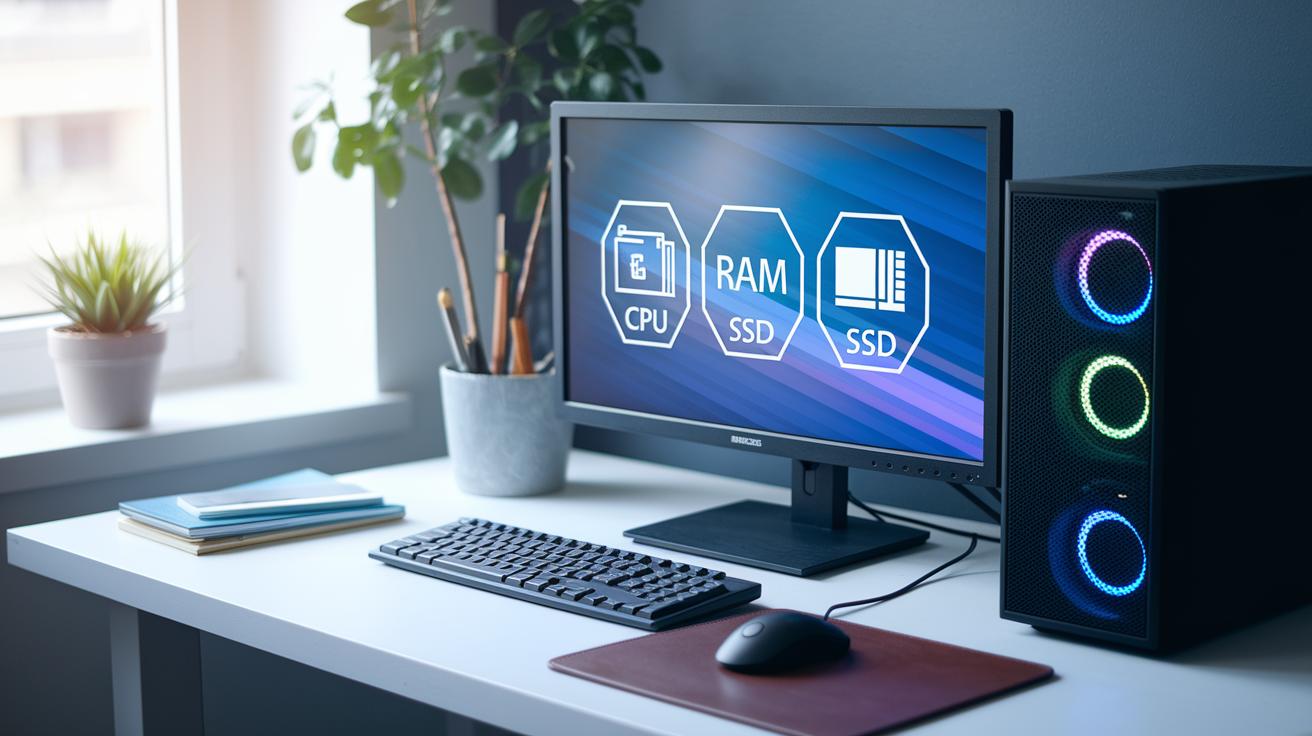
When you shop for a refurbished desktop computer, it is key to match the system specs with your daily tasks. Choose models with a recent CPU (the main chip that drives performance) that can handle multiple tasks at once. At least 16 GB RAM helps keep things running smoothly even when you have many programs open. Look for a desktop with an SSD (a fast type of storage) instead of a traditional HDD to enjoy quicker boot times and faster app launches. This is especially important if you use design software or handle large data files.
Next, think about the price and overall value. Refurbished desktops usually cost between $300 and $2,000. A budget model might work well for basic office tasks. But if you need extra power, a higher-end system could be a better fit. Remember to include extra costs like upgrades, energy use, or maintenance in your budget.
It is also important to check the seller's trustworthiness. Look at seller ratings and read third-party reviews. Make sure the computer you buy has a clear return policy, like a 30-day window, and that it comes with a warranty (often for one year). Doing a quick online search for reviews can help you decide if the seller is reliable.
Lastly, look into financing options and plan ahead for upgrades. Some sellers offer payment plans that make the purchase easier on your budget. Also, check if the desktop lets you add more memory or storage later on so your system can grow with your needs.
Apple Certified Computers
Apple’s updated Mac mini and iMac offer the full macOS experience along with trusted AppleCare support. They feature a sleek design and consistent performance that works well for creative projects and everyday tasks. Plus, they sync perfectly with other Apple devices, ensuring a smooth and connected experience across your setup.
Maintenance Tips for Long-Lasting Refurbished Desktop Computers

Keep your desktop clean. Every six months, dust off the case and clear the dust filters. This simple step stops overheating and helps the system stay cool, much like cleaning an air vent to keep airflow smooth.
Update your software regularly. Install operating system and driver updates each month. Run antivirus programs and system scans to guard against threats. Think of these updates as routine check-ups that keep your desktop’s software healthy and secure.
Check your hardware often. Use built-in tools to monitor disk health and system utilities to read temperatures. These checks catch problems early and help your desktop run at its best when you need it most.
Safeguard your data with regular backups. Set a schedule to back up files to cloud storage or an external drive. This habit keeps your important data safe and minimizes downtime if hardware issues arise.
Final Words
In the action, we walked through the advantages of affordable and reliable systems, from cost savings and warranty coverage to standout models and performance benchmarks. We touched on the precise refurbishment process and upkeep tips.
Each section helped paint a clear picture of practical trade-offs and value.
This guide shows how refurbished desktop computers deliver like-new performance at a fraction of the price. Enjoy the benefits of tech that meets your needs and budget with confidence.
FAQ
Frequently Asked Questions
Q: What operating systems come with refurbished desktop computers, including Dell models?
A: Refurbished desktops offer both Windows 11 and Windows 10. Many, including some Dell models, come updated with modern security and performance features for everyday tasks.
Q: Are all-in-one refurbished desktop computers available?
A: All-in-one refurbished desktops combine the display and computer in a single unit, delivering a space-saving solution with quality performance at an affordable price.
Q: Where can I buy refurbished desktop computers?
A: The best sources include reputable online retailers and certified refurbishers that offer warranties, quality checks, and reliable customer support for peace of mind.
Q: How do I find refurbished desktop computers near me?
A: Local electronics stores and certified refurbishers often carry refurbished desktops, allowing you to inspect the unit in person while enjoying local service and support.
Q: Do any refurbished desktop computers come bundled with monitors?
A: Some refurbished desktops are sold in bundles with monitors, offering a complete, ready-to-use setup that adds value and convenience for users.
Q: Are affordable refurbished desktop computers with Windows 11 available?
A: Yes, there are budget-friendly refurbished desktops with Windows 11 that deliver modern features and like-new quality at a fraction of the original cost.
Q: What is the best refurbished desktop to buy?
A: The best refurbished desktop varies by needs and budget. Look for models with strong specs, good warranty, and positive seller ratings to ensure reliable performance for your workload.
Q: Is it safe to buy a refurbished desktop?
A: Buying a refurbished desktop is safe when you choose reputable sellers who rigorously test each unit and offer warranties and support for a reliable, like-new experience.
Q: What are the advantages of buying a PC from Costco?
A: Costco offers competitive pricing, robust warranty coverage, and solid return policies, ensuring you receive a verified, quality PC backed by trusted customer service.
Q: What is the best desktop computer to buy right now?
A: The best desktop computer depends on your priorities. Refurbished models often provide excellent value and performance, especially when selected based on strong specs, reviews, and warranty coverage.