When it comes to choosing the right computer, your needs make all the difference. Desktop computers pack extra power and offer many upgrade options, while laptops provide a compact design built for life on the move. Think of it as comparing a solid workstation that stays at home with a travel-friendly partner you can take anywhere.
In this review, we compare performance, value, and ease of use to help you decide which option matches your lifestyle. Whether you need serious power or the freedom of mobility, knowing these trade-offs will guide you to the right choice.
Desktop vs Laptop: Unified Comparison of Features
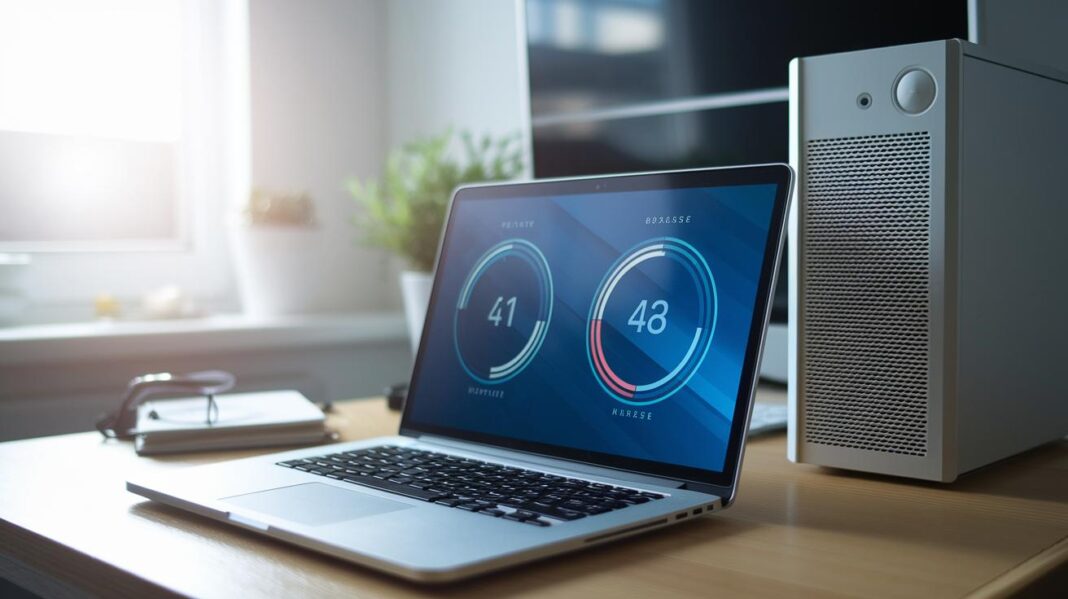
Laptops pack all the essential parts, display, keyboard, touchpad, speakers, and a battery that lasts between 4 and 12 hours, into one slim unit. This design makes them lightweight and easy to carry, which is perfect for busy settings like a coffee shop. They usually offer less processing power, but their portability and ready-to-go setup make them a great choice if you work on the move.
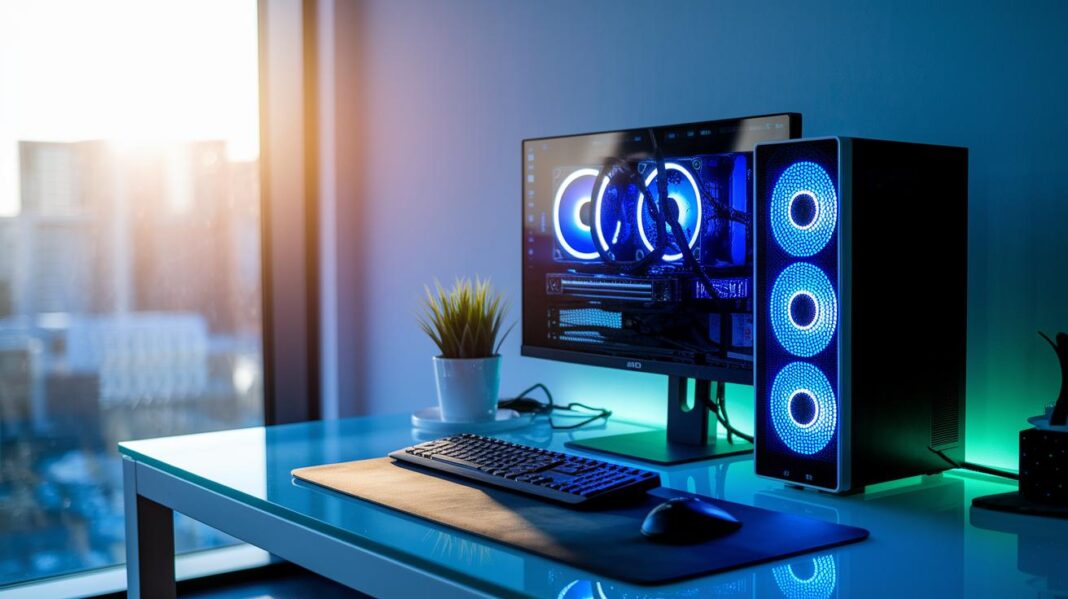
Desktops, meanwhile, are built from separate parts such as a tower, monitor, keyboard, and mouse. This means more cables and the need for a dedicated space, but it also lets you use high-performance components that manage energy better under heavy tasks. Picture a well-organized gaming setup where every component is carefully chosen and arranged for maximum performance, even if it uses more power.
When it comes to upgrades and cost efficiency, desktops have the edge. You can swap out crucial parts like the CPU, GPU, RAM, storage, and cooling systems to boost performance over time. Laptops, on the other hand, often limit you to adding more RAM or storage since most parts are built-in. This makes desktops more adaptable for future upgrades and a better choice if you want to get the most value and power from your system.
Desktop vs Laptop Performance Analysis
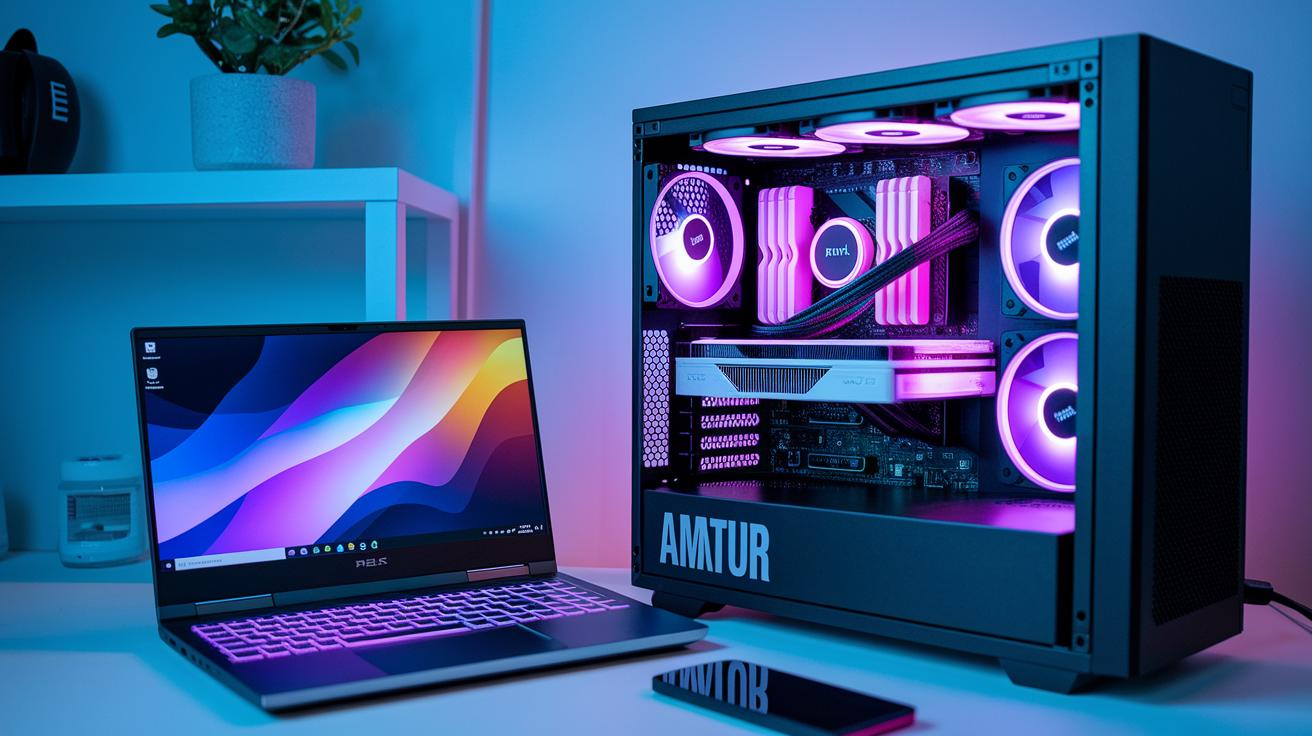
During a three-week test, we compared a custom desktop built with an NVIDIA RTX 4070 Ti to a Dell XPS 15 featuring an M3 chip. The desktop outperformed the laptop in both CPU and GPU tests. Its design uses larger fans and better airflow to keep the clock speeds high even when the workload is heavy. We saw that the desktop managed long gaming sessions and rendering tasks without slowing down due to heat. In short, desktops have enough space for strong cooling, which helps them stay fast even under stress.
Laptops, like the Dell XPS 15, face more challenges because of their compact design. Their built-in cooling systems work well for everyday tasks but struggle during intense use. This can cause the fans to get loud, almost like a plane getting ready for takeoff. With tighter limits on cooling, the CPUs and GPUs in laptops tend to drop in performance over long periods of heavy use. While laptops handle daily tasks and short bursts of intense activity well, they typically fall behind desktops when it comes to sustained high performance. For gamers and content creators who need consistent top speeds, the desktop's superior cooling and steady performance give it a clear advantage.
| Metric | Desktop | Laptop |
|---|---|---|
| CPU Benchmark Score | Higher | Lower |
| GPU Benchmark Score | Higher | Lower |
| Thermal Throttling | Minimal | Common |
| Noise Level | Near Silent | Noticeable |
Desktop vs Laptop: Portability and Ergonomic Tradeoffs
Laptops are light, weighing between 2 and 5 pounds, and pack all the important parts inside one unit. They run on a single charge for 4 to 12 hours, making them great for work on the go.
Desktops, however, need separate monitors, keyboards, and mice. This extra setup lets you arrange your workspace the way you like. You can even add adjustable monitor stands or split keyboards for long hours of use.
While laptops use built-in Wi-Fi and come with just a few ports, desktops offer more options. They provide Ethernet connections, multiple USB ports, and various display outputs for a steady, professional setup.
Desktop vs Laptop Cost and Upgrade Path Comparison
Desktops usually offer better performance for your money. A full desktop setup with a tower, monitor, and peripherals tends to cost less than a similar laptop. The smaller design of laptops drives up material and assembly costs. For example, a desktop with similar CPU and GPU speeds might be 20% to 30% less expensive than a laptop.
Desktops also provide more options to upgrade. You can replace the CPU, GPU, RAM, storage, and even the cooling system as needed. In contrast, laptops usually only let you upgrade RAM or storage because many parts are fixed.
Over time, desktops often give a better return on investment. Their modular design makes it easier to update specific parts without replacing the whole system, while laptops sacrifice upgrade flexibility for portability.
Desktop vs Laptop: Tailored Use-Case Recommendations
When choosing between a desktop and a laptop, it comes down to what you need the device for. Your best choice depends on how much performance you need, how often you plan to move the device, and whether you want to upgrade parts over time. Both types have their own set of benefits for everyday tasks.
For gamers, a desktop is often the way to go. Desktops can hold larger graphics cards and better cooling systems. This means they can handle high frame rates and complex graphics without slowing down. Picture playing your favorite game on a setup that stays cool and quiet even during long gaming sessions, free of distracting fan noise.
Content creators and professionals working on video editing or 3D rendering also benefit from a desktop. A custom-built desktop lets you swap out key parts like the processor or graphics card when your projects demand more power. It’s a system that grows with your needs and stays ready for any creative challenge.
Students and everyday office users may find a laptop more appealing. Laptops combine a display, keyboard, and battery in one compact package. This makes them easy to set up anywhere while keeping your workspace neat and simple. Imagine studying in a quiet library with a lightweight laptop that doesn’t require extra peripherals.
For travelers and remote workers, a lightweight laptop with long battery life is ideal. These devices are easy to carry and stay powered up during quick work sessions, whether you’re in a coffee shop or on a train. They are built to be ready whenever you need them.
- Gamers: Desktop delivers top graphics and reliable cooling.
- Creators & Professionals: Upgradeable desktops keep up with demanding tasks.
- Students & Everyday Users: Laptops offer convenience with built-in components.
- Travelers & Remote Workers: Laptops provide long battery life and great mobility.
Final Words
In the action, we explored how form factor, performance, ergonomics, and cost play a role in choosing tech. We looked at sleek portability versus solid power and upgrade paths. Each option has clear pros and cons that connect to real-world needs. The side-by-side view helped highlight key differences between desktops and laptops, making the desktop vs laptop debate easier to understand. All in all, this guide helps you pick the right tool for your work and play with confidence and a positive outlook.
FAQ
Desktop vs laptop reddit
The discussions on Reddit about desktop vs laptop highlight varied opinions based on user experience, where some praise desktops for performance and upgradeability while others favor laptops for portability and ease of use.
Desktop vs laptop price
The desktop vs laptop price debate shows that laptops often carry a higher premium due to integrated components and portability, while desktops generally offer more performance per dollar and expandability options.
Laptop vs desktop advantages and disadvantages
The laptop vs desktop advantages and disadvantages comparison reveals that laptops bring portability and simplicity, whereas desktops excel in power, upgrade options, and overall value for users who need high performance.
Desktop vs laptop for work
The comparison of desktop vs laptop for work indicates desktops provide robust performance and customization for office setups, while laptops offer mobility and all-in-one convenience for remote or flexible working environments.
Laptop or desktop which is best for students
The question of laptop or desktop for students suggests that laptops are ideal for academic use since they offer portability, quick setup, and integrated features that suit a mobile lifestyle and classroom needs.
Desktop vs laptop gaming
The desktop vs laptop gaming discussion shows that desktops typically deliver higher graphics performance and better cooling, making them preferable for intense gaming, while gaming laptops provide portable play with some performance trade-offs.
Desktop vs laptop performance
The desktop vs laptop performance analysis points out that desktops usually offer higher sustained performance due to superior cooling systems and power draw, whereas laptops may experience thermal limits during extended heavy use.
Desktop vs laptop Mac
The desktop vs laptop Mac comparison illustrates that desktop Macs often allow for more flexibility and power upgrades, while MacBooks deliver a compact, integrated design suited to users who value portability and simplicity.
Is it better to have a laptop or desktop?
The choice between a laptop and a desktop depends on your individual needs; laptops offer mobility and ease of transport, whereas desktops provide higher performance, easier upgrades, and better cost efficiency for power users.
Are desktops being phased out?
The idea that desktops are being phased out is not accurate; desktops remain popular for tasks that require high performance, customization, and reliability, especially in environments where mobility is not a priority.
Can a laptop do everything a desktop can do?
The question of whether a laptop can do everything a desktop can do shows that while laptops handle most tasks effectively, they often fall short in upgrade flexibility and sustained heavy performance compared to desktops.
What are the disadvantages of a desktop computer?
The disadvantages of a desktop computer include a lack of mobility and the need for additional peripherals, which can consume more desk space and power, even though they offer superior performance and customization.