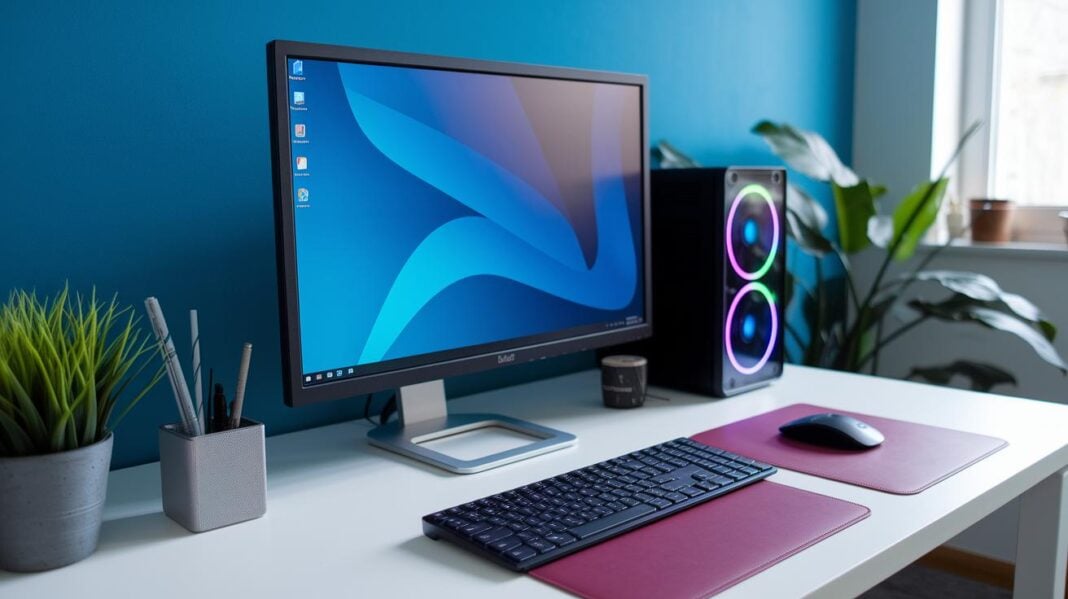
Have you ever thought that a few smart add-ons could change your workspace? A good mouse or a clear monitor can add comfort and boost your work. It works like choosing the right tool for a craft; each piece matters. Your desktop is not just a computer. It is a gateway to smoother work, fun gaming, and creative projects. This guide reviews stylish and reliable options that easily upgrade your everyday routine.
Desktop Computer Accessories: Superior and Stylish Options
Your desktop works best when you pair it with the right tools. Everyone uses their computer for different tasks, so choosing peripherals that match your needs can boost your comfort and productivity. If you often work long hours, a well-designed mouse like the Logitech MX Master 3S paired with a supportive office chair can really make a difference. Whether you game, edit photos, or tackle everyday tasks, the right devices help you work efficiently.
A complete desktop setup means paying attention to each accessory. A clear monitor like the Dell UltraSharp 34 U3425WE gives you crisp visuals, while a solid keyboard and mouse ensure smooth input. A webcam, such as the Logitech BRIO 4K, can keep your video clear during calls, and speakers like the Razer Leviathan V2 Pro deliver quality sound. You can also include USB hubs, docking stations, cable organizers, ergonomic stands, and reliable power backup systems to maintain a neat and efficient workspace.
This guide covers a full range of PC accessories and modern computer add-ons. In the sections ahead, you’ll find reviews of items like the Logitech MK295 keyboard and AndaSeat Kaiser 3 chair along with insights on monitors, webcams, cables, and more. Every product is reviewed on design, functionality, and how well it meets everyday needs. Enjoy finding the perfect accessories to enhance your workspace.
Input and Output Desktop Computer Accessories

For a smooth desktop experience, you need input and output tools that work fast and feel comfortable. A good keyboard or mouse boosts your productivity and eases strain during long work sessions. Meanwhile, quality microphones and speakers make your calls and music sound clear.
Below are some top choices:
| Device | Description | Price |
|---|---|---|
| Logitech MX Master 3S | Precision Pointing Controller | $100 |
| Logitech G502 | High-Performance Gaming Mouse | $60 |
| Logitech MK295 Combo | Wireless Keyboard and Mouse | $40 |
| Goldtouch Ergonomic Keyboard | Advanced Keyboard Option | $120 |
| HyperX Quadcast USB Mic | Audio Enhancement Kit | $150 |
| Razer Leviathan V2 Pro | Sound Output Device | $130 |
Matching your devices with daily tasks is key. For heavy research or creative work, pairing a precise mouse like the MX Master 3S with an ergonomic keyboard such as the Goldtouch helps you work comfortably. If you often join calls, the Quadcast USB mic ensures your voice is crisp, while the Leviathan speakers deliver clear sound for media and games. Choosing the right mix of gadgets boosts both your comfort and productivity.
Display and Ergonomic Desktop Computer Accessories
Modern monitors now blend style with function. For example, the Dell UltraSharp 34 U3425WE boasts a 34-inch curved IPS panel that delivers clear, vibrant visuals (IPS is a type of display that offers accurate colors). IPS LCD screens offer solid contrast at a low cost, while OLED panels provide richer colors and sharper details for those who demand top-notch quality. Whether you choose a curved or flat display depends on your viewing distance and personal comfort.
Pairing the right display with an ergonomic mounting solution is key to reducing neck strain and keeping your workspace organized. A proper monitor mount not only secures your display but also helps ease stress during long work sessions. Dual monitor arms, for example, let you adjust multiple screens easily, improving your sightlines and reducing neck and shoulder tension. Meanwhile, monitor stands and risers free up desk space so your keyboard and other tools can be more accessible.
| Accessory Type | Key Benefit | Price Range |
|---|---|---|
| Single Monitor Arm | Easy screen adjustment while saving desk space | $80 – $150 |
| Dual Monitor Arm | Holds multiple displays with adjustable settings | $150 – $250 |
| Adjustable Floor Stand | Stable lift for an ergonomic viewing angle | $120 – $200 |
| Monitor Riser | Lifts your monitor for better desk organization | $30 – $70 |
| Adjustable Monitor Stand | Offers height and tilt adjustments for extra comfort | $50 – $120 |
Accessories like adjustable mounts let you customize your setup to your unique needs. This not only boosts productivity but also fosters a healthier work environment. With the right choices, your display area can meet modern tech standards and support comfort during long days at the desk.
Connectivity and Power Desktop Computer Accessories

USB hubs and docking stations help you cut down on messy cables while powering all your devices. For example, the Symbus Q Compact USB-C Dock gives you multiple USB ports and power outlets. This makes it easy to hook up your laptop, phone, or tablet so that your desk stays neat and your devices stay charged.
UPS units and surge protectors also play a key role. A high-capacity battery UPS can keep your work safe if the power goes out suddenly. Surge protectors guard your devices from sudden voltage spikes and add extra outlets to your setup. Together, they help keep your computer and accessories running smoothly and lasting longer.
Choosing the right accessories depends on your work style. If you like a tidy workspace and organized wiring, a USB hub or docking station with built-in charging will simplify your daily routine. If power issues worry you, a solid UPS unit and surge protector provide extra security for your gear. And if you need to switch between several PCs quickly, consider adding a KVM switch. Matching these tools with your needs can boost performance and give you more peace of mind every day.
Organization Solutions for Desktop Computer Accessories
Keeping your workspace clean is easier with smart cable management. Using cable trays, Velcro ties, and reusable mounting tape lets you hide wires and switch devices quickly. These tools keep long cords and adapters off your desk. For example, bundling cables with Velcro ties gives your desk a clean look and makes troubleshooting and cleaning a breeze.
Hooks, stands, and small storage units also help keep your setup tidy. You can hang items like headphones and smartphones on hooks or place them on dedicated stands. Desk reinforcement plates and CPU holders add stability, while small side tables give you extra space for accessories. Every device gets its own spot, making your desk more organized.
When choosing tech organizers, look for items that reduce clutter and boost your workflow. Pick versatile cable organizers and sleek desk organizers that adapt as your needs change. The right choices not only improve your workspace's look but also make it easier to find and use your essential gadgets during long work sessions.
Ergonomic Comfort Desktop Computer Accessories
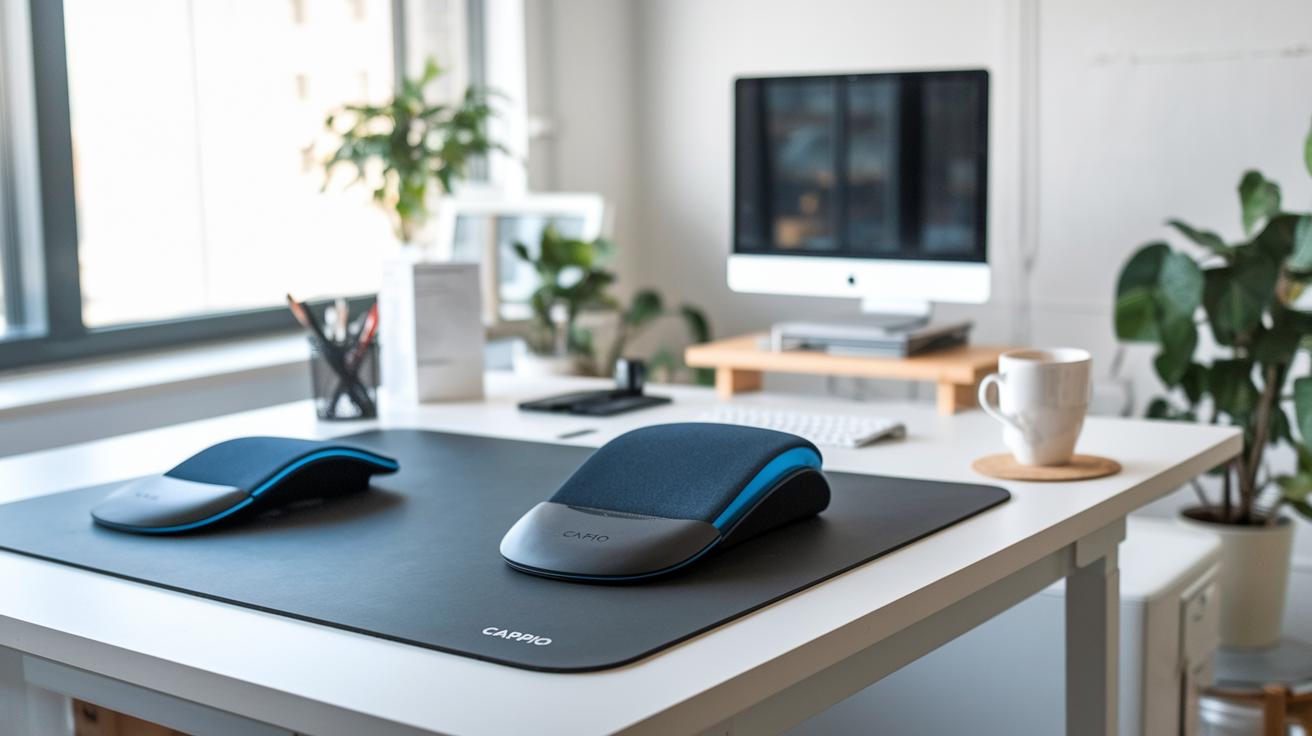
Wrist supports and posture aids are a must for long hours at your desk. The Carpio Ergonomic Wrist Rest keeps your wrists cushioned while you type. Foot rests help you sit or stand comfortably and ease leg fatigue. Large desk pads smooth out your mouse movements and protect your desk from scratches. Heated coasters even keep your drinks warm during those extended work sessions. Together, these tools boost your health and help you stay productive.
Sit/Stand Desks
Sit/stand desks let you change positions with ease. Electric models use a simple push-button to shift heights from 24 inches to 50 inches. Manual desks also offer flexibility with a similar range, though you adjust them by hand. These desks reduce the risks of sitting too long and help improve your blood flow.
Ergonomic Chairs
A good ergonomic chair is key to a comfortable workspace. High-end options from brands like Herman Miller and Steelcase include adjustable lumbar support that follows your back’s natural curve. More budget-friendly choices, like the Staples Hyken chair, still deliver solid lumbar support. The right chair goes a long way in easing body strain during long work sessions.
Combining these ergonomic upgrades not only improves your daily comfort but also helps reduce long-term fatigue and muscle strain.
Multimedia and Desktop Communication Accessories
The Logitech BRIO 4K Webcam shoots clear video up to 4096×2160 at 30 FPS. You can also choose 1080p at 60 FPS or 720p at 90 FPS. Pair it with a USB microphone like the HyperX Quadcast and you get studio-quality audio. This combo works great for video calls, online classes, and streaming, giving you a professional edge.
LED desk lamps with wireless charging offer both soft ambient light and bright task lighting while charging your phone. They help keep your desk neat by cutting down on cables and clutter. With the built-in charger, you manage one less device so your workspace stays clean and your productivity stays high.
Headphone stands organize your gear and protect your headset from damage. Plus, top gaming headsets deliver sharp audio and clear voice quality for in-game chats and multimedia. These accessories give gamers and professionals a tidy, efficient setup where quality sound meets everyday functionality.
Final Words
In the action, this post provided a solid overview of matching peripherals to different needs and detailed insights into input, display, connectivity, organization, ergonomic, and multimedia accessories. We highlighted top picks and clear benefits to help you assess features without wasting time. Each section offered practical tips to boost productivity while keeping your workspace clutter-free. This guide helps you confidently choose desktop computer accessories that fit your workflow and budget. Enjoy building your setup and making smart, positive updates to your desk.
FAQ
Q: What are the best desktop computer accessories I should have?
A: The best desktop computer accessories typically include a quality monitor, keyboard, mouse, docking station, cable management tools, and sometimes speakers. They are chosen based on your work, gaming, or everyday needs.
Q: What desktop computer accessories are available on Amazon?
A: Amazon offers a wide range of desktop computer accessories from budget-friendly models to higher-end options, including keyboards, mice, webcams, docking stations, and cable organizers for various needs.
Q: Where can I find a computer accessories list?
A: You can find a thorough computer accessories list online that covers essentials like monitors, keyboards, mice, speakers, USB hubs, docking stations, and cable management solutions.
Q: What accessories are recommended for gaming desktops?
A: Gaming desktop accessories often include high-performance keyboards, precise mice, quality headsets, and ergonomic chairs. They help boost gameplay, reduce wrist strain, and offer immersive sound experiences.
Q: What desktop computer accessories can I get under $50?
A: Many desktop computer accessories under $50 include basic wireless mice, budget keyboards, USB hubs, cable management solutions, and small desk organizers without sacrificing functionality.
Q: What accessories do I need for my computer or desktop computer?
A: Essential accessories include a monitor, keyboard, mouse, speakers or webcam, power backup devices, and add-ons like docking stations or cable organizers to keep your workspace efficient.
Q: What are the 5 basic tools in a computer?
A: Five basic tools for a computer setup often include a monitor, keyboard, mouse, speakers, and a printer or webcam to complete everyday tasks.
Q: What are the seven essential parts of a typical desktop computer?
A: Seven essential parts of a desktop computer include the motherboard, CPU, memory (RAM), storage, power supply, graphics card, and chassis, which all work together to run the system.
Q: What should I know about Dell docking stations like the WD19s, 180W, Thunderbolt WD22TB4, Dual Charge HD22q, Pro Dock WD25, and Pro Smart Dock SD25?
A: Dell docking stations come in various models with different charging powers and port selections. They help connect multiple peripherals and manage cables while keeping your desktop setup organized.