
Have you ever thought about how your office setup might boost your workday? Business desktop PCs do more than just run apps. They help create smoother, more efficient workdays.
In this guide, we look at the best models for 2026. These systems feature smart designs, powerful processors, and flexible setups that work in any office. Whether you need a compact micro desktop or a robust tower with upgrade options, these models offer the performance busy offices demand.
Read on to see how these desktops can transform your work environment into a high-performing hub.
Top Business Desktop PC Models for 2026
When picking a business desktop PC, we looked for machines that deliver solid performance with smart, user-friendly designs. We chose systems that have strong processors, plenty of ports, and styles that work in many office spaces. Some come as compact micro desktops while others are large towers. Many of these models also have modern parts and room for upgrades, so they're great for everyday work, creative jobs, and more.
| Model | Form Factor | Best For |
|---|---|---|
| Apple iMac 24-inch (M4) | All-in-one | Those who want great performance and stylish design with colorful options |
| Dell OptiPlex Micro Plus 7020 | Micro desktop | Businesses short on space and on a budget |
| Dell Tower Plus Desktop | Tower | Offices needing solid performance with easy upgrades |
| HP OmniStudio X 31.5 | All-in-one | Windows users looking for a sleek, integrated setup |
| Apple Mac mini (M4) | Mini PC | Compact setups that don’t skimp on power |
| HP Envy 34 All-in-One | All-in-one | Creative professionals who need performance at a fair price |
| Asus NUC 14 Pro | Mini desktop | Users who want a powerful, space-saving PC with great connectivity |
For smooth work in an office, we recommend a setup with at least 16 GB of RAM. This helps you run many tasks at once, speeds up your work, and beats older systems that only start at 8 GB.
Selecting the Right CPU for Business Desktop PCs
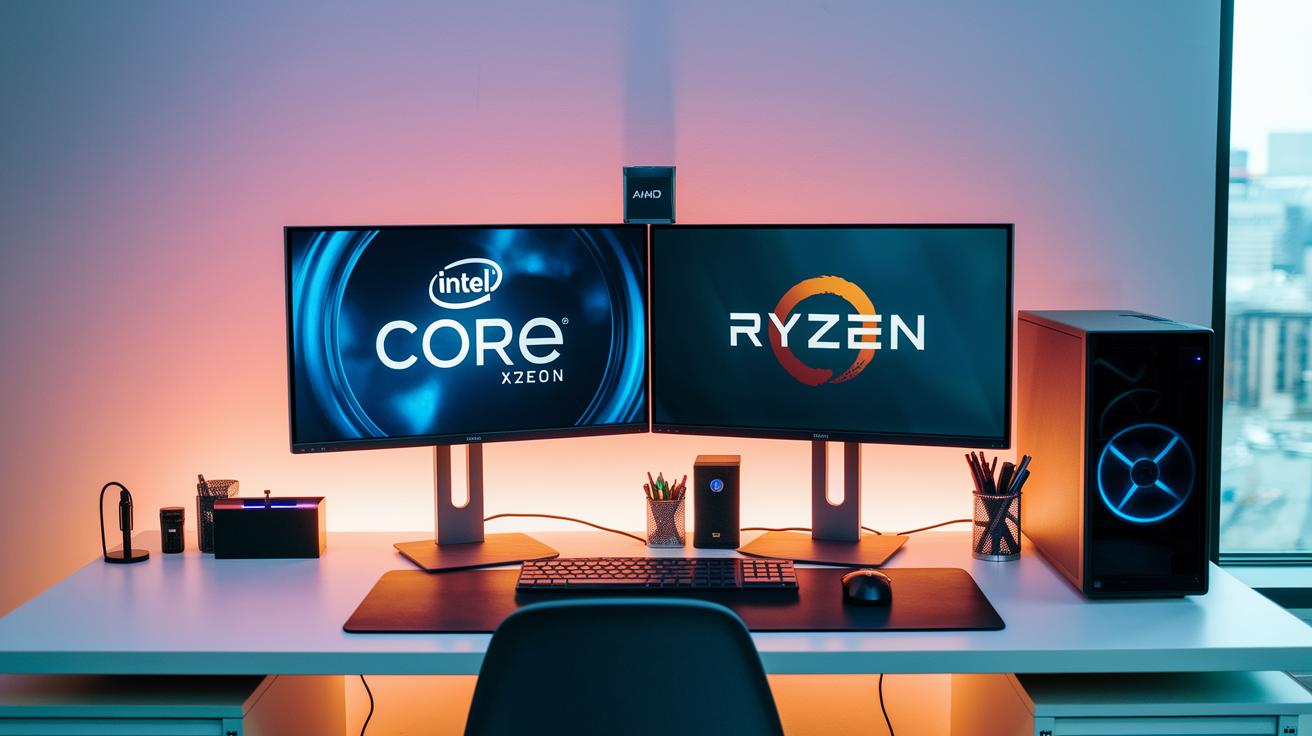
Intel Core processors are great for everyday office work. They run common tasks quickly thanks to high clock speeds and smart thermal designs. These chips start programs fast and keep your work running smoothly.
Intel Xeon models are built for heavy, multi-threaded tasks. They offer extra cores and business features like vPro (a tool for easy remote management). This design is ideal for data analysis, graphics work, and large database operations in bigger companies where you often juggle many tasks.
AMD Ryzen processors offer a good balance of power and cost. They mix a solid core count with fast speeds so you can handle many applications at once. Some models even join the Threadripper Pro series, giving you extra cores for tougher work. This makes Ryzen a smart pick for offices that need reliable performance without spending a lot.
Storage Options in Business Desktop PCs
Solid-state drives (SSDs) are now the most popular choice for business desktops because they work fast and are very reliable. SSDs use flash memory, which makes tasks like moving files, loading software, and starting up the computer much quicker than traditional spinning disks. They also have no moving parts, which helps lower energy use and reduce heat, boosting the life and cost efficiency of your system.
- NVMe SSD: Delivers up to 3 times the read/write speed of SATA options. Great for heavy data tasks.
- SATA SSD: Offers a good mix of speed and price. A smart choice for most business needs.
- HDD: Still useful for saving lots of data. It provides high storage capacity at a lower cost per gigabyte.
When you set up your business storage, think about your need for capacity, speed, and budget. Consider how much space you need day-to-day versus long-term storage. Fast drives like NVMe SSDs work best when you often access data and want to save energy. Meanwhile, SATA SSDs and HDDs can work together to create a cost-effective and scalable setup for your business desktop.
Graphics and Expandability in Business Desktop PCs
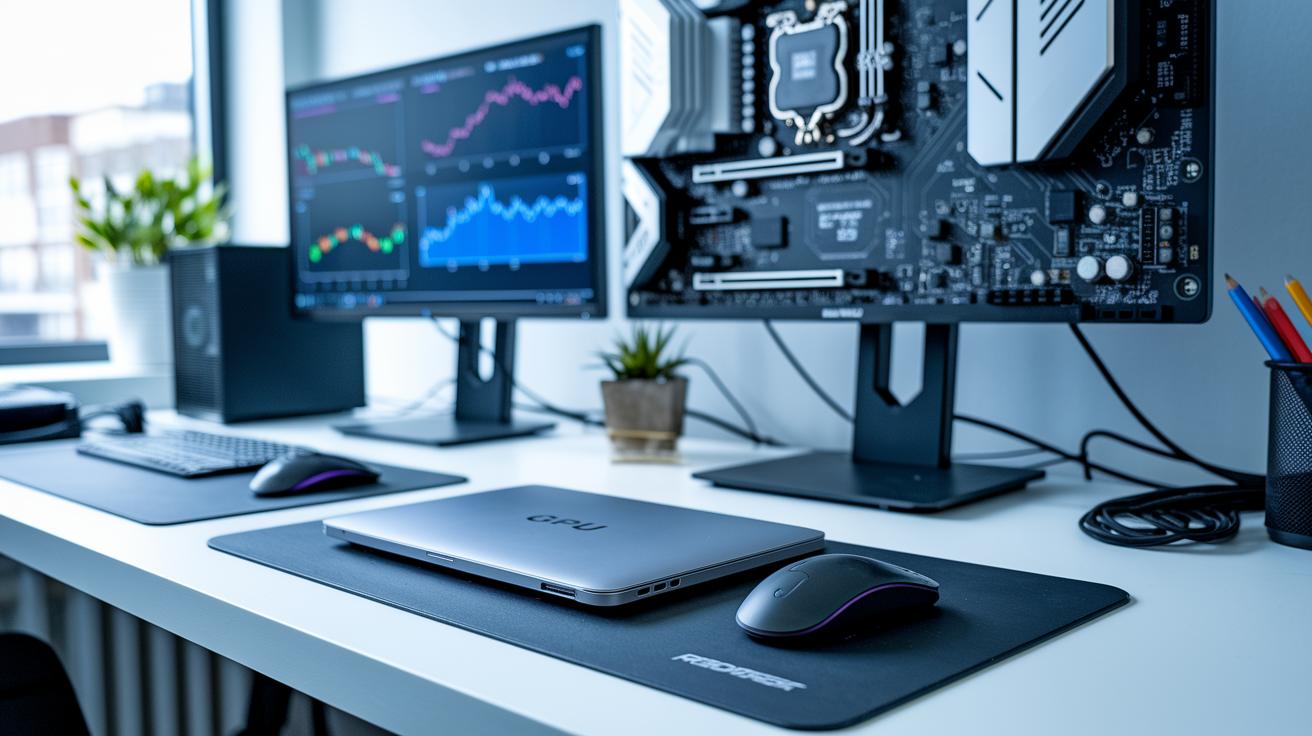
Business desktops offer two main graphics options. Integrated graphics like Intel UHD and Iris Xe work well for everyday tasks such as spreadsheets and presentations. On the other hand, discrete GPUs handle heavier work. They run creative software, support computer-aided design (CAD), and speed up graphic-intensive applications. For example, if you work with visual media, a discrete GPU can give you smoother rendering even if basic tasks run fine on integrated graphics.
Expansion options are key to a PC’s long-term value. Many systems come with extra memory slots, additional drive bays, and several PCIe lanes for add-on cards. This means you can upgrade storage, the graphics card, or system memory later. Such flexibility is important as your office needs grow or if software demands increase.
Planning for future upgrades helps protect your investment. Look at your current needs and possible future demands when choosing a system. A desktop with plenty of PCIe slots and extra drive bays is better equipped to handle growth. Businesses that want to scale should keep these factors in mind to keep overall costs low while staying ready for tomorrow’s challenges.
Form Factor Comparisons for Business Desktop PCs
Picking the right form factor matters in any office. The size and design of your desktop can influence desk space, cable organization, and future upgrades. You need a balance between solid performance and a compact design to keep your work environment efficient.
Mini desktops like the Asus NUC 14 Pro and Apple Mac mini save lots of space while delivering essential performance. They work best when desk space is tight and a neat setup is a priority. Just note that these models often have fewer chances to upgrade and might need some creative cable care. Their prices tend to be higher for the size, making them a good fit for small offices that prioritize a sleek look.
Tower PCs such as the Dell Tower Plus and Lenovo ThinkStation PX offer plenty of expansion options. They usually allow you to add more memory, storage, and extra cards for better performance. Although their larger size can make cables a bit harder to manage, the extra upgrade options and power are great for busy offices planning to grow or handle heavy tasks.
All-in-one models like the HP OmniStudio X 31.5 and Apple iMac 24-inch bring together the display and computer in one unit. They create a simple, clean look with fewer cables. However, compared to towers, they tend to keep upgrade options to a minimum.
Security and IT-Friendly Features in Business Desktop PCs
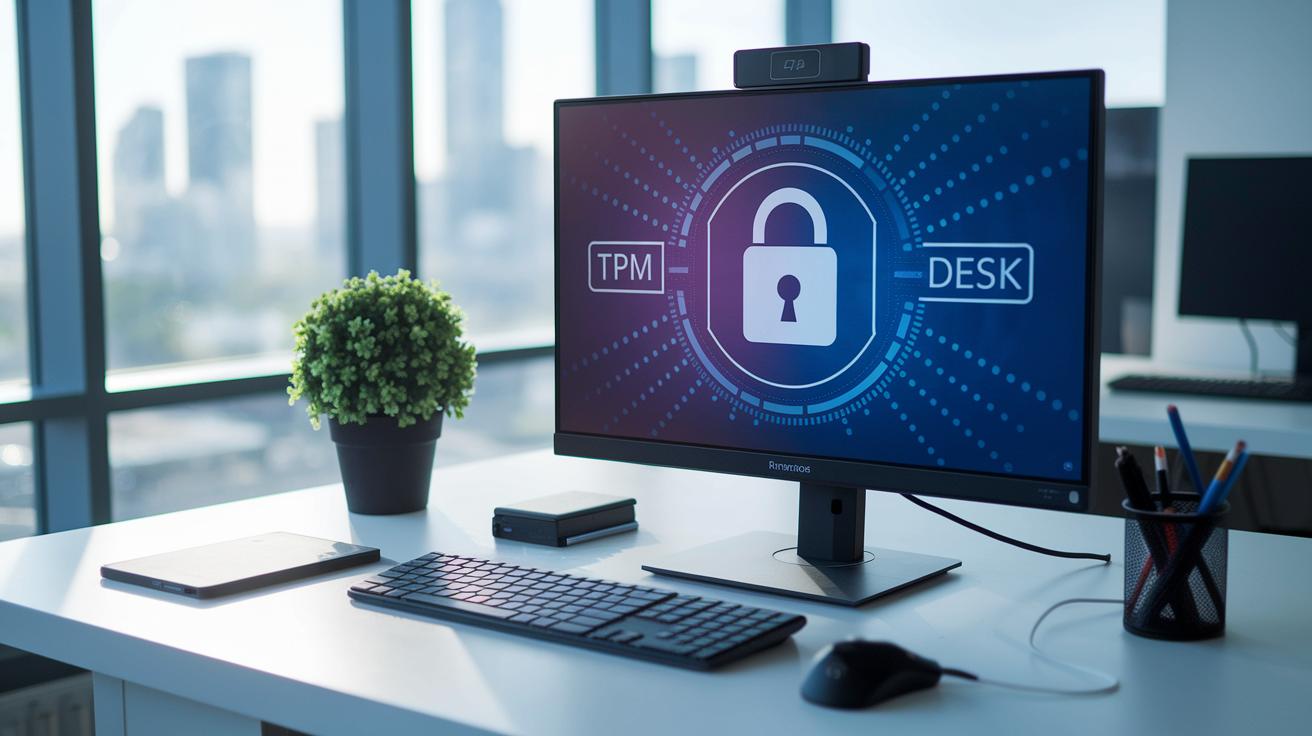
Business desktop PCs come with built-in security features that protect your important data and help IT teams manage systems easily. Many models include a TPM chip (a small chip that secures encryption keys) to stop unauthorized booting. They also have Kensington lock slots so you can secure the device in busy office spaces. These hardware safeguards protect your system from online threats and physical risks.
Remote management is a must in today's office. With Intel vPro, IT teams can change BIOS settings from a distance, update firmware, and fix issues without being on site. This cuts down on downtime and keeps work running smoothly. For instance, a technician can resolve a security problem from another floor, keeping productivity high.
For larger offices, planning network integration is essential. Using the same security protocols on all devices simplifies management. With remote BIOS access and alerts for chassis intrusion, IT staff can quickly know if a machine is tampered with. This setup supports smooth IT strategies and builds strong security across the entire office.
Warranty, Support, and Future-Proofing Business Desktop PCs
Business PCs usually come with a warranty that lasts 1 to 5 years. They often include on-site repairs within 24 to 36 hours. This quick service helps you avoid downtime and keeps operations running smoothly. A strong warranty plan is key in a busy business setting.
Some companies offer extended support plans. These plans replace parts faster and offer dedicated service. They are ideal if you need rapid fixes and extra reliability. Extended support also helps control unexpected repair costs while keeping performance steady.
Planning for future upgrades is just as important. By matching your purchases to the device's lifecycle, you can plan upgrades before your tech becomes outdated. Watch for end-of-life trends and upcoming technology changes to know when it's time to replace a device. This approach keeps performance high, protects your investment, and helps you budget better. Investing in future-proof computing today means long-term productivity and savings while reliable support builds business confidence.
Business Desktop PCs Buying Guide: Budget to High-End Options

Start by setting a clear budget and identifying the performance features you need. Focus on speed, energy efficiency, and overall cost per performance. Ask yourself if the PC can handle several office tasks at once. This step helps you compare options ranging from affordable models to high-end workstations.
Many businesses find mid-range systems to be the best fit. For instance, the Apple Mac mini (M4) starts at $699, while the iMac 24-inch begins at $1,299. These computers offer enough power and modern features without stretching your budget. Think of it as choosing the right tool for the job, solid performance when you need it most.
If your work requires more power, high-end workstations are ideal. Models like the Falcon Northwest Talon or the Dell Precision 5860 Tower usually start above $2,000. They deliver extra muscle for tasks such as data analysis or graphic-intensive applications. This extra capability is crucial if you often run heavy software or handle large files.
Remember, the total cost of owning a PC goes beyond the initial price. Consider energy savings, potential downtime, and productivity gains over three years. A return on investment calculator can help you see which system offers the best long-term value. Balancing the upfront cost with energy use and dependable performance ensures your investment pays off daily.
Final Words
In the action, we reviewed top business desktop pcs models for 2026 based on performance, design, and security. Each section broke down key features like CPU options, storage choices, graphics, and form factors. We also discussed warranty, support, and overall value across budget to high-end options.
We recommend a baseline of at least 16 GB RAM for smooth performance. These insights make it easier to choose a system that fits your work needs. Enjoy making your purchase with confidence.
FAQ
What are the best desktop computers for business and small businesses?
The best desktop computers for business and small businesses offer strong performance, robust security features, and easy upgrade options. Leading brands include Dell, Lenovo, and HP.
What is a good desktop computer for business?
A good business desktop computer packs reliable performance with fast processors, ample memory (16 GB or more), and expandability to handle tasks like office work and data management.
What is the difference between a PC and a business PC, and how does a business desktop differ from a regular desktop?
A business PC focuses on security, remote management, and long-term reliability, while regular PCs are made for everyday use. Business desktops include enhanced features for safe and stable office operation.
Are desktops being phased out?
Desktops remain popular for business because they deliver strong performance, easier upgrades, and dependable security features that keep them a top choice in office settings.
How do Dell and Lenovo desktop models for business compare?
Dell and Lenovo business desktops emphasize reliable performance and stable design. Models like the Dell Tower Plus and Lenovo business desktops offer modern processors, upgradability, and trusted build quality.
What factors should be considered when choosing a business desktop PC?
When choosing a business desktop, focus on performance specs, a minimum of 16 GB memory, robust security features like TPM and vPro, and expansion options to support evolving office needs.