Are energy efficient desktop computers really a smart buy? With energy prices on the rise, saving money without slowing down matters more than ever. Today’s desktops feature low-power processors, smart displays, and ENERGY STAR certification. They draw far less power both when idle and during heavy use, which can lower your electricity bill. Read on to learn how you can boost performance while keeping energy use and costs low.
Key Criteria for Selecting Energy Efficient Desktop Computers
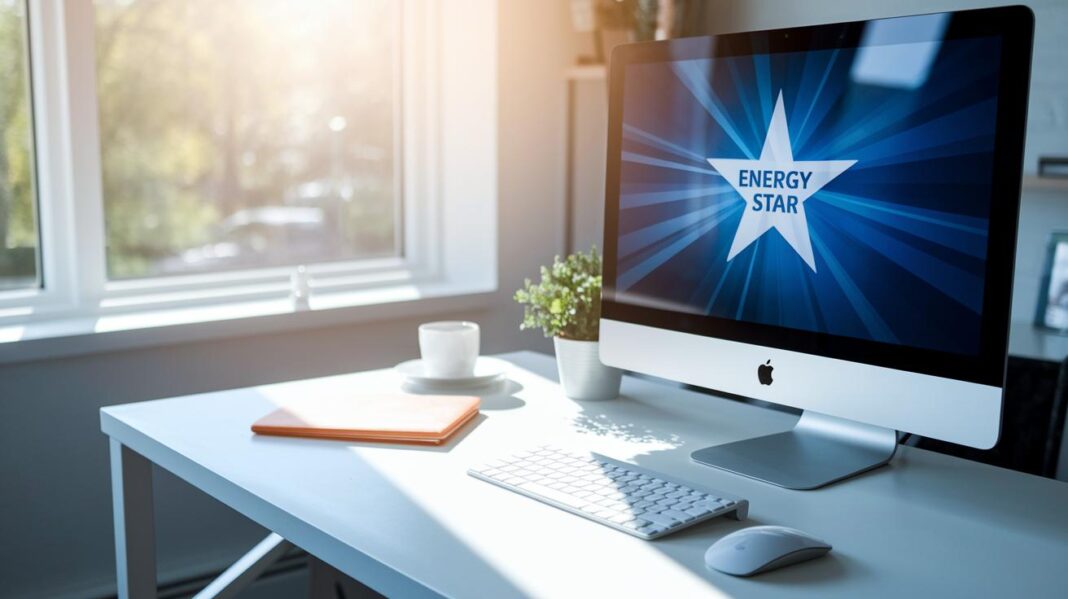
Energy efficient desktop computers use less electricity without giving up performance. They help lower your energy bill and make your device last longer, which is great for both your budget and the environment. Look for ENERGY STAR or EPEAT Gold certifications to know these systems meet strong power standards. Typically, the computer uses about 30W when idle and can draw up to 200W under heavy use. This makes them a smart option for office work and light multitasking.
When choosing a low-power desktop, keep these factors in mind:
- Power use
- Certification rating
- Efficiency of components
- Suitability for your tasks
- Size and design
Considering these points helps you balance strong performance with energy savings. Check the power use to see how much electricity the computer will need, and review its certification to be sure it meets strict standards. Efficient components handle everyday tasks better, and a system that fits your work habits is important. Remember that compact designs might limit future upgrades. This way, you pick a desktop that meets your current needs while helping reduce power costs over time.
Energy Efficient Desktop Computers: Bright Savings Ahead
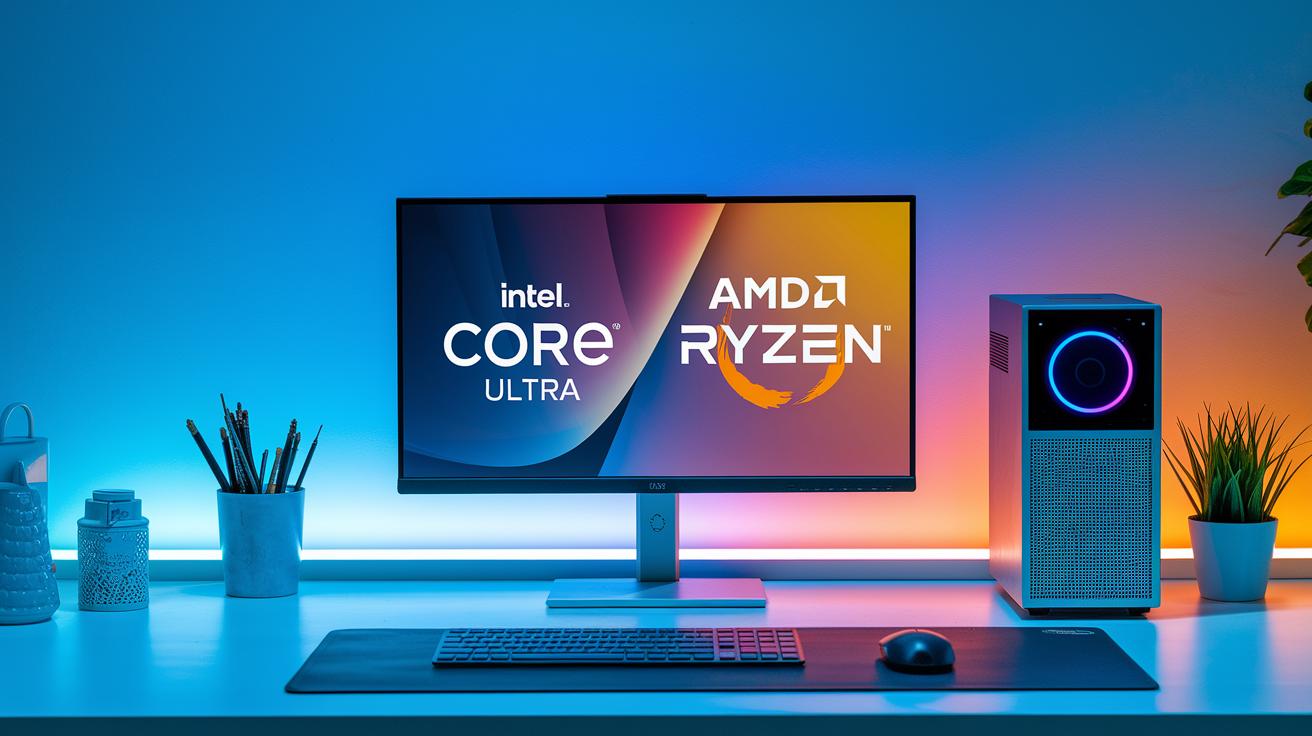
Modern desktop computers now use low-power processors, like the Intel Core Ultra series and AMD Ryzen U series, to handle everyday tasks without wasting energy. These chips have low thermal design power, which means they run cooler and use less electricity. When paired with solid-state drives that draw 2-4W (much less than traditional hard drives that use 6-9W), these systems offer both quick responses and efficient performance. This makes them ideal for office work and home use without high energy costs.
Adaptive LED and OLED displays also help cut power use. These screens adjust brightness automatically based on the light in the room, reducing power use by up to 20%. They dim the backlight in dark settings and brighten it when needed. This smart technology provides a clear and comfortable viewing experience while saving energy.
Power management features like sleep mode and hibernation further lower energy waste by shutting off power when the computer is not in use. Efficient cooling systems with passive heat sinks, heat pipes, and smart fan curves help keep the system at the right temperature without using extra power. These thoughtful measures ensure that eco-friendly desktops are great for daily tasks and extended work sessions.
Top Models of Energy Efficient Desktop Computers and Comparisons
When you need a desktop that saves power without sacrificing performance, these machines deliver. They have been tested to use very little energy at idle while still meeting strict energy certifications. Each one is built to handle office work, light productivity, and everyday multitasking with low power draw. Check the table below for a quick view of key details.
| Model | Idle Power Draw | Certification | Use Case |
|---|---|---|---|
| Dell OptiPlex Micro | ~28W | ENERGY STAR 7.0, EPEAT Gold | Office Productivity |
| Lenovo ThinkCentre M58/M58p | ~30W | Energy Star 4.0, EPEAT Gold | Secure Business Tasks |
| Apple Mac mini M4 Pro | Peak ~80W | Noted for environmental compliance | Compact Multiport Use |
| Asus NUC 14 Pro | ~35W | Meets modern energy standards | VESA-mountable, Upgradeable |
Each system blends energy savings with reliable performance. The Dell OptiPlex Micro offers the lowest idle power, making it a smart choice for everyday office tasks. Meanwhile, the Lenovo ThinkCentre M58/M58p stands out with extra security features like TPM and vPro, ideal for businesses that need both speed and data protection. Although the Apple Mac mini M4 Pro draws more power at peak, its compact design and ARM-based processor make it perfect for small spaces. The Asus NUC 14 Pro, equipped with an Intel Core Ultra processor, is built for easy upgrades and offers flexibility as your needs change.
These models show that you don't have to compromise on performance to save energy. They deliver sustainable computing with features that fit different work styles and environments.
Optimizing Energy Efficiency in Desktop Computer Setups
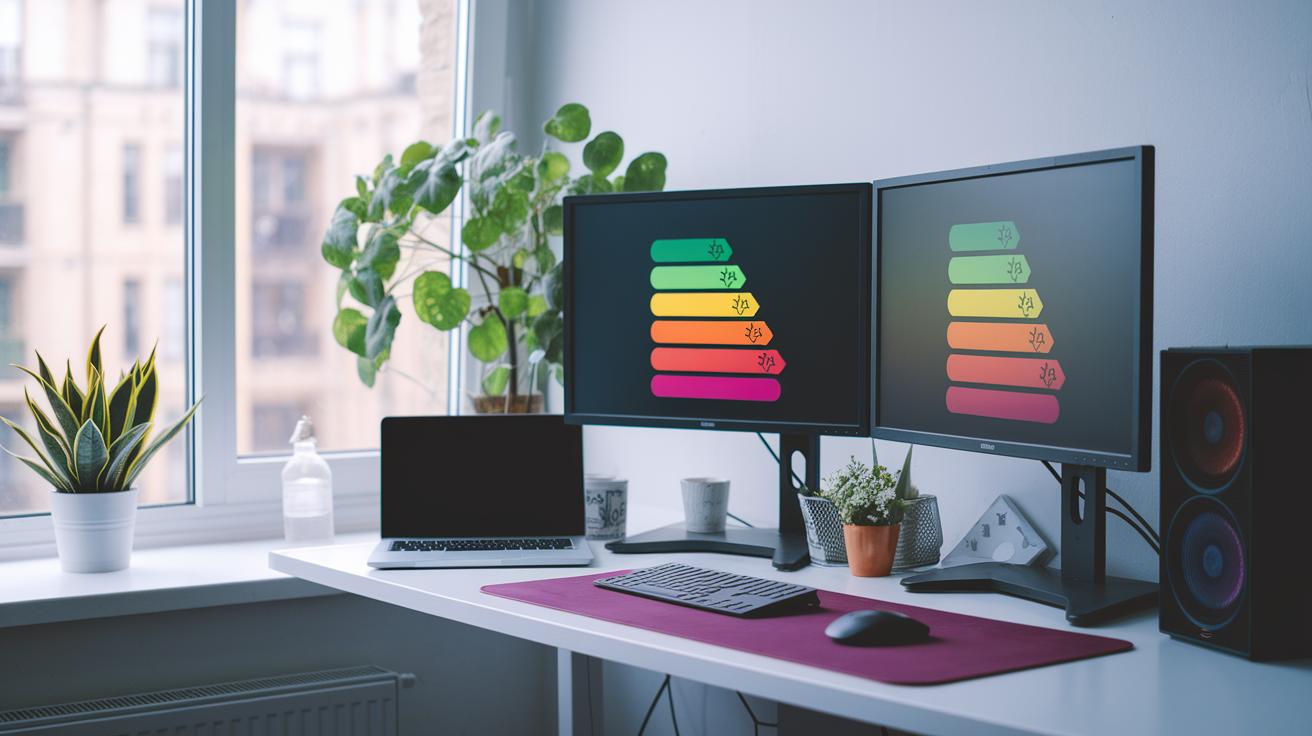
Improving energy efficiency in your desktop setup is easier than you might think. Changing a few settings can cut wasted power, lower your electric bill, and help you build a greener workspace. For instance, setting your computer to sleep after 5–10 minutes of no use can reduce standby power by up to 30%.
Making tweaks in your operating system also helps. Turn off any apps that start automatically when you boot up. This eases the load on your CPU and saves energy when your computer is idle. Even closing background programs you rarely need can make a big difference.
You can also adjust settings in your computer’s firmware. Changing the BIOS options or tweaking your operating system settings to underclock or undervolt your processor can cut its power use by 10–15%. This not only reduces overall energy use but also helps keep the system cool and stable.
Using external tools for power management adds another boost. Smart plugs and surge protectors with power-aware features watch for unused devices and stop them from drawing power. This extra step ensures your devices only use energy when necessary, making your desktop setup even smarter and more efficient.
Certifications and Standards for Energy Efficient Desktop Computers
ENERGY STAR 7.0 is crucial for energy-saving desktop computers. It sets strict rules that require systems to use less than 75W when idle and still keep power use low during active work. This means your desktop stays efficient while performing everyday tasks.
EPEAT Gold is another trusted standard that backs up energy-saving claims. It shows that a computer uses fewer toxic materials and meets solid performance-per-watt benchmarks. With EPEAT Gold, you can be sure the system follows eco-friendly rules and minimizes its environmental impact.
Power-supply efficiency also plays a big part. The 80 Plus ratings confirm that the power supply unit reaches 80–90% conversion efficiency at different loads. This ensures most of the energy goes to your components instead of wasting it as heat. Additionally, EU Ecodesign rules limit standby power to 0.5W, which further drives the push for greener, efficient devices.
Cost Savings and Environmental Impact of Energy Efficient Desktop Computers
Switching from a 150W desktop to a 60W energy efficient model can save about 200 kWh each year. That means you save roughly $24 annually when energy costs are $0.12 per kWh. Lower power use not only cuts your monthly bill but also helps parts last longer, reducing e-waste and the overall cost of ownership. Plus, these systems run quietly since fewer cooling fans work at lower power, creating a calm work space similar to a quiet library.
Using less power also benefits the environment by lowering CO₂ emissions by around 0.13 metric tons per unit every year. These energy efficient desktops help reduce your carbon footprint while still handling everyday tasks. Their longer lifespan means you replace them less often, which cuts disposal costs. This mix of saving money and protecting the environment makes them a smart choice for low-power work setups.
Energy Efficient Desktop Computers: Frequently Asked Questions
Which certifications matter most?
ENERGY STAR and EPEAT Gold prove that a computer is built to save energy. For example, one office that upgraded to ENERGY STAR models reduced standby energy by over 30% compared to uncertified systems. We explain more about these labels in our efficiency details.
How much will I save on energy bills?
Using energy-smart desktops can noticeably lower your energy bills. In a small office, switching from a 150W computer to a 60W model saved about $20 every month. This shows the benefit when a system spends long periods in standby.
Which components drive power draw?
Modern desktop computers now use processors that adjust how much power they need and SSDs that use very little energy when idle. One test found that low-power CPUs cut energy use by balancing heavy use with quiet times, a big change from older models that always used more power.
Are mini PCs better for energy savings?
Mini PCs, like those in the Intel NUC series, can use less than 10W when idle. That makes them great for light tasks such as browsing the web or working on documents. Their small size fits well in spaces where both space and energy efficiency matter.
Will efficiency reduce performance?
Energy efficient computers usually save power without slowing down everyday tasks. Even if ultralow-power CPUs run about 10% slower under heavy loads, activities like web browsing or video calls still work smoothly. Real tests show that the energy savings are worth a small drop in speed for most users.
Final Words
In the action, we broke down key factors for choosing energy efficient desktop computers, such as power draw, certifications, and component efficiency. We explored core components like low-power processors and SSDs and compared standout models like the Dell OptiPlex Micro and Apple Mac mini M4 Pro. We also looked at practical setup tweaks and cost savings, plus answered common questions. This guide helps you spot the right device for your needs while cutting energy waste. Enjoy a smarter, energy-saving setup that makes both your wallet and the planet happier.
FAQ
FAQ
Q: What are energy efficient desktop computers?
A: The energy efficient desktop computers are systems designed to lower power consumption while maintaining good performance. They use low-power components and meet standards like ENERGY STAR and EPEAT Gold.
Q: Which computer consumes the least power?
A: The computer that consumes the least power usually features low-wattage components and mini PC designs. Such models idle at around 28–35W, making them ideal for reducing energy bills.
Q: Do desktop PCs use a lot of electricity?
A: Desktop PCs typically use between 30W at idle and up to 200W under load. Energy efficient models lower this usage by incorporating low-power processors and smart power management features.
Q: Which certifications matter most for energy saving computers?
A: Certifications such as ENERGY STAR and EPEAT Gold are crucial because they verify that a computer meets strict power consumption and environmental standards, ensuring greener performance.
Q: Are desktops being phased out?
A: Desktops continue to be a reliable option. They offer upgrade potential and performance benefits, and energy efficient models make them a sustainable choice despite the rise of mini PCs and mobile devices.