Tired of messy cables messing up your game? Wireless gaming accessories help you cut the clutter and boost your play. Imagine moving freely without tripping over cords. In this post, we explain how gaming headsets, mice, and controllers can simplify your setup. They offer fast response times and long battery life. Say goodbye to tangled wires and hello to smooth play and a cleaner desk.
Benefits of Wireless Gaming Accessories
Wireless gaming accessories cut down on cable mess so you can move around freely. They use 2.4 GHz or Bluetooth technology to give you very fast response times (under 1 ms delay), which makes gameplay smooth and easy. Fewer wires mean you won't get tangled up while playing.
- Unrestricted movement during play
- Tidier desk setup without cords
- Consistent signal with up to 30 ft range
- Long battery cycles (20–80 hrs)
These benefits not only deliver top performance but also keep your gaming area neat. Whether you're on a PC or console, a simpler setup leads to more comfort and flexibility. This lets you concentrate on your game with both precision and ease.
Types of Wireless Gaming Accessories and Their Functions
Wireless Gaming Headsets
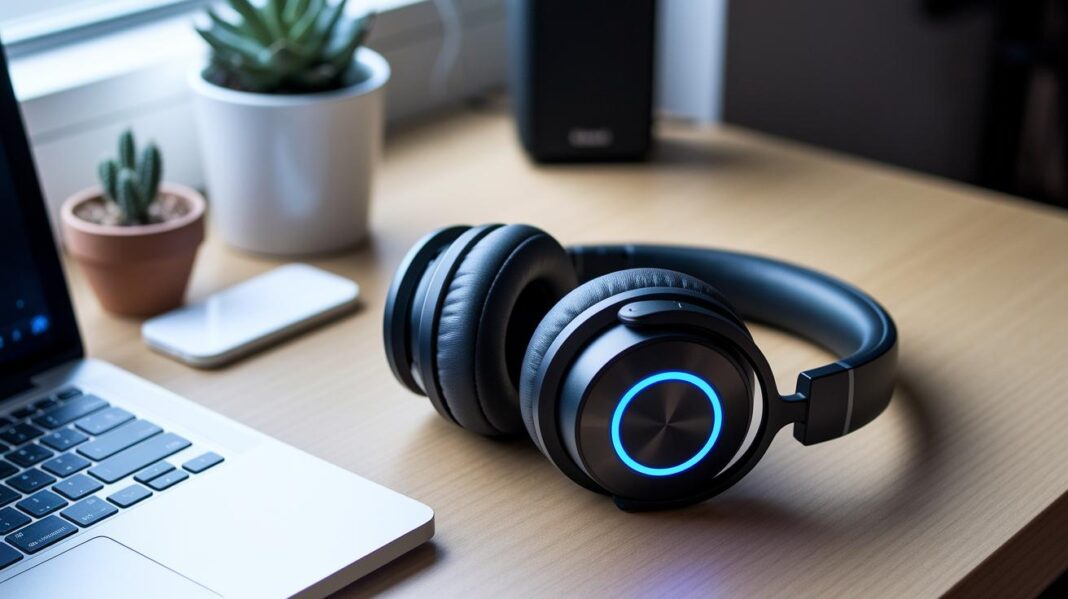
Wireless gaming headsets work over both 2.4 GHz and Bluetooth, which gives a delay of less than 1 ms. They deliver rich, clear sound and run for 20-40 hours on a single charge. This means you can enjoy smooth in-game talks and immersive audio during long sessions. For example, during a marathon gaming session, these headsets keep you connected so you never miss a sound cue.
Wireless Gaming Mice
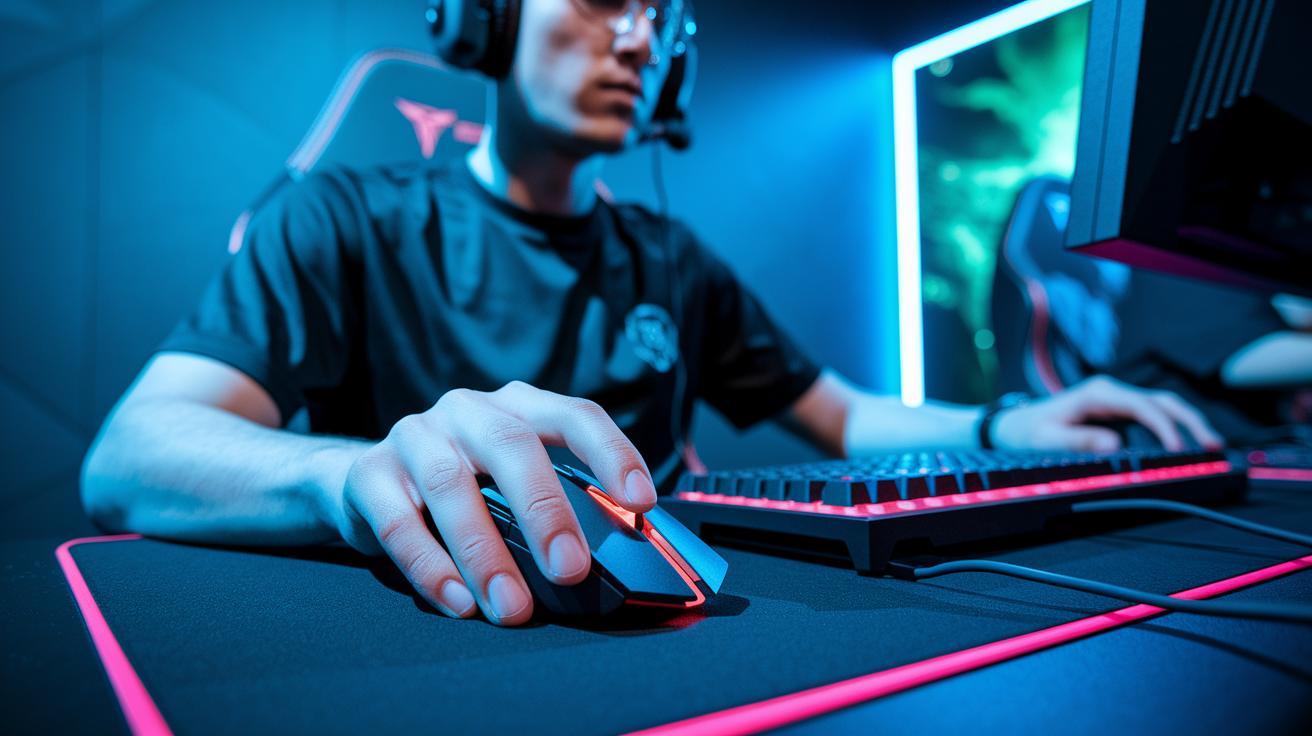
Wireless gaming mice come with sensors that can reach up to 20,000 DPI. This feature makes your cursor move quickly and accurately. High polling rates and low latency ensure your actions keep pace with the game. With long battery life, these mice let you play for hours without stopping. Imagine lining up every shot perfectly in a fast shooter, where every millisecond counts.
Wireless Controllers
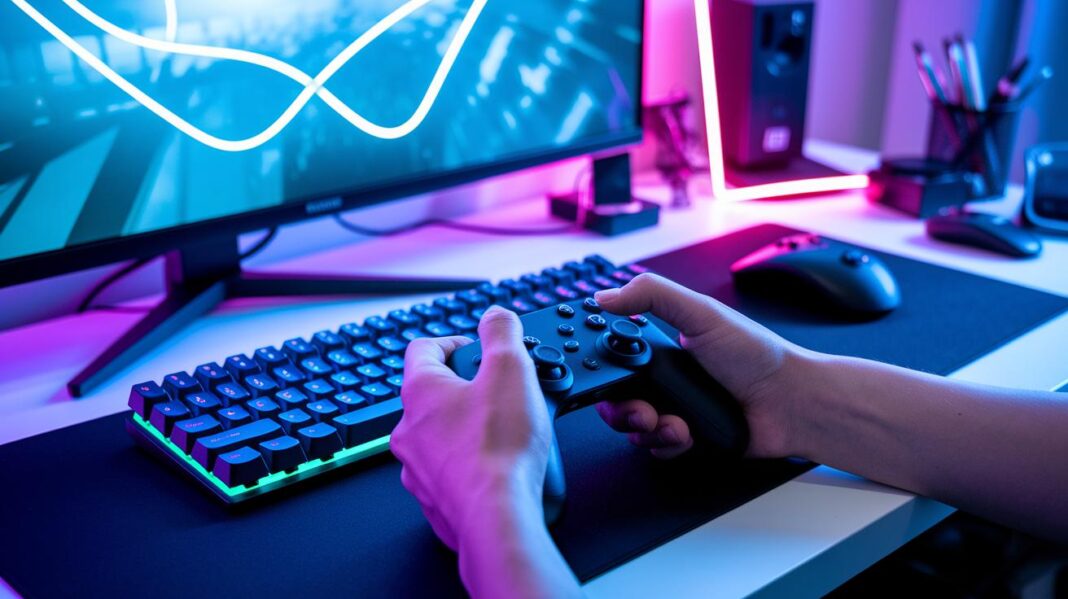
Wireless controllers connect via proprietary dongles or Bluetooth, making it simple to switch between devices. They pair smoothly with various platforms. Many controllers include haptic feedback, which gives you tactile vibrations that match the game’s actions. This feature adds a real feel to your play, and gamers appreciate the simple, responsive control.
Wireless Gaming Keyboards
Wireless gaming keyboards use Lightspeed and Bluetooth to offer response times between 1 and 3 ms. They come with different key switch options so you can choose a tactile or smooth press. The customizable backlighting and solid battery life work well in both dim and bright rooms. This design ensures a seamless gaming experience wherever you set up your station.
Wireless Gaming Accessories Compatibility Across Platforms
Wireless gaming accessories work well with many systems. This means you can easily switch devices without the hassle of setting up new gear. Most wireless headsets, mice, keyboards, and controllers support Windows PC, PlayStation 5, Xbox Series X/S, and Nintendo Switch.
Manufacturers use common standards like 2.4 GHz and Bluetooth to offer quick response times and steady connections. Some headset features, like surround sound tuning on consoles, might need a special adapter or software. This small tweak rarely affects the core performance.
These accessories make multi-platform gaming simple and help keep your setup neat. Whether you switch from PC to console or vice versa, you can trust these devices to perform smoothly. The table below gives you a clear look at which accessories work best on each platform.
| Accessory Type | PC | PS5 | Xbox Series X/S | Nintendo Switch |
|---|---|---|---|---|
| Headset | Yes | Yes | Yes | Yes/Adapter |
| Mouse | Yes | Yes | Yes | Yes |
| Keyboard | Yes | Yes | Yes | Yes |
| Controller | Yes | Yes | Yes | Yes/Adapter |
This setup makes it easy to keep a steady connection and enjoy consistent performance, no matter where you play.
Key Features to Look For in Wireless Gaming Accessories

Specs such as sub-1 ms latency, 20–80-hour battery life, and a 30-foot signal range are now common. But new wireless standards and firmware updates let you boost performance even more. Many devices now allow firmware updates that cut lag or extend battery life by lowering power use when you are not gaming. One expert tip: a recent firmware update on a headset noticeably reduced lag during fast-paced play.
Today’s ergonomic designs go far beyond basic comfort. Many accessories now offer adjustable settings and lightweight materials to help you play longer without strain. Prices also reflect these improvements, with basic wireless mice starting at about $30 and high-end headsets priced over $300. Look for devices that let you customize features to suit your gaming style and comfort needs.
Top Wireless Gaming Headsets for Immersive Gameplay
When choosing a wireless gaming headset, we checked for low delay (latency), long battery life, great sound quality, and comfort. Each model we picked delivers a fast 2.4 GHz connection, plenty of playtime, and a design built for long gaming sessions. For instance, a headset with just 1 ms latency can really boost your reaction time during an intense match.
SteelSeries Arctis 7+ features a fast 2.4 GHz connection with only 1 ms delay. This means you hear every important audio cue right when you need it. It offers a 40-hour battery life, so you can game for days without recharging. The padded earcups give a comfortable fit even during marathon sessions, and at around $150, it balances performance with affordability.
HyperX Cloud Flight S uses Qi charging, making it easy to stay powered up. It provides a solid 30-hour battery life and a steady 2.4 GHz connection that meets the needs of competitive gaming. With rich and clear sound for both gameplay and chat, plus a sturdy build, this headset is a great option at roughly $140 for gamers who need reliability and lasting power.
Razer BlackShark V2 Pro offers the same 1 ms latency along with an impressive 50-hour battery runtime. Its lightweight design and detailed sound delivery make every audio cue crisp and clear. Priced at about $180, this headset is ideal for gamers who demand precision and long-lasting performance.
Corsair Virtuoso RGB Wireless SE stands out for its clear sound and strong build quality. Although its battery lasts about 20 hours, the dynamic lighting and accurate audio make it a good choice for fast-paced games. At $200, it is aimed at gamers who want premium audio without compromising on style.
Wireless Gaming Mouse and Keyboard Picks for Precision

Top Wireless Gaming Mice
Wireless gaming mice use smart sensor technology to track even the smallest moves. They come with high DPI sensors that catch every click and flick with precision. Battery life is important because it keeps you in the game without frequent recharges. These mice are built to give you both speed and long-lasting performance during those intense matchups.
For example, the Logitech G Pro Wireless offers a 1 ms response time and can last up to 80 hours. The Razer Viper Ultimate ups the game with a 0.5 ms response time and 70 hours of battery life. Both deliver the fast and steady performance you need for competitive play.
Top Wireless Gaming Keyboards
Wireless gaming keyboards are designed for quick response and smooth key actions. With a delay as low as 2-3 ms, these keyboards let you hit commands without any lag. They also offer features like customizable backlighting and different key switch types to enhance your gaming experience.
Take the Logitech G915 Lightspeed as an example. It has a 3 ms delay and a 30-hour battery life, making it great for gamers who like a slim, responsive keyboard. In contrast, the Corsair K63 Wireless features a 2 ms latency and a 15-hour battery span, combining quick performance with a compact design at a friendly price.
Maintenance Tips for Wireless Gaming Accessories Longevity
To make your wireless gaming gear last, update the firmware once a month. This lets your headset, mouse, keyboard, and controller run the latest fixes and features. Keep battery levels between 20% and 80% to avoid overcharging and protect battery life. Also, clean your sensors and earcups every week to remove dust and grime. A quick wipe can help your mouse sensor stay accurate during fast play.
Store your accessories in protective cases when you're not using them. This practice stops scratches and other damage when moving or storing your devices. Recalibrate your optical sensors periodically to ensure every move is captured with precision.
These simple routines not only keep your gear in top shape but also boost performance during important gaming moments. Spending a little time each week on these tasks saves money on repairs and guarantees a smooth gaming experience.
Final Words
In the action, we explored the benefits of wireless gaming accessories. We broke down the main advantages like reduced cable mess and improved mobility. We also covered key types such as headsets, mice, keyboards, and controllers. Compatibility across platforms and essential features like latency and battery life were highlighted. Maintenance tips and top picks provided a clear guide for everyday use. Overall, wireless gaming accessories deliver great comfort, precision, and value for both PC and console setups. Enjoy your gaming sessions with these smart solutions.
FAQ
What benefits do wireless gaming accessories provide?
The benefits of wireless gaming accessories include reduced cable clutter, improved mobility, and a cleaner setup. They offer unrestricted movement, a consistent 30 ft signal range, and long battery life of 20–80 hours.
What types of wireless gaming accessories are available and what are their functions?
The types include headsets for low-latency audio, mice for precise sensor control, controllers for multi-platform pairing, and keyboards for quick response and backlighting.
Are wireless gaming accessories compatible with different platforms?
Wireless gaming accessories work with Windows PCs, PlayStation 5, Xbox Series X/S, and Nintendo Switch. Some features might require specific adapters or software for full functionality.
What key features should you look for in wireless gaming accessories?
Look for low latency (sub-1 ms), long battery life of 20–80 hours, a signal range up to 30 feet, ergonomic design, and pricing that fits your gaming budget.
What are some top wireless gaming headsets for immersive gameplay?
Top wireless gaming headsets include the SteelSeries Arctis 7+, HyperX Cloud Flight S, Razer BlackShark V2 Pro, and Corsair Virtuoso RGB Wireless SE, all known for low latency, clear audio, and comfort.
What wireless gaming mouse and keyboard options are recommended for precision gaming?
For precision, consider wireless gaming mice like the Logitech G Pro Wireless and Razer Viper Ultimate, and keyboards such as the Logitech G915 Lightspeed and Corsair K63 Wireless for fast responses and accurate performance.
How can I maintain my wireless gaming accessories for longer life?
Maintain longevity by updating firmware, keeping batteries between 20–80%, cleaning sensors and earcups weekly, storing them in protective cases, and recalibrating optical sensors regularly.