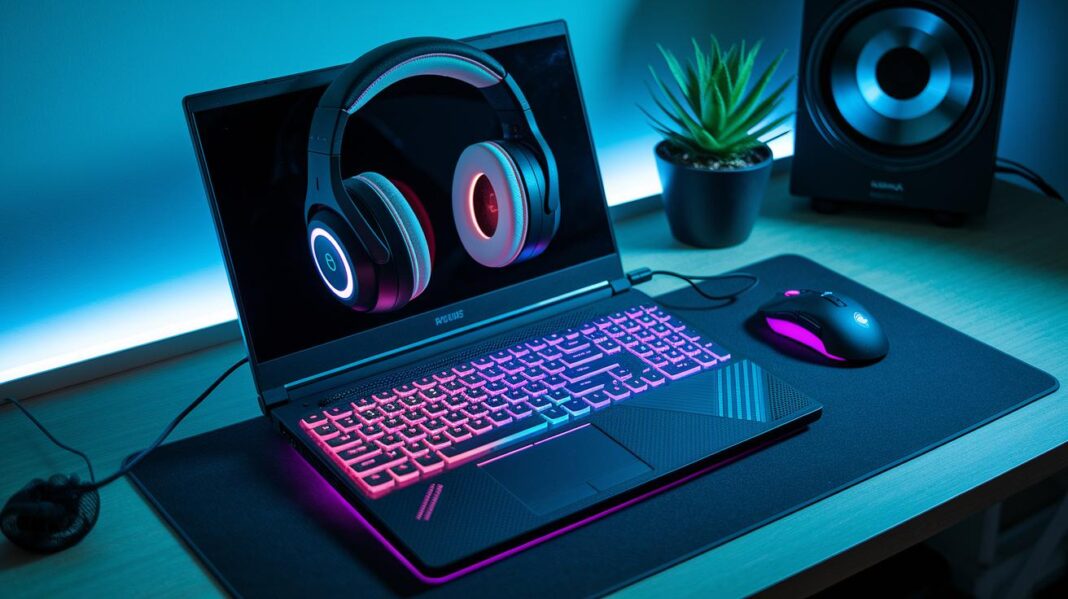
Have you ever wondered why even the best gaming laptops sometimes slow down during tough sessions? These laptops come with strong parts, but they can heat up quickly and hold back performance. A few smart add-ons can fix that. A cooling pad helps keep things cool, a docking station boosts connectivity, and an extra monitor gives you smoother control. If you want a setup that matches your skills and stays comfortable, try these accessories. Gear up and take your game to the next level.
Essential Gaming Laptop Accessories for Peak Performance & Comfort
Gaming laptops combine powerful CPUs and GPUs in a portable design, which means they can heat up quickly and face some tough challenges. Their built-in cooling systems, touchpads, and speakers may not keep up with the demands of high-performance games. Under heavy use, these laptops can run hot and lose input precision or clear audio, much like a car engine that overheats in city traffic. That's why adding the right accessories is so important.
You can boost your gaming setup with extras like cooling pads, docking stations, precision input devices, sound gear, extra monitors, and additional storage. A cooling pad or portable fan helps keep temperatures down. Docking stations add more USB ports and Ethernet support to expand your connections. A dedicated gaming mouse and keyboard give you better control than a small trackpad or built-in keyboard can. Separate headsets and microphones improve sound quality and communication. External monitors let you multitask with larger displays, while SSD-based external drives speed up load times and help you store big game files. Fun fact: a cooling pad can lower your laptop’s temperature by up to 15°F, which can really boost performance.
These accessories work together to create a more balanced setup that improves both comfort and efficiency during long gaming sessions. They help you manage heat, expand your display and storage, and enjoy clear audio with responsive controls. With the right add-ons, your gaming laptop becomes a more capable, ergonomic, and high-powered machine built to handle even the toughest competitive play.
Advanced Cooling Solutions for Gaming Laptop Accessories
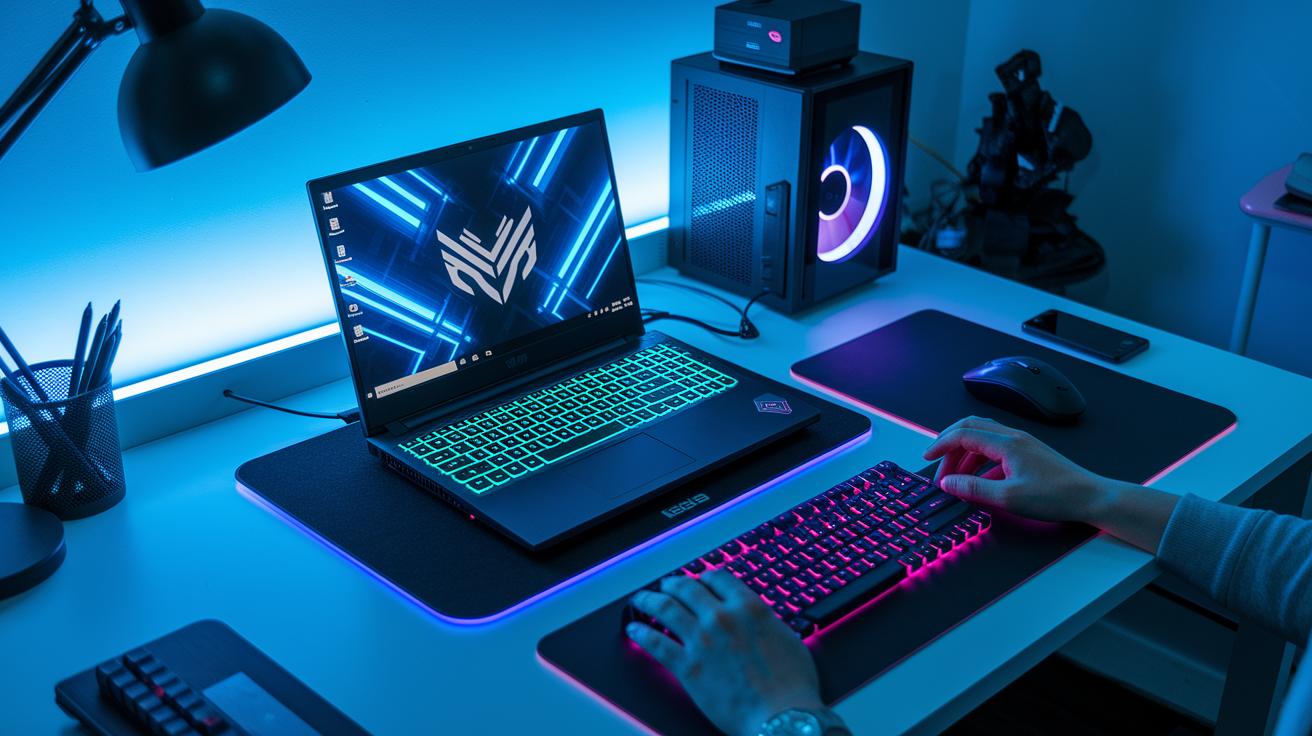
Gaming laptops use powerful processors and graphics that can heat up quickly during long gaming sessions. When your laptop gets too hot, it might slow down to protect its parts. That's why cooling pads are so helpful. They act like a mini air conditioner, keeping your device cool much like a gentle breeze on a hot day.
| Model | Fan Count | Airflow (CFM) | Noise Level (dBA) | Price |
|---|---|---|---|---|
| Tecknet N8 | 3 | 50 | 30 | $35 |
| Cooler Master NotePal | 2 | 45 | 28 | $40 |
| Cooler Master ChillPad | 4 | 60 | 35 | $70 |
The table above lists different cooling pad options. Each model has its own mix of fan counts and airflow ratings. If you want a device that works quietly yet cools well, the Tecknet N8 and Cooler Master NotePal are great choices. On the other hand, if you need extra cooling power and can handle a bit more noise, the Cooler Master ChillPad might be the perfect fit. Choose a cooling pad that suits your gaming setup and helps keep your laptop running at its best.
Docking Stations & Hubs: Connectivity Essentials for Gaming Laptop Accessories
Docking stations help turn your gaming laptop into a desktop-like setup by adding extra ports. They give you access to Thunderbolt and USB ports, Ethernet, SD card readers, and audio outputs. Many models support dual 4K displays at 60 Hz and can deliver up to 100 W of pass-through charging. This extra connectivity lets you hook up monitors, keyboards, and other devices while keeping your desk neat during long game sessions.
Below are three top docking options that can boost your gaming setup. Each model offers a solid mix of ports and power delivery to improve your connectivity and performance.
Plugable TBT4-UDZ
- Port Setup: Features several Thunderbolt and USB ports.
- Display: Supports dual 4K displays at 60 Hz.
- Charging: Provides up to 100 W pass-through charging.
- Pros: Great variety of ports; compact design.
- Cons: Fewer options on the SD card reader side.
Razer Thunderbolt 4 Dock Chroma
- Port Setup: Comes with a host port and several USB-A 3.2 Gen 2/Thunderbolt ports.
- Display: Handles dual 4K displays at 60 Hz.
- Charging: Offers high-performance charging features.
- Pros: Sleek design; striking RGB lighting.
- Cons: Comes with a higher price tag.
CalDigit TS4
- Port Setup: Offers extensive connectivity including USB, Thunderbolt, and Ethernet.
- Display: Supports dual 4K displays at 60 Hz.
- Charging: Equipped with robust 100 W charging capacity.
- Pros: Wide array of ports; reliable performance.
- Cons: Price may be steep for budget-minded gamers.
Precision Input Devices for Gaming Laptop Accessories: Mice & Keyboards
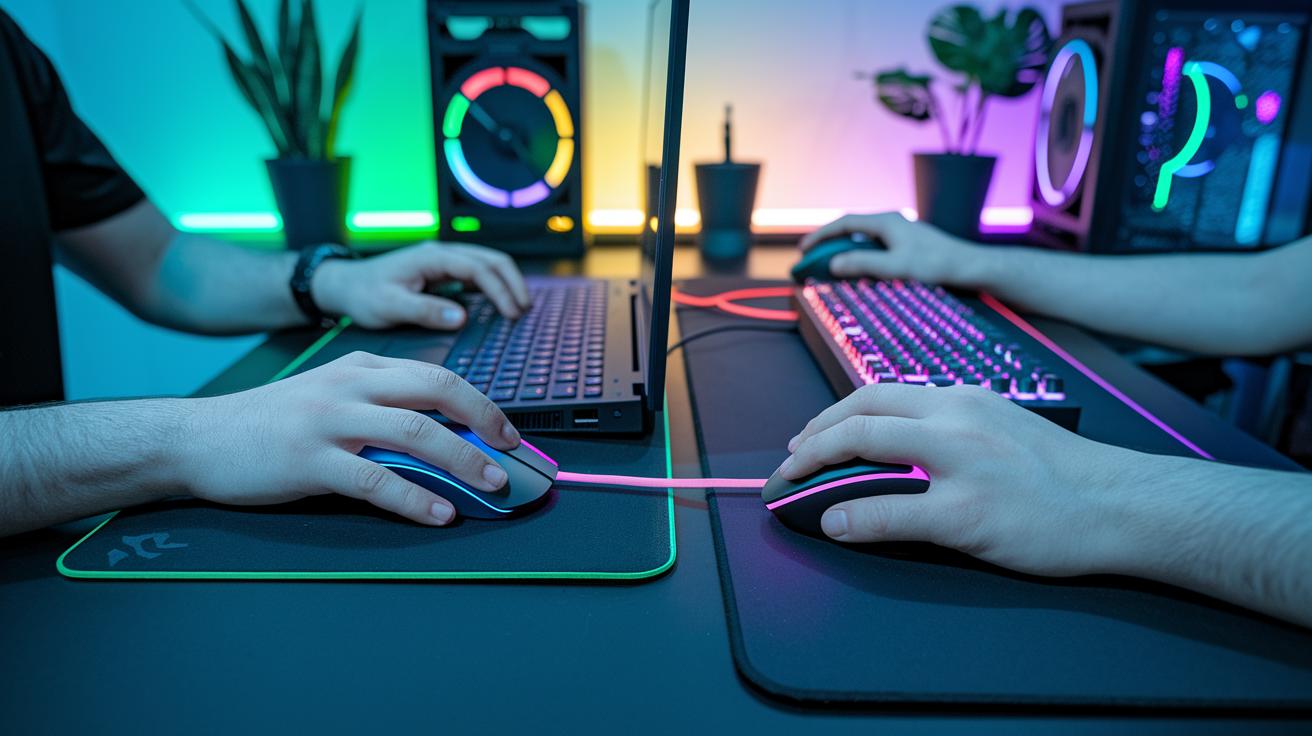
Gaming laptops come with small trackpads and cramped keyboards. This can make fast-paced games feel off because you don't get enough feedback or quick responses. Using separate devices helps you hit every command sharply. Plus, they give smoother control and lessen strain during long gaming sessions.
Mice
Gaming mice like the Viper V3 Pro, Basilisk V3 Pro, and DeathAdder V4 Pro are far more responsive than the built-in trackpad. They offer sensitivity settings (DPI, which shows how far the cursor moves) from 100 to 26,000 and a polling rate (the speed the mouse reports to the computer) up to 1,000 Hz. With programmable buttons and an ergonomic design that fits your hand well, these mice usually cost between $50 and $200. Fun fact: A professional gamer can react to visual cues in just 200 milliseconds, thanks to these precise devices.
Keyboards
External keyboards such as the NuPhy Field75HE, Asus ROG Strix Scope II 96 Wireless, and Wooting 60HE v2 boost both typing and gaming. They use mechanical switches that travel 1.4 mm (which means a shorter key press) and have wireless delays under 2 ms. This design delivers the fast response and durability required for competitive play. These keyboards also allow for extra customization and comfort that built-in laptop keyboards simply don’t offer, all within the $50 to $200 price range.
Audio & Communication Gear: Essential Gaming Laptop Accessories
Laptop speakers and built-in mics often miss the mark in tough gaming sessions. They tend to sound tinny and capture too much background noise. This makes it hard to enjoy a deep audio experience when every sound detail is key for competitive play.
Gaming headsets like the Maxwell Wireless Gaming Headset, Astro A50 X, and HyperX Cloud Alpha bring clear 7.1 surround sound and feature strong 50 mm drivers. Their detachable, noise-canceling mics pick up your voice cleanly while shutting out other sounds. Some even have dedicated mics to boost team calls, so you never miss a cue.
When you pick your audio gear, keep comfort and sound quality in mind. Choose headsets with adjustable cushions and a lightweight design for long gaming sessions. Make sure the mic captures your voice clearly with little interference. A good headset can turn every game moment into a more vibrant experience.
External Monitors & Portable Displays as Gaming Laptop Accessories
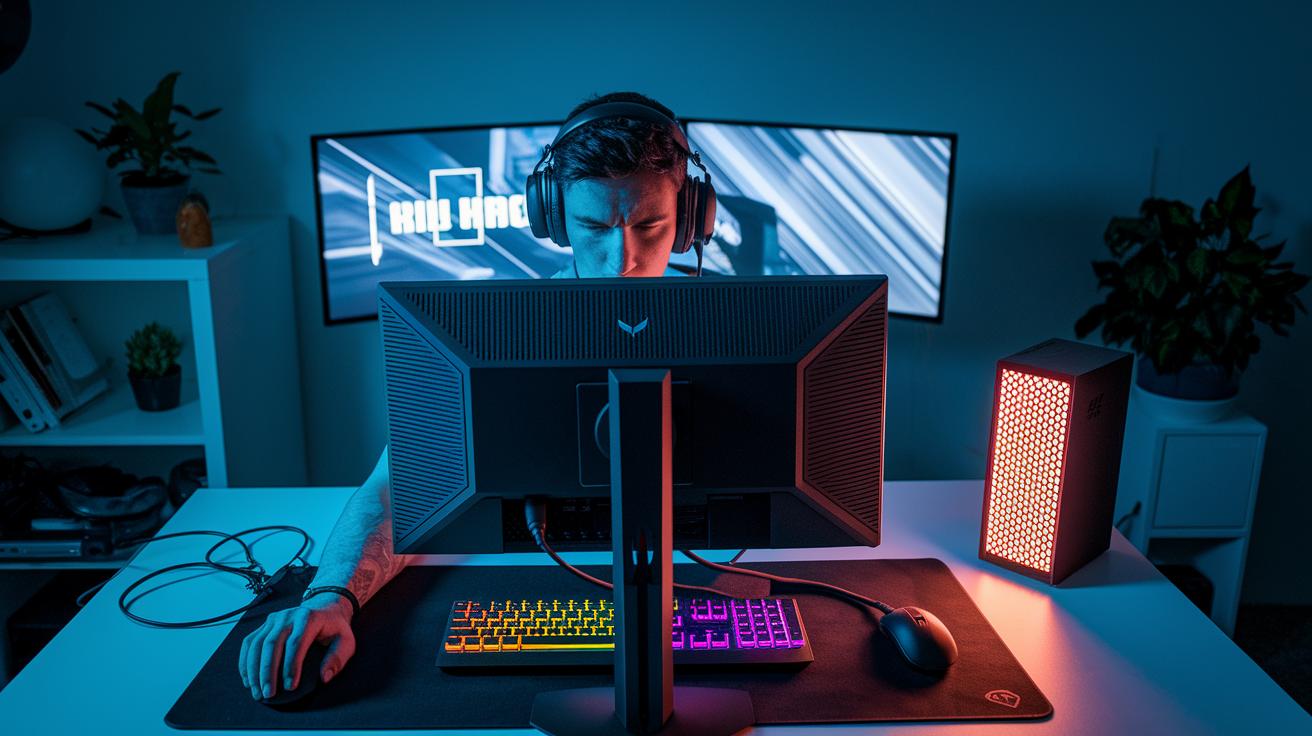
Gaming laptops can gain a lot from having extra screens. A second display helps keep chat windows and performance stats in view while you play. Portable monitors like the VX1755 and MPG 341CQP offer 17.5-inch IPS panels at 1080p or 1440p. They also support refresh rates from 75 Hz up to 165 Hz via USB-C. Tests show that using two screens can boost reaction times by 20%.
Portable USB-C Gaming Monitors
These monitors are slim and light. They connect easily with a USB-C cable for a quick plug-and-play setup. Their compact design makes them easy to carry, which is great for gamers on the move. You get extra screen space without carrying heavy gear.
High-Refresh Desktop Gaming Displays
Desktop models bring higher refresh rates and HDR support for clearer visuals. They fit well on a gaming desk and deliver crisp images with smooth motion. This setup is ideal for fast-paced games where every millisecond counts.
Before you buy an extra monitor, think about your needs. Check if the monitor's portability, refresh rate, and picture quality fit your gaming style.
External Storage Solutions for Gaming Laptop Accessories
When you install many high-resolution games and download large updates, your laptop's built-in storage can fill up fast. This may slow down your load times and stop you from adding new games. An external SSD offers extra space and can lower load times by up to 30%, so you can jump into your game faster and store more without worry.
Here are three top external SSD choices that balance capacity, speed, price, and portability:
| Drive | Capacity | Main Benefit |
|---|---|---|
| Adata SD810 | 1 TB | Fast read/write speeds in a compact design |
| PNY RP60 | 2 TB | Extra space for large game libraries while keeping speed high |
| Sabrent Rocket Nano V2 | N/A | Impressive speed with a sleek, portable style at a competitive price |
The Adata SD810 1TB is a great pick if you need speedy access in a small form. If your game collection is large, the PNY RP60 2TB helps you keep all your games at high performance. And the Sabrent Rocket Nano V2 offers both speed and portability without breaking the bank.
Ergonomic Stands & Platforms for Gaming Laptop Accessories
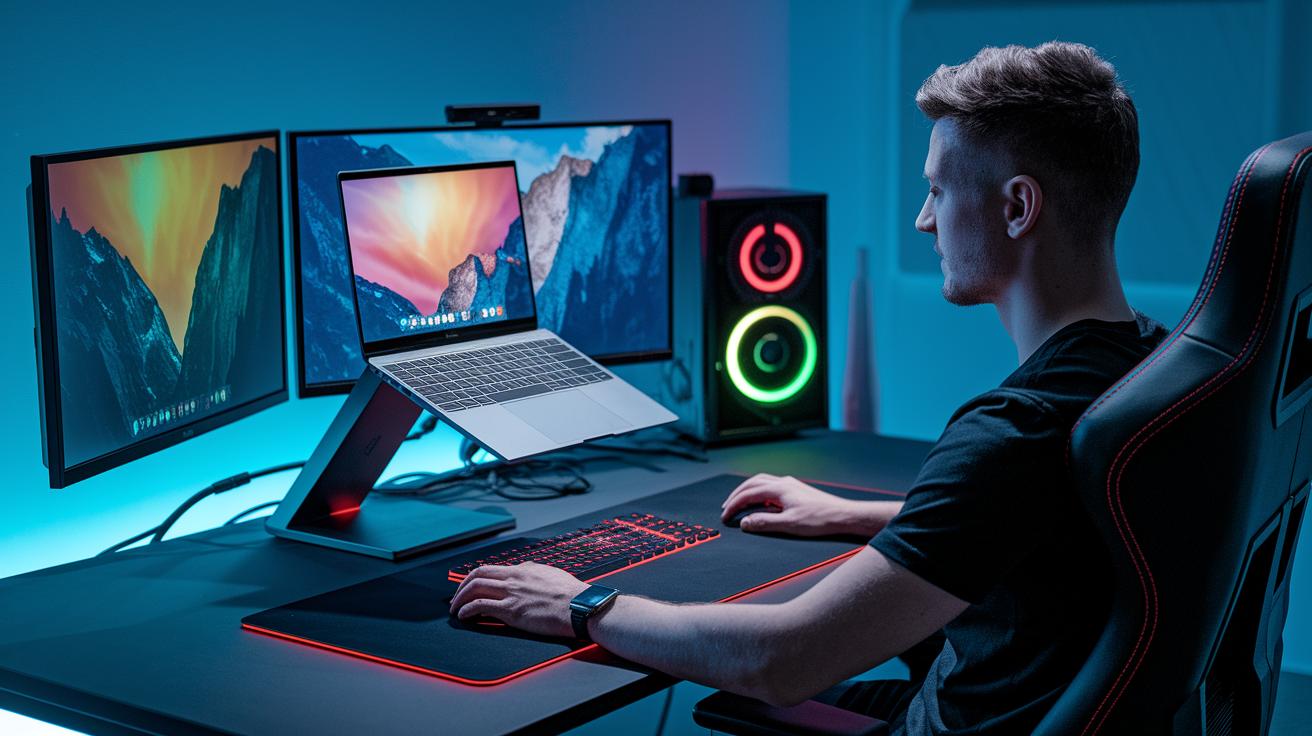
Long gaming sessions can make your wrists sore and can trap heat around your laptop. An ergonomic stand may cut wrist pain by about 15% after four hours. Plus, the extra lift boosts airflow to keep your device cooler. It helps you sit straight and keeps your laptop from overheating during play.
Desk-Mounted Adjustable Stands
- Angle Range: 5° to 25° for clear, precise viewing.
- Build Material: Made of aluminum for extra sturdiness.
- Price: About $25.
- Example: Imagine your laptop gently rising from 5° to 25°, a comfortable angle that keeps your neck and wrists at ease.
Portable Foldable Laptop Risers
- Angle Range: Offers several angles, usually up to 15°.
- Build Material: Crafted from lightweight plastic composites for easy carrying.
- Price: Around $15.
- Example: Think of it as a portable boost that folds neatly into your bag. It helps lower heat buildup and eases wrist strain wherever you go.
Accessory Bundles & Budget-Friendly Gaming Laptop Accessories
Accessory bundles are a smart way to upgrade your gaming laptop without overspending. They group together key parts like a basic cooling pad, an entry-level headset, and a compact mouse. This combo can improve your laptop's cooling by around 12% and gives you reliable sound and better control.
These bundles simplify your buying process and boost performance on a tight budget. For instance, you can find a kit that cools and controls your laptop starting at just $80.
Two bundles stand out. One option is tailored for students. It includes a budget cooling pad, headset, and mouse for about $80. This kit offers essential improvements without a high price. The other option, from a major brand, pairs a 15 W USB-C hub with a neatly organized mouse for under $100. This package is a great pick for casual gamers looking for a balanced upgrade.
Final Words
In the action, we've explored essential gear to improve your gaming laptop setup. From cooling solutions and docking stations to precision input devices and external monitors, these gaming laptop accessories bring peak performance to your desk. We also looked at smart storage options, ergonomic stands, and budget-friendly bundles that balance quality and price.
This clear guide simplifies your choices while showing real-world trade-offs. Enjoy better performance, comfort, and value as you level up every gaming session.
FAQ
What do experts and community members recommend as the best gaming laptop accessories?
The recommendations emphasize cooling pads, docking stations, precision input devices, audio gear, external monitors, storage solutions, and ergonomic stands. These accessories boost performance, comfort, and overall gaming sessions.
Where can I find gaming laptop accessories on Amazon?
The Amazon marketplace offers a range of gaming laptop accessories such as cooling pads, headsets, and stands. Customers can check reviews and compare prices to find products that best suit their needs.
What is the purpose of a gaming laptop stand?
The gaming laptop stand elevates the device to improve airflow and ergonomics while gaming. It helps reduce heat build-up and provides a more comfortable viewing angle during extended sessions.
How does a gaming laptop cooling pad help my device?
The gaming laptop cooling pad works by dissipating heat through built-in fans, reducing thermal throttling. This accessory prolongs component life and keeps performance steady during demanding gameplay.
What gaming laptop must-have software should I consider?
The gaming laptop must-have software includes drivers, system optimizers, and graphics tools. These programs enhance performance and stability, ensuring the device runs smoothly during intensive gaming activities.
How important is a gaming laptop headset for immersive play?
The gaming laptop headset is vital for immersive play by offering clear audio and efficient noise cancellation. Quality headsets also improve in-game communication with features like surround sound and reliable microphones.
What do you need for a gaming laptop?
The basic gaming laptop setup needs a powerful CPU/GPU, sufficient RAM, and key accessories such as cooling pads, stands, headsets, and precision input devices. This combination supports smooth performance and effective cooling.
Is $1000 enough for a gaming laptop?
The $1000 price point can offer a decent gaming laptop, though it may sacrifice high-end GPU performance or extra features. It generally suits casual gamers with mid-range demands.
What are good parts to consider when building a gaming laptop?
Good parts for a gaming laptop include a robust CPU, a capable GPU, ample RAM, and effective thermal management accessories like cooling pads. These components work together for smooth gameplay and reliable performance.
Is 32GB RAM overkill for a gaming laptop?
The idea that 32GB RAM is overkill depends on usage. For heavy multitasking or content creation, it can be beneficial, while most gamers typically find 16GB sufficient for everyday gaming needs.