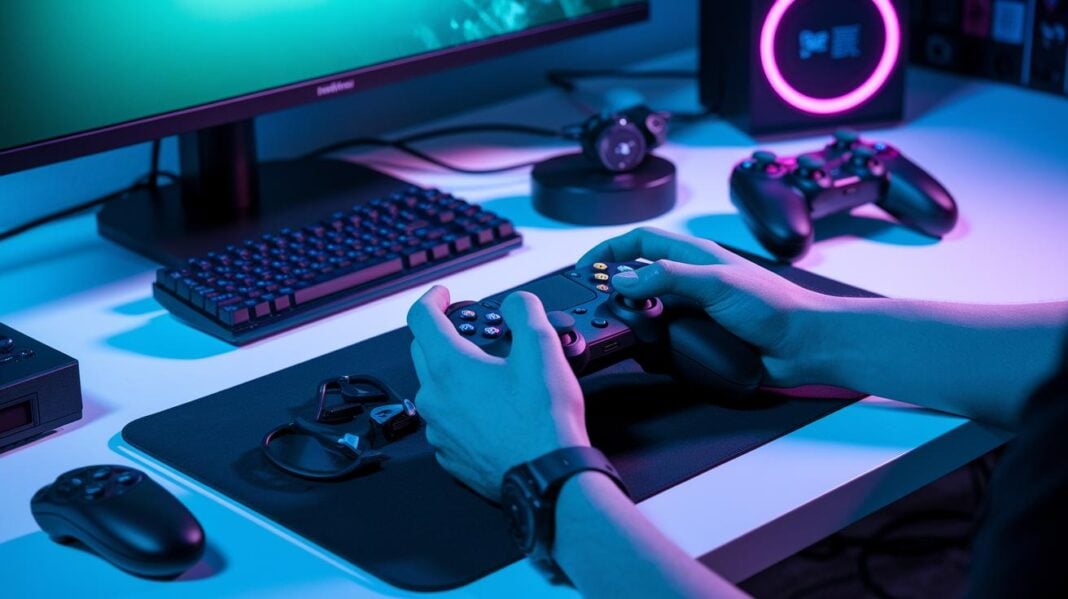
Have you ever thought a simple tweak could change your game? Gaming controller accessories let you do just that. Custom grips and trigger mods help reduce hand fatigue (tiredness) and make your inputs sharper. This gives you a competitive edge without changing your whole setup. Plus, these upgrades let you add a personal touch to your equipment. Let's take a closer look at how these add-ons can boost your play and help you win even the toughest matches.
Key Gaming Controller Accessories for Boosted Performance
Gaming controller accessories give your play a real boost. Many players add grips, shells, paddles, and trigger mods to improve control, precision, and comfort. For example, silicone or rubber grips help reduce hand fatigue during long sessions. After hours of play, a better grip can be the difference between winning and falling behind. Plus, these add-ons protect your controller and let you show off your style.
Snap-on shells are a favorite because they let you swap colors and designs quickly and easily. They usually cost between $15 and $30. More advanced paddle kits and trigger modules let you program extra commands and fine-tune how your controller responds. Some mods even reduce actuation distance by up to 1.5 mm, which makes fast moves more responsive in competitive matches.
Accessories come in a range of prices from $10 to $200. Budget options offer a modest boost in comfort and control, while premium kits deliver refined mechanics and better durability. Whether you pick an entry-level upgrade or a high-end mod, these changes can improve accuracy, reduce input lag, and give your controller a personal touch.
With many options available, exploring gaming controller accessories helps you tailor your gear for top performance and more enjoyment.
Custom Grips and Shell Covers for Controllers
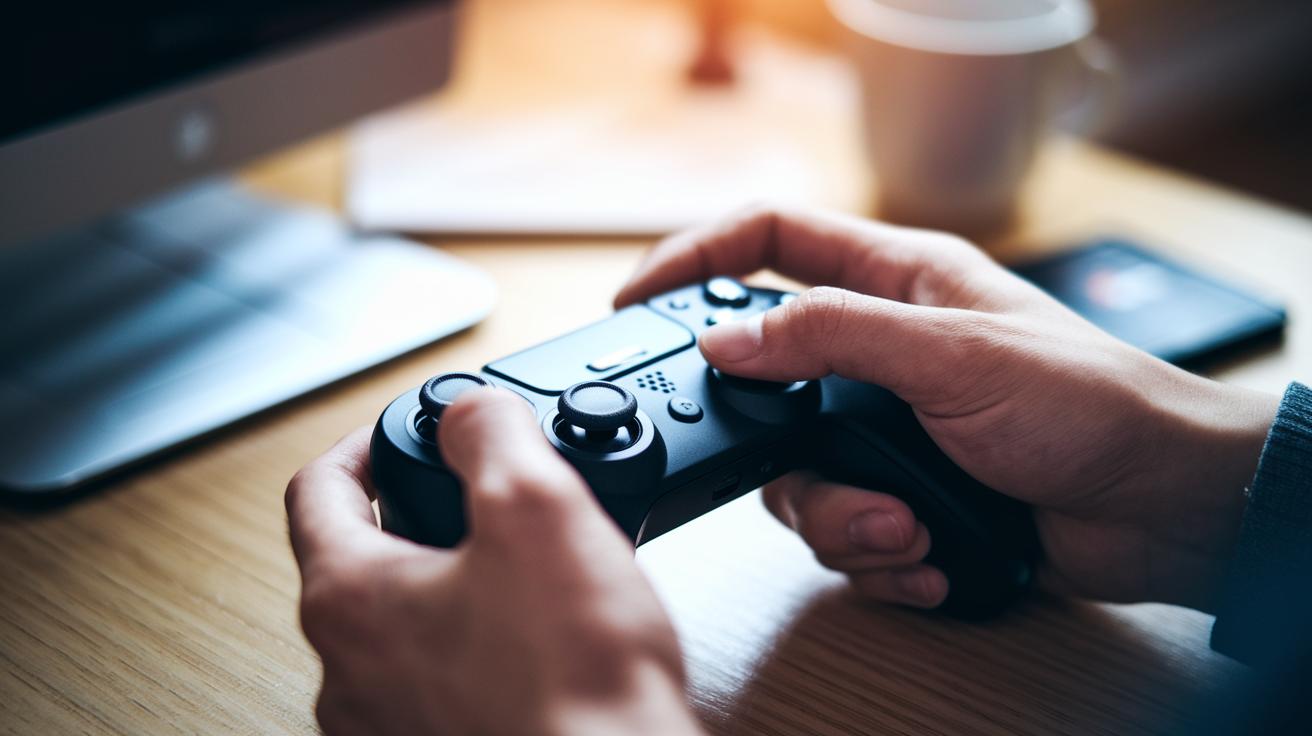
Aftermarket grips help ease hand fatigue during long gaming sessions. Many gamers choose custom grips and removable shell covers to boost comfort and control. Premium grip kits made of rubber or silicone reduce sweat and give a firmer hold, usually costing between $20 and $40. Removable snap-on shell covers add a personal touch with quick color swaps and protect your controller from wear, typically for $15 to $30.
The installation is simple. Just peel off the old shell and snap on the new one in seconds.
Users say these upgrades really help reduce hand fatigue and improve control on controllers from major brands.
Precision Paddle and Trigger Enhancement Modules
Paddle mods attach extra buttons to the back of your controller. They let you assign more commands so you can control your game better. Precision paddle mods shorten the actuation distance by 1.2 to 1.5 mm, meaning your commands register faster.
Trigger enhancement modules add a bit of resistance using springs or adjustable stops. This lets you fine-tune how far and how smoothly you pull the triggers. These modules work with controllers like the Xbox Elite and the PlayStation 5 DualSense.
Installation is simple. You unscrew a few panels, attach the new modules, and then screw everything back in place. Prices start at $25 for basic sets and go up to $80 for advanced kits with extra features. Many gamers say these mods noticeably boost responsiveness and overall control, giving them a competitive edge in fast-paced matches.
Users have found that these enhancements make long gaming sessions more comfortable. One gamer mentioned, "Try a paddle mod and feel the sharper response during intense battles." These accessories boost performance instantly with an easy setup. If you value precision and a competitive edge, these mods can help you enjoy rapid response times in every match.
Wireless Enhancements and Connectivity Upgrades
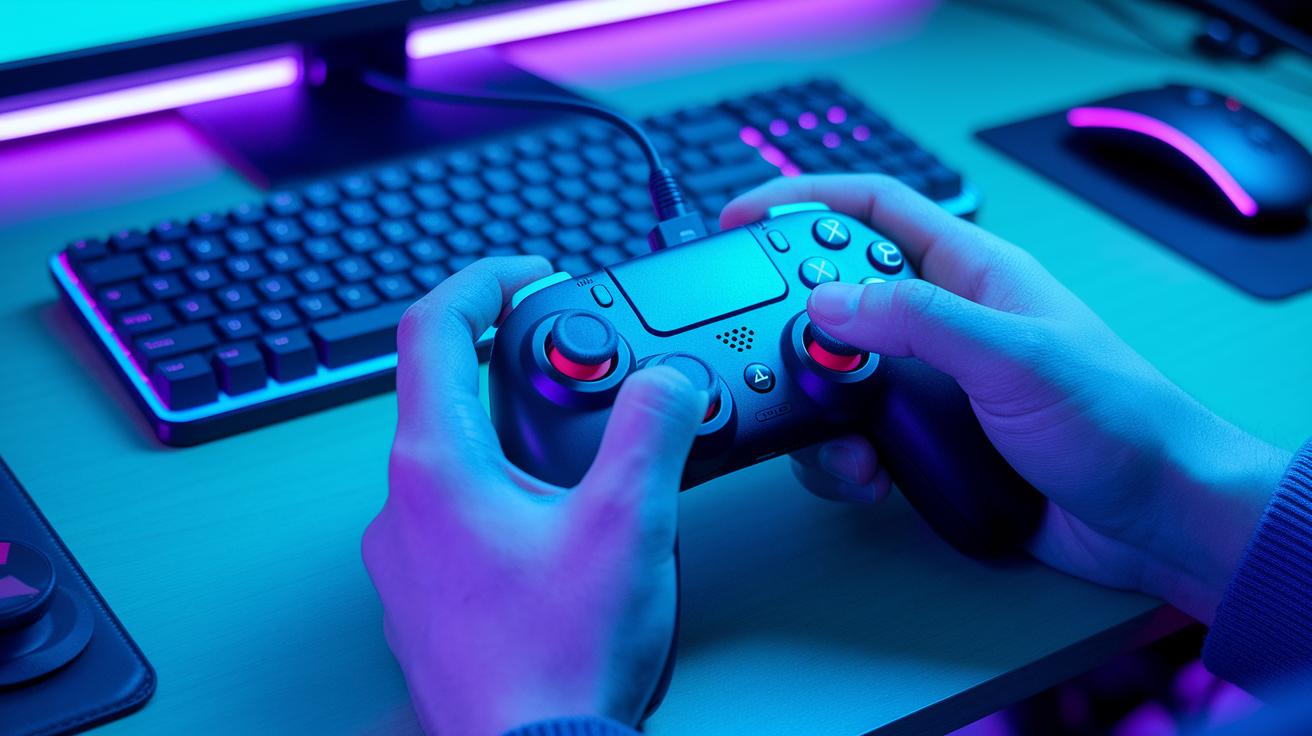
Low-latency wireless adapters cut lag by up to 30% compared to standard Bluetooth. Gamers say they get a quicker, smoother response during fast battles. Custom thumbstick caps also help by improving analog control and shrinking dead zones that hurt gameplay. One user even remarked that switching to premium thumbstick caps felt like instantly leveling up his game.
Bumper boost accessories add another layer of performance. These spacers, available in mechanical or silicone forms, let you reload faster and trigger special moves easily. The setup is simple: plug in the wireless adapter, snap on the thumbstick caps, and add the bumper boosts. It’s as easy as “snap it on and play.” Gamers appreciate these upgrades for their improved signal reliability, consistent low latency, and enhanced control feel.
Performance upgrades truly transform play.
Console-Specific Controller Upgrade Kits
Xbox gamers can boost their controller with official upgrade kits like those from the Xbox Elite Series. These kits offer swappable thumbsticks, adjustable-tension triggers (triggers you can adjust for a firmer or softer feel), and rubberized grips. They let you tailor your controller for a tighter grip and quicker turns in games. One player even said, "Swapping thumbsticks mid-tournament gave me an edge when precision was key." While these kits come with a higher price tag, they are built to perform at the highest level.
Sony players also have options with custom PlayStation 5 upgrade kits. These kits feature improved D-pad modules, refined trigger spring kits, and stylish panels that give your controller a fresh look. Many gamers report that these tweaks boost reaction times and make long sessions more comfortable.
Third-party upgrade kits focus on working with many types of controllers. They might add extra back buttons or media control modules and usually cost between $50 and $150. Although they may not match the tailored feel of brand-specific kits, users appreciate their versatile upgrade in control and comfort without breaking the bank.
- Pros: Enhanced performance and customizability; improved grip and fast response.
- Cons: Third-party options might need tweaks for perfect platform compatibility.
User ratings show that brand-specific kits deliver a more custom experience, while third-party kits offer solid upgrades at a more budget-friendly price.
Performance and Aesthetic Premium Mod Accessory Kits
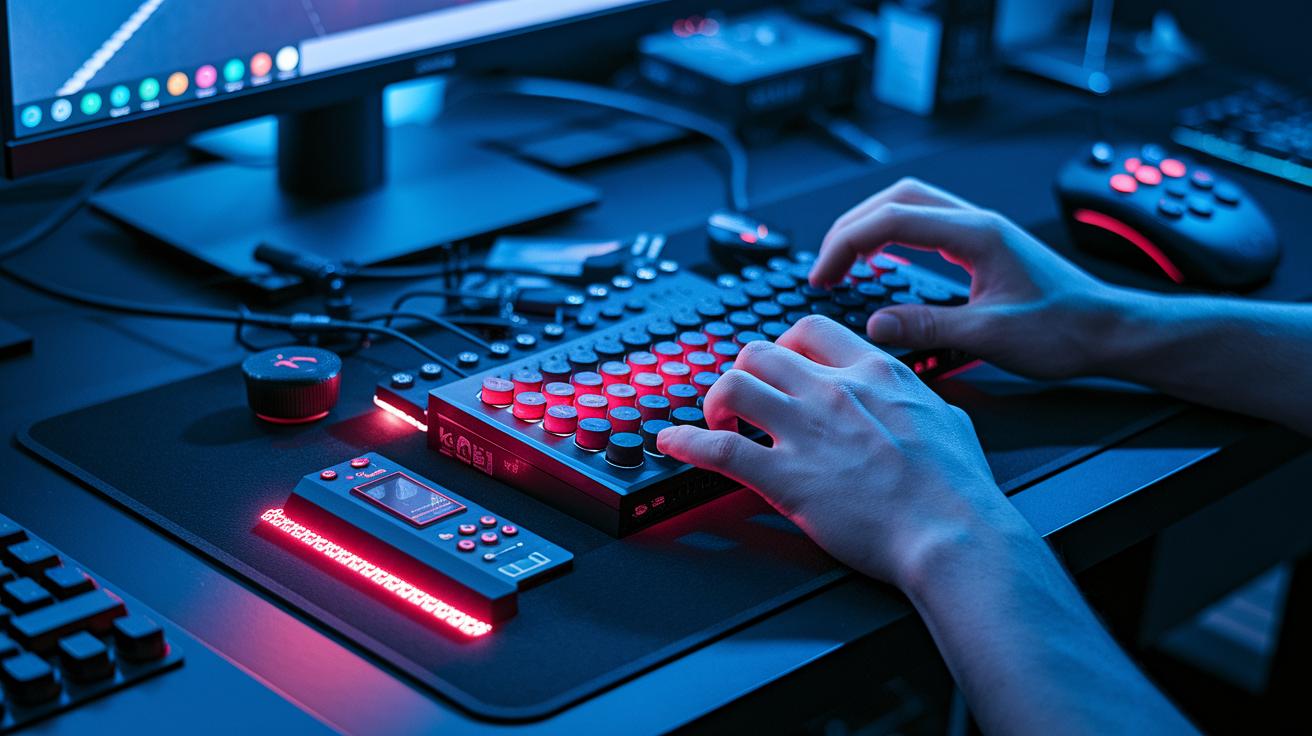
High-end mod kits bundle several features into one affordable package for competitive gamers. They come with paddle arrays, adjustable thumbsticks, trigger stops, shell plates, and LED lighting. These tools boost your control and give you an edge in tournaments. One gamer said installing the kit felt like instantly upgrading to a pro controller.
These kits run between $150 and $250 because they include tournament-grade enhancements. Macro mapping lets you set custom commands, while debounce times under 1 ms mean your controller registers inputs almost instantly. This leads to faster responses and smoother gameplay in tough matches.
| Brand | Key Components | Price Range |
|---|---|---|
| Scuf | Paddle arrays, adjustable thumbsticks, LED lighting | $150–$250 |
| ProMods | Trigger stops, macro mapping, shell plates | $140–$230 |
These kits are built for quick responses and customized control, making them ideal for gamers who take competition seriously.
Installation Guide and Maintenance Tips for Controller Mods
Setting up your mod accessories is simple when you have the right tools. You will need a T8 and a T6 Torx screwdriver plus plastic pry tools. These tools let you remove screws and open the controller case without harming the plastic clips. Think of the T8 screwdriver as the perfect key for unlocking smooth performance upgrades.
Follow these steps for proper installation:
- Power off your controller and remove all screws with the T8 or T6 screwdriver.
- Carefully use a plastic pry tool to open the case, taking care around sensitive parts.
- Attach your DIY mod kit components or a quality case kit exactly as shown in the installation tutorials.
After you install your mods, keeping them maintained is important. Clean all contacts with isopropyl alcohol to ensure steady electrical performance, and gently wipe away any dirt with a soft cloth. Regular cleaning and careful handling can boost the lifespan of your accessories by up to 50%.
Also, update your firmware using the vendor’s tools to keep your custom drivers running smoothly. When not in use, store your controller in a dry, dust-free spot. This care routine keeps your mods working well and your controller ready for peak performance.
Buying Advice and Top Picks for Gaming Controller Accessories
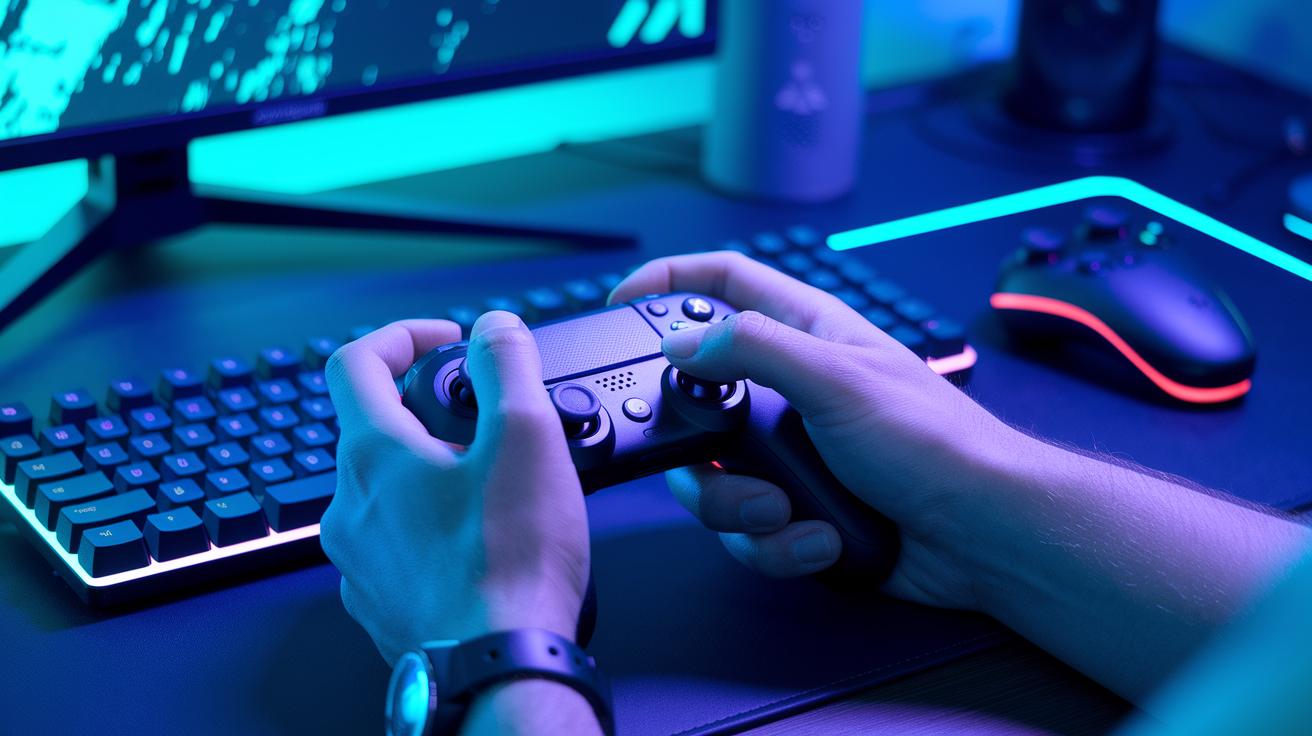
Gamers looking for a quick performance boost should choose accessories that improve control and speed in every match. We checked several options based on price, features, and user ratings to help you decide.
A top pick is a silicone grip kit from Brand A. Priced at $25, it holds a solid 4.7-star rating for its comfort and sweat-resistant design. It gives you tighter control during long play sessions and helps reduce hand fatigue.
If you want faster reactions and extra commands, try the paddle mod from Brand B. At $60, its tough aluminum build offers quicker input responses that are ideal for competitive play.
Another option is a wireless dongle. It cuts input lag down to only 2 ms and costs $35. Its low delay improves signal response during fast-paced matches.
Key factors to consider:
- Price vs. performance: Decide if a cheaper grip kit or a high-performing paddle mod suits you.
- Star ratings: Pick kits that score above 4.5 stars.
- Budget: With most gamers spending around $75 a year on accessories, you can choose one premium upgrade or mix in several cost-effective add-ons.
Each of these accessories provides a fast performance boost, letting you fine-tune your controller setup and gain an edge in every match.
Final Words
In the action, we saw how gaming controller accessories can boost your play. Custom grips, trigger mods, and wireless add-ons improve both comfort and control. We broke down the top choices and their price ranges so you can pick what fits your needs. Each accessory brings clear gains in precision and durability. Enjoy the smooth, responsive gaming experience that these upgrades offer. Keep your setup fresh and ready for any challenge ahead.
FAQ
What gaming controller accessories are available to boost performance?
The gaming controller accessory options include grips, shell covers, precision paddle modules, trigger enhancements, wireless adapters, and console-specific upgrade kits that boost accuracy, comfort, and responsiveness.
How do custom grips and shell covers improve controller comfort and performance?
Custom grips and shell covers improve controller comfort by offering better hold and reduced sweat. They also protect the controller while allowing you to personalize its look for a better gaming experience.
What benefits do precision paddle and trigger modules provide?
Precision paddle and trigger modules improve button response by reducing actuation distance and fine-tuning trigger resistance. They offer competitive gamers quicker input and enhanced control during intense game moments.
How do wireless enhancements and custom thumbstick caps benefit gamepads?
Wireless enhancements, such as low-latency adapters, reduce input lag, while custom thumbstick caps enhance analog control by reducing dead zones. Together, they deliver more responsive and smooth gameplay.
What should I consider when choosing console-specific controller upgrade kits?
Console-specific upgrade kits offer mods designed for platforms like Xbox and PlayStation. They typically include swappable thumbsticks, improved D-pad features, and additional buttons to enhance both performance and comfort.
How do premium mod accessory kits elevate competitive gaming?
Premium mod accessory kits bundle features like paddle arrays, adjustable thumbsticks, trigger stops, and LED lighting. These all-in-one systems offer tournament-level performance by reducing debounce time and allowing macro mapping.
What tools and steps are needed for installing and maintaining controller mods?
Installing controller mods typically requires small screwdrivers and plastic pry tools. Maintaining them includes cleaning contacts with isopropyl alcohol, following step-by-step guides, and updating firmware to ensure long-lasting performance.