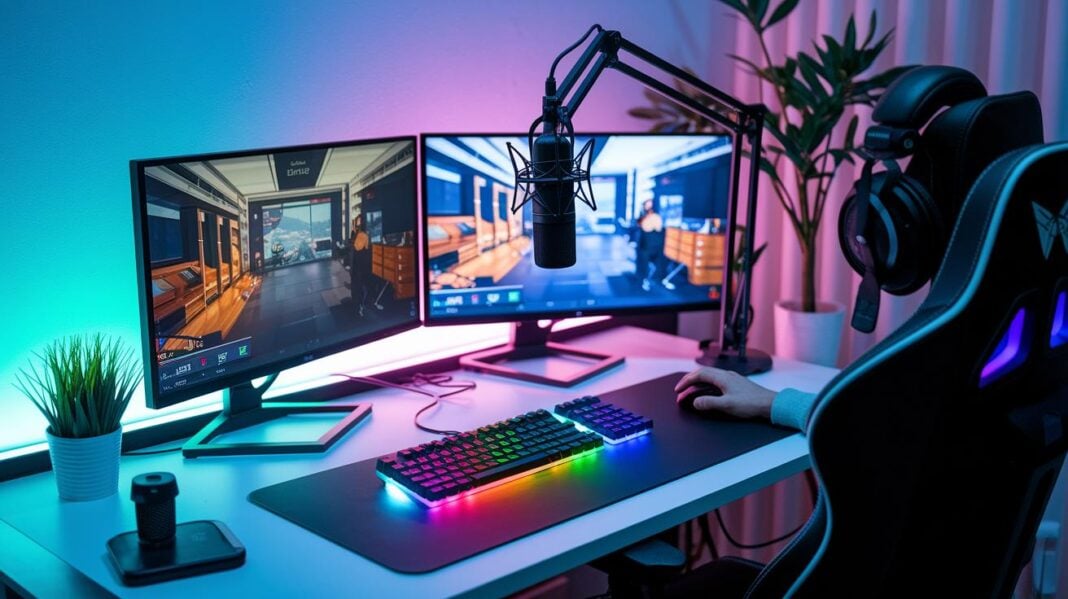
Do you feel like your stream is missing something? You might not be using the secret tools that can make your broadcast shine.
Many streamers skip simple gear that boosts viewer engagement. A clear audio setup and a crisp webcam can lead to smoother gameplay and keep viewers watching longer.
We explain how gaming accessories built for streaming can upgrade your overall broadcast. Read on to discover which tools give you an edge and turn your setup into a performance tool that wins audiences.
Top Gaming Accessories for Streamers: Core Gear Overview
Your streaming setup starts with a solid PC and a fast network connection. For smooth gaming and video encoding, you should use a computer with at least an Intel Core i5 or an AMD Ryzen 5 3600 and 16 GB RAM. A good graphics card, such as the Nvidia GTX 1060 or the AMD Radeon RX 580, handles game visuals and streaming software well. Also, a wired Ethernet connection with an upload speed of 10–15 Mbps meets Twitch’s 6000 kbps and YouTube’s 10000 kbps streaming needs. This combo helps your stream stay smooth so viewers don't face lag or buffering.
Clear audio and crisp visuals are next in line. A quality USB microphone like the Blue Yeti Nano or Elgato Wave:3 makes sure your voice comes through clearly. A good webcam, such as the OBSBOT Meet 2 or another 4K-capable model, keeps your face cam sharp and professional. Depending on your budget, you can get a starter kit for around $300–$400 or choose a full setup that runs between $1000 and $1500.
- Elite microphone
- Sleek headset
- Precision webcam
- Brilliant lighting
- Tactile keyboard
- Ergonomic mouse
- Dynamic captureunit
- Vivid audioboard
- Crystal greenscreen
Microphones & Audio Interfaces: Gaming Accessories for Streamers
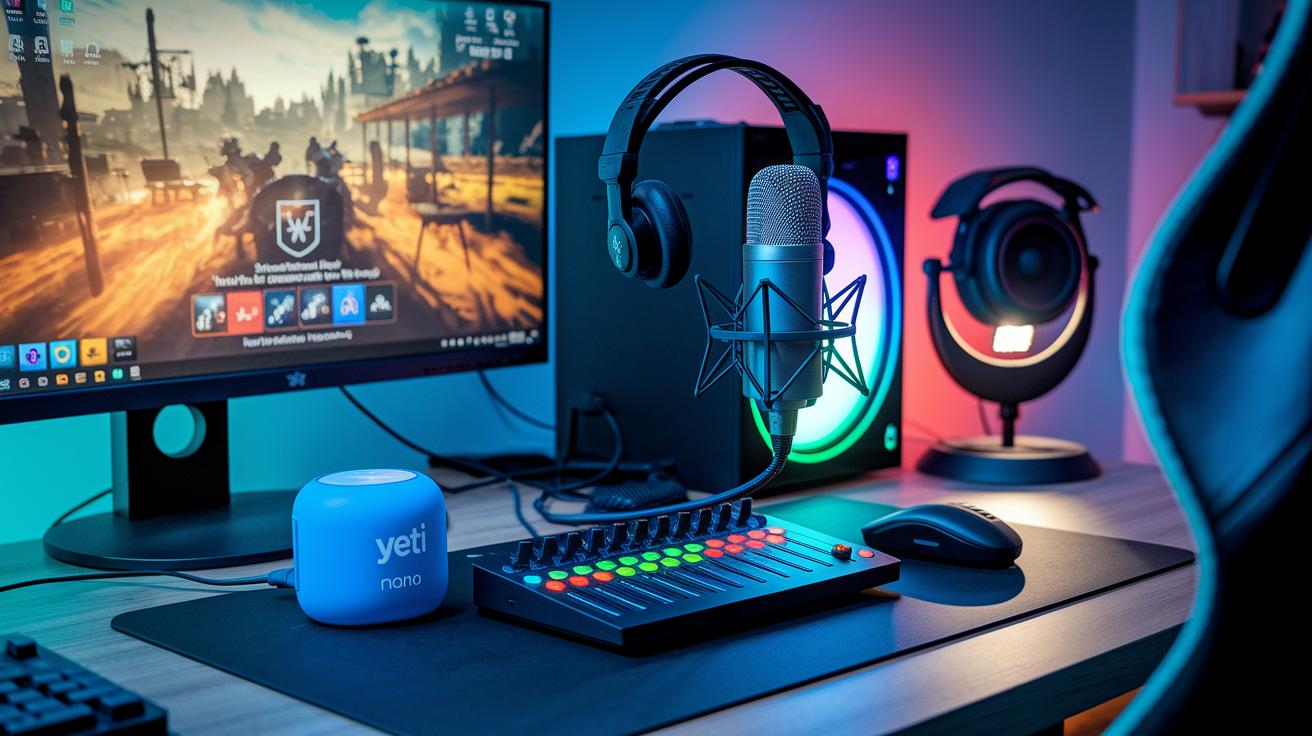
Having clear audio helps keep your audience hooked. Bad sound quality can make viewers click away, so a top-notch microphone setup is a smart investment. A reliable USB microphone, for example the Blue Yeti Nano or the Elgato Wave:3, captures your voice crisply during gaming sessions. If you prefer an XLR microphone, pair it with an audio interface like the Focusrite Scarlett to get a studio-grade sound. Many streamers also add a mixer or another audio interface, which lets them balance game sounds, alerts, music, and voice with ease. Tools such as acoustic equalizers (devices that adjust specific sound frequencies) and noise gates (devices that cut out background noise) further control your audio for a polished, professional stream.
Blue Yeti Nano
An affordable USB microphone known for its clear sound and user-friendly design.
Elgato Wave:3
A flexible USB microphone that delivers detailed audio with very little background noise.
XLR Setup with Focusrite Scarlett
A premium solution for streamers aiming for top-level sound quality. Here’s what it offers:
| Feature | Benefit |
|---|---|
| Balanced Mixing | Makes game audio, alerts, and music work well together |
| Acoustic Equalizer/Noise Gate | Keeps audio levels steady and reduces unwanted background noise |
| Simple Controls | Allows for quick changes during live streaming |
Headsets & Sound Gear: Gaming Accessories for Streamers
Headsets are a must-have for streamers who want to enjoy deep audio and clear communication. They help you catch every in-game sound and make sure your voice comes through clearly for your audience. A well-built headset balances game sounds with your commentary while cutting out background noise. This means you can stay focused in tough moments or relax and chat with fans between levels.
If you stream often and need great sound along with comfort for long sessions, you should check out both the SteelSeries Arctis 1 Wired and the ASUS TUF Gaming H1 Wireless. Both headsets deliver clear sound and stand up to long hours of use. They come with noise-canceling mics and easy-to-use volume controls right on the headset. The SteelSeries Arctis 1 Wired gives a reliable connection, while the ASUS TUF Gaming H1 Wireless lets you move freely with a 25 m range.
SteelSeries Arctis 1 Wired
This headset features a ClearCast noise-canceling microphone, a steel-reinforced headband, and on-headset volume controls for quick adjustments.
ASUS TUF Gaming H1 Wireless
It comes with a 2.4 GHz USB-C dongle, offers a 25 m range, and supports virtual 7.1 surround sound using Windows Sonic and Armoury Crate.
| Headset | Type | Key Feature | Price |
|---|---|---|---|
| SteelSeries Arctis 1 Wired | Wired | ClearCast noise-canceling mic, steel-reinforced headband | $55 |
| ASUS TUF Gaming H1 Wireless | Wireless | 2.4 GHz USB-C dongle, virtual 7.1 surround | $69 |
Precision Webcams & Video Tools: Gaming Accessories for Streamers
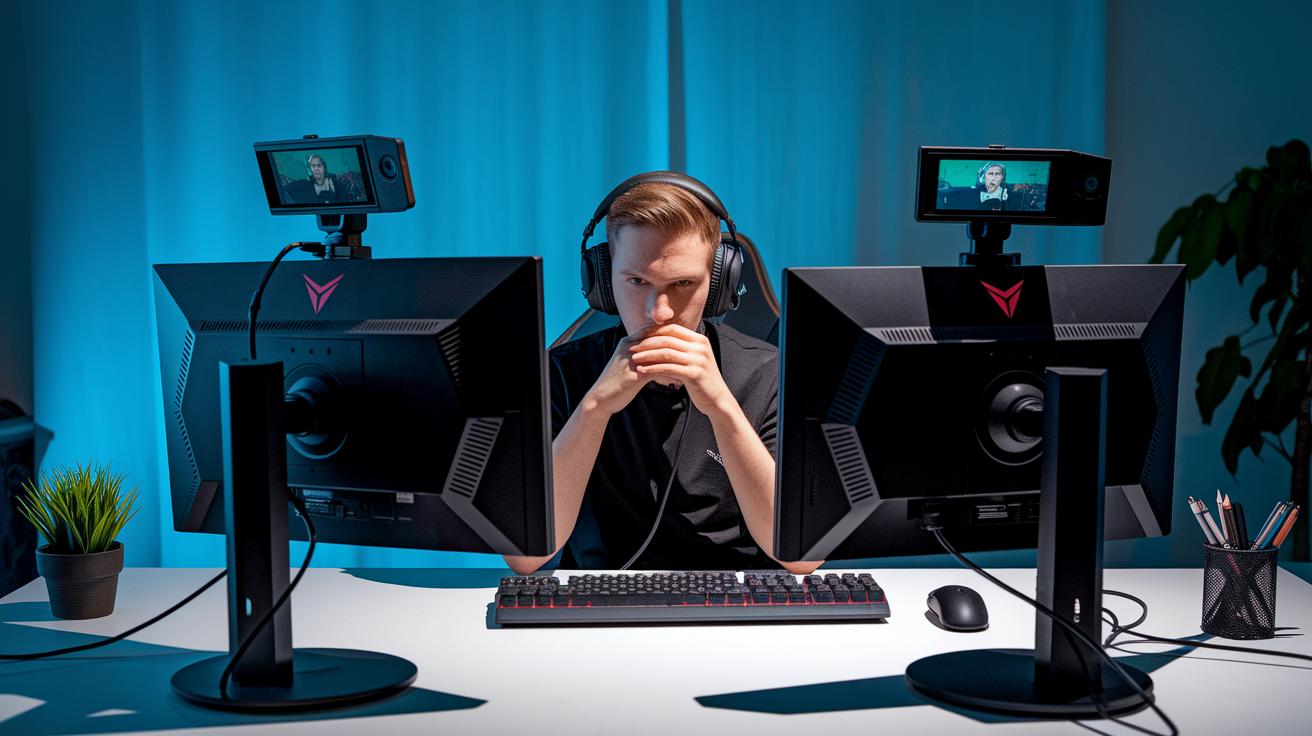
Good video quality is key if you want to keep your audience interested. A good webcam shows you in clear detail and gives your stream a professional look. With the right gear, you can record smooth, high-resolution video that captures every smile and reaction as you play. Using precision webcams helps you create content that connects with viewers and keeps them coming back.
- OBSBOT Meet 2: Comes with AI auto-framing and 4K capture for detailed video.
- Logitech C922 Pro Stream: Records in 1080p60 and supports background replacement for flexible streaming.
- Creative Live! Cam Sync V3 ($49): Offers 2K QHD clarity, 4× digital zoom, 360° horizontal rotation, and a 30° tilt for varied camera angles.
- Creative Live! Cam Sync V2 ($39): Provides 1080p output, dual built-in microphones for improved sound capture, and an integrated privacy cover.
Pair these webcams with accessories like a Nova tripod and an Orbit webcamcover. They secure your camera and keep your shot steady, so your stream looks great even during long sessions.
Brilliant Lighting & Background: Gaming Accessories for Streamers
Good lighting is key to making sure your stream looks clear and professional. LED panels give you adjustable light without heating up your setup. Ring lights and softboxes let you control the color and cut down on shadows so your face is always easy to see, even during intense game sessions.
Background tools also play a big role in creating a neat, professional look. For example, the Elgato Green Screen is collapsible and resists wrinkles. This helps you get rid of distracting backgrounds and lets you add creative overlays. Pairing the right lighting with smart background gear creates a vibrant scene that keeps your audience focused on the game.
Here are some tips to improve your setup:
- Place lights at a 45° angle to avoid harsh shadows.
- Use an aurora diffuser to soften the light and add a gentle glow.
- Try a prism reflector to bounce light and create more depth.
- Set up a crystal greenscreen for the best chroma key results without wrinkles.
- Adjust the color temperature with ring lights or softboxes to match the mood of your stream.
Tactile Keyboards & Ergonomic Mice: Gaming Accessories for Streamers
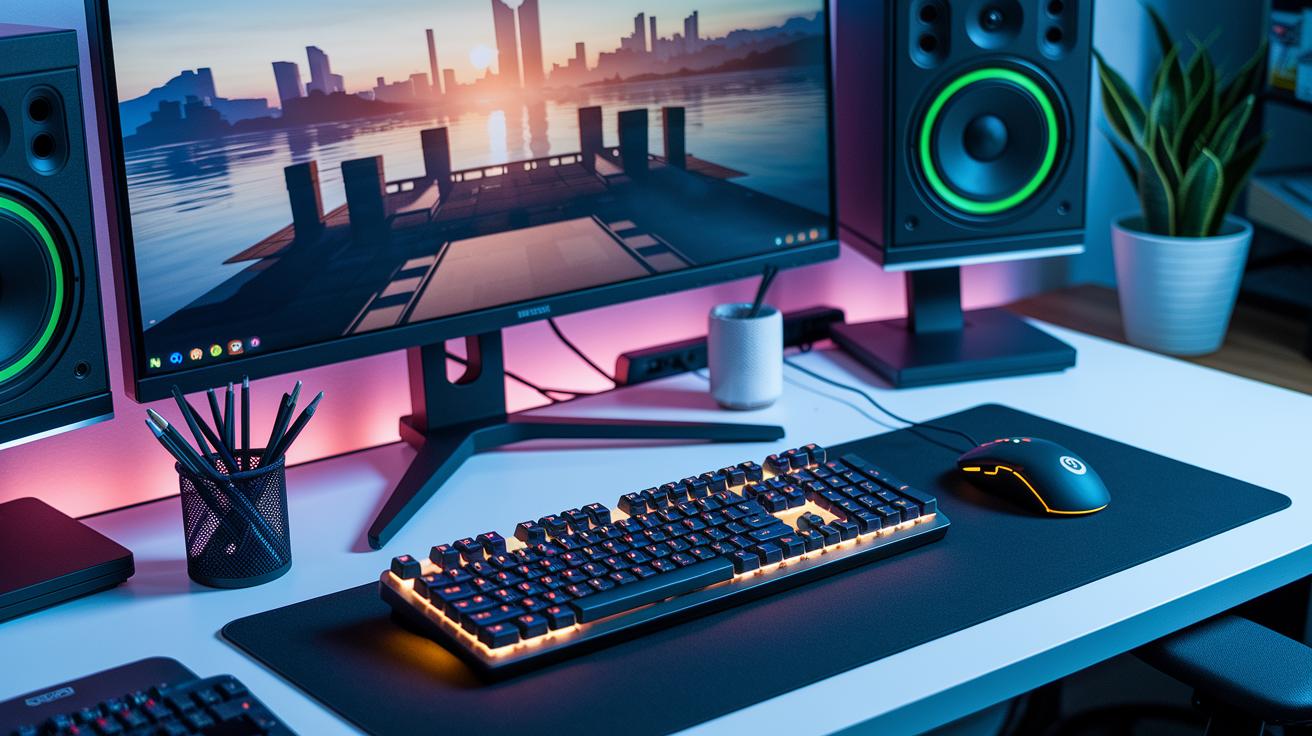
Streamers need a keyboard that responds quickly to hotkeys and macros. Mechanical keyboards with tactile switches give a clear click and fast feedback that can boost your game. They help you hit commands easily during fast streams. A well-made tactile keyboard makes your moves feel smooth, letting you switch between the game, chat, and streaming controls without a hitch. This keyboard is a great pick for streamers who need both speed and accuracy.
An ergonomic mouse is just as important when you stream for hours. It fits comfortably in your hand and helps reduce wrist strain. With programmable shortcut buttons, you can control scenes and chat responses faster. Using a quality deskmat or a smooth mousepad also helps your mouse track better and protects your desk. These accessories work together to make your streaming setup more efficient and comfortable.
Capture Units & Stream Decks: Gaming Accessories for Streamers
Live streaming means you need quick scene switches and smooth video capture. Dedicated tools help you manage game feeds, live overlays, and multiple cameras easily. The right hardware also cuts lag and dropouts when you juggle tasks.
Stream Deck Options
The Elgato Stream Deck Mini costs $79 and features six programmable LCD keys. These keys let you launch apps, switch scenes, and control live actions with ease. Its compact 160 g design fits neatly into any gaming setup. For example, one button can instantly move you from gameplay to a pause screen.
Capture Unit Options
To capture game feeds, you can use your PC's GPU (like the GTX 1060 or RX 580) for software encoding. However, if you stream console games or need steady quality, using an external capture card is best. The Elgato HD60 S is a solid pick that provides clear, reliable capture during high-action play.
Reliable switchers, such as USB hubs, help manage several devices and video feeds without lag. They keep your setup steady so you can focus on delivering an engaging stream.
Final Words
In the action here, we broke down the essential gear every streamer needs. We covered must-have PC and network specs, top-tier microphones, sleek headsets, precision webcams, brilliant lighting, tactile keyboards, ergonomic mice, and efficient capture units. Each section gives you a snapshot of what to expect from these gaming accessories for streamers.
This guide aims to help you choose a setup that works well while balancing performance with real-world practicality. Enjoy putting your ideal streaming rig together!
FAQ
What are the best gaming accessories for streamers?
The best gaming accessories for streamers include an elite microphone, precision webcam, brilliant LED lighting, ergonomic peripherals, and capture units, all backed by a solid streaming setup.
What essential gear does a gaming streamer need?
A gaming streamer needs clear audio from a quality microphone, sharp video from a reliable webcam, proper lighting, and a robust PC with recommended specs to keep the stream smooth.
What streaming kit setup is recommended for beginners?
A beginner’s streaming kit usually covers a USB microphone, HD webcam, LED panel lighting, and ergonomic input devices while fitting a budget around $300–$400 for solid entry-level performance.
What are the recommended PC requirements for streaming?
Recommended PC specs for streaming include an Intel Core i5 or AMD Ryzen 5, 16 GB RAM, and a Nvidia GTX 1060 or AMD Radeon RX 580 to handle gameplay and encoding without hiccups.
How can I make $1000 a month streaming on Twitch?
Earning $1000 a month on Twitch relies on building audience engagement through regular content, securing sponsorships, increasing subscriptions, and receiving viewer donations over time.
What are some great gifts for someone who loves gaming?
Great gifts for a gaming fan include high-quality headsets, mechanical keyboards, or premium streaming accessories like a clear microphone that enhance both gameplay and streaming setups.