Think winning gear has to break the bank? Not at all. Gamers on a budget can build a strong setup without draining their savings. You can find a precise gaming mouse, a solid and responsive keyboard, and a headset that delivers clear sound, all without a hefty price tag. Smart picks in budget accessories can really boost your game, keeping your play both efficient and affordable. Read on to learn how you can level up for less.
Best Budget Gaming Accessories for High-Performance Play
Gamers on a tight budget can still grab quality gear for under $150. You can find a gaming mouse for about $30, a mechanical keyboard for roughly $80, and a gaming headset for around $50. Experts say that these products can last more than five years, so spending a bit more at first can be a smart decision.
A good gaming mouse gives you precise tracking with little drag. This means every click can feel like a step closer to winning. The keyboard uses mechanical switches, which means each key press is fast and feels satisfying. It is built to last through long gaming sessions while still keeping up with your need for speed.
The gaming headset offers clear, crisp sound along with comfort for long play sessions. It is made to deliver balanced audio and clear chat without breaking the bank. Together, these three accessories show that being budget-friendly does not mean sacrificing quality. You can set up a strong, high-performance gaming experience while keeping costs low.
Cost-Effective Gaming Mice Compared Side by Side
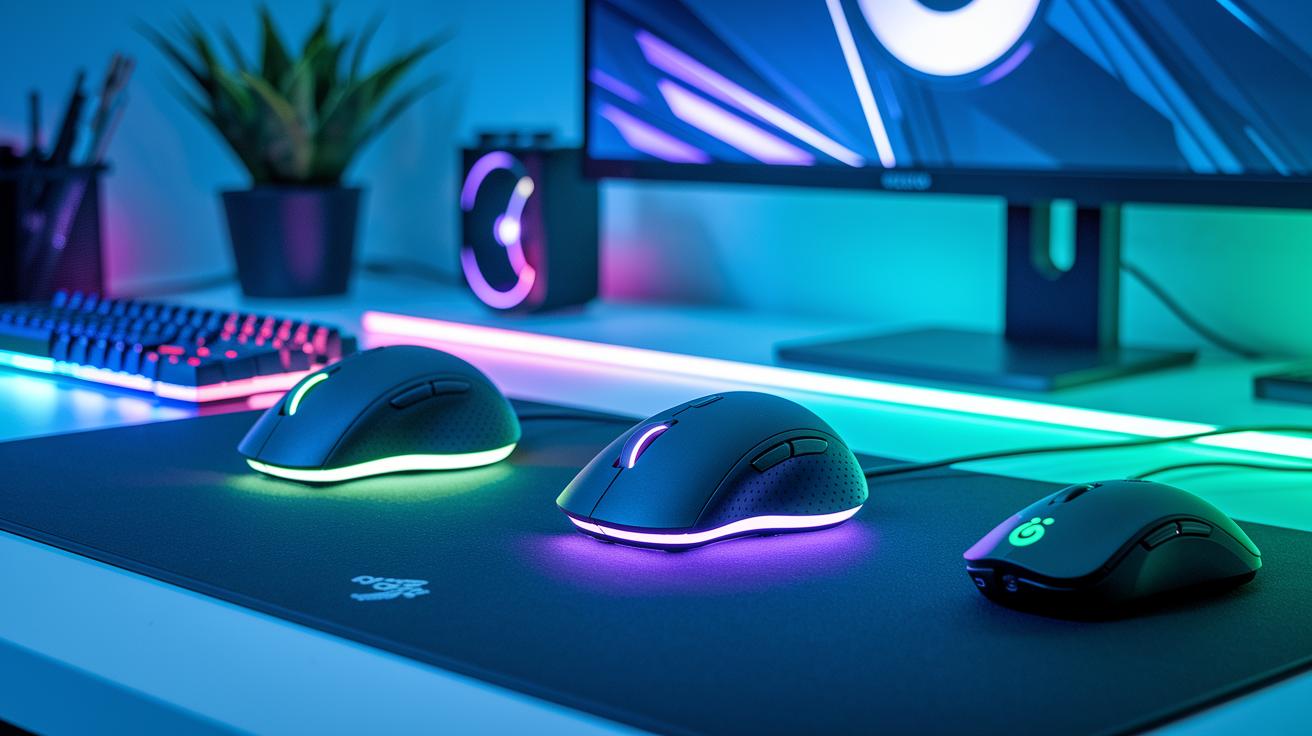
When you're on a budget, every dollar counts. A quality gaming mouse can boost your control without overspending. The table below shows three great picks that combine low cost with solid performance.
| Model | Key Features | Price |
|---|---|---|
| Logitech G305 Lightspeed | 6 programmable buttons; 250-hour battery life on one AAA battery | $30 |
| SteelSeries Aerox 3 Wireless | Ultralight honeycomb shell; IP54 spill protection | $60 |
| SteelSeries Rival 3 Wireless | 5 programmable buttons; dual wireless (receiver and Bluetooth) | $30 |
We like these options for their mix of reliable connectivity, sturdy build, and comfort. The Logitech G305 delivers sharp precision and a long battery life. The Aerox 3 impresses with its light design and spill resistance, which is handy during quick breaks. The Rival 3 stands out with dual wireless connections that work well with different devices. These cost-effective choices let you enjoy smooth gaming without breaking the bank.
Wallet-Friendly Gaming Headsets Delivering Clear Audio and Comfort
Turtle Beach Recon Spark is a reliable headset made for gamers who value a no-nonsense design. It connects using a standard 3.5mm jack, so it works with lots of devices. Its tough build has lasted over 8 years, making it a smart pick for those on a budget.
- Pro: Works with any device thanks to the 3.5mm jack
- Pro: Tested durability over 8+ years
- Con: Missing modern wireless features
- Con: Basic look may not fit everyone
The Logitech G535 Lightspeed gives you a true wireless experience with lively 40mm drivers that produce clear sound. It has a washable fabric headband for comfort during long sessions and a clean, cable-free design.
- Pro: Real wireless setup with steady performance
- Pro: Comfortable, washable headband for long use
- Con: Battery life can change with heavy gaming
- Con: Costs a bit more than wired options
The SteelSeries Arctis Nova 1 features a hard-wearing matte finish with soft ear cups that help block outside noise. Its modern style and comfort make it a good choice for those who want both look and ease.
- Pro: Strong build with a modern matte look
- Pro: Soft ear cups for extra comfort
- Con: Noise blocking may not work well in very loud places
- Con: Fewer options to customize
The Logitech Zone Vibe 100 shows off a simple design that works well for both gaming and work. Its sound is tailored to reduce ear fatigue, making it comfortable over long hours.
- Pro: Great for both gaming and professional use
- Pro: Sound tuned to lessen listener tiredness
- Con: Bass might not be strong enough for deep gaming
- Con: Design can seem too plain for some gamers
Budget Gaming Keyboards: Mechanical Performance on a Budget

If you want a mechanical keyboard that feels quick and sturdy without spending a lot, check out the Logitech G413 SE. It offers reliable switches for every key at just $79. Its simple design means it focuses on performance and durability – perfect for gamers who need solid function at a low cost.
For a low-profile option, the Corsair K60 RGB Pro uses Cherry MX keys in a slim layout similar to laptop keyboards. Priced around $120, it gives you that satisfying mechanical click along with vibrant RGB lighting for a modern feel.
If you prefer something compact, the HyperX Alloy Origins 60 could be the one. It has a 60% layout with a full-metal body to boost durability, all for under $100. This keyboard is ideal for users with limited desk space who still demand reliable performance.
For a full-size model, the Logitech G512 is hard to beat. It has a 1 ms report rate and a USB passthrough for connecting extra devices. With a dedicated numpad and a cost of about $100, it blends modern features with a traditional design.
These options give gamers plenty of choices when looking for affordable keyboards that deliver on tactile feedback and build quality.
Affordable Gaming Setup Enhancements: Lighting, Stands, and Cable Management
Small upgrades can truly transform your gaming space without breaking the bank. With accessories under $20, you can boost comfort and style while keeping your area organized. Begin with an RGB LED strip kit, priced at around $10. These strips add lively accent lighting behind your monitor or under your desk, creating a cool and inviting atmosphere.
Next, tidy up loose wires with cable clips or sleeves that cost about $5. This easy fix cuts clutter and lowers the chance of disconnects, making your setup look neat and work better.
A headset stand, costing roughly $15, provides a secure spot for your headset. This keeps it safe from accidental damage and helps balance your desktop. Lastly, consider a mouse bungee for around $10. It prevents your mouse cable from tangling, ensuring smooth and precise movements during gaming.
These smart, budget-friendly additions prove that minimal investments can make a big impact on both function and style, giving your gaming station a sharper look and improved performance.
Ensuring Cross-Platform Gaming Accessory Compatibility on a Budget
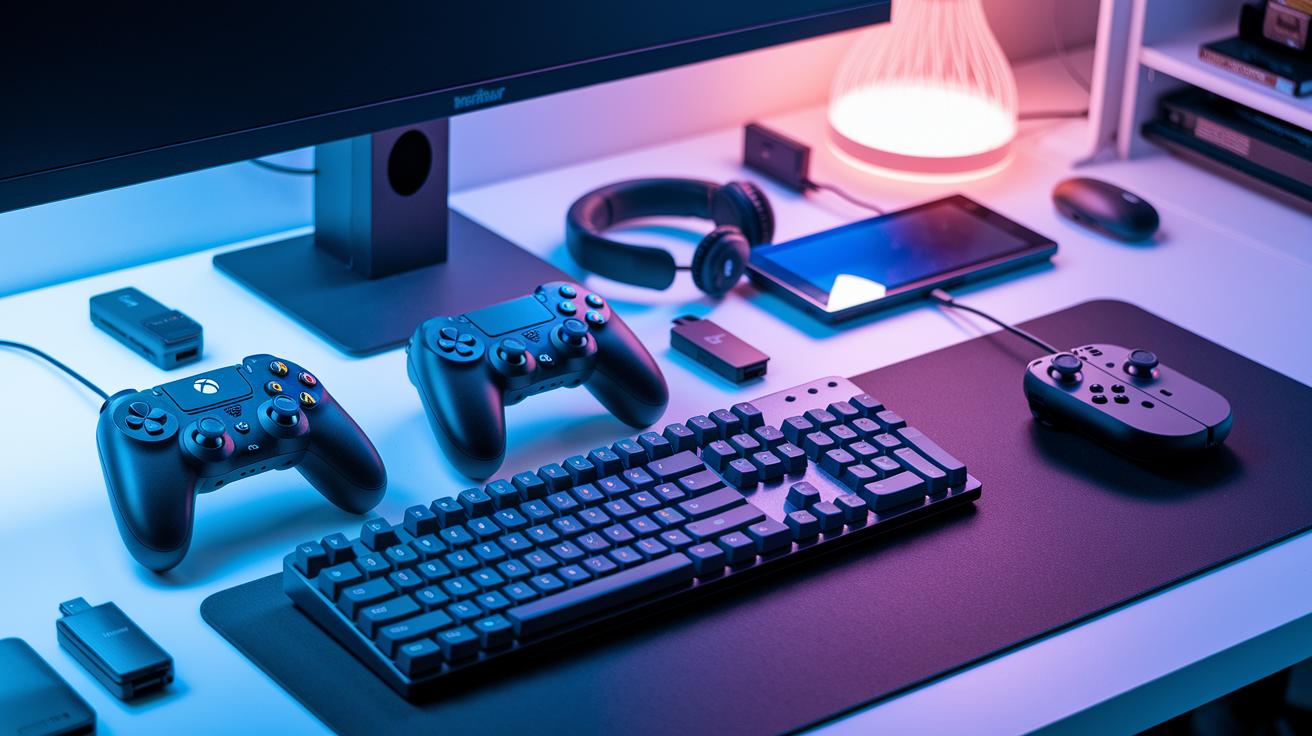
Many gamers use multiple systems like PCs, Xbox, PlayStation, and Switch. To keep it simple, choose accessories with broad compatibility. For example, headsets with a 3.5mm audio jack (a standard plug) work on nearly every system, so you won’t need extra adapters when switching consoles.
USB wireless dongles, which usually cost about $10, let you connect a mouse or keyboard with plug-and-play ease. This smart solution means you can use the same devices on your PC and even on consoles like Xbox or PlayStation without any fuss.
If you prefer wired devices, a basic USB-C to USB-A adapter can bridge the gap. This affordable adapter lets you use PC peripherals on consoles too, keeping your setup flexible for different gaming systems.
This method cuts extra costs and boosts compatibility. It also makes upgrading your gaming setup easier, letting you shift between wired and wireless connections as needed. For more details, check out the comparison of wired versus wireless setups to see which one fits your play style.
Smart Buying Tips for Thrifty Gamers: Maximizing Value and Durability
When you shop for budget gaming accessories, check the warranty and the brand's reputation. Many affordable options come with a 1-year to 2-year warranty. A longer warranty may mean the item is built to last. Well-known brands like Logitech, SteelSeries, and HyperX usually offer solid customer support and quality products.
Think about the value you get for the price. Compare features such as the number of programmable buttons and the lifespan of mechanical switches (buttons that click). For instance, a gaming keyboard with durable mechanical switches may be a better choice even if it costs a few dollars more. A quality mouse for an extra $10 can last longer, saving you money over time.
Consider these tips:
- Compare warranty lengths: A longer warranty may show better build quality.
- Check feature sets: Look at how many programmable buttons or how many mechanical switches you get per dollar.
- Research brand reputation: Trusted brands usually invest in quality and support.
- Read reviews and test results: They often reveal real-world durability beyond the specs.
Following this advice will help you choose gaming accessories that fit your budget and stand up to everyday gaming.
Final Words
In the action, we reviewed a price-smart list covering a gaming mouse, keyboard, headset, and setup extras. Each section breaks down key features, current prices, and real-world performance tests.
We also shared smart buying tips and compatibility info so you can match affordable tech with your gaming needs. Enjoy the guide, and make your switch to the best budget gaming accessories with confidence.