Ever wondered if a used desktop can power your everyday tasks without breaking the bank? Many buyers find that pre-owned towers deliver good performance and quality without costing a fortune. In this guide, we explain how budget desktops that are graded for condition and come with warranties can handle activities like web browsing, office work, or even light gaming. Many models include solid Intel Core i5 or AMD Ryzen 5 chips, proving that a low price does not mean low quality. Explore these affordable options and find one that meets your needs and expectations.
Best Value Used Desktop Computers for Budget Buyers
Budget buyers can find quality and affordable pre-owned computer towers that deliver solid performance without costing a fortune. Entry-level systems usually cost between $200 and $400, while mid-range towers fall between $400 and $700. High-performance units may reach up to $1,000. Look for certified refurbished models with warranties of 90 to 180 days for extra peace of mind.
When shopping for a used desktop, check the condition grade. A Grade A machine looks almost new with very little wear, while a Grade B unit may show some signs of use but still works well for everyday tasks. Think of a Grade A unit as one that appears fresh off the assembly line, ready for smooth daily use.
Many popular options feature Intel Core i5 (7th to 10th generation) or AMD Ryzen 5 (2nd to 4th generation) processors. These chips handle everyday work like browsing, office tasks, and light gaming easily. Most machines start with 8 GB of RAM, and you can often upgrade to 16 GB or 32 GB for better multitasking.
Storage choices often include a fast 256 GB SSD or a larger 1 TB HDD, depending on your needs. Before you buy, make sure the desktop has been fully tested, with a fresh operating system installation and all components checked.
These value desktops are perfect for students, home office users, or anyone looking for a reliable computer at a budget-friendly price.
How to Verify Condition and Warranty on Used Desktop Computers
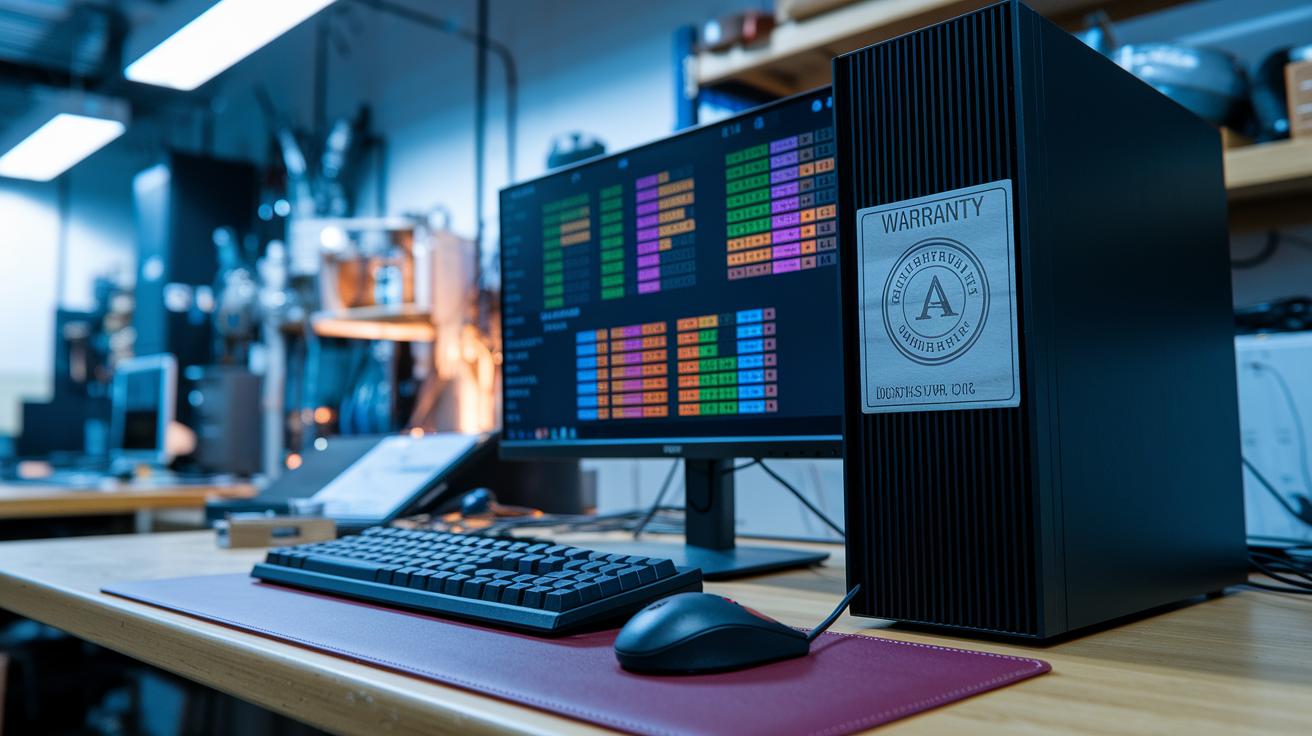
When buying a used desktop computer, checking its condition and warranty is key. Certified reconditioned units have been thoroughly tested, had their operating systems reinstalled, and gone through stress tests to spot any problems. Look for clear grading labels such as "Like New," "Grade A" for very light wear, or "Grade B" for small cosmetic flaws. For example, a seller might say, "This unit is Grade A, nearly pristine in looks and performance."
Warranty details add extra confidence. Warranties usually run from 30 to 365 days, and return windows range from 14 to 30 days. Ask if the refurbishing service verifies the serial number and provides repair logs. These details show the computer has been well-tested. Also, check that system seals are secure and any BIOS passwords have been reset for a safer setup.
Taking the time to verify these details can help you avoid surprises. Always ask for documentation of the testing history. This extra step ensures your desktop fits your budget and will deliver reliable performance.
Trusted Marketplaces for Buying Used Desktop Computers
Finding a used desktop is easier when you shop on trusted sites. Amazon Renewed leads the way with a 90-day guarantee that backs up its quality standards. Newegg Refurbished is another solid pick, offering warranties that can go up to 1 year. Both options are known for thorough testing and clear return policies.
eBay Certified Refurbished also earns trust by checking seller credentials so you know you’re dealing with reliable vendors. Local choices like Best Buy Outlet add extra security with inspections by Geek Squad. Plus, many online sellers offer payment protection that covers a full refund within 30 days if the product does not meet your expectations.
These marketplaces focus on quality and customer care. They make sure devices are fully tested, come with dependable warranty terms, and have straightforward return processes. For instance, Amazon Renewed clearly states its 90-day guarantee on every refurbished unit. This blend of verification and protection makes these sites ideal for buyers seeking a mix of affordability and solid performance.
Performance and Price Comparison Table: Used vs New Desktop Computers

If you are comparing refurbished desktop computers with new ones, you'll notice clear differences in performance and price. Budget-friendly refurbished models offer steady performance without a high cost. For example, a used desktop may come with an Intel Core i5 (8th gen) running at 3.0 GHz, which is good enough for everyday tasks even if it is a few generations behind current tech.
New desktops come with updated parts. They might include an Intel Core i5 (13th gen) running at 3.4 GHz along with improvements in RAM and storage. These computers feature new elements like DDR5 memory and NVMe SSDs. This means they support faster multitasking and quicker data access. They do cost more, but you also get performance boosts and longer warranty coverage.
Warranty terms also vary. Refurbished desktops often offer about 180 days of coverage, while new units typically include a 1-year warranty for extra peace of mind. The table below shows a side-by-side look at the key specs so that buyers can easily see the benefits and trade-offs.
| Specification | Used Desktop | New Desktop |
|---|---|---|
| CPU | Intel Core i5 (8th gen) @ 3.0 GHz | Intel Core i5 (13th gen) @ 3.4 GHz |
| RAM | 8 GB DDR4 | 16 GB DDR5 |
| Storage | 256 GB SSD | 512 GB NVMe SSD |
| Price | $350 | $700 |
| Warranty | 180 days | 1 year |
Eco-Friendly Benefits of Choosing Used Desktop Computers
Buying a used desktop extends its life and cuts down on waste. Each reused computer can prevent about 50 kg of CO₂ emissions. Imagine getting your daily work done while helping the planet.
Remanufacturing desktops uses 30-40% less energy than building new ones. Experts test and refurbish each part instead of starting from scratch. Choosing a used desktop supports energy-efficient tech production.
Recycling parts also delays their trip to the landfill by 3-5 years. Certified programs can recover up to 90% of materials from old desktops. This keeps valuable resources out of waste streams and boosts sustainable tech reuse.
In short, buying a used desktop is not just budget-friendly, it’s a smart and responsible choice for our environment.
Essential Upgrades for Your Used Desktop Computer Purchase

After you buy a used desktop, a few simple updates can make a big difference. One smart change is to swap out the old drive for a 250 GB to 1 TB SATA or NVMe SSD. This upgrade can cut your boot time dramatically, sometimes by as much as 300%. Boosting your RAM from 8 GB to 16 GB is another affordable improvement, letting you run more programs smoothly and reducing lag by around 25% to 40%.
You might also add a cost-effective graphics card like the NVIDIA GTX 1650, which usually costs under $200. This is a great pick if you need better visuals for light gaming or creative work. Don’t forget to update your BIOS or firmware, too. A fresh firmware upgrade can fix small issues and make sure your desktop stays secure and works well with new parts.
These easy upgrades not only boost your desktop’s speed and performance but also help extend its life, all without breaking the bank.
Final Words
In the action, we explored the top value used desktop computers for budget buyers. We looked at price trends, hardware specs, verified warranties, and trusted marketplaces. We even reviewed performance comparisons, eco-friendly benefits, and the best upgrade paths. The guide makes it easy to figure out which pre-owned systems suit your needs. All this info helps you move fast with confidence. Enjoy finding a great deal that fits your budget and lifestyle.
FAQ
Frequently Asked Questions
Where can I find used desktop computers near me, including options like Walmart?
The query about “used desktop computers near me” suggests checking local computer shops, certified refurbishers, and retailers like Walmart. Online marketplaces and local listings also offer available deals.
Are there used desktop computers available for under $100?
The inquiry regarding desktops under $100 implies that while very low-cost options exist, most reliable models usually start around $200 due to quality testing and warranty coverage.
What should I know about refurbished desktop computers running Windows 10 or Windows 11?
The question about refurbished desktops with Windows points out these devices come pre-installed with Microsoft’s operating systems and are often updated and tested by trusted refurbishers for dependable performance.
What is a desktop computer all-in-one?
The question on all-in-one desktops refers to systems that integrate the computer and monitor into one unit, making them compact choices suitable for home and office environments.
What is the best option among refurbished desktop computers to buy for home use?
The query about the best refurbished desktop for home use means to seek models with a good balance of specs, condition ratings, and warranties, available from reputable vendors to handle everyday tasks well.
Are desktops being phased out in favor of other devices?
The question about desktops being phased out indicates that even with the rise of laptops and tablets, desktops still hold value for gaming, work, and home use because of their performance and upgrade flexibility.
Are 20-year-old desktop computers still worth anything?
The inquiry about 20-year-old computers suggests that such units generally lack modern performance and have low resale value, though they might interest collectors or serve for parts in niche repair projects.