Are you feeling like your computer is slowing you down? Custom desktop PCs give you the freedom to build a system that fits your gaming, work, or creative needs. You choose every part, from the processor to the case, so you control both performance and style. Whether you build your own or opt for a pre-assembled model, this guide will help you decide which option works best for you. Let’s see how a custom setup can boost your tech experience.
Custom Desktop PCs Overview: Self-Build vs Professionally Assembled Systems
Custom desktop PCs let you build a computer that fits your exact needs. They work well for gaming, creative projects, or heavy data work. You choose each part to match what you need. Options include fully self-built systems and pre-assembled models like the Horizon III, Navigator III, Voyager III, and Explorer III. One tech fan said, "I love designing my own rig because every component fits my workflow perfectly." This flexibility means you control performance, looks, and even the internal layout.
Self-build desktops follow clear, step-by-step guides so you can create a system that shows your style and meets your tech needs. In contrast, preconfigured systems come in options like Core, Pro, Elite, and Ultimate, offering a ready-to-go setup that has been tested for great performance. Prices start around $2,799.99 and go up to $6,399.99 USD. These systems are built tough and ship double-boxed with InstaFoam protection for extra safety.
Key factors to consider include:
- Performance needs
- Budget
- Upgrade path
- Aesthetic flexibility
- Warranty coverage
Each system undergoes up to 72 hours of stress testing to ensure it can handle intense use. They also come with a 3-year parts warranty and a 5-year labor warranty. With solid technical support and clear shipping estimates, whether you choose to build your own or buy a pre-assembled model, you are set for reliable performance in both gaming and professional tasks.
Core Components of Custom Desktop PCs

Each part in your custom desktop is important for getting the performance you want. Picking the right mix means finding a balance between power, speed, and compatibility. Whether you use your PC for gaming, creative work, or heavy computing, every component matters.
Processor Options
Your processor is the system's heart. You can choose from models like AMD Ryzen, Threadripper, EPYC, Intel Core Ultra, and Xeon. These chips have different numbers of cores and threads to fit your needs. High-end Threadripper models offer many cores for smooth multitasking, while Intel Core Ultra chips excel in everyday single-core tasks. A powerful processor can make a big difference. For example, upgrading to a high-core Ryzen helped make video editing noticeably smoother.
Graphics Cards
Graphics cards are key for gaming and handling 4K tasks. NVIDIA RTX 50 Series cards offer a range of options, from mid-level performance to top-tier VR and 4K rendering. They keep visuals sharp and responsive, whether you are playing games or working on creative projects.
Motherboards & Memory
The motherboard connects all the parts together. It supports DDR5 memory and comes in ATX, ITX, and E-ATX sizes. With support for PCIe 5.0 lanes, these boards offer fast connectivity and speed. Paired with the right memory, your system can handle heavy multitasking and quick data processing.
Storage & Power Supplies
Storage in a custom build typically uses NVMe SSDs for quick read/write speeds. Some builds also include options like Synology NAS for extra data backup. Planning your power supply is just as important. High-performance systems usually need power supplies from 650 W up to 1200 W to stay efficient and stable under load.
| Component | Recommended Models | Ideal Use Case |
|---|---|---|
| Processor | AMD Ryzen, Intel Core Ultra | Gaming & multi-tasking |
| Graphics Card | NVIDIA RTX 50 Series | VR, 4K multimedia |
| Motherboard | DDR5 ATX/ITX/E-ATX boards | High-speed connectivity |
| Storage | NVMe SSDs, Synology NAS | Fast data access & backup |
| Power Supply | 650 W – 1200 W units | Stable, high-performance rigs |
Thermal Management for Custom Desktop PCs
Air cooling and liquid cooling each bring clear benefits to your custom PC. For everyday builds, high-static-pressure air coolers push cool air over the processor and other hot parts. Closed-loop liquid coolers and custom loop kits step it up for high-performance setups that run at full throttle. Cases feature separate air intakes and exhausts to move heat away from key parts effectively. We run up to 72 hours of stress tests to ensure every cooling option meets strict performance standards and any issues fall under warranty.
Dynamic fan curves let you set fan speeds based on temperature. This keeps noise low while protecting your hardware. Temperature monitors warn you when your system nears heat limits. These features give gamers and professionals peace of mind when their PC is working hard.
Custom Desktop PCs Elevate Your Setup
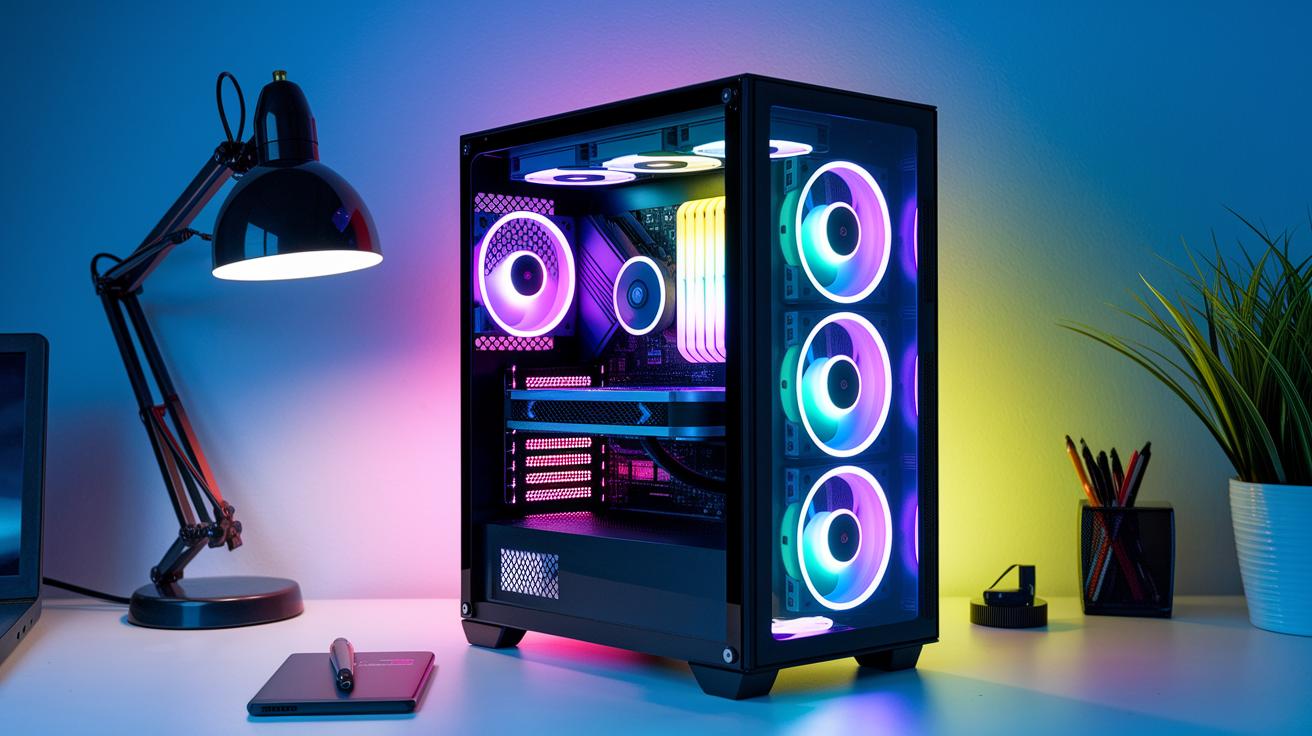
Custom desktop PCs let you show off your creativity with unique case mods and smart LED lighting. Many systems now come with bright RGB accent strips that cast stylish light effects around the chassis, making your setup stand out. Tempered glass panels and easy panel swaps boost a modern look while letting you design a style that is both powerful and elegant. For instance, one build used soft LED lighting to highlight clean, smooth lines, turning the PC into a true eye-catcher.
Themed and limited-edition PCs add even more personality with heat-resistant printed art, matching wall decor, and premium desk mats. DIY case bundles offer striking designs inspired by favorites like Chainsaw Man, Solo Leveling, Jujutsu Kaisen 0, and Terraria. These kits not only protect essential parts but also transform your desktop into a work of art. With these creative tweaks, gamers and professionals alike can enjoy a setup that meets high-performance needs while reflecting a passion for art.
Build Guides and Vendor Support for Custom Desktop PCs
When you build your own desktop PC, planning makes the process fun and clear. Online configurator tools let you choose each part and check that they work together in real time. For example, pick a motherboard and the tool will show which processors and memory options match. Step-by-step build guides explain everything from wiring to BIOS setup, so you can build your PC with confidence.
Component compatibility checkers help you make smart hardware choices. They prevent pairing parts that don't work well together and could harm performance. Many vendors now offer advanced configurators that let you mix and match parts, like pairing fast NVMe SSDs with well-known processors such as AMD Ryzen or Intel Core Ultra. These tools check for proper fit, power needs, and cooling setup so you can build a system for both gaming and creative work.
Shipping covers many regions, including the USA, Canada, EU, Australia, New Zealand, the UK, and Norway. Custom desktops are sent in double-boxes with protective InstaFoam. Warranty services and technical support are on hand to help with assembly or BIOS setup questions.
After you build your PC, community forums and troubleshooting guides provide extra help. Real customer builds and shared tips make it easy to fine-tune settings and fix minor glitches, ensuring you enjoy a smoothly running system.
Performance Benchmarks and Reliability Testing of Custom Desktop PCs
Every custom desktop PC goes through intense lab tests before it gets to you. We stress-test each build for 72 hours straight to mimic heavy use and make sure every part works well under pressure. During these tests, we run the system at full load while checking temperatures, power use, and overall stability. This careful process helps us catch problems early and gives us clear data on how each build performs over time, so you can trust the DIY benchmarks and test results to tweak your rig.
We also focus on gaming and creative tasks. For gaming, we run tests at 1080p and 4K, just like real life with popular games. For creative work, we put programs like Adobe Premiere Pro, DaVinci Resolve, Autodesk Maya, and 3ds Max through their paces. These tests show exactly how the system will handle video editing, special effects, and complex graphics work, and they offer useful tips to keep your build stable.
Understanding these stability results is key to gauging long-term performance. Real-world user reviews and community feedback add valuable insights to our lab findings. Seeing what actual users experience helps confirm the test results. With a warranty of 3 years on parts and 5 years on labor, our rigorous tests and community input build real confidence in the PC's lasting reliability and performance.
Final Words
In the action, we compared self-build DIY approaches to professionally assembled systems for custom desktop pcs. We walked through core components, cooling options, design tweaks, and detailed vendor support features. Each factor, from performance benchmarks to warranty coverage, helps in choosing a system that meets diverse needs.
Our tests and stress checks give you peace of mind, whether you're building your own rig or ordering one preconfigured. Enjoy a reliable and speedy computing experience with your next custom desktop pcs purchase.
FAQ
What makes a good custom PC builder for gaming and high-end systems?
A good custom PC builder offers gaming and high-end options with top-tier components. They perform rigorous stress tests, back systems with strong warranties, and earn praise through positive reviews.
Where can I find custom PC builder websites or local builders?
Custom PC builder websites list detailed system specs, customer reviews, and support information. Many also offer localized services so you can connect with a builder near you.
Is it cheaper to build or buy a desktop computer?
Building a desktop may save money on parts when you DIY. In contrast, buying a preassembled system often includes rigorous testing, warranty coverage, and support that boost overall value.
What is the average cost of a custom PC?
Custom PCs generally range from about $2,800 to over $6,400. Prices vary based on components, testing protocols, and warranty support offered by the builder.
Can a company build a PC for me?
Yes, many companies offer PC assembly services. They select and install the right components, perform extensive testing, and provide warranties to deliver a ready-to-use system.
Can a $500 PC run Fortnite?
A $500 PC might run Fortnite on lower settings. However, you may experience reduced performance compared to higher-priced custom builds engineered for optimal gaming experiences.