If you're trying to choose between an ultrabook and a convertible laptop, you're not alone. Although they may look alike, they meet very different needs.
Ultrabooks deliver strong performance in a slim, light design. Convertibles, on the other hand, offer a full laptop setup with the flexibility of a tablet.
In this article, we break down the key differences so you can decide which one suits your lifestyle best. Read on to discover their main strengths and practical differences.
Head-to-Head Overview: Ultrabook vs Convertible Laptop
Ultrabooks are built to be light and efficient. They have a slim profile (less than 18 mm thick) and weigh between 1 and 1.5 kg. They feature energy-saving processors and fast SSD storage for smooth daily use. Convertible laptops blend a full laptop setup with tablet functions using flip or detachable designs. They suit users who want both a complete keyboard and touchscreen flexibility. Below is a quick side-by-side look at what each device offers.
| Category | Ultrabook | Convertible Laptop |
|---|---|---|
| Design | Slim metal or carbon-fiber build; ultra-thin and light | Hybrid design with touchscreen; can flip 360° or detach |
| Performance | Uses energy-efficient Intel Core i5/i7 or AMD Ryzen U-series CPUs for everyday tasks | Often similar processors; some models include dedicated graphics for extra tasks |
| Battery Life | Lasts about 10–12 hours with smart power management | Generally 8–10 hours, with select models reaching over 16 hours |
| Flexibility | Optimized for one robust mode of work and mobility | Offers two modes for both laptop work and tablet interaction |
Ultrabooks deliver a steady performance in a very light package, perfect for work and long commutes. Convertible laptops offer a versatile design that works well for creative projects, note-taking, and interactive tasks. This side-by-side guide can help you decide which type fits your lifestyle and work needs best.
Design and Form Factor: Evaluating Ultrabook vs Convertible Laptop
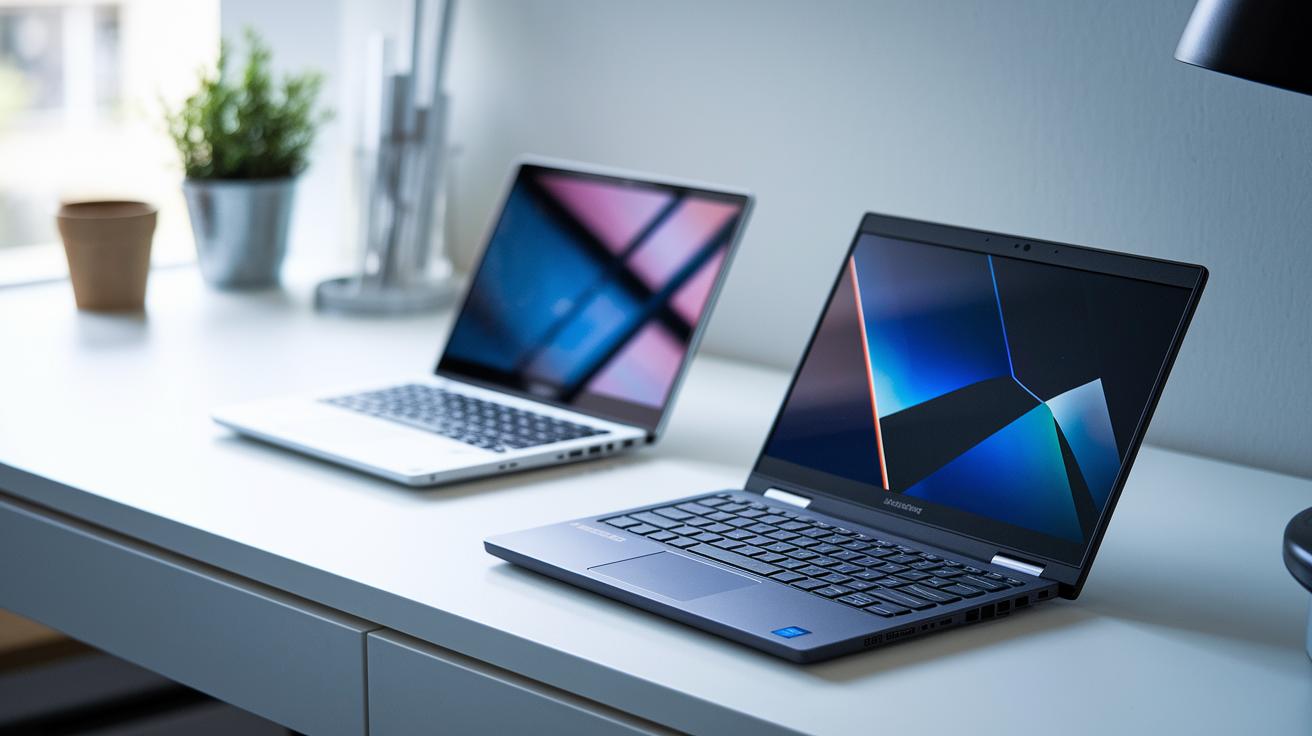
Ultrabooks use smart engineering with metal or carbon-fiber bodies that keep them thin (under 18 mm) and light (between 1 and 1.5 kg). They feel smooth and sleek in your hand, much like a well-made tool that is both practical and attractive.
Convertible laptops, however, focus on giving you more options. They come in two designs: one with a 360° hinge that lets you flip the screen and another where the screen can be detached. Their bodies mix strong materials with extra plastic around the hinge. This lets you switch from laptop to tablet mode easily, though you might notice some quirks in the design, like a tool that offers many features.
Pivot Mechanism Appraisal
Tests show that 360° hinges can last up to 20,000 cycles. On the other hand, detachable models are even lighter but may not feel as stiff. Makers strive to balance a long-lasting hinge with a slim profile so the device remains easy to carry.
In the end, good design boosts both portability and ease of use. Whether you choose a sturdy ultrabook or a flexible convertible, each option is built to handle everyday needs.
Performance Comparison: Processing Power in Ultrabooks vs Convertibles
Ultrabooks use quad-core processors like the Intel Core i5/i7 U-series and AMD Ryzen 5/7 U-series. They usually run at around 1.6–1.8 GHz and can boost up to 4.5 GHz. This steady power lets you run everyday tasks and multiple apps without a hitch. Think of it as a reliable workhorse for office tasks and light multimedia editing.
Convertibles use similar processor options, but their compact design means they can reach peak speeds and then slow down sooner. Because the CPU sits close to the hinge, airflow is reduced. Some models, like the Dell Inspiron 7000 2-in-1, even include separate NVIDIA GeForce graphics chips. These chips help with rendering and give a smoother visual experience when playing easy-going games or using creative apps.
Cooling is key to keeping performance stable over time. Ultrabooks often use heat pipes and vapor chambers to lower temperatures during long sessions. Convertibles usually rely on smaller fans that might not cope as well with heavy use. This difference in cooling can make a real difference when you push the machine with tougher tasks.
Battery Life and Endurance: Ultrabook vs Convertible Runtime

Ultrabooks usually run for 10-12 hours with a 50 Wh battery, making them a steady choice for everyday tasks. Some high-end ultrabooks with 60 Wh cells can last up to 15 hours, keeping you productive without the need to plug in often. Convertibles tend to offer around 8-10 hours on a 45 Wh battery, but certain models like the Dell Inspiron 7000 2-in-1 can push past 16 hours on a 60 Wh battery when used lightly.
Key factors that affect battery life include:
- Battery capacity (Wh)
- Display brightness
- CPU and GPU workload
- Ongoing wireless connections
- Power usage during sleep or standby
Charging typically takes between 1.5 and 2 hours with USB-C PD or a brand-specific adapter. For instance, if you're low on battery, a full charge in about 2 hours is often enough to keep you going through the day. This efficient charging means that regardless of whether you choose an ultrabook for long office sessions or a convertible for media tasks, both are built to support a mobile lifestyle without long breaks for recharging.
Ultrabook vs Convertible Laptop: Differences Explained with Ease
Ultrabooks are known for their light design. They typically weigh between 1.0 and 1.5 kg, which makes them easy to carry on daily commutes or travels. Convertible laptops usually tip the scale at about 1.2 to 2.0 kg. For example, a 1.3 kg device feels much easier to handle than a 1.8 kg one on a crowded bus.
Chassis thickness is another clear difference. Ultrabooks often have a thickness of less than 18 mm, so they slide into narrow bags or pockets with ease. Convertibles tend to be thicker, ranging from 15 to 20 mm because of their stronger hinge assemblies. This extra bulk might mean you need a larger bag to carry your convertible.
Screen size also plays a role. Ultrabooks typically sport 13- to 14-inch displays that are great for precise work and simple portability. Convertibles use similar screen sizes in laptop mode. However, when switched to tablet mode, their screens can expand to 15–17 inches. This larger display is good for watching videos or taking notes, though it might be trickier to use with one hand.
Build Quality and Durability Analysis for Ultrabooks vs Convertibles
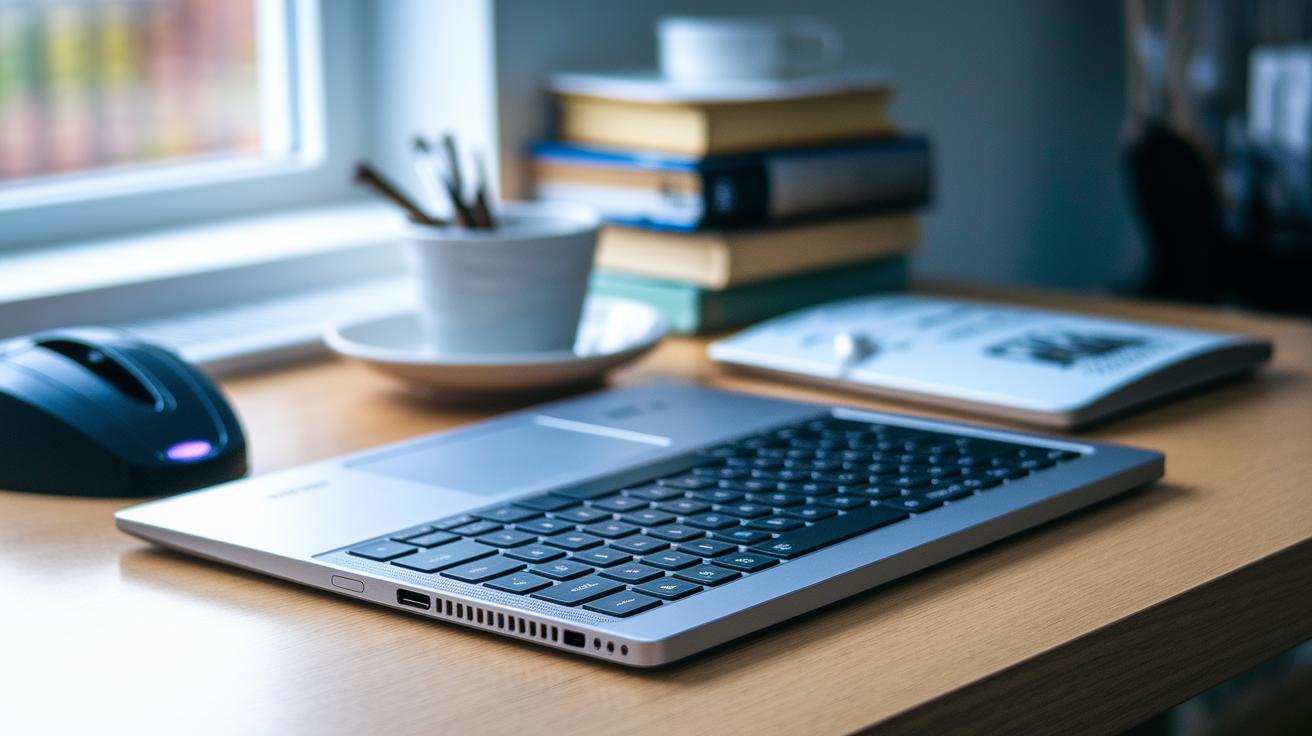
Premium ultrabooks are made with high-precision methods using materials like CNC-milled aluminum or magnesium alloy with anodized finishes. These choices help keep scratches away and ensure the device looks sharp even with daily use. The unibody design also reduces weak spots, so the chassis stays solid even when you handle it a lot.
Convertibles, on the other hand, mix metal frames with tough plastics around the hinge areas. This design helps absorb the stress from switching between modes, but the hinges can still wear over time. Extra reinforcement around these parts balances flexibility with durability, although it sometimes means a compromise in long-term strength.
Some convertible models, such as the Dell Inspiron 7000 2-in-1, meet strict standards like MIL-STD 810G for drops, vibration, and humidity. This rugged certification adds extra confidence that the device can handle everyday bumps, making it a smart option for people who are often on the move.
Display and Touchscreen Features: Resolution and Input Sensitivity
Ultrabooks come with sharp 1080p IPS screens and sometimes even offer 4K UHD options. They usually reach brightness levels between 300 and 500 nits and cover nearly 100% of the sRGB color range (which means colors look natural). This makes images vibrant and perfect for detailed work and watching multimedia.
Convertibles use 10-point capacitive screens that support an active pen for input. Their brightness is typically between 250 and 400 nits. For example, the Dell Inspiron 7000 2-in-1 has a display that reaches 350 nits, covers 94% of sRGB colors, and has a stylus latency of under 20 ms. This setup makes note-taking and sketching feel quick and responsive.
Both types offer wide viewing angles and smooth touchscreen sensitivity, which means gestures and taps feel natural and accurate. They also work well in bright outdoor settings with screens designed to handle direct sunlight.
These improved display and touch features give you clear images and precise input, so both ultrabooks and convertibles perform great in almost any light condition.
Pricing and Value Analysis: Cost Comparison of Ultrabooks vs Convertibles
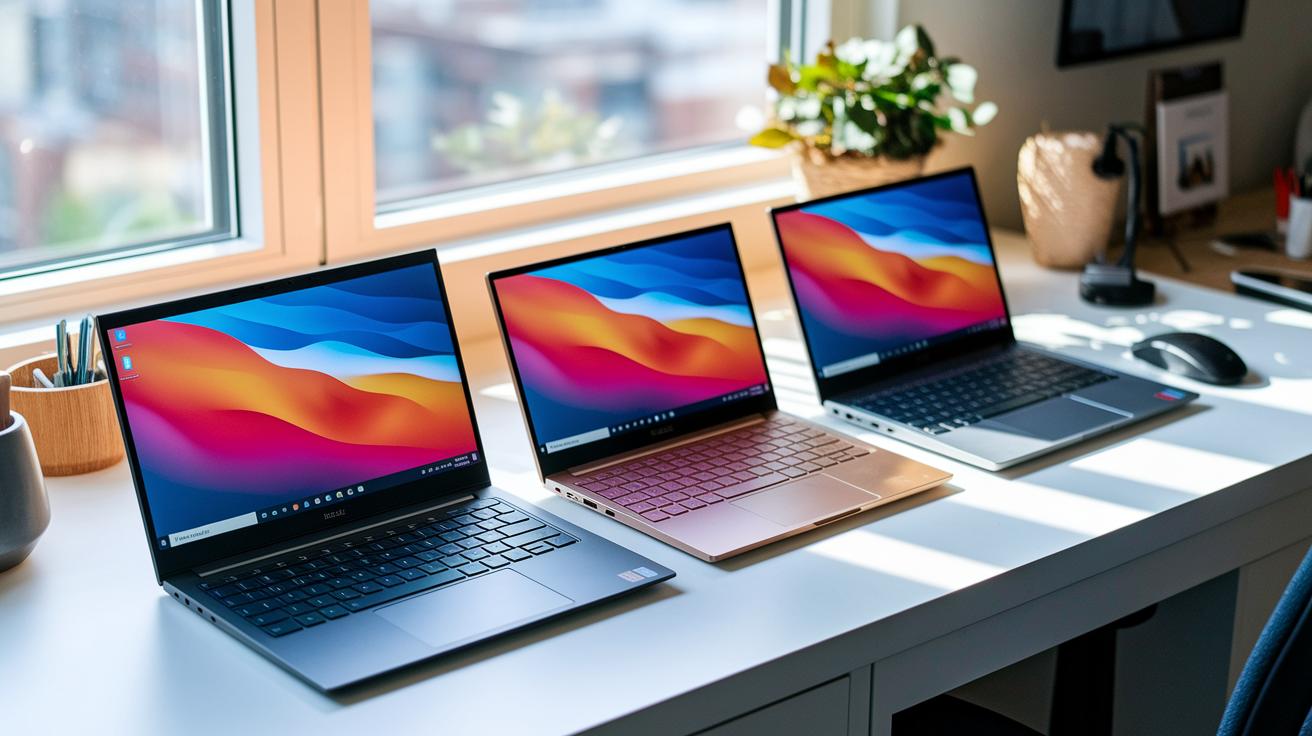
Entry-level ultrabooks start at about $900, while premium 13- to 14-inch models cost between $1,200 and $1,800. In contrast, convertibles begin around $700, and high-end 2-in-1 devices with discrete graphics can top $2,000. These ranges help us compare not only the initial price but also the long-term value of each option.
The cost of manufacturing is a big factor in these prices. Ultrabooks usually feature a solid one-piece design made from metal or carbon-fiber. While this makes them durable, it also drives up their price. Convertibles need extra parts like special hinges for 360° rotation or detachable screens. These extra parts add to the price but also give you more flexibility in how you use the device.
Over three years, ultrabooks tend to keep about 60% of their value, while convertibles hold around 55%. This difference in resale value makes a real impact when you consider a long-term investment. Buyers should look at both the starting price and how well the device holds its value over time.
Use Case Scenarios: Selecting an Ultrabook or Convertible Laptop
Business travelers love ultrabooks because they are light, have long battery life, and are very sturdy. They easily slide into a briefcase and last through many meetings without needing a charge. One frequent flyer said, "My ultrabook fits perfectly in my carry-on and lasts through all my meetings." This makes ultrabooks a smart pick for busy professionals who travel often.
Creatives and note-takers often choose convertibles. These devices offer pen input and a flat, tablet-like mode. You can sketch or write notes directly on the screen, which helps during design sessions and presentations. Many digital artists find that switching to tablet mode sparks new ideas.
Students and casual users also benefit from convertibles. With a fold-flat keyboard and touchscreen, they work great for taking notes in class and relaxing with media later. In the end, your choice depends on your daily routine and the tasks you need to complete.
Final Words
In the action, we compared design, performance, battery life, portability, build quality, display features, and pricing. Each section broke down the benefits and trade-offs clearly. We also looked at real-world use cases to show which device fits best with your daily tasks.
This article on ultrabook vs convertible laptop: differences explained is meant to help you make a smart, confident choice. We hope these insights guide your next purchase with a smile.
FAQ
What is the difference among ultrabooks, convertible laptops, and traditional laptops?
The difference among these devices is that ultrabooks offer thin, light designs with energy-efficient internals; convertibles provide touchscreens with tablet modes; and traditional laptops feature a fixed clamshell design focused on standard performance.
What does a traditional laptop mean?
The term traditional laptop means a standard clamshell device with a fixed keyboard and screen, designed primarily for everyday computing without touchscreen or detachable features.
What does a convertible laptop mean?
The convertible laptop means a device that transforms between laptop and tablet modes with a foldable or detachable screen, offering touch input and a flexible form factor for various tasks.
How does an ultrabook compare to a Chromebook?
The ultrabook versus Chromebook comparison shows that ultrabooks use premium hardware for smooth performance and sleek design, while Chromebooks focus on simplicity and web-based tasks with a lighter operating system.
How does an ultrabook compare to a notebook?
The ultrabook versus notebook comparison highlights that ultrabooks are extra slim and lightweight, often using SSD storage and efficient processors, whereas notebooks can offer a broader range of specs and form factors.
Which is the best ultrabook?
The best ultrabook typically features a slim, robust build combined with long battery life and fast performance, making it ideal for professionals and everyday users who need portability without compromise.
What are the disadvantages of 2-in-1 or convertible laptops?
The disadvantages of 2-in-1 laptops include potential hinge durability issues, thermal constraints under heavy loads, and sometimes higher prices relative to similar traditional laptops.
What are the three main types of laptops?
The three main types of laptops are traditional clamshell models, ultrabooks known for slim portability and efficiency, and convertible laptops that offer flexible tablet and laptop functionalities.