Have you ever wondered if a simple laptop can boost your school performance? College life needs tech that handles note-taking, research, and multitasking without breaking your budget. Today, we checked out a group of ultrabooks that mix speed, long battery life, and smart design. They prove you can get high performance without a high price. With reliable processing and all-day battery, these laptops are built to keep up with your studies. Could one of these be the study buddy you've been looking for?
Top Affordable Ultrabook Laptops for Students in 2026
Students who need a fast and portable laptop for college can find great options without spending a fortune. We looked at several models that offer good speed, long battery life, and a smart design for studying, research, and multitasking.
These five ultrabooks are perfect for academic work. They offer a mix of lasting battery power, strong processing, and budget-friendly prices. Whether you are taking notes or doing heavy research, these models can handle your tasks.
| Model | Price | Weight | Battery Life | Key Specs |
|---|---|---|---|---|
| Acer Swift 16 AI | Varies | 3.1 lbs | N/A | 16″ 2880×1800 OLED, Intel Core 7 + Intel Arc, 16GB RAM, 1TB SSD |
| Acer Aspire Go 15 (2025) | ~$650 | N/A | N/A | Non-touch display, standard keys, 8GB RAM, 512GB SSD |
| HP OmniBook 5 14 | Varies | <3 lbs | 25 hrs (50% in 30 min) | Designed for everyday tasks with efficient charging |
| MacBook Air M4 | $999 – $1,199 | 3.3 lbs | ~18 hrs | 10-core CPU/GPU, enhanced Neural Engine |
| Asus ZenBook A14 | Varies | 2.16 lbs | 24 hrs | Ultra-light design with long battery life |
Each laptop in this list is built to help you study without slowing you down. They offer a friendly balance of strong performance, lasting battery, and affordability to meet the busy needs of college life.
Essential Specifications for Affordable Student Ultrabooks

Students need a laptop that can run several apps at once without slowing down. Look for a laptop with at least an Intel Core i5 or AMD Ryzen 5 CPU and 8 GB of RAM. This setup is enough for research, writing documents, and light creative work. Try opening several browser tabs alongside a word processor and you'll see how smooth it runs.
Battery life and weight are key for a portable study companion. A battery that lasts 10 hours or more can easily carry you from morning classes to late-night study sessions. Also, a notebook weighing less than 3.5 lbs is perfect for moving around campus without strain.
Good connectivity and a solid build round out the specs. Look for a laptop with a USB-C port for fast charging and data transfer. Modern wireless support like Wi-Fi 6 ensures you stay connected with fast, reliable internet. Finally, a sturdy chassis is important to handle daily campus life while keeping your device safe and sound.
Finding the Best Student Discounts and Deals on Ultrabooks
Students can save up to 20% on ultrabooks by using education discount programs offered by major brands such as Apple, Microsoft, and HP. Campus stores and other retailers often host seasonal sales, like back-to-school and holiday events, that cut prices even more. One student said, "I grabbed my ultrabook during a campus sale and saved nearly 20%, making it an affordable option for college." Buying during these promo periods is key to getting a quality ultrabook without breaking the bank.
Another perk for students is the extended warranty and service plans that come with many ultrabooks. Often, these laptops include a free 4-year warranty that covers hardware repairs, remote service sessions, and even replacement parts. For instance, one warranty plan saved users about $502,000 by covering 2,269 repairs and 2,900 remote sessions. This added protection means less stress about costly fixes while handling school work. By using these savings options, you can keep your device in top shape and lower long-term costs.
Performance Benchmarks Versus Portability in Budget Ultrabooks
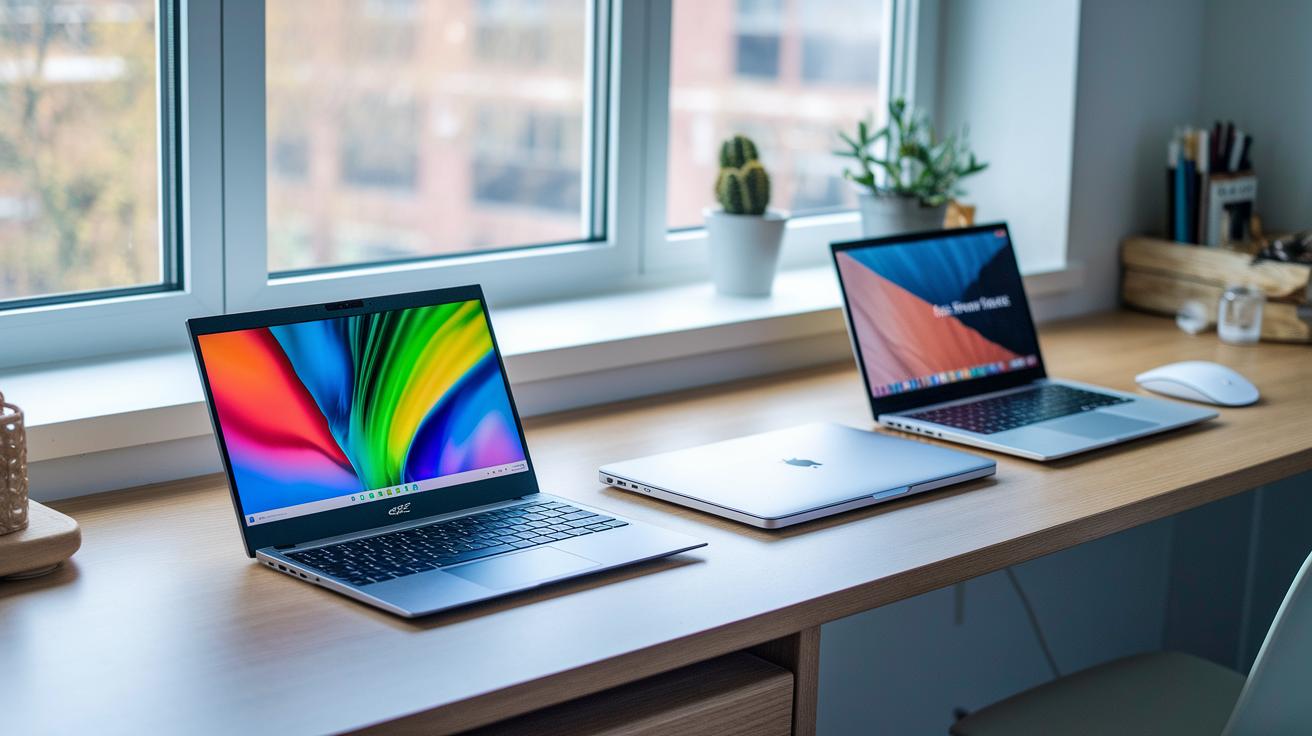
Benchmark tests show that these budget ultrabooks handle everyday work and light creative tasks with ease. The Acer Swift 16 AI delivers mid-range gaming CPU and GPU scores that let you switch apps smoothly and multitask efficiently, whether you're working on a project or a research paper. The MacBook Air M4 stands out with its strong multi-core CPU and 10-core GPU, offering reliable performance during heavy workloads. Meanwhile, the Asus ZenBook A14 features a fanless design that keeps it quiet during long study sessions, and its test results show it is well-suited for everyday academic needs. Together, these laptops set the standard for college devices that mix speed with practical productivity.
Portability is just as important for students on the move. The Asus ZenBook A14 can last up to 24 hours on a charge while weighing only a few pounds, making it ideal for moving between classes. Additionally, the Framework Laptop 2025 offers modular upgrades to extend its life without adding bulk. This blend of strong performance and a light build makes these laptops one of the best values for students who need a device built for everyday campus life.
Tips for Maintaining and Extending the Life of Student Ultrabooks
Keep your battery healthy by keeping its charge between 20% and 80%. Using energy-saving mode during class and monitoring the battery often can help it last longer. Avoid letting the charge drop all the way to 0% to reduce strain.
Always update your software, firmware, and drivers. These updates improve performance and help keep your ultrabook cool during long study sessions. Setting a schedule for updates keeps your system stable and extends your device's overall life.
Protect your hardware by choosing models with modular designs and good warranty plans. For example, the Framework Laptop makes it easier to replace parts, and some plans, like HP’s, cover replacement batteries and cords for up to four years. Using these smart practices can make your ultrabook a reliable companion for your studies.
Final Words
In the action of our review, we highlighted top-value choices that balance performance, battery life, and portability. We covered key specs like CPU, memory, and design details, while also pointing out ways to score student discounts. You got a clear look at maintenance tips and performance benchmarks to help extend your device's lifespan. Our review shows that affordable ultrabook laptops for students are not only budget-friendly but also deliver real-world value. Enjoy making a confident, low-risk tech purchase that fits your busy student life.
FAQ
Q: What are the best affordable ultrabook laptops for students?
A: The best affordable ultrabook laptops for students combine good performance, long battery life, and light weight at a budget price. These models meet daily study tasks and on-campus mobility.
Q: What defines a slim and lightweight laptop?
A: A slim and lightweight laptop features a thin design with minimal weight for easy transport. This design makes it practical for daily commuting and quick work sessions.
Q: What makes the best budget lightweight laptop?
A: The best budget lightweight laptop offers a blend of performance and portability at a low cost. It provides enough processing power and battery life for basic productivity tasks.
Q: What qualities should a slim and lightweight laptop for work have?
A: A slim and lightweight laptop for work has a streamlined design and reliable performance, ensuring it can handle office applications and data-heavy tasks while being easy to carry to meetings.
Q: What benefits do lightweight laptops for students offer?
A: Lightweight laptops for students provide easy portability alongside essential features like solid battery life and fast connectivity. They are designed to support note-taking, research, and study apps on campus.
Q: What should you expect from the best lightweight laptop with a touch screen?
A: The best lightweight laptop with a touch screen offers interactive display features alongside portability. It enables a more intuitive user experience while supporting everyday productivity and creative tasks.
Q: What distinguishes the best ultrabook overall?
A: The best ultrabook overall excels in performance, battery endurance, and a sleek design. It is built for demanding applications and offers a premium feel for users who need reliable and high-speed computing.
Q: What are the features of affordable laptops for gaming and school?
A: Affordable laptops for gaming and school provide a balance of decent graphics performance for light gaming and everyday productivity features. They are engineered to handle schoolwork and fun, making them versatile for students.