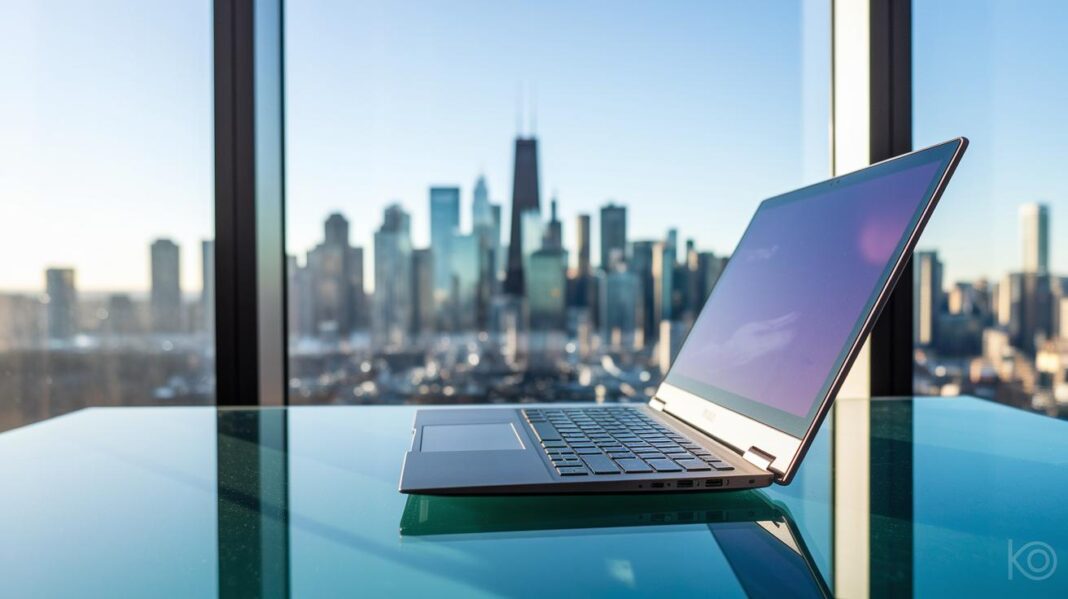
Ever notice how some laptops feel more like a burden than a benefit? Ultrabooks offer a smart alternative with their light, fast design and efficient performance. They usually weigh less than 3 pounds (1.3 kg) and meet slim thickness guidelines, so they slide easily into your bag like a paperback. These compact machines deliver enough power for everyday tasks without holding you back, proving that great things often come in small packages.
what is an ultrabook laptop: Sleek & Swift
Ultrabook laptops are thin, light computers made for people who are always on the move. They usually weigh about 3 pounds (1.3 kg) or less. Some models, like the Acer Swift 7, tip the scales at around 0.89 kg, under 2.2 pounds (1 kg). Intel even set rules for thickness: 0.83 inches (21 mm) for 14-inch screens and 0.71 inches (18 mm) for 13.3-inch ones. Think of a laptop that weighs less than two books but still manages everyday tasks with ease.
These laptops offer speedy performance and solid battery life. Many ultrabooks can run for over 5 hours on a single charge. They come with fast SSD storage and energy-efficient processors that help them power up quickly. Perfect for work, creative projects, or daily browsing, an ultrabook is built to keep up with your busy routine without holding you back.
Ultrabook Laptop Design and Build Specifications
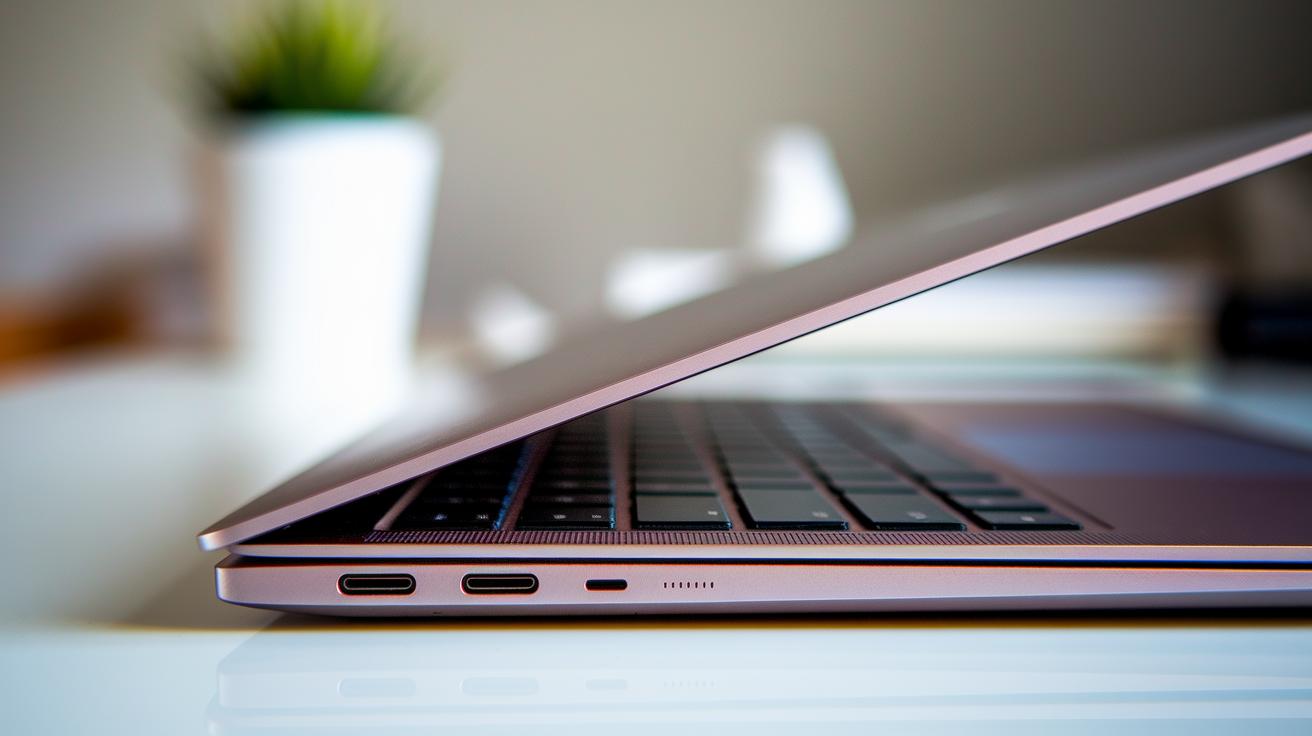
Ultrabooks achieve their slim look by using top-quality materials like aluminum unibodies and magnesium alloys. This smart build makes them both tough and light, weighing between 0.89 kg (as seen in the Acer Swift 7) and 1.3 kg so you can easily carry them around. Manufacturers stick to strict thickness rules, traditionally 0.83 inches for 14-inch screens and 0.71 inches for 13.3-inch models, even though modern designs might stray a bit from these standards while still keeping that compact, modern feel. Here's a fun fact: Engineers once struggled to meet these thickness standards until innovative alloys made it possible to craft a chassis that is both light and sturdy.
The careful construction of these laptops gives them a sleek design and a reliable feel. Using strong but lightweight materials and precise assembly, every detail helps create a modern compact device that looks good and works well on the move. For more insights, check out our ultrabook laptops page on devicerankings.com.
Hardware Performance and Power Efficiency in Ultrabook Laptops
Ultrabooks boot up in seconds because they use solid-state drive (SSD) storage. They also use Intel Smart Response Technology, which saves commonly used data to speed up everyday tasks. Their processors can work with up to 12 cores while using very little power. For instance, a model that wakes as soon as you open the lid feels ready for action without any delay.
Battery life in ultrabooks has come a long way. Early models typically lasted about 5 hours, but many new ultrabooks now run for 8 to 10 hours or more, easily powering you through a full day of work. Technologies like Wi-Fi 6E help maintain a stable connection during long sessions, ensuring you stay online. This boost in energy efficiency makes sure these slim laptops handle your daily tasks without missing a beat.
Ultrabooks mix high-efficiency hardware with energy-saving parts so you stay comfortable during long hours. Many models even feature built-in blue-light filters that help reduce eye strain during extended use. With fast boot times, balanced processing power, and long battery life, ultrabooks are a smart choice for anyone who needs solid performance in an ultra-thin, energy-friendly design. Remember, before SSDs came along, booting a laptop could take over a minute, now, performance has improved dramatically.
Key Ultrabook Laptop Use Cases for Mobile Users
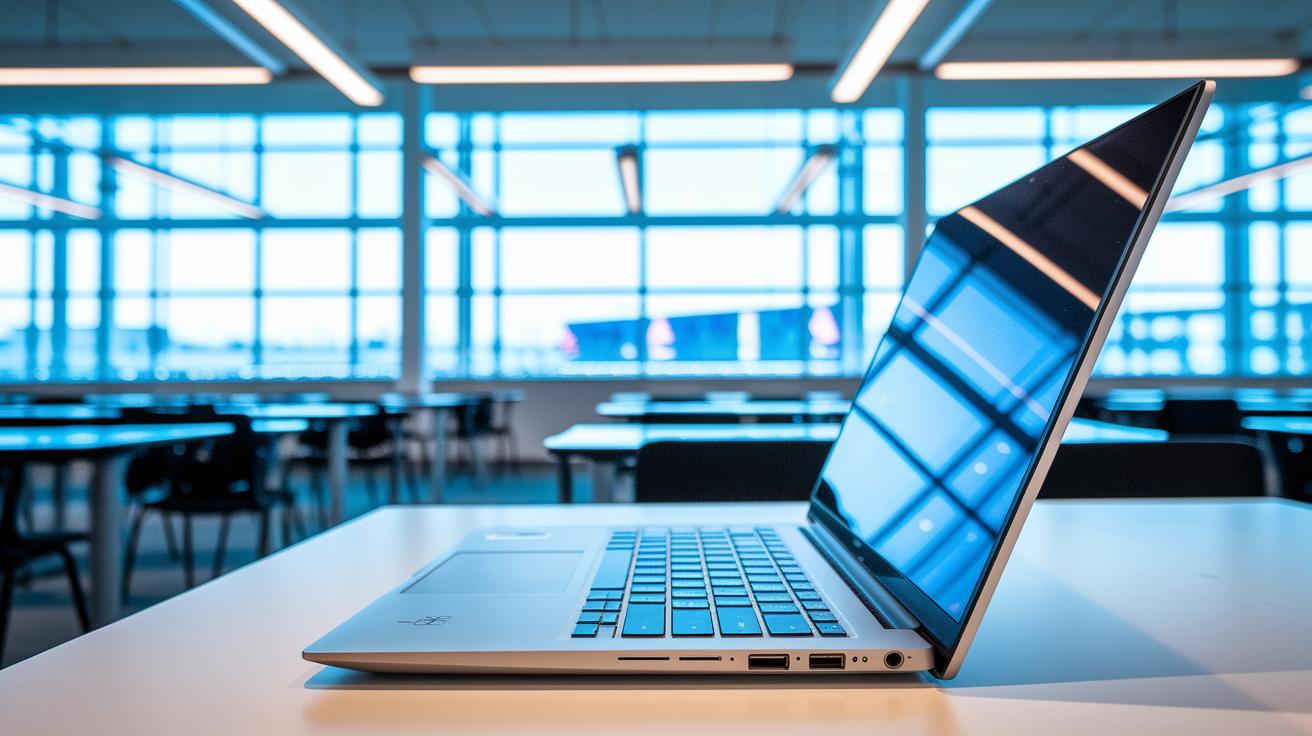
Ultrabook laptops are a top pick for mobile professionals and students. They weigh less than 3 pounds, so they're easy to carry. They boot up fast with quick SSD storage and last long on a single charge, letting you work all day. Their compact size fits well on a plane, in class, or in a busy office.
Here are some common ways ultrabooks make life easier:
- Business travel: They are lightweight and easy to pack.
- Remote presentations: Quick startup and steady performance save time.
- Academic settings: Their low weight makes campus life simpler.
- Creative work: They pair well with external monitors.
- Daily productivity: Fast access helps professionals stay on task.
Modern ultrabooks mix a sleek design with reliable power. Their small form factor cuts down on physical bulk, making work and school on the go much less tiring. Whether you're giving a presentation or editing projects on the fly, these devices offer the speed and dependability you need.
Trade-offs and Limitations of Ultrabook Laptops
Ultrabook laptops are prized for their slim, advanced design, but they do come with a few drawbacks. Many models have RAM and storage that are soldered onto the board, so you can't upgrade these parts later. This design choice makes the device light and thin but limits your options for future updates.
The built-in graphics are also not meant for heavy gaming, so if you plan on playing demanding games, you might need a more powerful system. Additionally, the common 13- to 14-inch screens are very portable, but their small size might cause eye strain during long sessions.
Using premium materials like aluminum and magnesium alloys gives these laptops a sturdy and sleek look. However, these materials also push up the price compared to bulkier, more upgrade-friendly laptops. If you need more flexibility in hardware upgrades or a larger screen for long work sessions, it's worth considering these trade-offs before you buy.
Comparison of Ultrabook Laptops and Traditional Laptops

Ultrabook laptops and traditional laptops come with different designs, performance levels, and options to upgrade. Traditional laptops weigh around 4 to 6 pounds and have a thicker body. This extra size lets you add more memory (RAM) or change the storage drive. On the other hand, ultrabooks are slim and light. They weigh less than 3 pounds and are under 0.83 inches thick. These open-thin machines use solid state drives (SSDs) for storage, which makes them start up quickly. They also often run for 8 to 10 hours or more, which can be two to four hours longer than traditional laptops.
| Device Type | Weight | Thickness | Storage | Battery Life | Upgradeability |
|---|---|---|---|---|---|
| Ultrabook Laptop | Under 3 pounds | Less than 0.83 inches | SSD Only | 8-10+ hours | Limited |
| Traditional Laptop | 4-6 pounds | Thicker chassis | HDD or SSD options | 6-8 hours | User-upgradable |
This side-by-side view shows that ultrabooks are built for speed and mobility. They are great if you want fast boot times and long battery life in a small package. Traditional laptops are best if you need more upgrade options and a customizable system over time. Choose an ultrabook if you need a light, energy-efficient design, but go with a traditional laptop if upgradability is more important to you.
Final Words
In the action, we explored the essence of ultrabook laptops. We reviewed their slim build, performance, battery life, and practical use cases. The article weighed real-world trade-offs such as limited upgrade options against high portability and sharp design. Clear comparisons with traditional laptops offer a guide for smart buying decisions. By considering what is an ultrabook laptop, you can feel confident in your choice and enjoy reliable results every day.