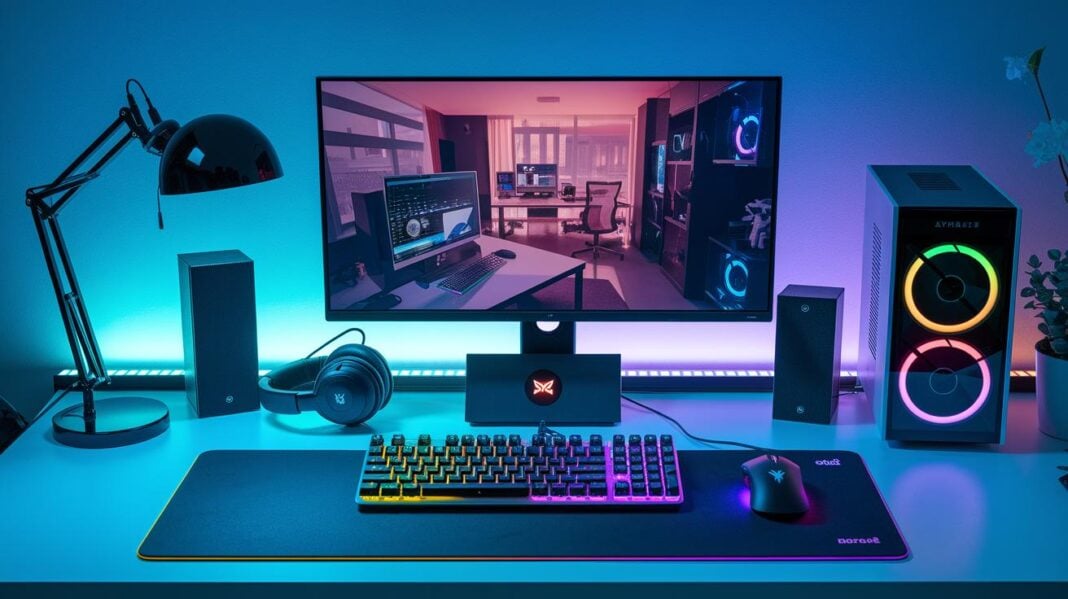
Is your gaming setup holding you back? The right gear can turn a loss into a win. A quality headset clearly picks up voices, and a precise mouse boosts your reaction time. Our guide shows you how to choose affordable accessories that offer both comfort and top performance. With the right picks, you'll enjoy faster reactions and a smoother gaming experience when every millisecond matters.
Essential Steps to Select Top Gaming Accessories
Start by realizing that the quality of your gaming gear can greatly boost your performance. Think about the build, durability, and design of each accessory. A sturdy headset or a responsive mouse can tip the scales in fast-paced games where every millisecond counts. Choose devices that offer the right mix of cost and quality for your setup.
Look for features that truly impact your game. Focus on gear that feels comfortable and performs well. For instance, opt for headsets with clear sound and keyboards that let you customize key functions easily. These details help create a setup that works for both competitive play and relaxed streaming sessions.
- Headsets
- Mice
- Keyboards
- Chairs
- Monitors
Each category plays a key role in your gaming space. A quality headset sharpens your communication by delivering crisp audio. A precise mouse and a quick keyboard can be the edge you need to win. Plus, a comfortable chair and a clear monitor let you game longer without fatigue. And sometimes, spending over $60 even lands you extras like a free 10-pack of G FUEL “Slayer Fuel” to boost your energy when it matters most.
Selecting Your Gaming Mouse: Performance and Ergonomics

A gaming mouse is very important for competitive play. Its accuracy and responsiveness can be the key to winning a match or missing a critical shot. A good mouse helps you react fast and hit your target every time. Every click counts.
Look for mice with adjustable DPI settings. DPI (dots per inch) controls how fast the cursor moves on screen. You can set it low for steady aiming or high for quick movements. Also, choose a mouse with an ergonomic design that fits your grip, whether claw, palm, or fingertip, to reduce hand fatigue during long sessions.
Wired and wireless mice both offer benefits. Wired models usually offer zero lag, giving an instant response when you need it. Wireless options let you work without a cable for a cleaner setup, though they might have a tiny delay. Think about your play style and workspace to decide which is better for you.
A top-quality sensor is essential to prevent tracking errors during fast gameplay. A precise sensor means low input lag, so every move registers immediately. Even small improvements here can make a big difference in staying competitive.
Choosing the Right Gaming Keyboard: Mechanical vs Membrane
When picking a gaming keyboard, you need to balance how it feels, how long it lasts, and its price. Gaming keyboards come in two forms: mechanical and membrane. Each type has its own benefits based on your gaming style.
Mechanical keyboards use a separate switch under every key. These switches (like Cherry MX or Gateron) give a noticeable click that many gamers enjoy. They often feature strong builds with aluminum frames and durable keycaps (such as PBT or double-shot). Extras like programmable macros, RGB backlighting, and n-key rollover let you personalize your setup and boost performance during long gaming sessions.
Membrane keyboards work with a rubber dome that presses down on a circuit board. This design makes the keys quieter and is a smart choice if you're watching your budget. They are often more spill resistant and easier to clean, though they do not offer the same tactile feedback as mechanical switches. Still, they provide the essential functions, such as basic backlighting and customizable controls, making them a good option for casual gaming or even office work.
Both types can improve your gaming experience. Your choice should depend on your budget, your need for a distinct key response, and how much maintenance you prefer.
Evaluating Gaming Headsets: Audio Clarity and Comfort
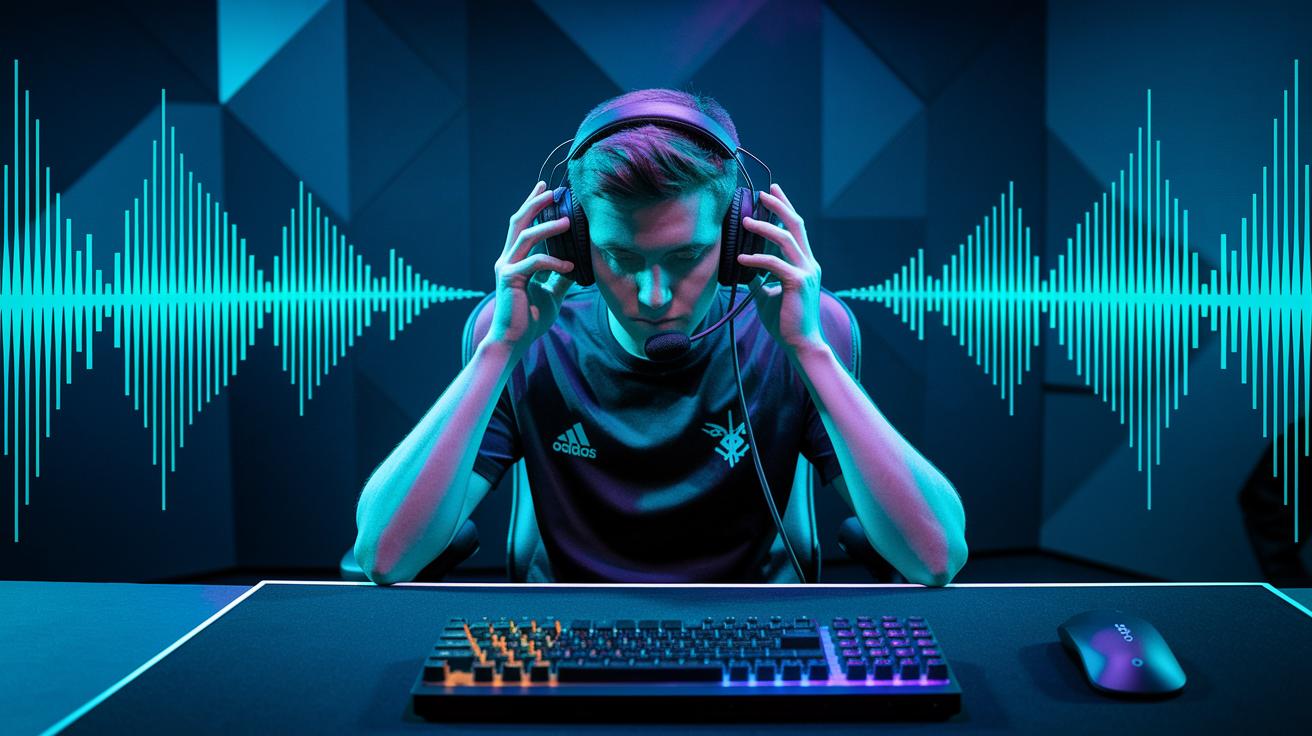
Gaming headsets give you a much-needed edge during competitive play. They let you hear enemy movements and key sounds, which boosts your reaction and confidence in fast-paced games.
Many headsets now come with surround sound. This feature creates a 360-degree audio view that helps you know where sounds come from. In tests, players using surround sound could react faster to off-screen cues. That quick reaction could be the key to avoiding a surprise attack or making a smart retreat.
Comfort is just as important as sound. Look for headsets with memory-foam earpads and adjustable headbands. These designs keep the headset light and snug during long gaming sessions so your focus stays on the game.
Clear team chat is essential. A noise-cancelling microphone can make sure your voice is heard, even in a lively room. Wired mics have almost no delay, while wireless ones give more freedom but might introduce a slight pause. A quick voice test can help you decide which style works best, ensuring smooth in-game communication.
Comparing Gaming Monitors: Panels, Refresh Rates, and Resolution
When choosing a gaming monitor, it's important to look at the trade-offs between different panel types. TN panels are a favorite for gamers who need lightning-fast response times, usually around 1 to 5 ms. This helps reduce motion blur during quick moves. IPS panels, on the other hand, deliver true-to-life colors and wider viewing angles, so your screen looks good from almost any spot. Most monitors offer 1080p resolution, which works well with both panel types and keeps the performance balanced.
Finding the right mix of resolution and refresh rate can really boost your gaming. A lower resolution might allow a higher refresh rate, giving you quicker responses in fast games. But if you choose a high-resolution monitor, it may slow down the refresh rate because your system has to work harder. Every fraction of a second counts in competitive play, so match your monitor's specs to your gaming needs.
| Panel Type | Response Time | Color Accuracy | Viewing Angle |
|---|---|---|---|
| TN | 1–5 ms | Moderate | Narrow |
| IPS | Slightly higher | Superior | Wide |
In short, choose a monitor that fits your gaming style. If you value quick responses, go for a fast refresh rate. If you prefer vibrant visuals, lean toward IPS panels. Use these points to help you pick the display that best matches your setup and play style.
Choosing Gaming Controllers: Comfort, Compatibility, and Connectivity
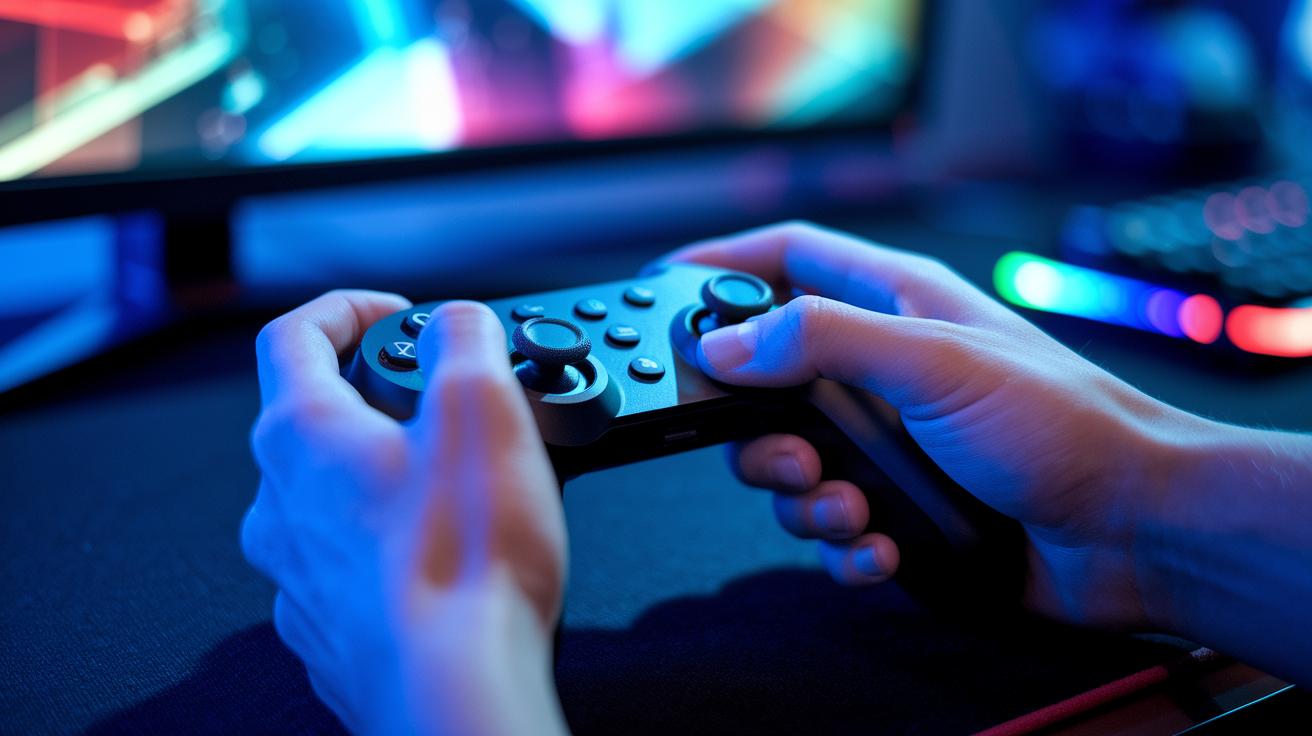
A gaming controller is not just a gadget; it connects you to your games. A controller that fits well in your hand can boost your skills and make gaming more fun, whether you're in quick fights or long adventures.
Controllers come in many styles for different types of games. For example, fighting pads have buttons set up for quick moves during combat. Racing wheels focus on a firm grip and realistic steering feedback to make driving games feel real. A good design keeps your hands comfortable during long sessions. The placement of buttons, triggers, and joysticks can really affect your gameplay. Models for sports or strategy games might add extra paddles or let you customize controls so every press feels right.
The way your controller connects also matters. Wired controllers usually offer the quickest response since they don’t rely on batteries. Wireless ones let you move around freely, though they might have a tiny delay and need battery care. Always check if your controller works with your PC, PlayStation, Xbox, and mobile devices. This flexibility is great if you play on different systems.
Choose a controller that is both comfortable and compatible with your gaming setup. It will help you play better and enjoy your games more.
Selecting Gaming Chairs and Desks: Ergonomics and Setup Integration
A good chair and desk set can change your gaming space into a comfortable and productive area. When your setup is neat and supportive, you can focus on your game without distractions.
Ergonomic chairs help you keep good posture during long gaming sessions. Look for one with adjustable seat height, lumbar support (back support), and armrests that reduce strain on your back and shoulders. Materials like PU leather and mesh are tough and easy to clean. A chair that fits well helps you stay focused and comfortable for hours.
Desks are just as important in your gaming setup. They come in many shapes, from standard rectangular to L-shaped for extra space. There are even standing desks that let you change your position during the day. Choose a desk with built-in cable channels or management systems to keep power cords and data cables neatly tucked away. This way, your space stays organized and your equipment stays safe.
Investing in a well-matched chair and desk setup makes your gaming station ready for intense sessions while keeping you comfortable and clutter-free.
Additional Gaming Accessories: Mouse Pads, Capture Cards, and More

Mouse pads come in various styles. You can choose a basic pad for everyday use or opt for a larger one that holds both your mouse and keyboard. If you need quick movements, a hard surface pad works well; if you want more control, a softer pad might be best. Look for features like stitched edges and a non-slip base to keep the pad steady during intense play.
Capture cards are a must-have if you plan to stream or record your gameplay. Many capture cards offer 1080p or 4K recording at up to 60 fps, giving you smooth video with clear details. This makes them great for live streaming matches or saving your best game moments for review.
Other bonus accessories can really enhance your overall gaming setup. A headset stand keeps your audio gear organized, while gaming glasses help reduce eye strain during long sessions. Streaming microphones, available in both USB and XLR, boost your voice clarity when chatting with teammates or an audience. VR headsets bring an immersive twist to your play, and laptop cooling pads help prevent overheating during lengthy sessions. Combined, these items create a more efficient and comfortable gaming experience.
Regular cleaning and proper storage are key to getting the most from your gear. Dust and debris can slow down devices like mouse pads and capture cards. Wipe them with a soft cloth and a mild cleaning solution after use. Keep cables untangled and store your devices in a cool, dry place to avoid damage. Spending a little time each week on maintenance can extend the life of your accessories and ensure top performance every time you play.
Final Words
In the action, we walked through key steps for choosing top gaming accessories. We explored headsets, mice, keyboards, and other gear, all tied to real-world performance and design factors.
This gaming accessories buying guide helped show how each product type impacts gameplay and streaming. Clear insights on price versus quality, practical trade-offs, and extra perks aim to boost your confidence in each choice. Enjoy your new gear and get the edge you need!