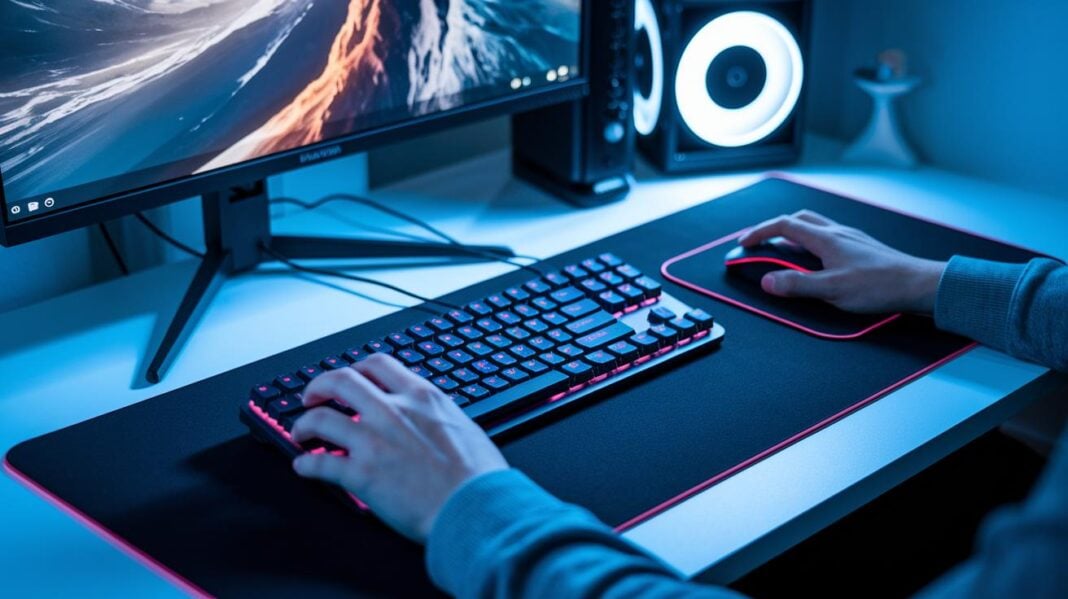
Do you end up feeling sore after long gaming sessions? Sitting and playing for hours can stress your wrist, neck, and back. Using the right ergonomic gear, like adjustable chairs and wrist rests, lets you play longer without the pain. Studies show that gaming without proper support leads to muscle fatigue similar to what you experience in a long day at the office. These tools help reduce strain so you stay comfortable and focused. Upgrade your setup and enjoy a better gaming experience.
Top Ergonomic Gaming Accessories for Reduced Strain
Long gaming sessions can cause wrist, neck, and back pain if you don't have the right gear. Without proper support, pressure builds up on your joints and muscles, making it hard to focus on the game. In fact, gamers who play for over 5 hours in one sitting may suffer muscle fatigue similar to office workers who sit all day. Ergonomic gaming accessories can help keep discomfort in check.
Ergonomic tips recommend setting your monitor about an arm’s length away with the top third at eye level. Keep your keyboard at elbow height and your wrists straight to lessen strain. This simple setup helps improve blood flow and relieve muscle tension during long play sessions. Following these easy rules creates a more comfortable gaming space.
There are many types of supportive gaming gear. Key items include:
- Adjustable chairs with strong lower back support.
- Monitor arms for better screen positioning.
- Desks with built-in cable organizers for a clean setup.
- Wrist rests for keyboards and mice.
- Well-placed footrests.
Each accessory plays a role in building a gaming environment that boosts both your performance and comfort.
Precision and Comfort: Ergonomic Gaming Mice and Mouse Pads
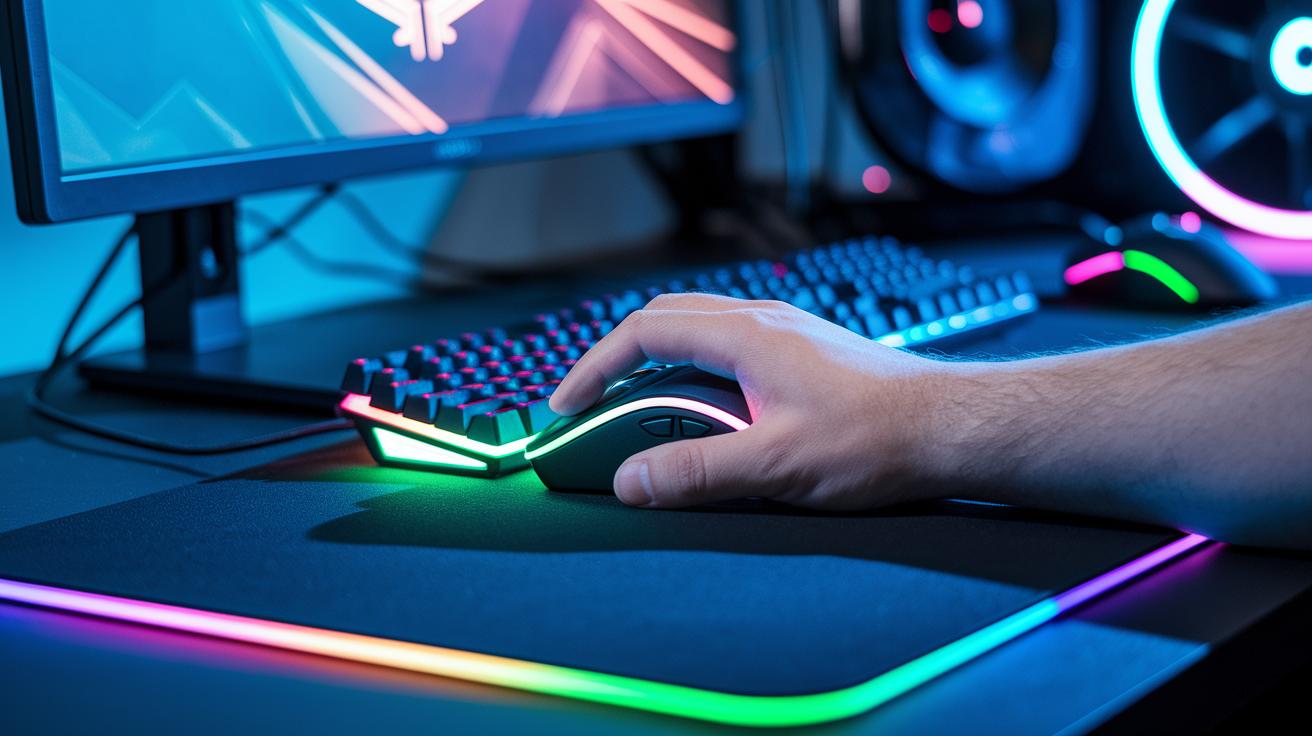
When you game for long hours, your gear really matters. Ergonomic gaming tools are made to boost your control and comfort. They support your hand and wrist so you can move smoothly through even the longest sessions.
Ergonomic Gaming Mice
Top gaming mice let you adjust the DPI (sensitivity) so you can switch between quick sweeps and careful moves. They often have nine buttons you can program, systems to change the weight, and shapes that fit your grip. For instance, a mouse with TrueMove Air tracking and spill-resistant coating gives clear accuracy and helps protect against accidents. These features make such mice a smart choice for gamers who need steady control when the action heats up.
Cushioned Mouse Pads
Cushioned mouse pads work hand in hand with high-performance mice. They offer a steady, low-friction surface that improves cursor control. They are built with just the right pad thickness and material to balance speed with control. Stitched edges stop fraying, and a rubber base keeps the pad firmly in place. This means every move feels sure, even during fast, repeated swipes.
| Model | DPI Range | Weight | Ergonomic Feature |
|---|---|---|---|
| Model A | 200-16000 | 80 g | Ultra-lightweight shell |
| Model B | 400-12000 | 90 g | Programmable buttons |
| Model C | 800-8000 | 100 g | Weight tuning system |
| Model D | 3200-16000 | 75 g | Ergonomic grip shape |
Wrist-Savvy: Ergonomic Keyboards and Wrist Support
Ergonomic gaming gear goes beyond the basics to keep your wrists snug during long play. Quality keyboards paired with proper wrist supports work together to ease strain, letting you focus on your game.
Mechanical Keyboard Features
Mechanical keyboards deliver a satisfying feel with different switch types. If you like a clicky sound or a smooth keystroke, there's an option for you. Many let you adjust how much pressure you need for each key press, so every tap feels just right. Plus, programmable keys let you assign detailed commands to one button, cutting down on extra moves. Some also feature customizable RGB lighting and built-in displays, making them a smart choice for a flexible gaming setup.
Wrist Rest Options
Wrist rests come in several materials like memory foam and gel. Memory-foam models shape gently to your hand while easing pressure on your wrist. Gel-filled rests offer a firmer support to help keep your wrist in a comfortable, natural position during extended sessions. Many are designed to either attach to your keyboard tray or sit right on your desk, ensuring your wrist stays aligned for less fatigue and a smoother gaming experience.
Back to the Future: Ergonomic Chairs and Seating Support
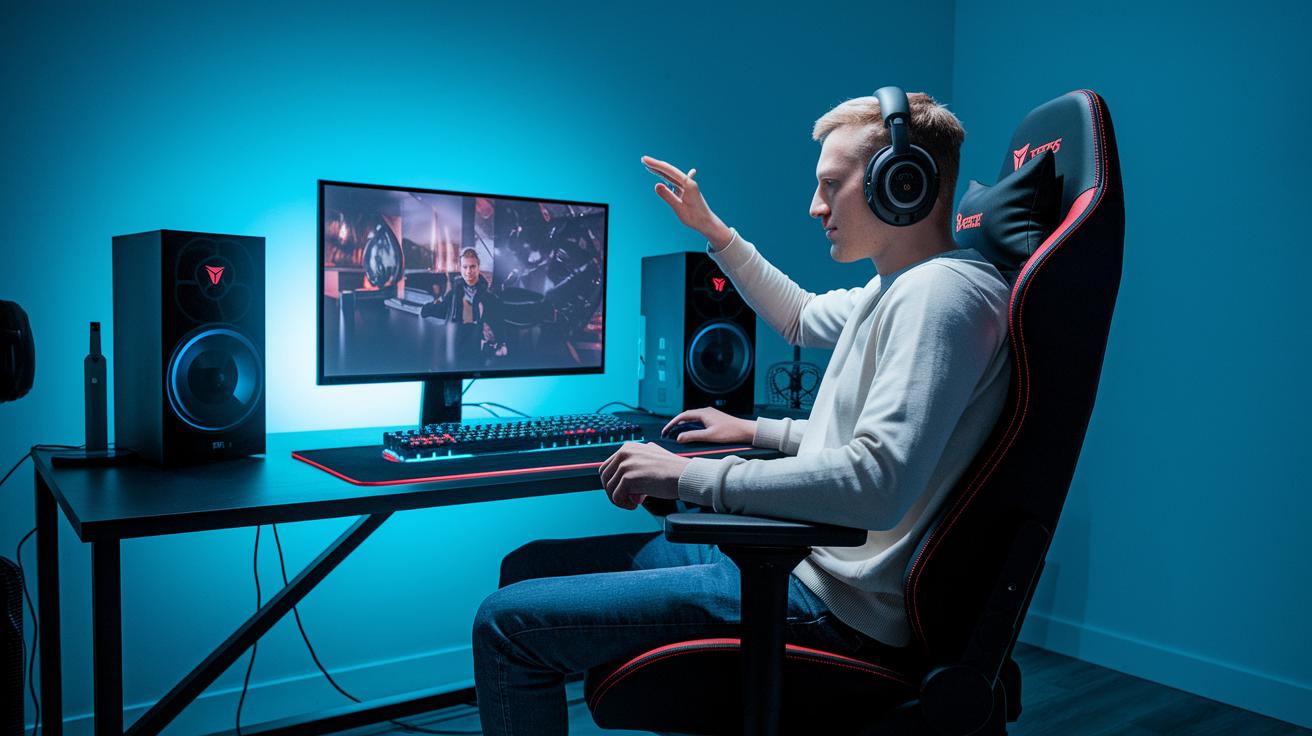
When choosing a gaming chair, look for one with armrests that adjust in all directions and built-in lumbar support cushions. Chairs with high-density foam or breathable mesh keep your back comfortable during long sessions. This design helps your spine stay aligned and cuts down on muscle fatigue.
Adding an extra cushion can boost your comfort even more. Memory foam or gel-filled cushions offer gentle support for your lower back and hips, easing pressure over time. They work well with other ergonomic gear and help you keep a natural posture while you game.
Adjustable features like tilt, recline lock, and height settings are essential for a proper seating position. When your chair is set right, your hips and knees line up comfortably, reducing strain. Experiment with different settings until you find your ideal support. Small adjustments can keep you comfortable and focused during marathon gaming sessions, preventing long-term pain and improving overall performance.
Beyond Peripherals: Ergonomic Monitor Stands, Footrests and Floor Mats
When you level up your gaming setup with a few smart extras, every session feels more relaxing. We already covered basics like monitor arms and footrests. Now, think about adding a cushioned floor mat, a spot for your audio accessories, and a place to dock your headset under your desk. These little touches work with your current setup to boost comfort and help you stay focused.
A floor mat softens each step during long play sessions. An audio accessory holder and a dock for your headset keep gadgets organized and free up space. Together, they make your gaming area both neat and inviting.
- Gas-spring adjustable monitor arm
- Elevated screen stand for eye-level viewing
- Anti-fatigue floor mat with a textured top
- Tilting footrest with height adjustment
- Under-desk headset docking station
- Audio accessory holder for controllers or dongles
Organized and Clutter-Free: Ergonomic Cable Management and Desk Organization
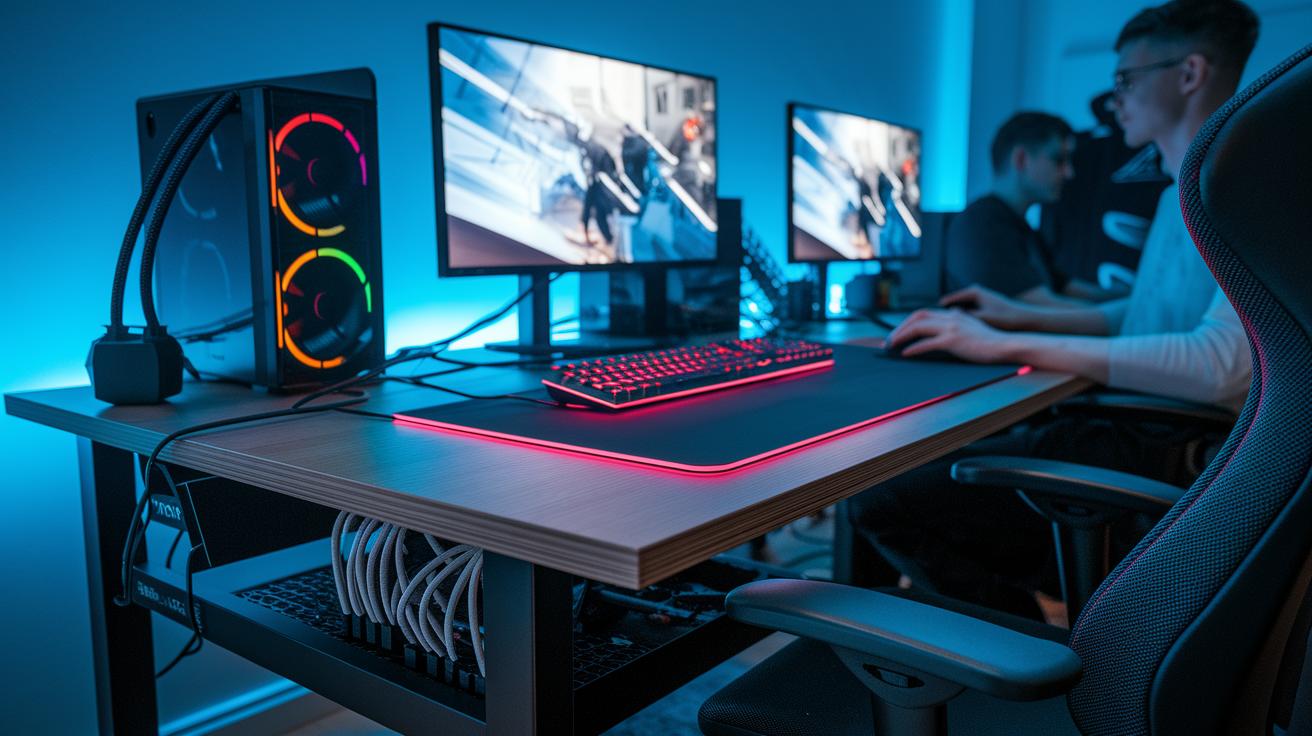
Good cable routing is a must to keep your gaming area neat and lower the strain from tangled wires. Under-desk power strip holders, cable trays, and sleeves work as a hidden cable organizer. They lift wires off the floor and prevent them from getting pinched on height-adjustable desks. This system cuts clutter and protects expensive gear. A tidy cable setup means more space for gaming and fewer distractions. For instance, a clean desk can boost your focus during long play sessions.
A smooth desk mat covers your keyboard and mouse space to protect the surface and help your mouse move easily. Compact USB hubs also play a key role by combining ports for your mouse, keyboard, headset, and other devices. This slashes plug-and-play clutter. With these smart desk clutter reducers, your setup stays organized, looks great, and supports efficient gameplay and lasting comfort.
Final Words
In the action, we explored top ergonomic gaming accessories that reduce strain during long sessions. We covered everything from gaming mice and cushioned mats to supportive keyboards and seating options. Small adjustments like proper monitor stands and cable management can make a big difference in your comfort. Each section provided practical tips to cut down on pain and boost performance. Enjoy an improved setup that works for you today. With these ergonomic gaming accessories, you can game longer and feel better while doing it.