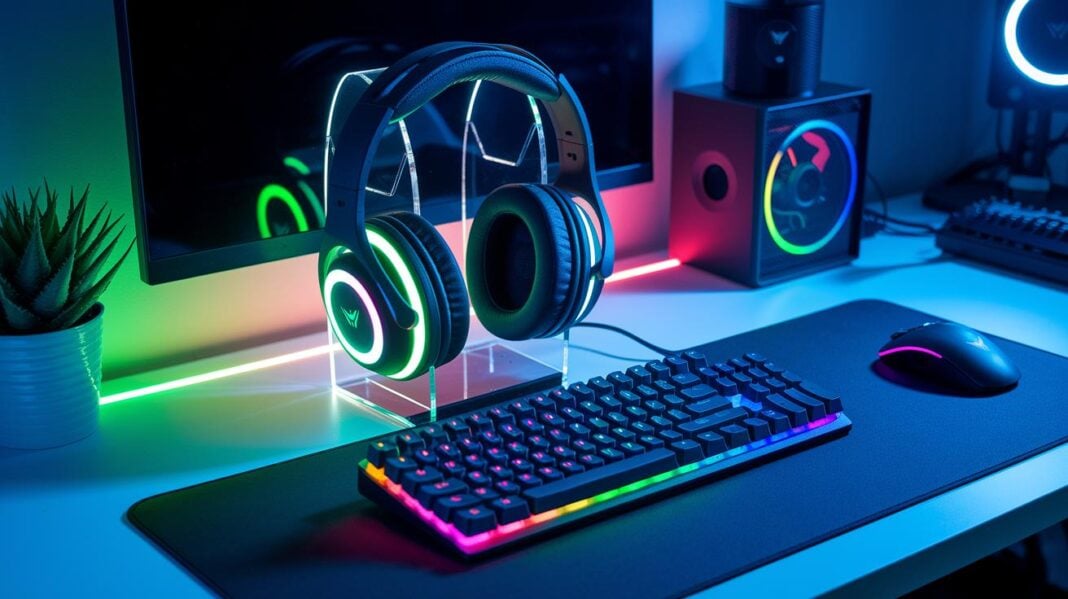
Have you ever wondered how some gamers win so easily? A solid setup with the right PC gaming accessories can give you the boost you need. A clear monitor shows every detail, while a quick keyboard and accurate mouse help you react faster. A comfy chair makes long gaming sessions more enjoyable. In this article, we look at the key gear that can turn your computer space into a winning arena, bringing you one step closer to victory.
Essential PC Gaming Accessories for Every Setup
Gaming gear makes your play more fun and efficient. Top accessories like monitors, keyboards, and chairs let you see details clearly, react quickly, and stay comfy during long sessions. They turn your setup into a smooth, immersive gaming platform that pulls you right into the action.
A solid gaming setup blends comfort with performance. Great screens and speakers give you sharp visuals and clear sound. Fast keyboards and precise mice help you win in tough matches. Ergonomic designs in chairs and controllers ease fatigue so you can focus on your game. These tools are not extra, they're essential to boosting your play.
- LG 45 Ultragear OLED: 45-inch curved display with a 5120×2160 resolution and quick refresh rate. (Note: Requires a high-end GPU.)
- HP Omen Transcend 32 OLED: 4K resolution with a wide color range and built-in speakers for clear audio.
- Keychron Q12 HE keyboard: 96% layout with Gateron Double-Rail Hall Effect switches, adjustable sensitivity down to 0.1 mm, and a 1000 Hz polling rate.
- Keychron M3 Mini V2 mouse: Offers an 8000 Hz polling rate, a 30,000 DPI sensor, and an angle snapping design for accurate tracking.
- SteelSeries Arctis Nova Pro Wireless headset: Comes with active noise cancellation, dual swappable batteries, and an advanced base station for top-notch sound.
- Razer Wolverine V3 Pro controller: Features an ergonomic design, high-quality buttons, and about 20 hours of battery life.
- AndaSeat Novis gaming chair: Built with a strong steel frame and adjustable lumbar support for a budget-friendly, comfy option.
When you combine these seven must-have accessories, your gaming setup becomes both eye-catching and highly responsive. Each item offers its own edge, from crisp display and satisfying keyboard clicks to immersive audio. Together, they let you play with precision and comfort, keeping you engaged from start to finish.
PC Gaming Monitors and Visual Gear Deep Dive
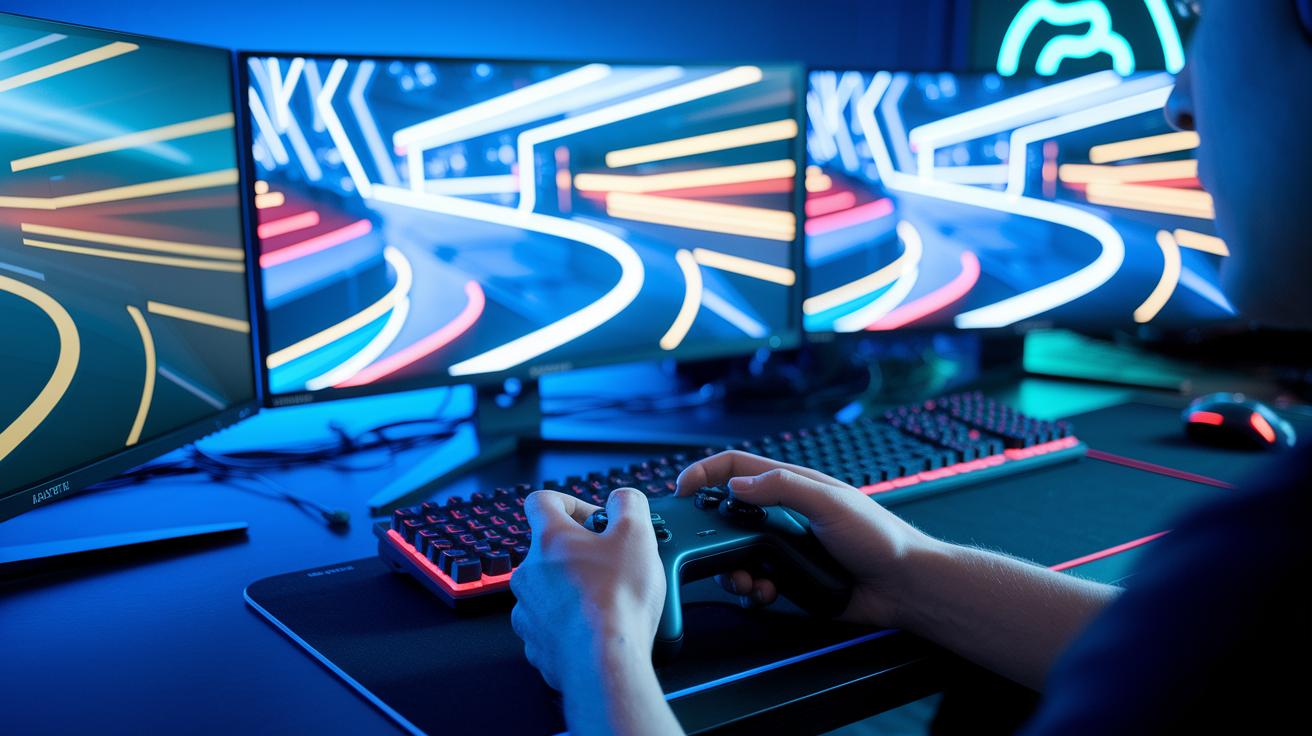
Refresh rate and resolution drive today's gaming visuals. Monitors with high refresh rates make fast scenes look smooth. High resolution gives you clear images with sharp details. This makes a big difference in competitive matches and graphically intense games by reducing motion blur and screen tearing. Our tests show that features like OLED contrast (better dark-light balance) and Adaptive-Sync (smoother frame display) boost visual performance so every frame counts.
| Monitor Model | Size & Resolution | Refresh Rate | Key Feature |
|---|---|---|---|
| LG 45 Ultragear OLED | 45″ Curved, 5120×2160 | 240 Hz | OLED Contrast |
| HP Omen Transcend 32 OLED | 32″, 3840×2160 | 144 Hz | Built-In Speakers |
| Lenovo Legion R27qe Gen 2 | 27″, 2560×1440 | 165 Hz | Adaptive-Sync |
When setting up your gaming station, consider mount compatibility and desk space. Monitors differ in size and weight. Make sure your desk or mount can support your monitor and let you adjust the viewing angle. A tidy desk keeps your gaming experience smooth and your cables organized for long sessions.
High-Precision PC Gaming Mice and Sensor Performance
| Mouse Model | DPI | Polling Rate | Key Feature |
|---|---|---|---|
| Keychron M3 Mini V2 | 30,000 DPI | 8000 Hz | Lightweight with angle snapping |
| 8BitDo Retro R8 | 26,000 DPI | 8000 Hz | Ergonomic design at a great price |
Gaming mice use a DPI rating (dots per inch) to show how sensitive they are. A higher DPI means the sensor can pick up tiny movements to help improve your aim. A strong polling rate (how often the mouse sends data) cuts down on lag, making your actions feel quicker. Angle snapping helps match your physical movements to what you see on screen. These sensor details can make your gameplay smooth and give you a competitive edge.
For example, the Keychron M3 Mini V2 pushes up to 30,000 DPI and works at an 8000 Hz polling rate. Its light design and angle snapping make it very responsive. Meanwhile, the 8BitDo Retro R8 offers 26,000 DPI at the same polling rate and comes in an ergonomic shape, all for a very attractive price. Pairing either mouse with a high-quality precision mouse pad can boost tracking even more. Even the best sensor needs a smooth pad, so investing in one is key to perfect gaming accuracy.
Mechanical Keyboard Upgrades and Customizable Keystrokes
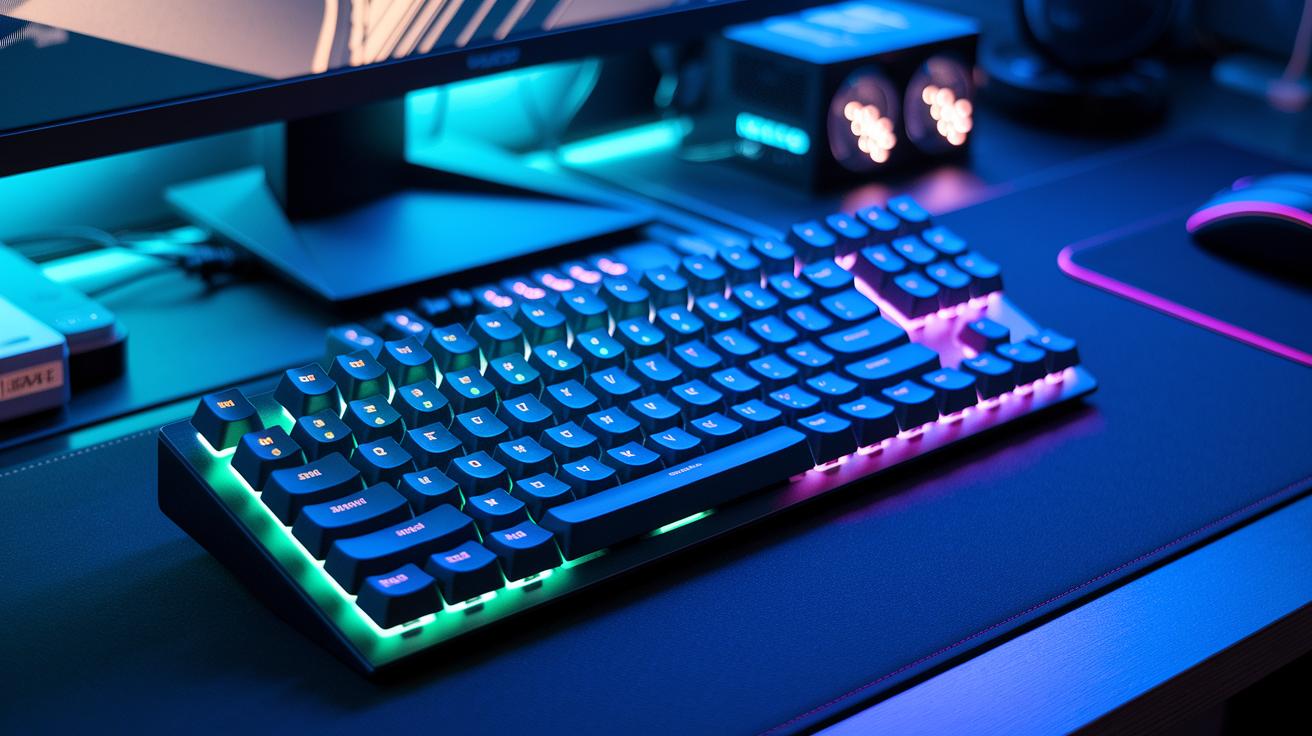
Keyboard performance depends on three main factors: switch types, polling rate, and layout. Switches affect how the keys feel and respond. For example, a polling rate of 1000 Hz makes the keyboard very responsive. Compact layouts like the 96% design keep essential keys in place while saving desk space. This setup gives you speed and precision at your fingertips.
When comparing the Keychron Q12 HE and the Logitech G Pro X TKL, the switch types take center stage. The Keychron Q12 HE uses Hall Effect switches, which let you adjust sensitivity down to 0.1 mm. This means gamers can fine-tune the force needed for each keystroke. Meanwhile, the Logitech G Pro X TKL has traditional mechanical keys that offer low latency in both 2.4 GHz and Bluetooth modes. Its tenkeyless design frees up space, making it easier to use a mouse. Both keyboards are built to last through long gaming sessions, but the Q12 HE’s customizable feel can be a game-changer for those who need perfect precision.
Both models work well for gaming and regular typing. For instance, fast-paced shooting games might benefit from the low latency of the G Pro X TKL, while the Q12 HE shines during long writing sessions.
Immersive Headsets and Surround Sound for PC Gaming
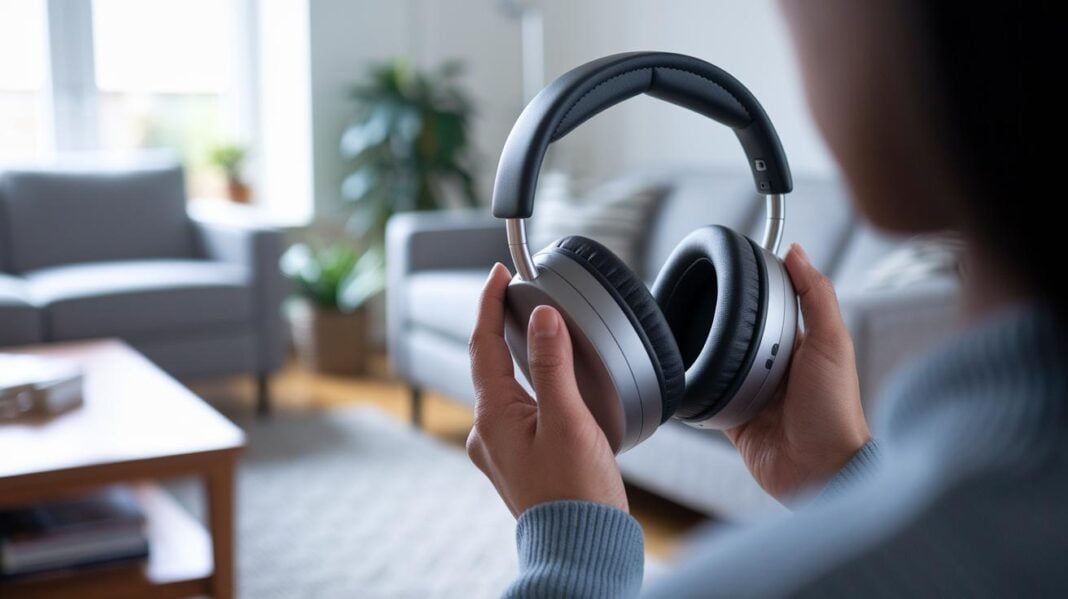
A good headset can make your gaming experience feel more real. Noise cancellation blocks out background sounds, and surround sound brings every in-game cue to life. Plus, long battery life ensures your headset stays powered through long sessions.
The SteelSeries Arctis Nova Pro Wireless delivers crisp Hi-Res audio with active noise cancellation. Its dual battery design means you stay in the game without interruption, and the smart base station makes mixing chat easy. All this, along with a comfortable fit and solid connectivity, makes it a top pick for gamers.
The Turtle Beach Atlas Air offers a different approach. Its open-back design creates a natural, spacious sound perfect for quieter settings. The clear microphone captures voice commands well, and with about 24 hours of battery life, you won’t face frequent recharges. Comfort is key here, too, especially during long playtimes.
When choosing a headset, think about your room setup and play style. Closed earcups provide better isolation in noisy spaces, while open-back designs give you a more natural sound if you prefer a touch of ambient noise.
Controller Add-Ons for PC: Ergonomics and Advanced Features
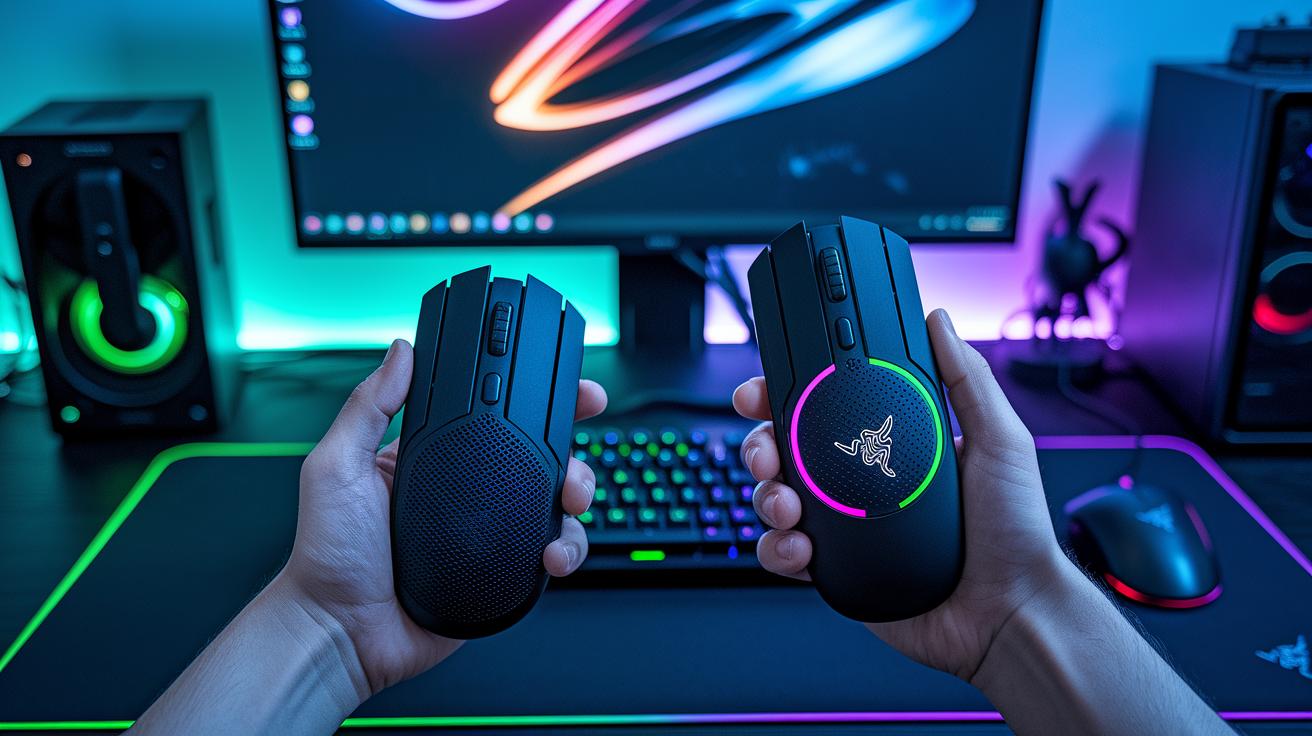
Many PC gamers choose gamepads over a keyboard and mouse for extra comfort during long gaming sessions. Gamepads offer a relaxed grip and simple controls that suit many types of games like fast shooters and fun platformers. This comfortable feel can help reduce hand fatigue while giving you precise control.
The wireless Razer Wolverine V3 Pro has programmable triggers and textured grips to let you set up your controls just the way you want. With a battery life of about 20 hours, it is perfect for gamers who like to cut the cord and enjoy custom settings for quick action games. On the other hand, the wired GameSir G7 Pro comes with Hall Effect sticks (a type of sensor that improves control) and adjustable triggers along with sturdy, ergonomic grips. Its wired connection means you get almost no delay even in long play sessions. Each controller offers clear benefits depending on whether you value free movement or consistent, lightning-fast response.
To get the best out of your controller, try mapping buttons to fit the game you play and adjust the sensitivity settings for races or brawls.
Additional PC Gaming Accessories: Chairs, Audio & Streaming Essentials
Ergonomic seating is key to a solid gaming setup. A sturdy chair like the AndaSeat Novis gaming chair features a multi-tilt mechanism and adjustable lumbar support built on a steel frame. It fits neatly into a budget under $300. This chair helps support your posture during long sessions, reducing fatigue and keeping you focused on your game.
Desktop audio boosts your immersive experience. The Creative Pebble Pro Audio speakers offer a compact 2.0 setup with 3.5 mm, Bluetooth, and USB-C connections. They boast RGB lighting and a wide stereo image, filling your room with clear sound. Meanwhile, the Edifier QR65 speakers come with a trendy faux leather finish and an infinity mirror LED design. They deliver punchy bass and sharp mids to balance your sound whether you're gaming or watching media.
Streaming gear is a must for a complete setup. The HyperX Vision S webcam, available in 1080p or 4K, performs well in low-light conditions to keep you looking great. Pair it with a USB microphone on a boom arm, a ring light, and a desk stand to create a studio-quality streaming station that captures crisp visuals and clear audio.
A well-organized desk rounds out your gaming environment. Cable management systems and ambient lighting strips not only keep your gear tidy but also add a stylish touch. A neat workspace makes it easier to access your peripherals and enhances your overall gaming experience.
Final Words
In the action, we covered essential PC gaming accessories that boost performance and comfort. We looked at advanced monitors, high-precision mice, and upgraded keyboards that make a difference during play. We reviewed headsets that bring immersive sound, controllers tailored for input accuracy, and even chairs and streaming tools that complete the setup.
All these pc gaming accessories work together to enhance your overall gaming experience. Enjoy building a setup that fits your style and budget.
FAQ
What insights do Reddit users offer on PC gaming accessories?
The Reddit community discusses PC gaming accessories by sharing real-world reviews, tips on durability, and advice on performance. They often highlight features that balance customization, comfort, and responsiveness.
What does “PC gaming accessories near me” refer to?
The term “PC gaming accessories near me” refers to finding local retailers and shops where gamers can try and buy gear like keyboards, mice, headsets, and chairs, ensuring hands-on testing before purchase.
What defines the best PC gaming accessories?
The best PC gaming accessories combine quality build, responsive performance, and ergonomic design. They include high-refresh monitors, precision input devices, immersive audio, and supportive chairs for maximum gaming comfort.
What are top PC gaming accessories available on Amazon?
Top PC gaming accessories on Amazon include well-reviewed mechanical keyboards, high-resolution monitors, precision mice, immersive headsets, and comfortable gaming chairs, all highly rated by users for performance and durability.
What does a comprehensive gaming accessories list include?
A comprehensive gaming accessories list includes visual peripherals, input devices like keyboards and mice, audio systems, ergonomic seating, and streaming essentials, helping gamers build a fully functional and immersive setup.
What are the best accessories for a gaming setup?
The best accessories for a gaming setup feature high-refresh displays, mechanical keyboards, high-DPI mice, advanced headsets, and ergonomic chairs. Each component is chosen to improve game performance, comfort, and overall enjoyment.
Where can I find Best Buy PC gaming accessories?
Best Buy PC gaming accessories are available both in-store and online. They include a range of products from well-known brands, offering mechanical keyboards, gaming mice, headsets, and monitors with trusted customer reviews.
What are the key features of the Glorious GMMK Pro 75% Barebone ANSI USA keyboard?
The Glorious GMMK Pro 75% Barebone ANSI USA keyboard features hot-swappable switches, a compact 75% layout, and a sturdy, customizable design that appeals to gamers looking for performance and personalization.
What sets apart the Glorious GMMK 2 RGB Compact Mechanical 65% Gaming Keyboard?
The Glorious GMMK 2 RGB Compact Mechanical 65% keyboard offers a smaller footprint while maintaining responsive mechanical switches and vibrant RGB lighting, making it ideal for gamers wanting a streamlined desk space without missing core functions.
What distinguishes the Glorious GMMK Full Size RGB Mechanical Gaming Keyboard?
The Glorious GMMK Full Size RGB Mechanical Gaming Keyboard provides a complete set of keys, hot-swappable switches, and customizable RGB lighting, offering users both full-size functionality and high-performance features for competitive play.
What features are found in the Glorious Gaming GMMK 2 Full Size Mechanical Gaming Keyboard?
The Glorious Gaming GMMK 2 Full Size Mechanical Gaming Keyboard delivers a full key layout, customizable RGB effects, hot-swappable mechanical switches, and robust build quality, satisfying gamers needing both extensive functionality and reliability.
What are the specs of the GMMK 2 Barebones Full Size 96% Black / ISO keyboard?
The GMMK 2 Barebones Full Size 96% Black / ISO keyboard features a nearly complete layout with hot-swappable mechanical switches, offering a sleek, minimalistic design and customizable performance for gamers who value flexibility.
What does the Glorious GMMK Pro Pre-Built 75% Wired Mechanical Keyboard offer?
The Glorious GMMK Pro Pre-Built 75% Wired Mechanical Keyboard offers ready-to-use functionality with a compact 75% layout, tactile mechanical switches, and a wired connection that provides stable, lag-free performance during intense gaming sessions.