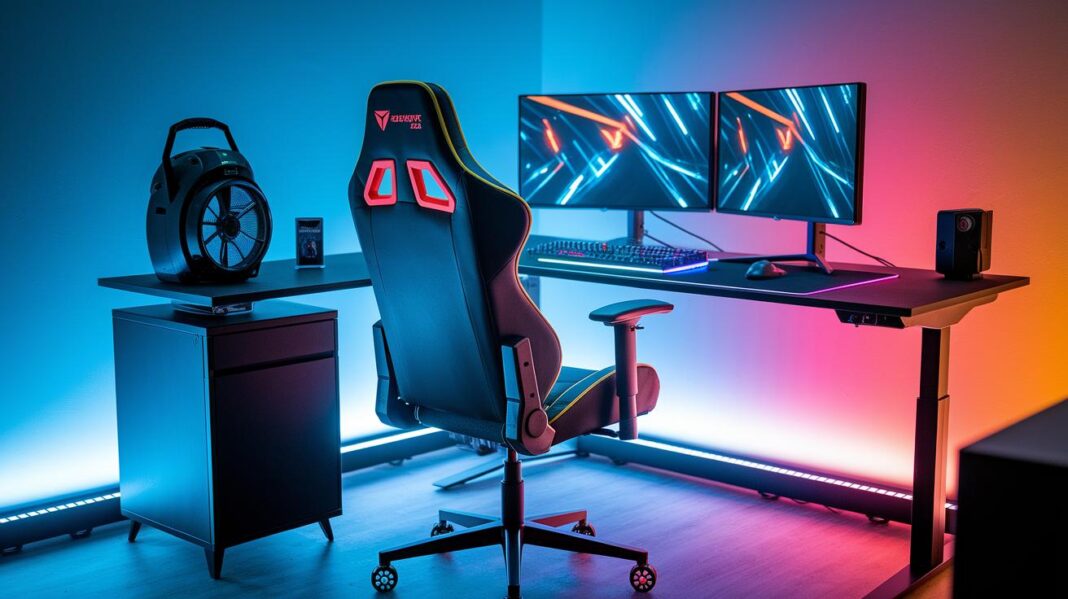
Ever feel like your gaming chair isn’t giving you the comfort you need during long sessions? Sometimes even a top-rated chair can feel stiff without the right tweaks.
Adding a few simple accessories can make a big difference. Try a lumbar support pillow to help relax your lower back, a headrest cushion for extra comfort, and adjustable armrests to keep your posture in check. These upgrades turn a basic seat into your own command center.
In this guide, we cover the must-have gaming chair accessories that boost both comfort and function so you can stay comfortable and focused while you play.
Essential Gaming Chair Accessories to Enhance Comfort and Functionality
Gaming chair accessories are extra items that boost your chair's comfort and practicality. They change a basic gaming seat into a more supportive place to sit. Options range from simple fixes to advanced add-ons that improve both ergonomics (how your body fits into your chair) and style. These upgrades help ease back pain and poor posture, so long gaming sessions stay comfortable.
Key accessories include lumbar support pillows that reduce lower back strain and headrest cushions that ease neck tension. Adjustable armrests provide better elbow support and more movement options. Integrated cup holders and tray mounts keep drinks and small devices close at hand. These add-ons let you tailor every part of your chair, making your gaming setup more efficient and enjoyable.
Ergonomic Cushion Replacements and Deluxe Lumbar Support for Gaming Chairs
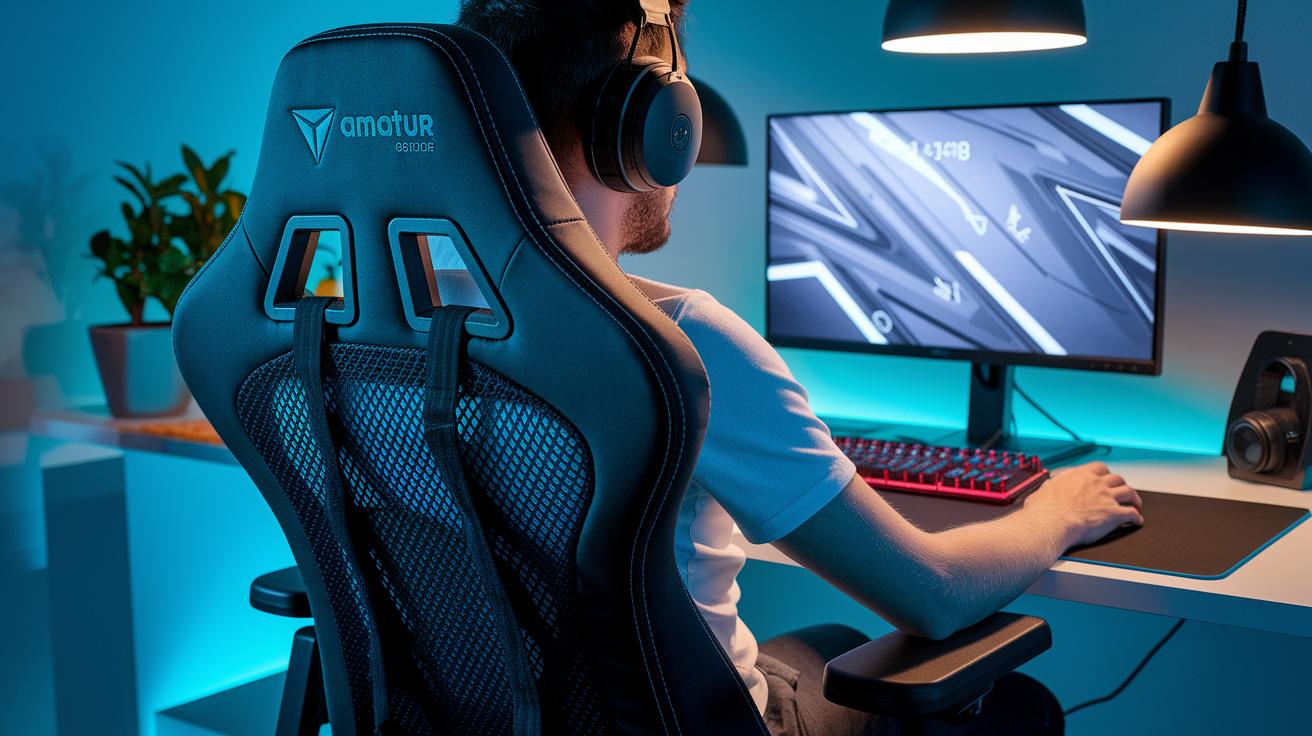
Upgrading your gaming chair with top-quality ergonomic cushions can make long play sessions much more comfortable. Using materials that support good posture and control heat helps keep you relaxed during intense gaming. These cushions use smart padding and breathable fabrics that adjust to your body, easing pressure while allowing air to flow. Deluxe lumbar support cushions guide your spine into proper alignment, which helps reduce back strain and fatigue. Some come with extra lumbar pillow attachments to keep you balanced and well-supported. The materials are chosen for the perfect firmness and cooling effect, so your chair supports every move while staying cool.
Cushion Material Types: memory foam vs gel vs fiber
Memory foam cushions mold to your body and spread weight evenly, giving you a custom-like support that lasts. Gel cushions are built to keep you cool by quickly absorbing and releasing heat, so you stay refreshed even during long sessions. Fiber cushions are light and let air in, offering a moderate firmness with an emphasis on lasting comfort and breathability. Each type has its own benefits: memory foam holds its shape well, gel cools you off fast, and fiber provides a balanced mix of comfort and airflow.
| Material | Firmness | Breathability | Price |
|---|---|---|---|
| Memory Foam | High | Moderate | Mid-High |
| Gel | Medium | High | High |
| Fiber | Medium | High | Low-Mid |
Adjustable Armrest Replacements and Installation Steps
Upgrading your gaming chair with new adjustable armrests gives you better elbow support and improved control. Modern armrests let you adjust height, depth, tilt, and spin. You can set them to the perfect angle to reduce strain during long sessions. These parts are built to fit your body and gaming style. They also come with extra cushion inserts for more comfort and a seating position that feels just right.
Installing Armrest Replacements
Start by removing the old armrest posts. Align the new mounting brackets with the armrest slots. Tighten the screws and washers securely. As you work, check that each adjustment, height, depth, tilt, and spin, moves smoothly. Once everything is in place, test all the movements to be sure there is no stiffness or wiggle.
Before you use the chair, make sure the fit is correct. Ensure the new armrests do not block any nearby controls or the chair frame, keeping your seat both safe and comfortable.
Integrated Cup Holders, Tray Mounts, and Beverage Holder Kits for Gaming Chairs
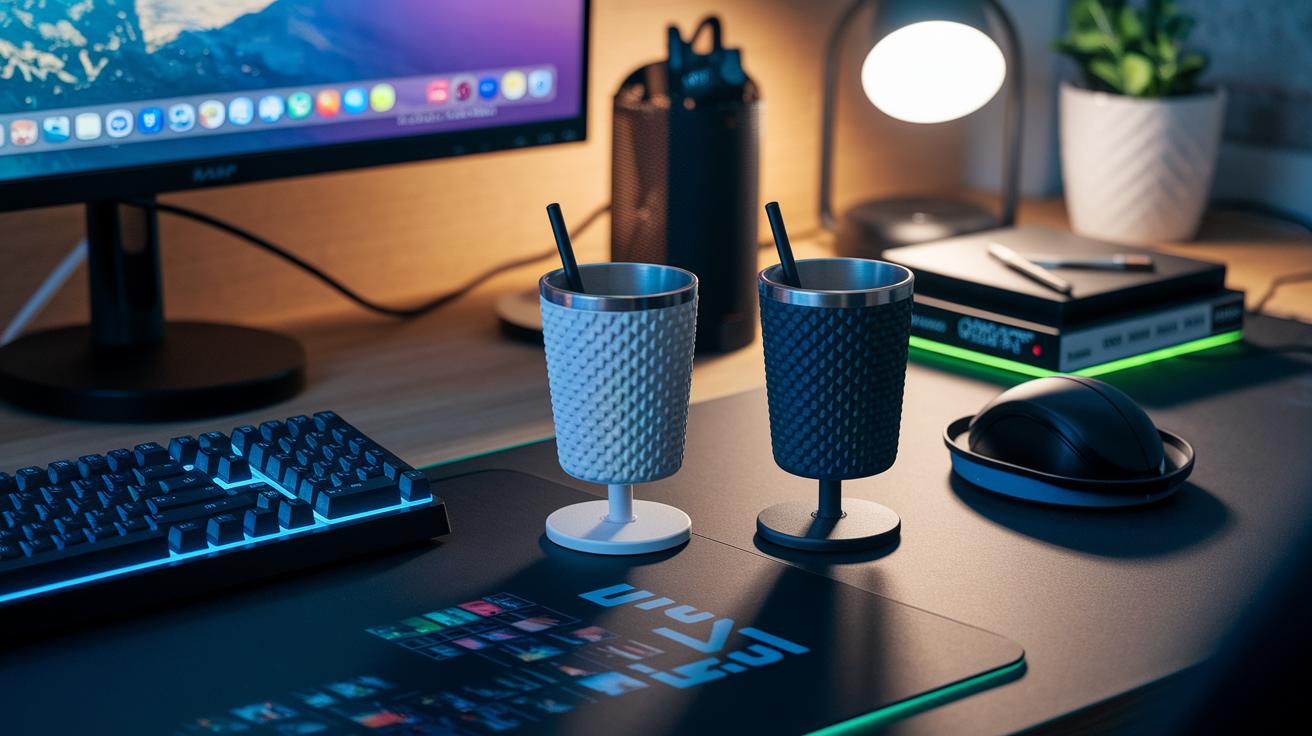
Clip-on cup holders come in two types: fixed-position and swivel. Fixed-position holders give a strong grip so your drink stays put even during long gaming sessions. They offer solid stability, which is key when you need a quick sip without any spills. Swivel cup mounts, on the other hand, let you adjust the cup’s angle easily. Their rotating design means you can grab your drink from different sides while it remains secure. Both options help keep your desk clear and your gaming setup neat.
Tray attachments, including beverage holder kits, add even more convenience. These multi-functional trays can hold small plates or mobile devices without taking up extra space. They come with clamps that fit various rail sizes and weight limits. The clamp size and restrictions are clearly marked, ensuring a safe and tailored fit for your chair accessories.
Custom Seat Covers and Designer Upholstery for Personalized Style
You can give your gaming chair a fresh look simply by choosing a new fabric finish. Breathable polyester covers let air flow through and are very easy to clean, making them perfect if you game for long hours. If you prefer a modern and classy style, leatherette covers offer a refined appearance and solid durability, though they take a bit more care when cleaning. This lets you decide whether your chair should have a sporty feel or a sleek personality.
Snap-On vs Stretch Seat Covers
Snap-on seat covers attach to your chair using clips and Velcro. They are easy to put on and take off, which makes cleaning simple. Stretch seat covers, on the other hand, use flexible fabric that hugs the chair’s shape for a smooth, custom look. They do need careful alignment to fit perfectly, but they blend well with the chair’s overall style. Both options have their own benefits in fit, ease of cleaning, and durability, so you can choose the one that works best for you.
Matching your cover patterns with your chair frame creates a smooth, personalized look for your gaming setup.
Compatibility Checks and Installation Advice for Gaming Chair Add-Ons
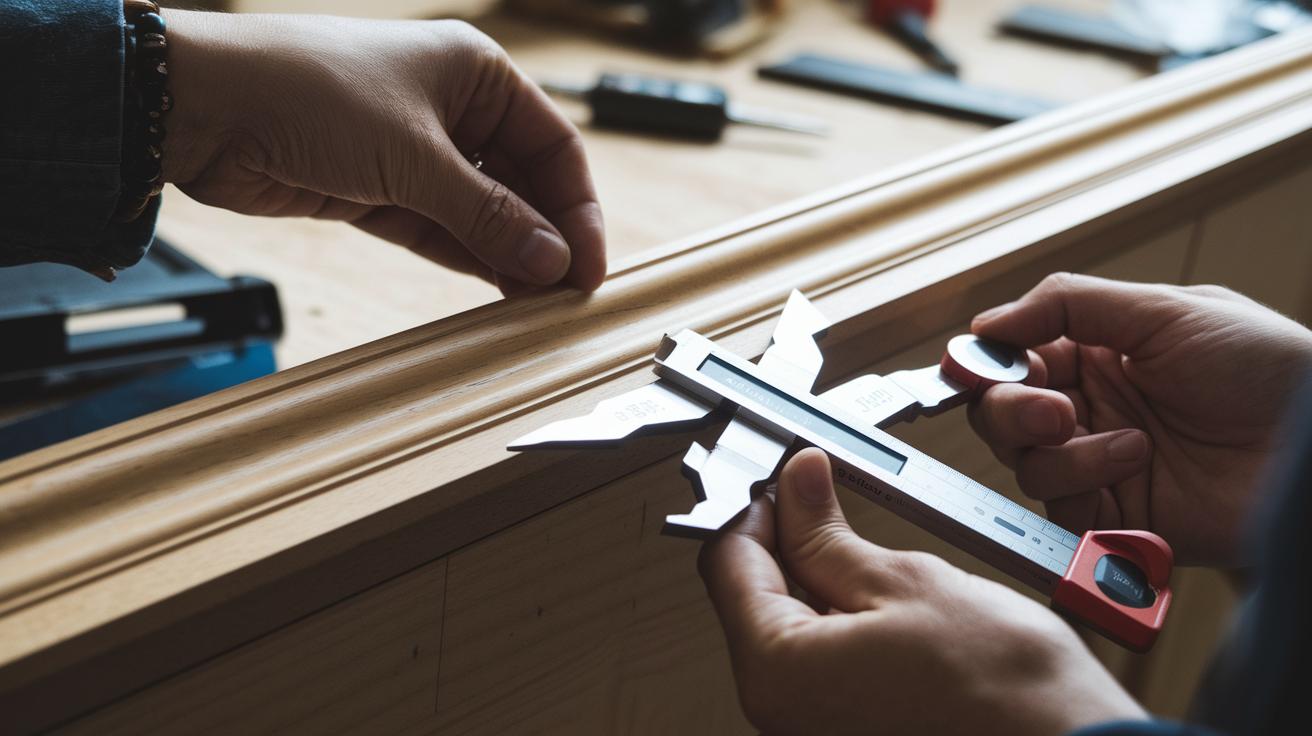
Start by measuring your chair’s rail width with digital calipers. This helps ensure the add-ons fit correctly. Check that the calipers give you the exact width and that the rail shape matches the add-on design. Also, note your chair’s weight rating from the manufacturer to be sure the upgrade can support your setup safely.
Next, compare the screw thread pitch on your current parts with those on the new ones. Matching the threads is key for a strong, secure fit. Use a small gauge tool if you need to, and make sure every screw or bolt goes in easily. Also, verify that the installation tips in your upgrade guide match these measurements.
Finally, check that there is enough room around your gaming chair for the new parts. Make sure adding these components does not block the chair’s movement or control elements. Confirm that the new add-ons allow free rotation and tilt while keeping within the chair's weight limits for a safe and comfortable upgrade.
Pricing Comparison and Best Value Gaming Chair Accessory Bundles
Gaming chair accessory bundles come in different sets to match various budgets and needs. Basic kits under $50 include essential items like cushion fixes and simple attachments. They are perfect for gamers who want a quick upgrade without spending too much.
Mid-range bundles up to $100 add extra features. They offer adjustable armrests and integrated holders for more flexibility and ease of use.
Premium packs over $150 are for serious gamers. They come with advanced materials, robust attachments, and extra customization options that really boost your gaming setup.
| Bundle Name | Included Accessories | Price Range | Best For |
|---|---|---|---|
| Starter Kit | Basic cushions, simple holders | Under $50 | New gamers |
| Comfort Pro Set | Enhanced armrests, upgraded pillows, clip-on holders | $50 – $100 | Everyday users |
| Elite Gamer Pack | Advanced lumbar support, custom attachments, premium mounts | Above $150 | Serious gamers |
Basic kits provide the best cost per accessory. They bundle all the essentials at a low price and are a solid choice if you want to boost comfort without a big investment.
Expert Tips for Selecting and Maintaining Gaming Chair Accessories

Rotate your comfort pillows often to stop pressure build-up and keep strong support during long play sessions. Shift the pillow placement every few days to spread the weight evenly and cut down on localized fatigue. For example, change the position of your lumbar cushion each week so that your lower back sees a different alignment. Try out different setups until you land on one that eases pressure and supports your posture well.
Check all hardware and connectors regularly to keep your accessories in good working order. Inspect screws, brackets, and cushion attachments every month to ensure nothing has come loose. Set up a simple cleaning routine that includes wiping down surfaces, dusting mechanical parts, and gently cleaning fabric covers. Replace any worn-out cushions or pads quickly to keep your gaming chair safe and performing at its best. Routine upkeep like this helps your chair stay in top shape, offering steady comfort and a reliable seat every time you play.
Final Words
In the action, we explored how gaming chair accessories can boost comfort and function. We covered key add-ons like ergonomic cushions, adjustable armrests, and cup holders, plus tips on installation and compatibility. Each segment offered clear advice on upgrading a gaming chair without breaking the bank.
Overall, practical guidance paired with real-world tips helps strip away uncertainty and simplifies decision-making. With the right gaming chair accessories, your setup can truly work for you. Enjoy creating a more comfortable, personalized gaming experience!
FAQ
What gaming chair accessories make good gifts?
Gaming chair accessories gifts offer practical upgrades that improve comfort and style during play sessions. They serve as unique presents for gamers looking to boost their setup.
What are the best gaming chair accessories?
The best gaming chair accessories include lumbar pillows, cup holders, adjustable armrests, and tray mounts that enhance comfort and usability during long gaming sessions.
What are some cute gaming chair accessories?
Gaming chair accessories cute designs combine fun style with functionality. They let you add playful, eye-catching elements without sacrificing support or comfort.
Where can I find gaming chair accessories on Amazon and nearby?
Gaming chair accessories are available on Amazon for quick online delivery, and many local stores offer similar products for immediate pickup and personal consultation.
How does a gaming chair pillow improve comfort?
A gaming chair pillow enhances comfort by offering extra support for the back and neck, reducing strain during extended gaming sessions.
What parts are available for GTRACING gaming chairs?
GTRACING gaming chair parts list includes replaceable armrests, cushion inserts, adjustable back elements, and sometimes footrests, giving you options to customize your seat’s performance.
How can I make a gaming chair better?
Making a gaming chair better involves adding accessories like upgraded armrests, lumbar support, and integrated cup holders to boost overall comfort and functionality.
What does a gaming chair need for optimal performance?
A gaming chair needs ergonomic support, solid construction, adjustable features, and quality add-ons like cushions and trays to meet the demands of extended play sessions.
Are foot rests beneficial for gaming?
Foot rests are beneficial for gaming as they provide extra leg support and reduce lower body strain, contributing to overall comfort during long gaming sessions.
Why might a gaming chair have no cushion?
Gaming chairs sometimes have no cushion to allow for personalized add-ons. This lets users select the exact support and comfort level they require with their own choice of accessories.