
Ever thought about repairing your own 5G smartphone? It might sound risky, but doing it right can save you time and money. Today's devices come with advanced tech that needs extra care and special tools. We have laid out the steps in clear, simple language so you can handle repairs safely. Learn how to spot issues quickly and make fixes without heading to an expensive service center.
Repairing 5G Smartphones: Step-by-Step DIY Fix Guide
5G in smartphones has made device repairs more complex. With advanced antennas, extra modems, and faster processors packed into a small space, even a simple fix needs extra care. New issues like weak signals caused by bad antennas or overheating parts are now common.
To find problems quickly, technicians use modern tools. They rely on special 5G testers to check signal strength and heat sensors (tools that measure temperature). A close look at the device can also spot wear from heavy use like HD streaming or gaming. Start by securing the phone to avoid any power issues, then take it apart to check all critical parts. This careful approach makes it easier to pinpoint problems fast.
-
Safety checks and power-off procedures
First, let the battery drain completely and do a safety check. Wear anti-static gear to avoid electric shocks. Disconnect any power source before starting to work. -
Initial diagnostic tests (signal, thermal, visual inspection)
Test the 5G signal with a signal tester. Measure heat with a calibrated sensor and look for obvious physical damage. -
Full device teardown sequence
Gently open the smartphone by removing the back panel and disconnecting the internal connectors using the right tools. -
Removing and replacing faulty modules
Find any damaged antennas or overheating processors. Remove them carefully with proper desoldering and reattach new parts as needed. -
Running calibration and software checks
Use calibration software to sync sensor data with the new parts. Also update the device firmware if needed. -
Reassembly and final performance tests
Put the smartphone back together securely and run a complete diagnostic to ensure all repairs work as expected.
5G Smartphone Teardown: Essential Tools and Safety Warnings
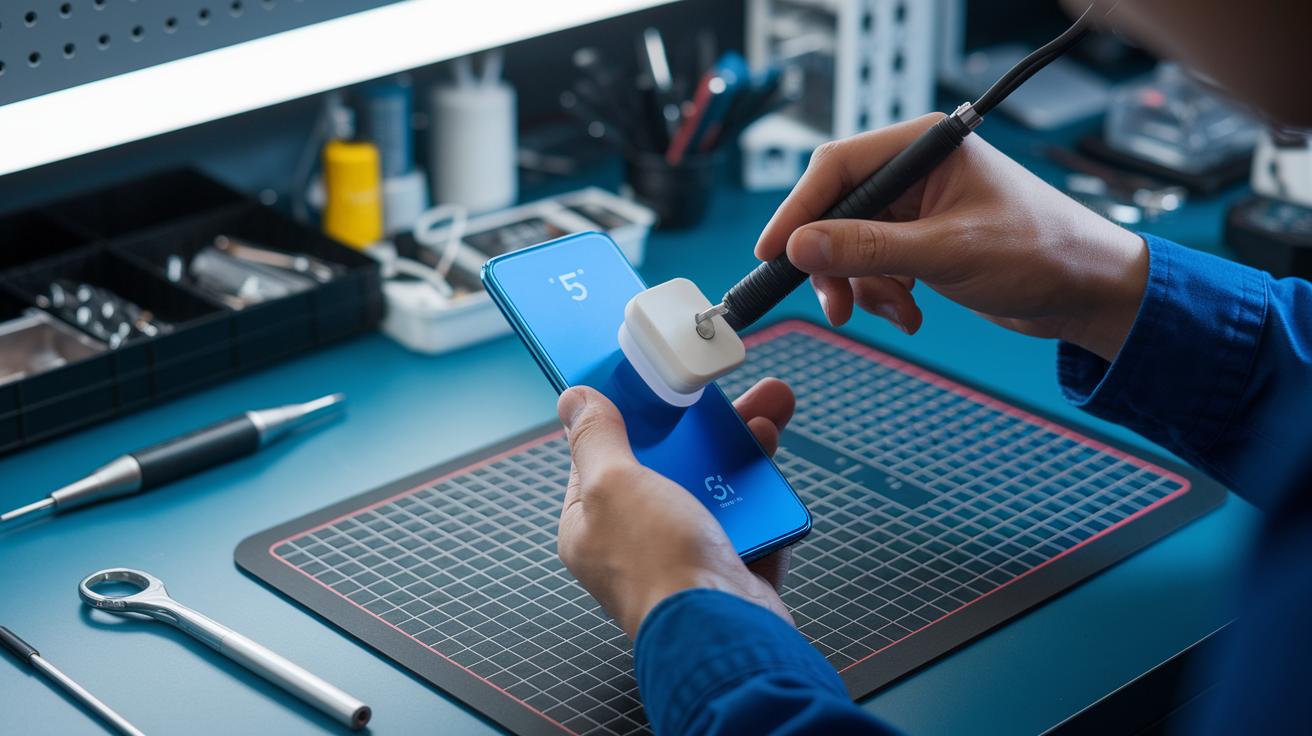
Before you start a teardown, set up a clear workspace with good lighting and an anti-static mat. Always make sure the battery is completely dead to avoid any short circuits. Keeping your space neat and having all your tools nearby helps protect tiny parts like ribbon cables.
Working on 5G smartphones means you will face strong adhesives and water-resistant seals. To loosen the glue, use a heat pad or hot air gun set to 80–90 °C. Take your time to remove seals gently, as too much force can break fragile connectors. Before reassembling, use a canister of compressed air to clear dust and keep the sensitive components safe.
- Precision screwdrivers (Phillips #000, Torx T3, T5)
- Heat pad or hot air gun (set to 80–90 °C)
- Plastic spudgers and opening picks
- Suction cup for display removal
- Fine-tip tweezers
- Anti-static wrist strap
- Compressed air canister
- Magnifying lamp or headset
Wearing the right safety gear is a must. Always use an anti-static wrist strap and keep your work area free from static charges. Follow the manufacturer’s torque settings strictly when putting the device back together. This prevents over-tightening and potential damage to internal parts. Following these steps will help ensure a safe, efficient teardown of your 5G smartphone.
5G Smartphone Component Replacement Procedures
Battery Replacement Steps
Replacing a battery in a 5G smartphone needs extra care. The sticky adhesives and delicate battery connectors mean you must work slowly to avoid any damage. Here’s how to swap a battery safely:
- Turn off the smartphone completely to avoid any risk of electrical shock.
- Use a heat pad or hot air gun to warm up the battery adhesive so it softens.
- Gently lift the battery connector with a plastic spudger.
- Remove the old battery slowly to keep nearby parts safe.
- Align the new battery with the connectors and make sure it fits well.
- Reconnect the battery connector and power up the device to check that it works correctly.
Screen Replacement Steps
Changing the screen on a 5G smartphone needs careful handling because the display mixes an OLED panel with a digitizer (a sensor that detects touch). This process must be done slowly to avoid damaging fragile parts. Follow these steps:
- Heat the display frame to loosen the adhesive around the screen.
- Carefully remove the bezel to reveal the edge of the display.
- Use a suction cup tool to lift the screen without bending it.
- Gently disconnect the cables for both the OLED panel and the digitizer.
- Fit the new screen into place, ensuring it aligns with the device frame.
- Reconnect all cables securely.
- Test the screen for touch response and clarity.
Antenna Module Exchange
The antenna in a 5G smartphone is key to a strong signal. Because the antenna parts are sensitive and can be damaged by static, handle each piece with care. To replace an antenna module, do the following:
- Remove the rear cover to access the antenna compartment.
- Unscrew the module bracket using a precision screwdriver.
- Carefully disconnect the coaxial cable connectors to avoid misalignment.
- Insert the new antenna module and tighten the parts to the correct torque.
- Reassemble the rear cover and use calibration software to check the signal strength.
5G Smartphone Repair Cost and Time Analysis
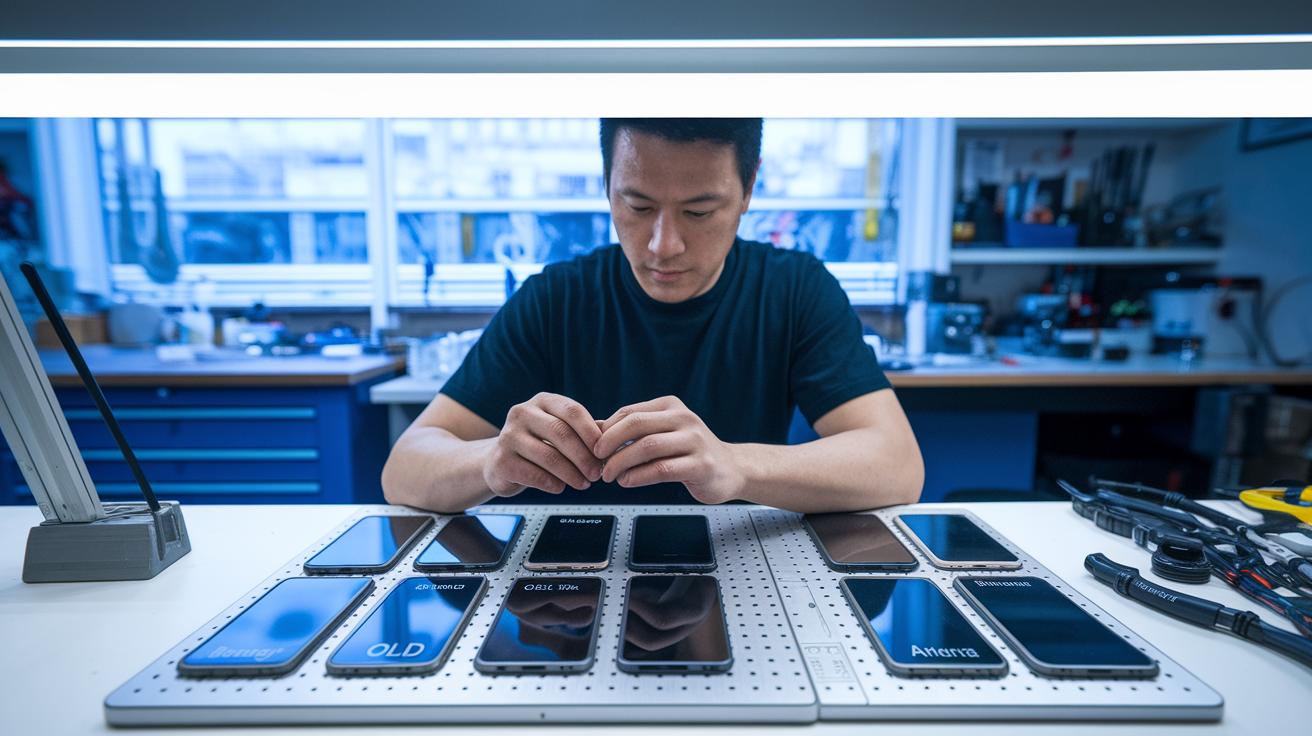
When repairing 5G smartphones, both time and cost matter. Different parts come with different prices and repair times. For example, swapping a battery usually costs between $15 and $30 and takes 15–30 minutes. Replacing an OLED screen is more expensive, often between $50 and $100, and takes about 45–60 minutes because the display and connectors need extra care. Fixing the antenna is the cheapest at $10–20, but it still takes 30–45 minutes to ensure the device stays connected. A full teardown, which means taking apart the entire phone to check every component, can last 75–90 minutes. This repair is more challenging because of the many delicate parts and strong adhesives.
| Part | Estimated Cost | Time | Difficulty |
|---|---|---|---|
| Battery | $15–30 | 15–30 min | 2/5 |
| Screen | $50–100 | 45–60 min | 3/5 |
| Antenna | $10–20 | 30–45 min | 2/5 |
| Full Teardown | Varies* | 75–90 min | 4/5 |
The difficulty ratings, on a scale from 1 to 5, show that most people can manage battery and antenna fixes. However, screen replacements need a little more skill. A full teardown is best left to those who feel comfortable with multi-step fixes. These scores help repair fans decide if a task is right for them.
5g smartphone repairability guide: Swift Repairs
5G smartphones have unique problems that need careful checking. A misaligned antenna can cause signal loss right when you need to make a call. Streaming at high heat can damage the major chip (system-on-a-chip) or the battery. Liquid damage may lead to corrosion on modem contacts. Using tools like network analyzer apps and a multimeter (a device that measures electricity flow) can catch these issues early. Being proactive helps you use the right repair techniques before small issues turn into big fixes.
Repairing these smartphones means dealing with both heat and liquid problems. Cleaning with isopropyl alcohol and using moisture detection strips can stop more damage from any leftover dampness. Calibrated heat guns (tools that blow warm air) set to the right temperature help soften glue without causing harm. One handy tip is to use a thermal imaging camera to spot hidden hot areas. This mix of modern diagnostic tools and careful heat fixes lowers risks and makes repairs quicker. Before starting any repairs, professionals check everything, like pre-calibrating antennas and performing continuity checks, to keep the 5G performance reliable.
Interpreting 5G Smartphone Repairability Scores and Design Considerations
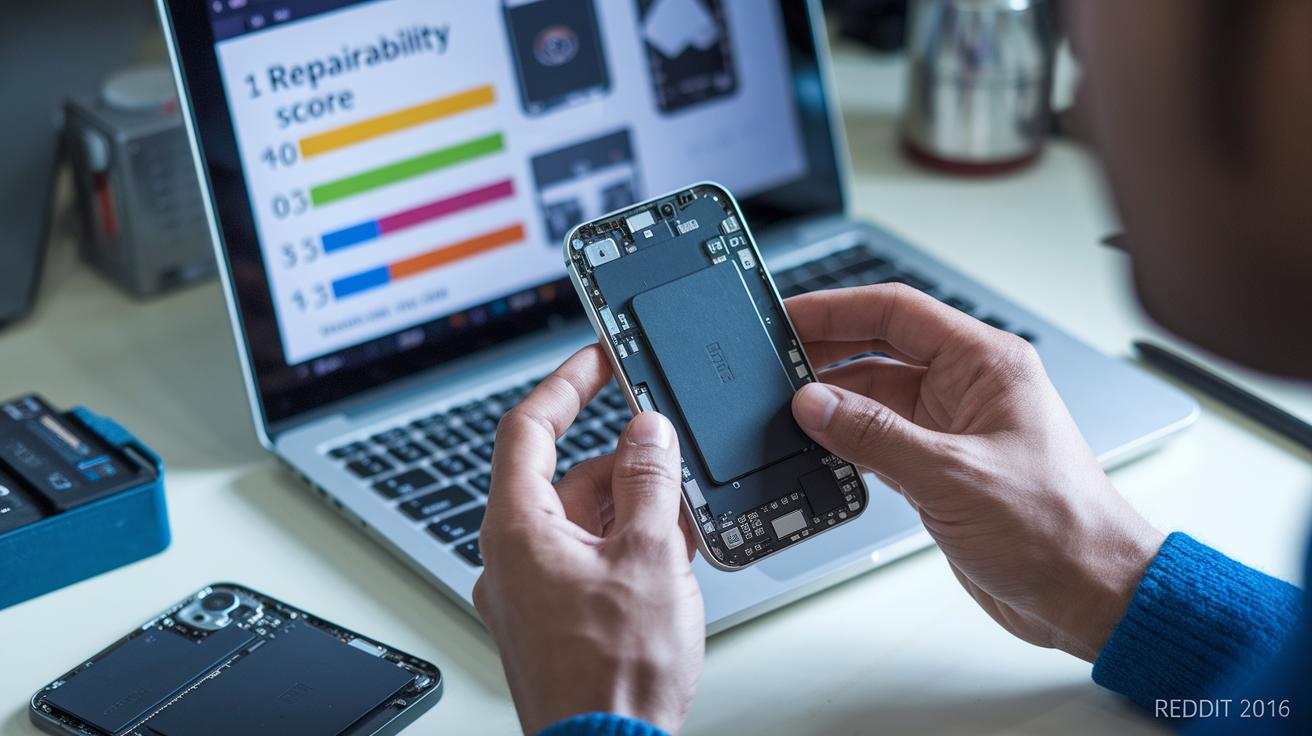
Repairability scores from iFixit tell you how easy a phone is to open, how simple it is to work on its parts, and how much glue or adhesive is used. A higher score means the phone is built for easy fixes and helps cut down on waste by making repairs simpler. These scores check details like the number of screws, cable placements, and overall layout to show if a device was made for repair.
Design choices can force a compromise between a slim, stylish look and repair-friendly construction. Thinner phones may look sleek but can be tougher to fix. Tests like drop, bend, and water immersion show you how well a phone holds up in real life, especially when water-resistant seals are in play. By looking at these tests, you get a clear picture of whether a phone is built more for style or for ease of repair, and if fixing it would be a straightforward process.
Sourcing Quality Parts for 5G Smartphone Restoration
When fixing a 5G smartphone, using quality parts is a must. The best choices are the original manufacturer's website, trusted distributors, and well-known aftermarket sellers that follow the same rules as the maker. Always check that the part numbers match and that the part fits your device. Look at the seller’s credentials and return policy to ensure the part is up to original standards. Beware of very low prices or unclear listings, as these may hide fake flex cables, chargers, or battery cells. Taking these steps helps avoid future problems.
Community advice also makes a big difference when buying parts. Online forums where repair fans and experts share their tips can be very useful. Many users recommend vendors known for solid performance and clear return policies. This feedback can help you steer clear of suppliers with mixed reviews or confusing offers. Doing your research and listening to others makes it easier to choose parts that are reliable and built to last.
Final Words
In the action, we walked through a step-by-step process to fix common 5G smartphone issues. We broke down diagnostic tests, teardown tips, component swaps, cost estimates, and design considerations. Our piece covered tool essentials, safety checks, and repair challenges that affect next-gen devices. This 5g smartphone repairability guide is here to help you make clear, low-risk decisions while saving time. Tackle repairs with clear steps, careful work, and a positive mindset for future confidence.
FAQ
What does the 5G smartphone repairability guide PDF cover?
The 5G smartphone repairability guide PDF covers step-by-step DIY instructions, including safety checks, teardown procedures, component replacement steps, and testing protocols to help users fix modern 5G devices.
What information does the Samsung 5G smartphone repairability guide provide?
The Samsung 5G smartphone repairability guide provides model-specific steps and safety tips for disassembling and repairing Samsung 5G devices, ensuring even non-experts can follow repair instructions.
What are the repair features of the Fairphone 5?
The Fairphone 5 emphasizes modular design and ease of repair. It scores high for easy part replacement and simple maintenance, making it ideal for users who value sustainability and long-term serviceability.
What does the phone repairability score mean?
The phone repairability score measures how easy a smartphone is to open and fix. A higher score indicates a simpler repair process and easier access to replaceable parts, which can extend the device’s lifespan.
What details are provided by the iFixit phone repairability score?
The iFixit phone repairability score evaluates devices based on disassembly ease, part modularity, and adhesive use. It offers a trusted guide for consumers considering the ease and cost of future repairs.
How are the Pixel 10 and Nothing Phone repairability scores determined?
The Pixel 10 and Nothing Phone repairability scores are determined by evaluating disassembly complexity, part accessibility, and overall design. These scores help users understand potential repair challenges and future maintenance ease.
What repair insights are available for HMD Fusion 128GB Black, HMD Skyline Android Unlocked Smartphone, HMD Key 32GB, HMD Pulse Pro, and HMD Pulse 64GB?
The repair insights for HMD devices focus on build quality, ease of disassembly, and component modularity. They provide valuable guidance on repair challenges and help users decide on maintenance investments.