Is your smartphone ready for 5G? This guide will help you check. We explain how to see if your phone supports faster downloads, smoother streaming, and less lag. You will learn to verify if your device meets carrier standards, has the right hardware, and supports options like unlocked phones and eSIM. Major carriers now offer online tools so you can quickly see if your phone is a match. Get set to boost your tech and enjoy a faster connection.
5g smartphone network compatibility guide: Stellar Pick
5G network compatibility means your smartphone can use very fast downloads, lower delays, and smooth streaming. This is important for remote work, web browsing, and video watching. To truly access 5G, your phone needs the right hardware, must meet your carrier’s rules, and follow your region's standards.
You can check your phone’s compatibility by visiting the manufacturer’s website or calling customer support. Remember when phones only used LTE and often caused delays? 5G is a big step forward from that.
Unlocked smartphones and eSIMs add even more flexibility. An unlocked phone lets you switch carriers easily, which is great for international travel. An eSIM (a digital SIM card) makes it simple to change service plans without handling a physical card. This means you can keep a fast, reliable connection whether at home or abroad.
Major carriers such as AT&T, T-Mobile, and Verizon offer tools online. You just need to enter your phone’s unique ID (IMEI or MEID) to see if it supports 5G. Look for factors like strong hardware, the type of SIM, and if your phone meets the carrier’s standards.
Before upgrading, make sure your device meets these points. Doing so ensures you enjoy faster downloads, less lag, and consistently smooth 5G performance.
Spectrum Bands and Technologies in 5G Smartphone Compatibility
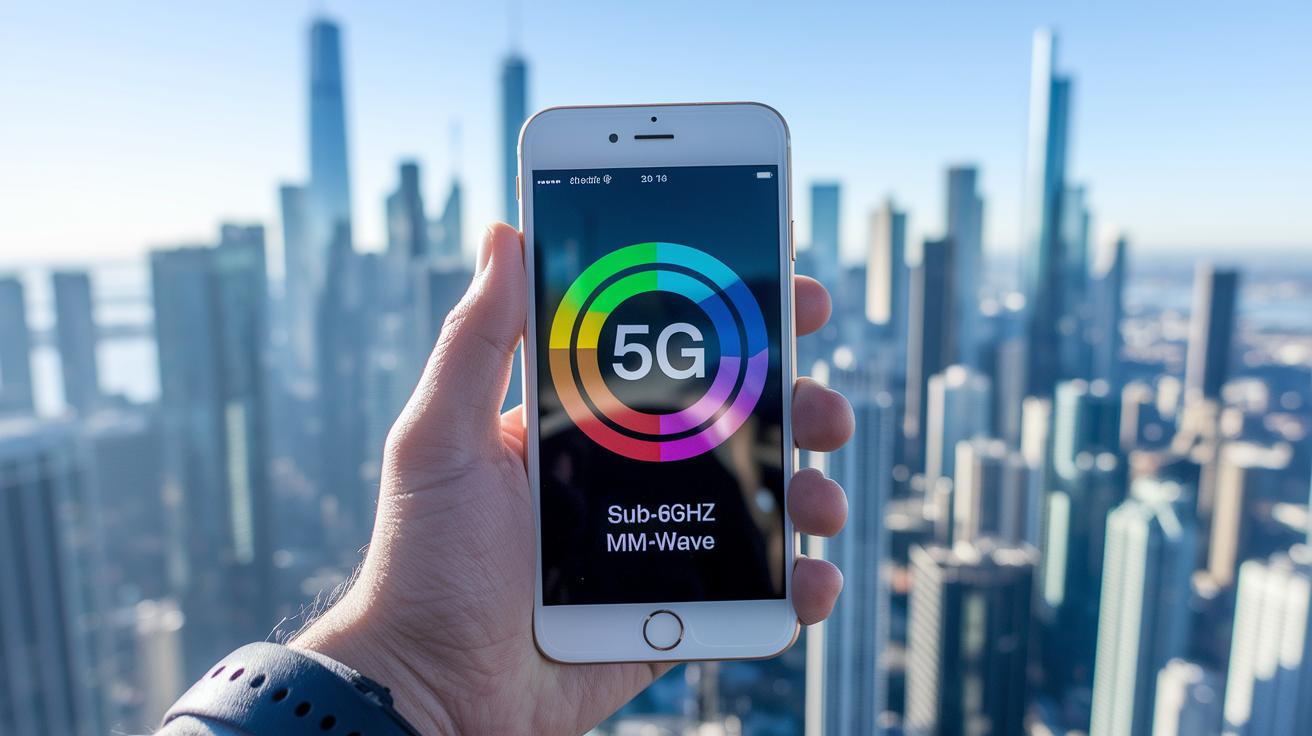
5G works on two main frequency ranges: sub-6GHz and mmWave. Sub-6GHz (600 MHz to 6 GHz) is great for broad coverage and going through walls, while mmWave (24 GHz to 40 GHz) offers ultra-fast speeds in crowded spots but covers shorter distances. For example, a phone with the n78 band uses sub-6GHz for steady coverage in cities, much like using a wide brush to paint a large area.
Smartphone specs list supported LTE and 5G bands to help you decide if a phone fits your needs. Bands like n41 or n5 are noted so you know which frequencies the device can handle. Modern phones work with older networks like GSM, CDMA, and LTE together with 5G so your connection can switch smoothly when needed.
When checking a phone’s band list, think of it like reading an ingredient label on food. Make sure the device covers the bands used by your carrier. That way, you get reliable performance across all the 5G frequencies in your area.
Step-by-Step Device Verification for 5G Network Support
Start by checking your device model and unique ID. Most phones let you do this by dialing *#06#. You can also go to Settings > About Phone to view the IMEI (a unique identifier) or MEID. For example, on your Android phone, dial *#06# and write down the number that appears.
On Android, open Settings > Network & Internet > Mobile Network. Look for the Preferred Network Type option and choose 5G. This setting makes sure your phone seeks out 5G signals when they are nearby.
For iPhone users, go to Settings > Cellular. Then tap Cellular Data Options and choose Voice & Data. Make sure 5G is turned on or set as your preferred mode so your phone can switch automatically when a 5G network is present.
Another easy step is to use a carrier compatibility checker. Visit the websites of AT&T, T-Mobile, or Verizon and enter your IMEI number. These tools tell you if your phone is approved for 5G on that carrier.
If you use an eSIM, activate it through your carrier’s app or by scanning the provided QR code. This digital SIM supports 5G and lets you switch plans with ease.
Following these steps, you can be sure that both your device and SIM/eSIM are set up for 5G connectivity.
Carrier and Regional Differences in 5G Smartphone Compatibility
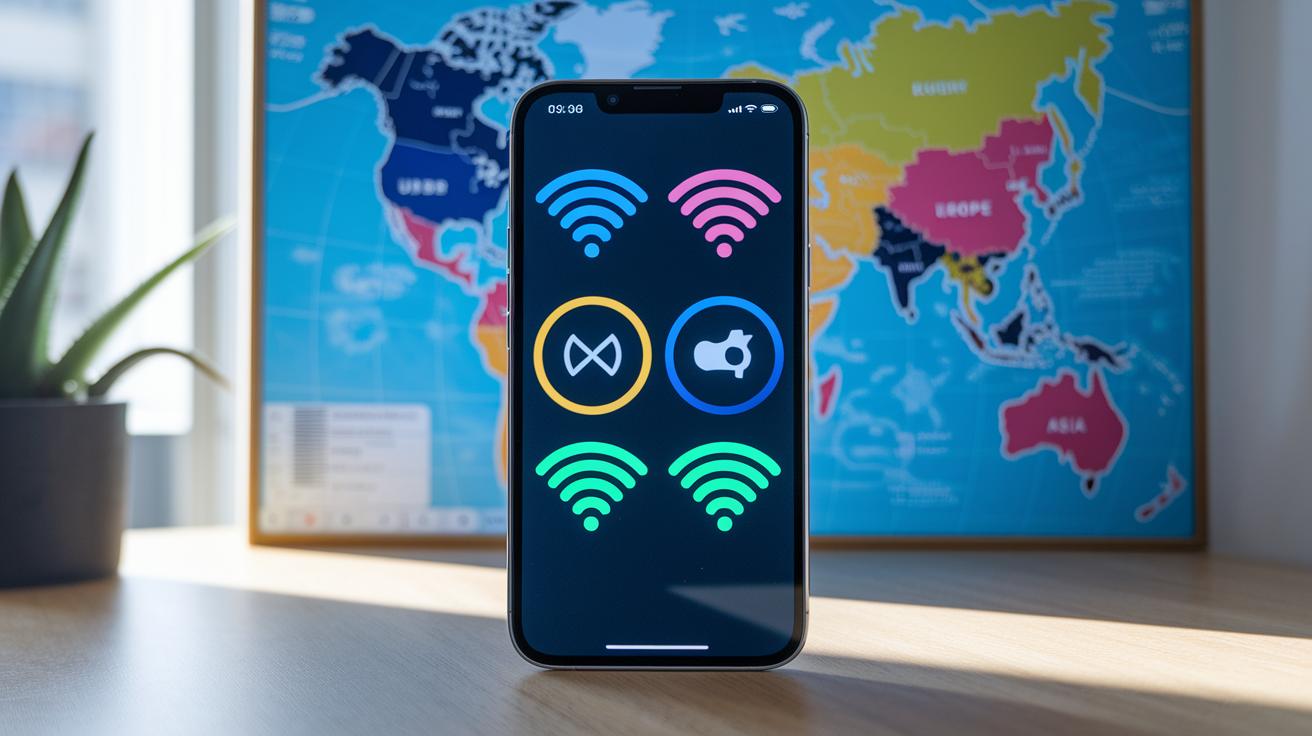
US carriers use different frequency bands for 5G. For example, AT&T supports n5, n260, and n261. T-Mobile uses n41, n71, and n260. Verizon works with n2, n5, and n66. This can mean a phone that works on one network may struggle on another if it does not support the right bands. Manufacturers also need to meet local rules like FCC in the US or CE in the EU to make sure the device works well.
In Europe, carriers mainly use n78 and n20. UK operators often rely on n78 and n1. Devices for European markets must support these bands. In Asia, India typically uses n77 and n78, while China depends on n41 and n78. Matching your phone’s bands to those used by local networks is key to getting smooth 5G service.
Key points to remember:
- Check that your phone supports the bands your carrier uses.
- Look for regional certifications for peace of mind.
- Use device specs and carrier tools to match the frequencies with local networks.
When buying or upgrading your phone, keeping these differences in mind helps ensure you get fast and reliable 5G at home or on your travels.
Troubleshooting 5G Network Connection on Smartphones
If your 5G service isn’t working right even though your device supports it, try turning Airplane Mode on and off. This simple step forces your phone to search for available 5G signals. You can also reset your network settings to clear up any small glitches. Make sure you update your carrier settings and APN (access point name) by going to Settings > Network (or General) and check for the latest OS updates so your phone can pick up new 5G bands.
Next, call your carrier to confirm that your physical SIM or eSIM is set up for 5G service. If you still have trouble, consider using a signal booster app or move to an area known for better 5G coverage.
Here’s a quick checklist to follow:
- Turn Airplane Mode on/off or reset network settings.
- Update your carrier settings and APN.
- Install the latest OS updates.
- Confirm your SIM/eSIM is enabled for 5G.
- Try a signal booster app or test in a better coverage area.
Working through these steps can solve many common connection issues. A fresh network scan and updated settings help restore the fast and reliable 5G performance you need for everyday use.
FAQs on 5G Smartphone Network Compatibility

Where can I find details on 5G frequency bands?
Head over to the Frequency Bands section for a clear breakdown of both sub-6GHz and mmWave bands. It shows you the specs and coverage details in plain language.
How do I confirm that my unlocked phone works internationally on 5G?
Check out our International Device Use guide. It walks you through simple steps to verify that your phone supports local 5G bands.
What should I do if my device supports 5G but won't connect?
If your device supports 5G yet won't connect, our Troubleshooting Connectivity section can help. It offers a step-by-step check of your SIM/eSIM setup and network settings.
Are 5G frequency bands consistent across carriers?
Our Carrier Support section explains that 5G bands differ by region and carrier. It highlights how network standards vary between the US, Europe, and other areas.
Final Words
In the action, we covered key points on 5G network support for smartphones. We detailed device specs, verified tool steps, and compared carrier and regional standards. Practical troubleshooting tips and common questions helped clear up concerns about real-world performance. This 5g smartphone network compatibility guide shows what to check before buying a 5G handset. Clear, step-by-step advice makes it easier to make a confident decision. Upgrade your tech knowing what works best for you and enjoy the benefits of 5G connectivity.
FAQ
How do I check if my phone is 5G compatible?
The process to check if your phone supports 5G involves reviewing the device settings or specifications. Look under network settings on Android or iPhone and use your carrier’s online compatibility checker with your device’s IMEI.
What phones are compatible with 5G networks across different carriers?
The compatibility with 5G networks varies by phone. Recent Samsung and iPhone models often include 5G support, while older phones may lack the necessary hardware. Check manufacturer specs and carrier tools for details.
How can I determine which carrier my phone is compatible with?
The method to determine carrier compatibility is to use online tools from AT&T, Verizon, or T-Mobile. Enter your device’s IMEI or review network settings to see if your phone supports the required frequency bands.
What do manufacturer and carrier-specific 5G compatibility guides offer for Verizon, Samsung, and iPhone?
These guides explain how Verizon, Samsung, and iPhone devices handle 5G connectivity by listing supported bands, network settings, and updates. They help users understand device requirements and regional network factors.
Is my phone too old to support 5G?
The question of age affects 5G support as older phones might lack the required hardware. Check your model’s technical specifications against current 5G standards to decide if an upgrade is needed.
Where can I find updated lists and prices for 5G phones, including T-Mobile offers?
Updated lists and pricing details for 5G phones, including information on T-Mobile offers, are available on online resources like devicerankings.com. These guides help you compare features and cost options efficiently.