Ever wonder why your noise cancelling headphones let in background buzz or sound muffled sometimes? Before you toss them aside, try a few simple fixes.
In this guide, we walk you through checking things like ear pad placement and battery level. A little cleaning or a reset can often clear up distorted sounds and bring back smooth audio.
Follow our easy, step-by-step solutions to get your headphones working like new again.
Essential Steps for Fixing Problems with Noise Cancelling Headphones
Noise-cancelling headphones use Active Noise Cancellation to cut out background hums and low-frequency sounds. When you hear distorted or muffled audio, it may mean the ear pads are misaligned, dirty, or worn out. A weak cancellation effect can also come from a low battery, and if the headphones do not power on, it might be due to a drained battery or a loose power connection. Uncomfortable pressure or slight feedback from the microphone usually calls for a quick cleaning or adjustment.
- Check the ear pads for proper placement and any signs of damage.
- Clean the ear pads and speaker grilles with a dry, lint-free cloth to remove dust.
- Test the audio with the ANC turned off to see if the sound issues relate to the noise cancellation feature.
- Fully charge your headphones and make sure all power connections are secure.
- Adjust the ANC level or perform a soft reset to ease any pressure and improve the sound clarity.
Following these simple steps can often fix common issues without needing to call technical support. Regular cleaning and using the charger recommended by the manufacturer can help keep your headphones in top shape.
Diagnosing and Fixing Audio Quality Problems in Noise Cancelling Headphones
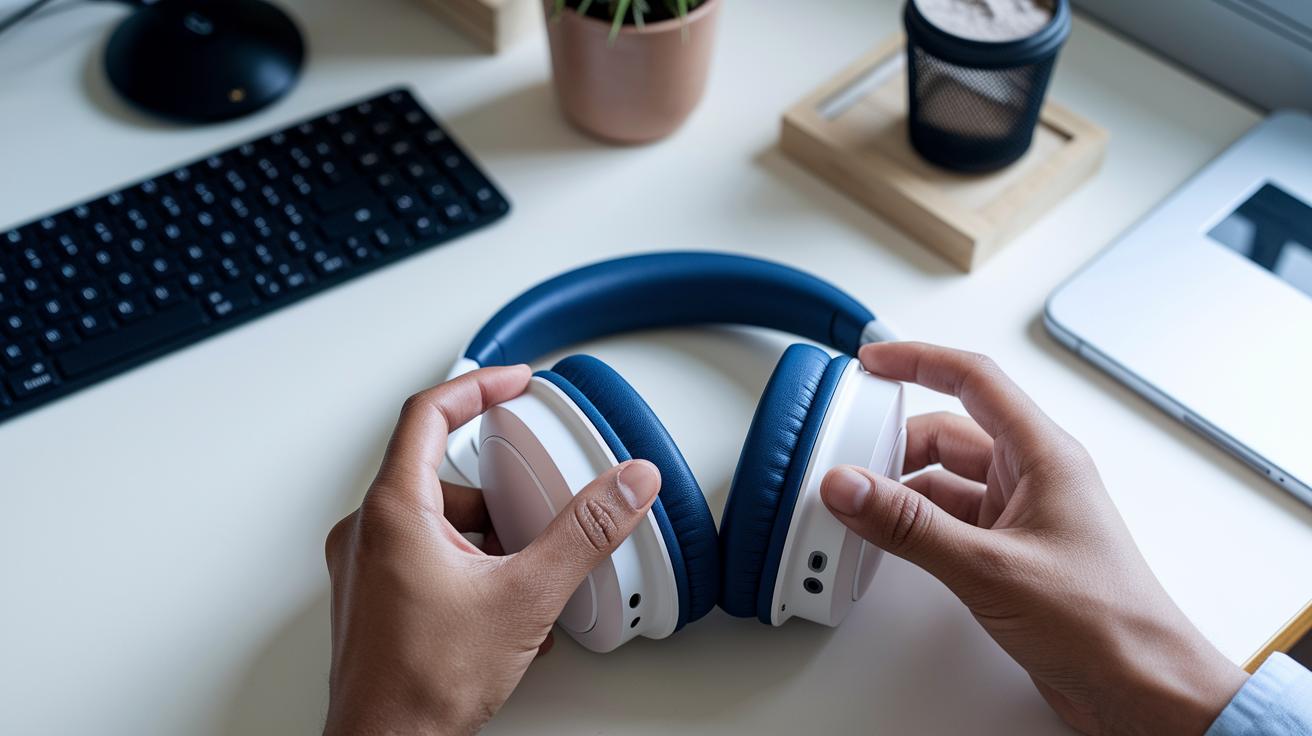
Poor sound on your noise cancelling headphones might be due to uneven ear pads, dirt on the speaker grilles, or a low battery that weakens the noise cancellation. Here are some simple steps to help you find and fix the issue.
-
Inspect ear pad alignment and condition
Check that the ear pads sit evenly on your ears. If one pad hangs lower than the other, try repositioning it or consider a replacement. -
Clean ear pads and speaker grilles
Use a dry, lint-free cloth to wipe the ear pads and speaker grilles. This removes dust and debris that can block the sound. -
Test audio with noise cancellation off and on
Turn off the noise cancellation (ANC) for a moment and listen. Then, enable it again. This test helps you learn if the problem is with ANC processing or a hardware issue. -
Charge fully and retest
Make sure your headphones are fully charged. A weak battery can lower ANC performance, and a full charge might clear up the sound. -
Adjust ANC intensity or sound profile
If your headphones offer this option, try lowering the ANC level or changing the sound profile. This tweak might help reduce the distortion.
Regular care goes a long way. Checking the ear pads, cleaning them often, and keeping the battery full can keep your headphones sounding their best.
Resolving Power, Battery and Connectivity Problems in Noise Cancelling Headphones
If your noise cancelling headphones won't turn on or lose battery fast, it could mean the battery is low or there is a bad connection. A low battery stops the active noise cancelling (ANC) feature from working properly. Always use the original charger and avoid overcharging. You can also try a soft reset by following the reset steps for your model. Often, how you charge and care for the battery affects the overall power performance.
Bluetooth issues are also common with these headphones. Old saved connections (cached devices) and nearby signal interference can cause pairing problems. To fix this, remove old pairings and put your headphones back into pairing mode. Also, outdated firmware or drivers may be the reason. Check for updates regularly using the companion app. Keeping your firmware current and following reset instructions can help your headphones connect smoothly and work reliably.
| Problem | Possible Cause | Solution |
|---|---|---|
| Won’t Power On | Dead battery or faulty cable | Charge fully; try USB port swap |
| Short Battery Life | Age-related degradation | Use recommended charger; replace battery if out of warranty |
| Pairing Failure | Bluetooth cache conflict | Delete device entry; re-pair |
| Connection Drops | Signal interference | Move away from Wi-Fi routers; update firmware |
Keeping good charging habits and checking for firmware or driver updates can extend your battery life. Regularly reviewing power performance and following reset steps helps keep your headphones working well for longer. These small adjustments now can stop bigger issues later and keep your listening experience smooth.
Handling Comfort, Pressure Sensations, and Overheating in Noise Cancelling Headphones
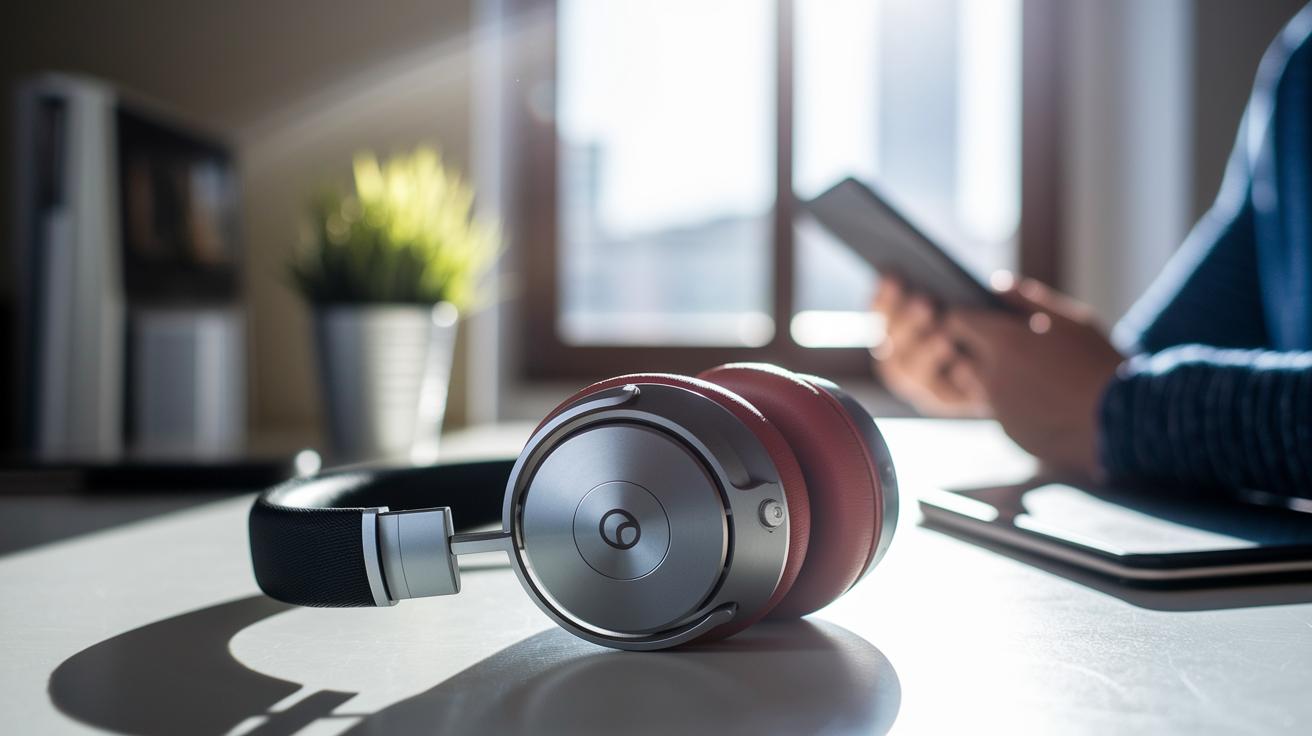
If you find that active noise cancellation makes your headphones feel too tight, especially when flying, try lowering the ANC level or take a short break every 30 to 60 minutes. Check that the headband padding and ear cushions are in good condition and not worn down. For example, if long flights make the ear pressure feel too strong, reducing the ANC level can make the sound feel more natural and ease the pressure. This simple fix helps improve comfort and keeps the headphones performing well by letting the cushions breathe.
Overheating usually happens after long periods of use or when the headphones are in direct sunlight. To avoid this, give your headphones a break of around 1 hour after continuous use and use them in cooler settings when possible. Storing your headphones in a cool, dry place between uses also helps prevent heat buildup. Finally, check the headband and cushions regularly for any signs of wear, as damaged material can trap more heat over time.
Troubleshooting Microphone Feedback and Voice Assistant Issues in Noise Cancelling Headphones
Mic echoes usually happen when the mic ports get blocked by dust or wind. Check your microphone openings for any dirt, debris, or objects that might muffle your voice. In windy conditions, using a windscreen can lower these unwanted echoes and improve your call quality.
Voice assistant issues often start when the microphones are blocked or when old firmware causes signal problems. Clean the mic ports with a dry, lint-free cloth to remove any buildup. Also, try testing your audio in different places to see if outside noise is to blame.
Make sure you update your headphone firmware to fix glitches that might affect the voice assistant. A hardware reset, following your model’s instructions, can also restore touch and button controls. If the problem stays, turn the voice assistant off and then back on to refresh its settings. For more expert tips on fixing microphone issues, check out this guide: noise cancelling headphones with mic. Regular cleaning and occasional resets help keep your microphone clear and your voice commands working well.
Maintenance, Cleaning, and Calibration Procedures for Noise Cancelling Headphones
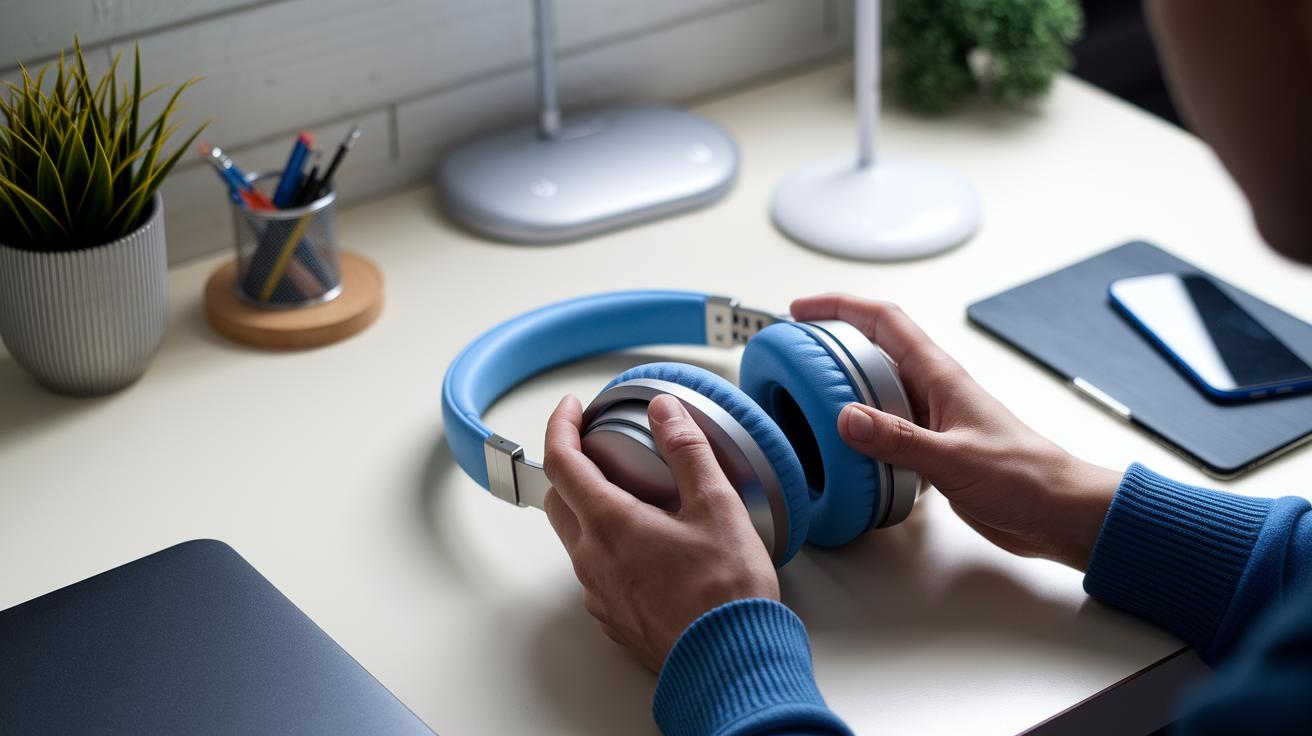
Regular care helps keep your headphones working well. Wipe the ear cushions and headband with a dry, lint-free cloth about once a month. If the cushions look torn, flattened, or worn out, replace them to keep both comfort and effective noise cancellation. Check the cables and connectors for any frays or signs of corrosion since these issues can affect power and signal quality. For example, after heavy use, dust and oil may build up on your over-ear noise cancelling headphones, which can lower sound quality. A quick visual check keeps everything running smoothly.
Calibration is key to strong active noise cancellation. Reset your headphones every three months to clear any stored errors and restore your settings. Use the built-in ANC calibration feature in the companion app to adjust the noise cancellation for your space. This routine helps balance high-pitched sounds and low hums, ensuring your audio stays crisp and reliable day after day.
When to Seek Professional Support and Warranty Options for Noise Cancelling Headphones
If your noise cancelling headphones still act up after you’ve tried all the at-home fixes, it’s time to get help from a professional. Problems like uneven sound or hardware glitches that persist mean you might need expert support.
Be sure to find your serial number and keep your proof of purchase close. Many makers offer a 1–2-year warranty for hardware faults, so checking your warranty status can save you both time and money.
Keep a record of every fix you try and note the dates when issues occur. This log will help you explain your problem clearly when you call tech support or visit a service center. Always use authorized repair centers so that any work done follows the warranty rules and does not void your coverage.
Before you call customer support, take a look at your instruction manual for any reset or check-up tips specific to your model. If the issue continues, having all your notes ready will make it easier for the support team to help you quickly.
Final Words
In the action of troubleshooting noise cancelling headphones, we laid out clear steps to check for audio, power, comfort, and microphone issues. We covered everything from cleaning ear pads to verifying firmware updates and adjusting ANC levels.
The guide offers practical fixes and simple maintenance tips to keep your device running smoothly. With these real-world steps, you can tackle common glitches and get back to enjoying your music in no time.
FAQ
How can I troubleshoot noise cancelling headphones on Reddit, wireless, wired, or Bluetooth connections?
Troubleshooting these headphones means checking battery power, cleaning ear pads and sensors, and resetting your device. Many users on Reddit suggest verifying connections and updating firmware to solve connectivity and performance issues.
Why is my noise cancelling not working on AirPods Pro, AirPods 4, or similar headphones?
When noise cancelling fails on AirPods or similar models, it often means low battery, misaligned components, or outdated firmware. Checking charge levels, cleaning filters, and updating software may help restore performance.
How do I reset noise cancelling headphones?
Resetting noise cancelling headphones typically involves powering them off, holding the specific reset button or combination, and then powering them on again. Refer to your user manual for exact steps and button combinations.
What is the common problem with noise cancelling headphones?
Common issues with noise cancelling headphones include low battery levels, misaligned or dirty ear pads, blocked microphones, and outdated firmware. These issues can interrupt effective noise cancellation and overall audio performance.
How can I test my noise cancelling headphones?
Testing noise cancelling headphones involves toggling the active noise cancellation on and off and comparing the audio in different environments. Listening in both quiet and noisy settings can reveal how well the ANC is performing.