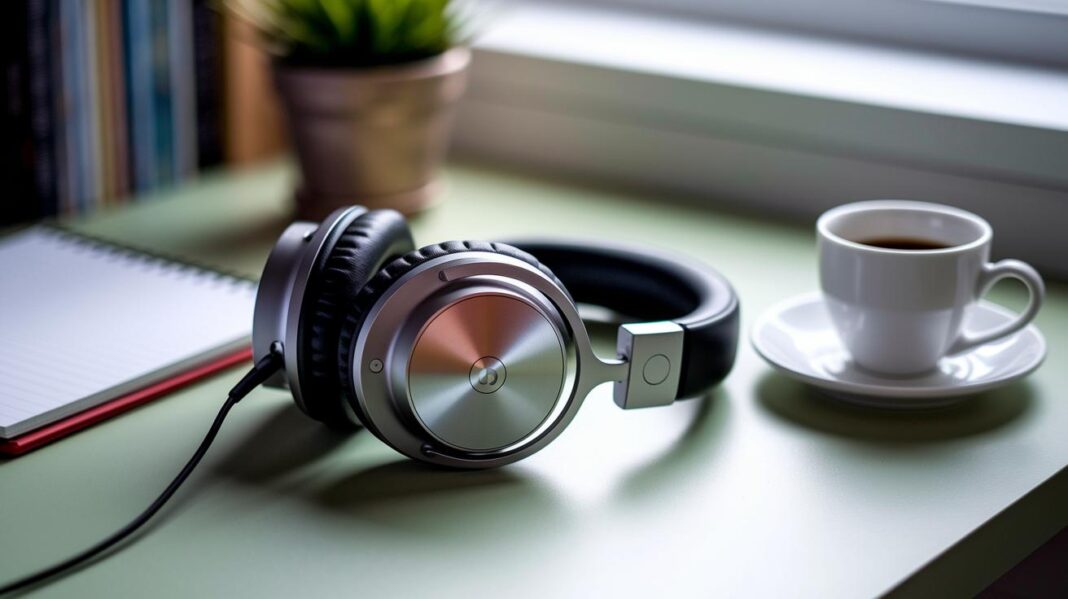
Ever wonder if skipping a quick clean could hurt your sound? Keeping your noise cancelling headphones neat is easier than you think. We tested simple daily steps to help you preserve your sound quality. For example, wiping down the earcups after each use stops dirt from building up. Charging the battery the right way also plays a big part.
Small daily efforts help your headphones last longer and keep your tunes clear. Follow these tips to extend your gear’s life and enjoy better audio every time.
Quick-Start Maintenance Guide for Noise Cancelling Headphones
Keep your headphones in top shape by following these simple steps. First, clean the ear cups and pads with a soft cloth after use to stop dirt buildup (see Cleaning and Sanitation Techniques).
Next, charge the battery by sticking to the manufacturer’s guidelines (see Battery Care and Firmware Maintenance). A proper charge cycle helps keep your device performing well over time.
After you finish using them, always store your headphones in their protective case (see Protective Storage and Handling Tips) to avoid damage. Take a quick look at the cables for any wear and reseat them if needed (see Diagnosing and Resolving Common Issues).
Do a monthly cleaning and update the firmware every quarter (see Establishing a Maintenance Schedule) to keep the sound clear and the device running smoothly.
Follow these steps every day to enjoy lasting, high-quality sound.
Cleaning and Sanitation Techniques for Noise Cancelling Headphones
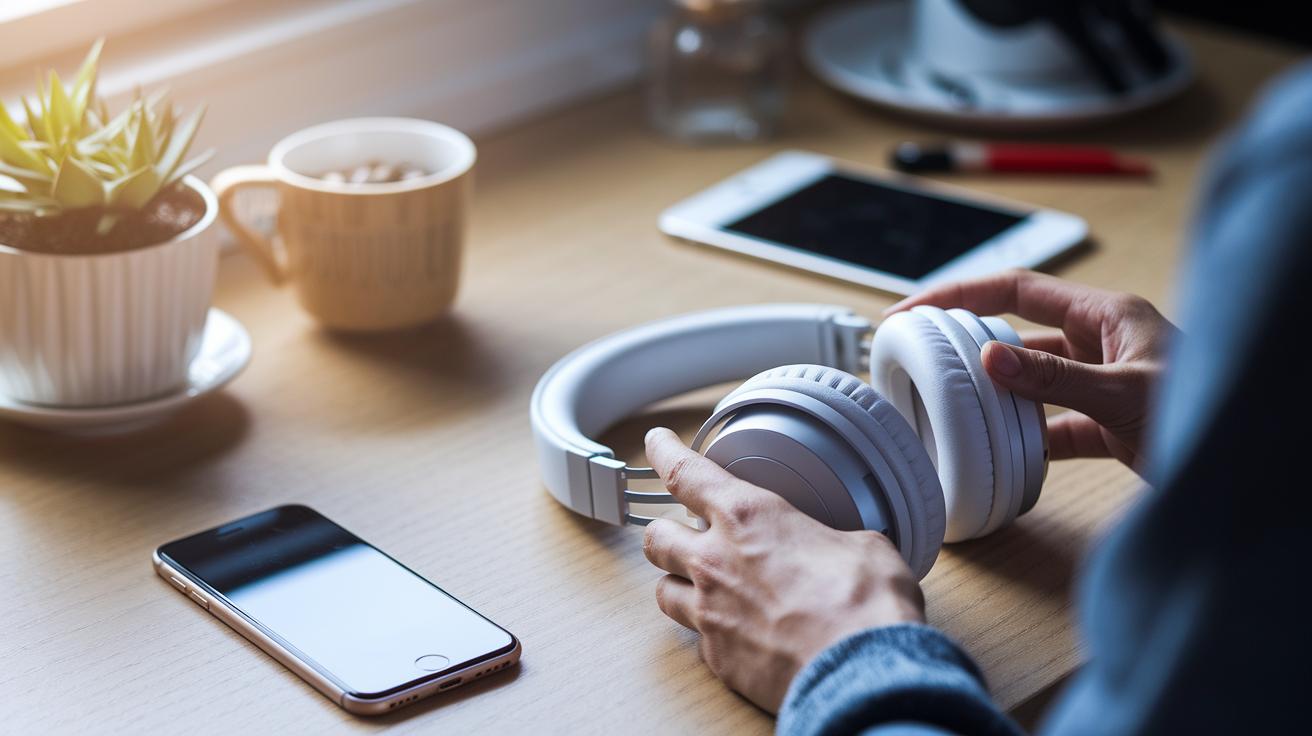
Keep your noise cancelling headphones working their best by cleaning every part with care. Start with the outer casing and headband. Wipe them gently with baby wipes or a warm, damp cloth with a little mild soap. This removes sweat and dust that can lower sound quality.
Remove the earpads if you can and clean them separately. Use a dry towel or a soft brush to dust off any buildup. Clean earpads help keep your tunes clear.
For detachable ear tips, soak them in warm, soapy water for about 5 minutes. Rinse them in clean water and let them dry completely. This process gets rid of any grease or earwax without damaging the material.
Don't forget the headphone jacks. Dip a cotton swab in hydrogen peroxide and clean out the dirt carefully. Ensure the jacks are fully dry before using them again. For hard-to-reach spots, a paper clip or clean toothbrush can help remove stubborn debris safely.
Following these steps regularly will help maintain your headphones' performance and deliver clear sound every time.
Battery Care and Firmware Maintenance for Noise Cancelling Headphones
Taking care of your headphones' battery is key to keeping them running well. Always charge your headphones according to the manufacturer’s instructions. This prevents overcharging and lessens stress on the battery. Every now and then, letting the battery run from full to empty and then charging it up again can help reset its accuracy. If you notice the battery percentage drops very fast, give it a full cycle as you would reboot a computer for smoother performance.
Keep an eye on the battery level and plug in before it hits 0 percent. Think of your battery like a person who needs regular meals, it works best when it isn’t left starving. This simple step helps extend the battery's life and keeps the noise cancellation working strongly when you need it.
Firmware updates are also important to keep your noise cancelling algorithms sharp. Check for updates every month or quarter as advised by the manufacturer. These updates often bring improved performance and stability to your headphones. Before you update, take a moment to read your manual to avoid any issues with compatibility. Pairing regular firmware updates with smart charging habits will keep your headphones delivering clear sound and a longer overall lifespan.
Protective Storage and Handling Tips for Noise Cancelling Headphones
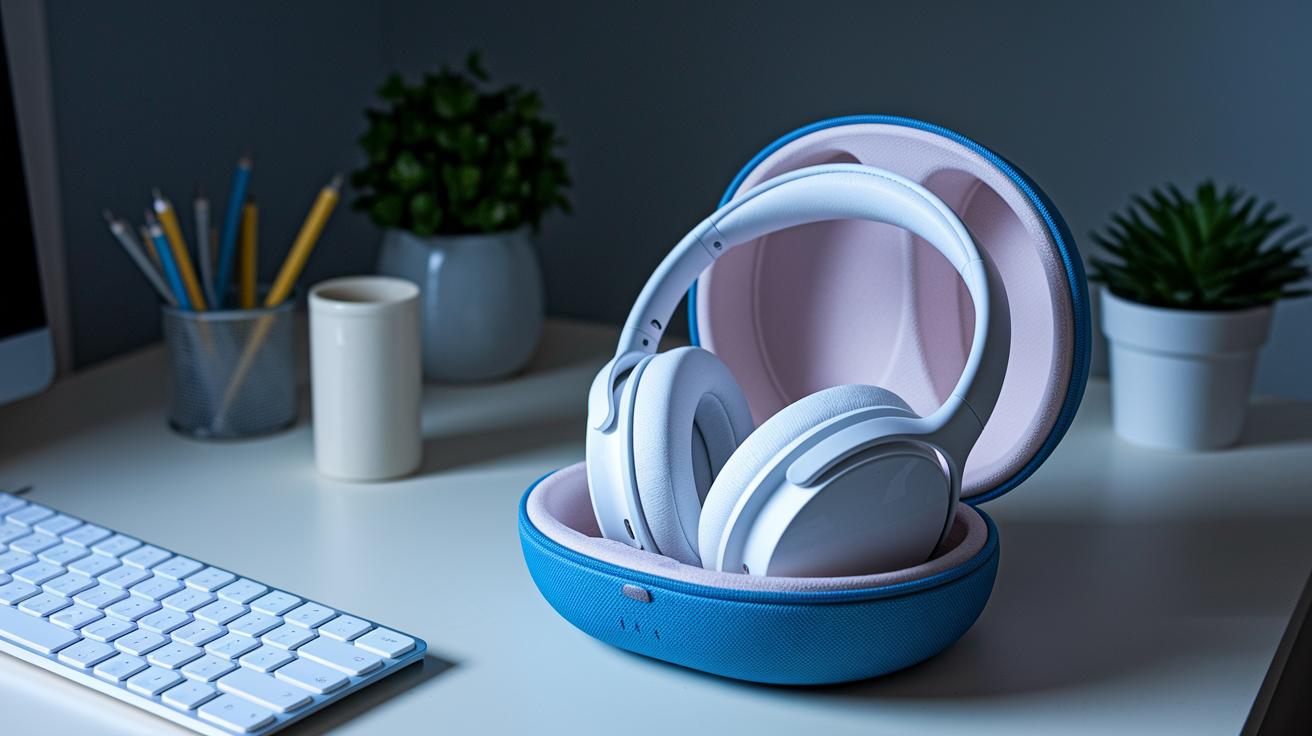
Store your noise cancelling headphones in a hard, molded case. A solid case stops pressure damage and shields your device from accidents. Aim to keep them in a spot with temperatures between 32 °F and 95 °F and low humidity. This helps protect the sensitive electronics from moisture and heat.
When you take your headphones on the go, use cable organizers or small pouches. This keeps the cords neat and prevents kinks or internal wiring issues. When you’re not using your headphones, put them in a dustproof bag or pouch. This extra step stops dust and debris from affecting their performance.
Key Storage Tips:
- Use a hard, molded case to prevent physical damage.
- Keep the storage area between 32 °F and 95 °F with low humidity.
- Organize cables with pouches to avoid wear.
- Store in a dustproof pouch to reduce dust buildup.
Diagnosing and Resolving Common Issues with Noise Cancelling Headphones
Start by giving your headphones a close look. Check the ear cups, hinges, and headband joints for any signs of wear, cracks, or discoloration. A small crack in an ear cup, for example, may signal a weak spot that could eventually lead to distorted sound.
Here are some clear troubleshooting steps:
- Play a few familiar tracks at different volumes to test both the noise canceling (ANC) and overall audio. If you notice that quiet parts aren’t silent or clear, try resetting or recalibrating the noise cancellation settings.
- Look at the LED indicators. Check for any error codes and look them up in your manual so you know what they mean.
- Clean the port connectors and jacks with a cotton swab dipped in a light cleaning solution. Be sure the connectors are dry before using the headphones again to ensure a stable connection.
- Replace any worn parts, like ear pads or detachable cables, if you experience sound distortion or fit issues. Keeping a record of what you notice can help you decide when it’s time for new parts.
- If the sound problems continue even after these checks, you might need a deeper diagnostic to look at the internal wiring or firmware glitches.
Taking notes about your observations can help you track recurring issues, making it easier to manage repairs and extend the life of your noise cancelling headphones.
Establishing a Maintenance Schedule for Lasting Performance of Noise Cancelling Headphones
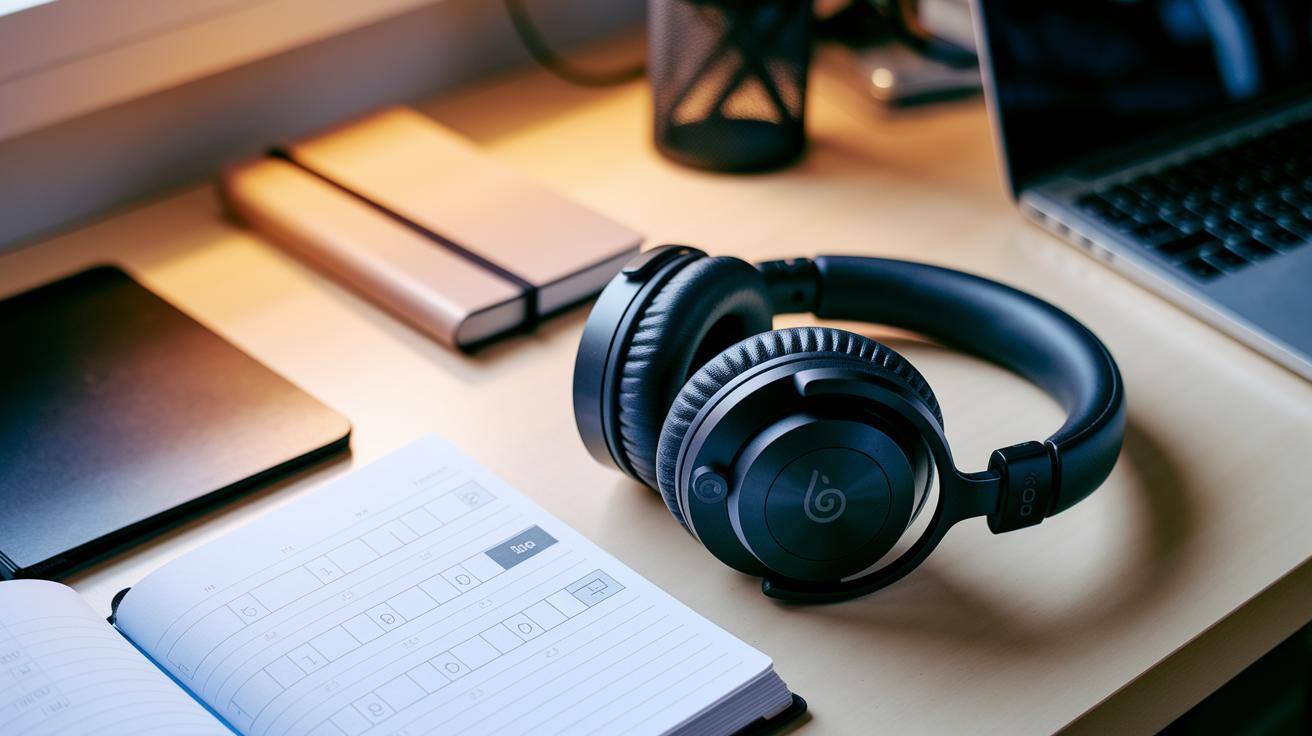
Set up a monthly routine to keep your headphones in top shape. Use a calendar reminder for basic cleaning and battery checks. This simple step helps remove dirt and prevents battery strain by avoiding overcharging.
Every three months, update the firmware and run a noise cancellation calibration test. This check makes sure the noise canceling system works well and the sound stays clear. Think of it like taking your car in for a tune-up.
Keep a maintenance log where you note the dates, tasks performed, and any issues you find. A notebook or a quick digital note works great. This log helps spot recurring problems and plan future care.
Always check the manual for the manufacturer's cleaning and service guidelines. Following these steps and keeping good records will help your noise canceling headphones keep delivering premium sound over time.
Final Words
In the action, we walked through key steps to keep your noise-cancelling headphones in top shape. We covered cleaning ear pads, caring for the battery, proper storage, and troubleshooting common issues. The guide also showed how to set up a regular maintenance schedule so small problems don’t become major ones.
Taking these measures will make it easier to decide how to maintain noise cancelling headphones for lasting performance. Enjoy a setup that sounds great day after day and stays reliable under everyday use.
FAQ
How to maintain noise cancelling headphones (including wireless models)?
Maintaining noise cancelling headphones, whether wired or wireless, means following regular cleaning routines, keeping batteries charged per the manufacturer’s guidelines, updating firmware when needed, and storing the headphones in a protective case.
How to clean noise cancelling headphones, including ear pads, mesh, and headband?
Cleaning noise cancelling headphones involves wiping the outer casing and headband with a damp, mild-soap cloth, gently brushing or drying ear pads and mesh, and following specific manufacturer instructions for models like Bose QuietComfort.
How long do noise cancelling headphones last?
The lifespan of noise cancelling headphones depends on proper care and usage. With regular cleaning, correct charging, and careful storage, these headphones can last 2-3 years or longer.
How to fix noise cancellation on headphones?
Fixing noise cancellation means checking for software or firmware updates, performing a reset or ANC recalibration, cleaning the sensors and ports, and inspecting for any physical damage that might affect performance.
What are the downsides of noise cancelling?
Downsides of noise cancelling include possible reduced audio quality, increased battery consumption (in wireless models), and some users reporting a slight pressure sensation during extended wear.