
Have you ever thought that affordable smartphones might really help seniors? We tested several models with large screens, clear sound, and simple emergency buttons to find out. In this piece, we cover four budget phones that are friendly for seniors. They feature easy-to-use interfaces and big, clear fonts that boost confidence and keep users connected. Read on to see how these devices brighten everyday life without costing a fortune.
Top Affordable Cell Devices for Older Adults: 5 Best Budget Smartphones for Seniors
A 2019 survey found that 91% of Americans aged 65 and older own a cell phone, and 53% of them use smartphones. We spent over 100 hours testing and researching to bring you the best budget-friendly options. These phones offer large screens, clear sound, simple menus, and a dedicated emergency call button.
• IRIS Easy Flip is priced at $59 upfront with a $20 monthly plan (5% discount for members). It features large buttons and a basic interface that makes dialing and texting simple.
• Jitterbug Smart4 costs $119.99 with a $35 activation fee and $19.99 per month on Lively’s Verizon network. The phone is easy to navigate and includes a prominent emergency button for added safety.
• Jitterbug Flip2 comes in at $79.99 plus a $35 activation fee, with monthly plans starting at $19.99. It also has a built-in medical alert function for extra peace of mind.
• TCL FLIP Go is available for $96 or offers financing at $4 per month over 24 months. It requires a 40-day commitment with T-Mobile before unlocking, which may work well for users who already have a carrier plan.
• Moto G Power (2024) stands out with its 6.5-inch high-contrast display and battery life that can last up to three days, making it a great option for seniors who need long-lasting performance.
Each model was chosen for its senior-friendly hardware and software, blending functionality with affordability.
Related reading: affordable 5g smartphones
Senior-Friendly Features in Budget Smartphones: Key Accessibility and Usability
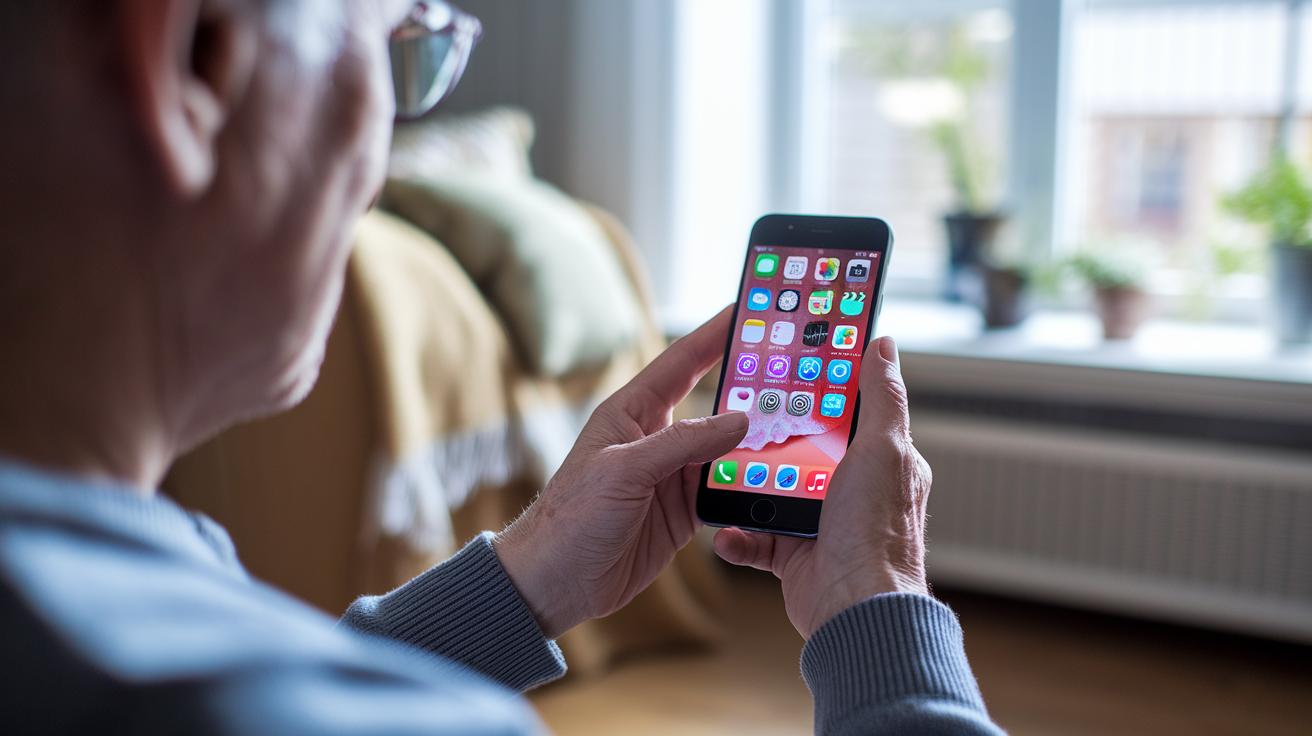
Budget smartphones for seniors have features that make everyday tasks easier. Designers focus on clear, safe interfaces to help those with vision and hearing challenges. For example, many models include screens of 5 inches or more with high-contrast displays and large fonts. A common design is a 6.5-inch screen with bold icons that makes checking the time or navigating apps simple.
Key accessibility features include:
- Large tactile buttons or flip-phone keypads that simplify dialing.
- Hearing aid compatibility (M4/T4 ratings) and amplified speakers for clear sound.
- Dedicated emergency-call buttons or built-in medical alert systems so help is always within reach.
- Voice activation with one-touch speed-dial, making it easy to set up and contact family or friends.
- Removable batteries that can offer 2–3 days of standby time, reducing the need for frequent recharging.
These features meet common needs like straightforward calling, rapid emergency access, and simple navigation. For instance, setting up a voice assistant like “Hey Google” lets you make calls or send texts without dealing with small buttons. This thoughtful design helps seniors use their smartphones confidently every day.
Cost-Effective Handsets for Aging Individuals: Plan and Price Comparison
We looked at cost details that the main review did not cover. These include activation fees, hidden charges, and carrier limits that affect long-term ownership.
Even when the monthly rate seems low, extra fees can add up fast over time. One user said, "The unexpected fees added up quickly, making the initial low rate seem expensive over time."
Unique cost insights:
- Activation fees: Some models, like certain Jitterbug phones, require a $35 fee. This extra cost can hurt your budget.
- Hidden fees: Taxes, shipping, and optional safety add-ons can raise your monthly bill, sometimes making it as high as $49.99.
- Carrier restrictions: Phones locked to a specific network might only unlock after a 40-day commitment. This limits your plan options in the long run.
| Cost Factor | Unique Analysis |
|---|---|
| Activation Fees | High upfront fees can affect overall affordability even with low monthly plans. |
| Hidden Fees | Taxes, shipping, and extra add-ons can unexpectedly increase your bill. |
| Carrier Restrictions | Locked devices limit your plan choices and may lead to higher costs long-term. |
Elder Buying Guide for Modest Mobiles: How to Choose the Best Budget Smartphone for Seniors
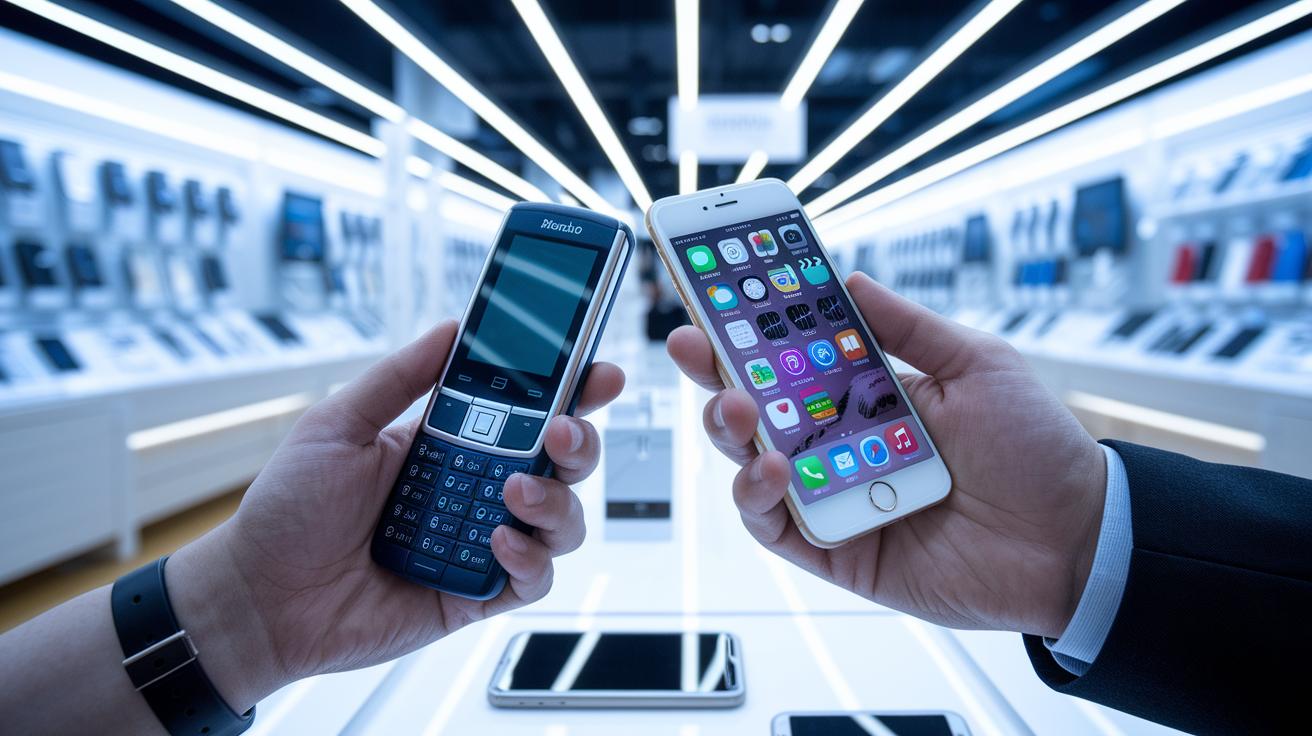
When picking a smartphone, start by asking what you'll mostly use it for. Do you only need to call and text, or is light web browsing also important? Answering this helps cut down your choices.
Follow these simple steps to find a mobile that meets your daily needs and fits your budget:
- Identify what you need. Decide if the phone is just for calling and texting or if you also want to browse the web occasionally. If you only need basic calling and texting, a simple model will do.
- Choose the design type. Pick between a basic phone, a flip phone, or an entry-level smartphone. A straightforward design usually leads to an easier-to-use interface.
- List your must-have features. Look for a screen that is at least 5 inches and a battery that lasts 2 days or more. Also, check for an emergency alert button for added safety.
- Set your budget. Aim for a phone that costs between $50 and $120, and consider service plans in the $20–$25 monthly range.
- Verify carrier compatibility. Make sure the phone works with your current provider and check its unlocking policies.
- Check hearing-aid compatibility. Ensure the phone meets M/T standards so it works well with hearing devices.
- Look into warranty and support. Choose a phone that offers at least a 1-year warranty and reliable tech support.
By using this checklist, you can choose a senior-friendly phone that fits your everyday needs and brings ease of use and dependable performance into your life.
Simplified Setup and Senior User Experience Insights: Getting Started with a Budget Smartphone
First, fully charge your new phone. Insert the SIM card so it can connect to the network. Then, open the display settings. Increase the font size and turn on high contrast. These changes make the text clear, even if eyesight is not at its best.
Here are some steps to set up an accessible phone:
- Fully charge the device and insert the SIM card.
- Change the display settings by increasing font size and enabling high contrast.
- Turn on hearing aid mode and test the speaker volume.
- Set up emergency contacts and speed-dial keys.
- Activate a voice assistant like "Hey Google" or "Hey Siri" to simplify calling and texting.
- Connect to Wi-Fi and install only essential apps, such as a medication reminder or a basic browser.
- Print or save a one-page guide with key setup steps and important contact numbers.
These setup steps help make your phone easier to use. Many users find that using a voice assistant makes a big difference when small buttons are a challenge. This simple guide builds confidence and makes everyday tasks smoother for seniors.
Final Words
In the action, we explored top affordable cell devices built for seniors. We walked through key factors like large displays, clear audio, and easy emergency access. The post gave clear price comparisons and a checklist to pick the right model. We also shared a simple setup guide to ease tech anxiety. These insights help you spot the best budget smartphones for seniors that balance price, function, and ease of use. Enjoy finding a phone that fits your needs and keeps daily tasks simple.
FAQ
Frequently Asked Questions
Best budget smartphones for seniors AT&T
The best budget smartphones for seniors on AT&T offer simple menus, clear audio, and ample display sizes. Models like the Jitterbug series deliver user-friendly features and affordable plans designed specifically for seniors.
Best big button cell phone for seniors
The best big button cell phone for seniors features oversized keys, clear audio, and easy-to-read screens. Such devices prioritize simplicity in dialling and navigation while ensuring quick access to emergency services.
Easy to use smartphone for seniors and what is the easiest smartphone for an elderly person?
The easiest smartphone for seniors comes with a clean, large display, intuitive interface, and big icons. Phones like the Jitterbug Smart4 are designed with straightforward menus and essential features for daily use.
AARP best phones for seniors and what phone does AARP recommend for seniors?
The phones recommended by AARP typically include models with large screens, simplified navigation, and emergency functions. Devices such as the Jitterbug series are favored for their senior-friendly design and ease of setup.
Best cell phones for seniors Consumer Reports
According to Consumer Reports, the best cell phones for seniors focus on clear audio, large displays, and ease of dialing. Models like the IRIS Easy Flip and Jitterbug devices meet these core needs right on target.
Best smartphone for seniors on Reddit
Reddit users recommend smartphones for seniors that combine clarity, simplicity, and long battery life. Models such as the Moto G Power stand out for their bright, high-contrast screens and user-friendly features.
Verizon smartphone for seniors
Verizon smartphones designed for seniors offer reliable connectivity with simplified interfaces, emergency-call buttons, and large displays. Devices like the Jitterbug models on Verizon provide both ease of use and dependable service.
Samsung senior citizen phone
Samsung phones for seniors blend modern features with user-friendly design. They typically offer large screens, simple interfaces, and clear audio, making them a good option for seniors needing accessible technology.
What is the best cheap phone for the elderly?
The best cheap phone for the elderly balances affordability with essential features like big buttons, clear displays, and emergency access. Models such as the IRIS Easy Flip provide solid value for everyday needs.
Who has the best deals on cell phones for seniors?
The best deals on cell phones for seniors often come from carriers partnering with senior-focused brands. Providers like Lively on Verizon or Consumer Cellular through AARP partnerships typically offer competitive pricing and discounts.


cenforce 50 vs viagra
cenforce 50 vs viagra
sildenafil brand names
sildenafil brand names
cialis 10mg picture
cialis 10mg picture
metronidazole 0.75 cream pregnancy
metronidazole 0.75 cream pregnancy
orlistat pills canada
orlistat pills canada
terbinafine treatment basics
terbinafine treatment basics
terbinafine dosage for skin infections
terbinafine dosage for skin infections
ivermectin lice FAQ
ivermectin lice FAQ
ivermectin strongyloides clinical data
ivermectin strongyloides clinical data
minoxidil metabolism overview
minoxidil metabolism overview
avanafil meal timing guidance
avanafil meal timing guidance
Drug Exposure Reference
Drug Exposure Reference
online access to ED treatment
online access to ED treatment
Bactrim and doxycycline resources
Bactrim and doxycycline resources